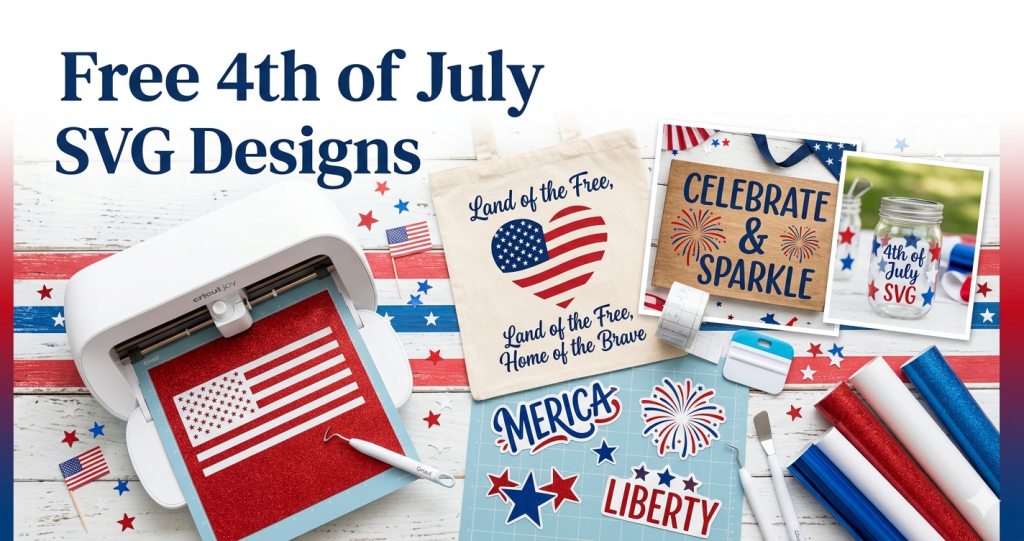
Nothing says summer in America quite like the Fourth of July — backyard barbecues, fireworks lighting up the night sky, and a whole lot of red, white, and blue. If you own a Cricut or Silhouette cutting machine, Independence Day is the perfect excuse to make something handmade. And the best part? You don’t have to spend a dime on designs. Below you’ll find a roundup of free 4th of July SVG designs from VectorDad that work beautifully with Cricut, Silhouette, Brother, and just about any other cutting machine.
Every design on this page is free to download as an SVG, PNG, JPG, or PDF, so you can resize it, cut it, and craft with it right away. Whether you’re making patriotic t-shirts for the family, decorating a porch sign, or whipping up last-minute party decor, these patriotic cut files have you covered. Let’s dive in.
What You Can Make With These 4th of July SVGs
Free patriotic SVG files are endlessly versatile. With a cutting machine and some craft vinyl or iron-on (HTV), you can create patriotic t-shirts and tank tops, personalized tumblers and coffee mugs, front-porch signs and banners, canvas tote bags, drink koozies, vinyl decals for car windows or laptops, and handmade greeting cards. Because the designs download as scalable vector files, they look crisp whether you’re cutting a tiny decal or a giant yard sign. They’re ideal for July 4th shirts, Memorial Day projects, and anything else that calls for a little Americana flair.
Free 4th of July SVG Designs (Browse & Download)
Here are the patriotic collections we recommend, grouped so you can find exactly what you need for your project.
Patriotic Quotes & Sayings SVGs
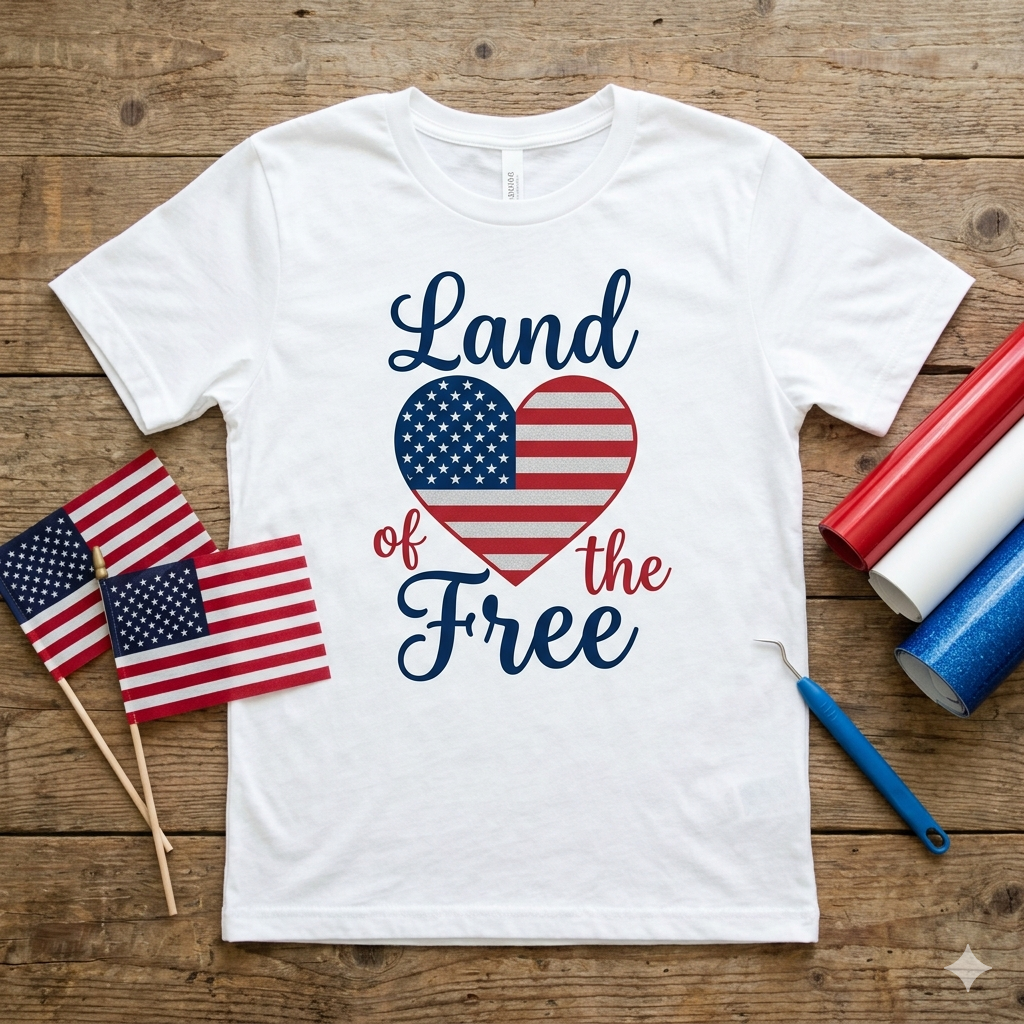
Words and lettering are the easiest way to add patriotic spirit to a shirt or sign. Our 4th of July Quotes & Sayings SVG collection includes more than a dozen ready-to-cut designs, including classics like Land of the Free, Let Freedom Ring, Liberty and Justice for All, One Nation Under God, and Proud to Be an American. There are song-lyric favorites such as America the Beautiful, God Shed His Grace on Thee, and Land That I Love, plus fun, casual phrases like Merica, America Y’all, Oh My Stars, and All-American Dude. Each one downloads as a clean cut file that’s perfect for HTV on shirts or adhesive vinyl on tumblers.
Fireworks SVGs
No Fourth of July design set is complete without fireworks. Our free Fireworks SVG collection features ten variations, from a clean single-burst firework to repeating firecracker patterns, a fireworks stencil design, and festive “4th of July crackers.” Layer them in red, white, and blue for a celebratory tee, or use a single burst as an accent on a card or mug. Bonus: the New Year fireworks design pulls double duty for your December 31st projects too.
American Flag & USA Map SVGs
Want to show some hometown pride? Our USA State Maps collection has a free cut-file outline for all 50 states (plus county-map versions of each). Pair your home state with a patriotic color fill, or combine a state outline with a flag pattern for a personalized Independence Day gift. State silhouettes also make great gifts for graduations, going-away parties, and “home is where the heart is” decor year-round.
Ready to start crafting? Click any design to open it in VectorDad’s free online editor, set your size, and download it instantly — no account required. Browse the full 4th of July collection here.
Patriotic Lettering & Fonts
For a bold, military-inspired look, browse our Army font collection — roughly a dozen stencil-style fonts like Battlecry, Commanders, Cargo Crate, and Major Snafu that are perfect for “USA” or “Land of the Brave” titles. Want a saying that isn’t in our pre-made library? Use the free Vector Quotes Maker to type your own patriotic phrase, pick a font and style, and download it as a ready-to-cut SVG in seconds.
Summer & Americana Add-Ons
Round out your design with a few seasonal extras. Our Summer Sayings SVGs and Beach SVGs mix perfectly with patriotic themes for July barbecues, lake days, and beach trips. Use them as layering elements, borders, or standalone accents to give your project a complete, summery look.
How to Download & Use These SVG Files in Cricut & Silhouette
Using a VectorDad design takes just a few minutes:
- Click the Edit or Download button on any design to open it in the online editor.
- Enter the pixel size you want (you can scale all the way up to 6000px for large projects).
- Download the final file as a vector SVG (or PNG, JPG, or PDF if you prefer).
- In Cricut Design Space, click Upload → Upload Image, select your SVG, then add it to your canvas and cut.
- In Silhouette Studio, open or import the file, then send it to your machine.
SVG vs. PNG vs. DXF — Which Format Do I Need?
If you have Cricut Design Space or Silhouette Studio Business Edition, download the SVG — it’s a true vector file that scales without losing quality. If you’re using the free version of Silhouette Studio, it can’t import SVGs directly, so you’ll want a DXF file instead. No problem: download the SVG and run it through VectorDad’s free SVG to DXF converter. Need a raster image for a printable or a mockup? Use the SVG to PNG converter.
Cutting & Layering Tips
A few pointers for clean results: always do a test cut on a scrap piece of vinyl to dial in your machine’s pressure settings. When cutting iron-on / HTV, remember to mirror your design before cutting and place the shiny carrier sheet face-down on your mat. For designs with lots of small stars or thin script, take your time weeding with a fine hook tool so you don’t accidentally lift delicate pieces. And for that signature red-white-and-blue look, cut each color separately and layer them — using registration or alignment guides keeps everything lined up.
Can I Sell Projects Made With These SVGs?
These designs are free to download and use for your personal craft projects. Many crafters also use VectorDad designs to make finished physical products to sell at craft fairs or online shops. Before you sell, please review the VectorDad Terms of Use so you understand exactly how the files can and can’t be used — the key rule of thumb is that you can sell finished products, but not the digital files themselves.
Frequently Asked Questions
Are these 4th of July SVG files really free?
Yes. Every 4th of July and patriotic design linked above is free to download and use for your personal craft projects. Check the Terms of Use before using them commercially.
Do these SVGs work with Cricut and Silhouette?
Absolutely. Download the SVG for Cricut Design Space or Silhouette Studio Business Edition. If you use the free version of Silhouette Studio, convert the SVG to a DXF file first. The designs also work with Brother ScanNCut and other cutting machines.
What file formats can I download?
Each design can be downloaded as a vector SVG, or as a PNG, JPG, or PDF. SVG is best for cutting machines; PNG and JPG are handy for printables and mockups.
How do I upload an SVG to Cricut Design Space?
In Design Space, click Upload in the left-hand panel, choose Upload Image, drag in your SVG file, then add it to your canvas. From there you can resize it, change colors, and cut.
What’s the best material for a 4th of July shirt?
Heat-transfer vinyl (HTV), also called iron-on vinyl, is the go-to choice for shirts. Remember to mirror your design before cutting, weed away the excess, and press it onto the fabric with an iron or heat press.
Start Your Independence Day Project Today
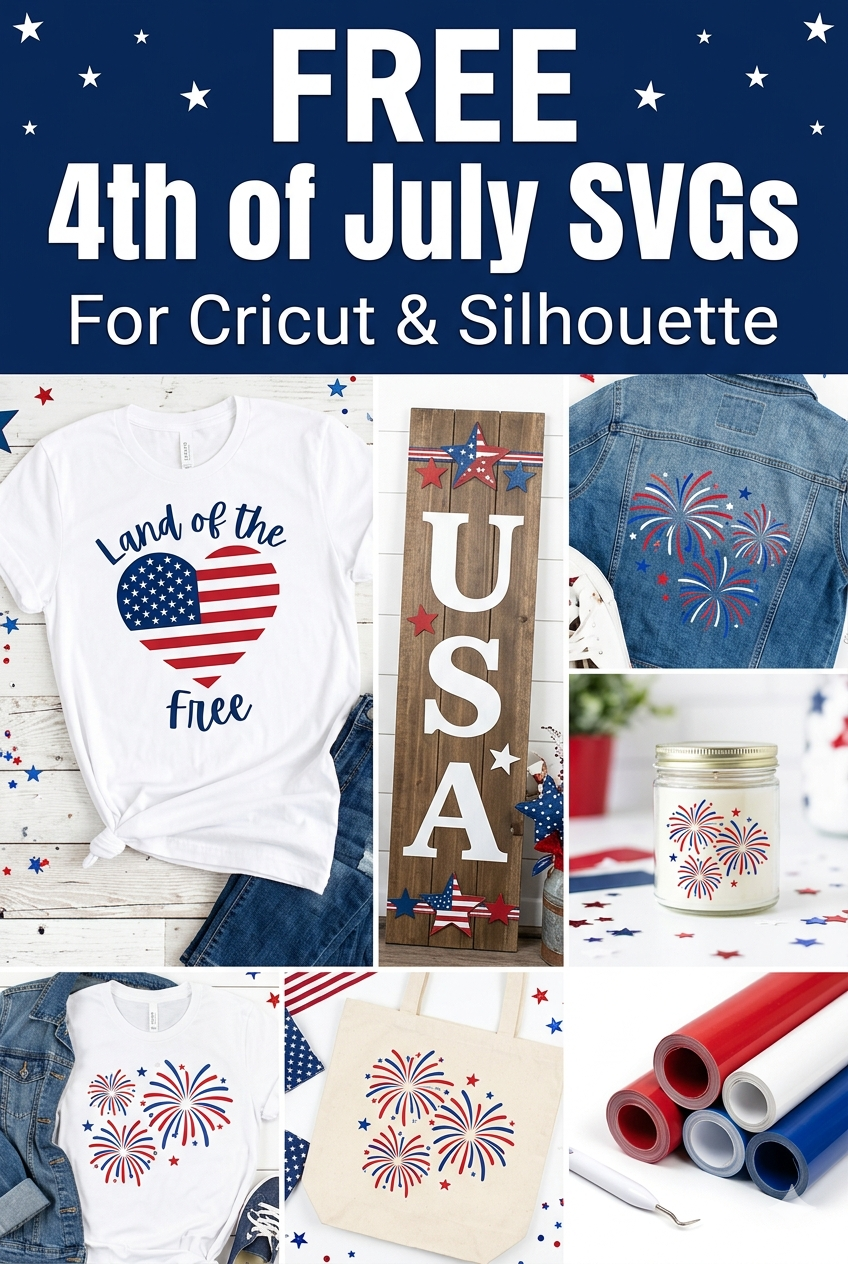
From flag-heart tees to fireworks tumblers and home-state porch signs, there’s a free patriotic cut file here for every project. Pick your favorite design, download it, and fire up your cutting machine — the Fourth of July will be here before you know it. Browse the full collection of free 4th of July SVGs and start crafting your red, white, and blue masterpiece today.