
- Converters
- ▸ SVG TO DXF
- ▸ SVG TO JPG
- ▸ SVG TO PNG
- ▸ SVG TO EPS
- ▸ SVG TO PDF
- ▸ SVG TO WEBP
- ▸ SVG TO TTF
- ▸ EPS TO DXF
- ▸ EPS TO SVG
- ▸ PDF TO SVG
- ▸ PDF TO PNG
- ▸ PDF TO JPG
- ▸ EDIT PDF New
- ▸ JPG TO PDF
- ▸ MERGE PDF
- ▸ SPLIT PDF
- ▸ COMPRESS PDF
- ▸ PDF TO WORD
- ▸ PDF TO EXCEL
- ▸ WORD TO PDF
- ▸ EXCEL TO PDF
- ▸ AI TO SVG
- ▸ AI TO EPS
- ▸ AI TO DXF
- ▸ WEBP TO PNG
- ▸ WEBP TO JPG
- ▸ PNG TO WEBP
- ▸ JPG TO WEBP
- ▸ HEIC TO PNG
- ▸ HEIC TO JPG
PDF to Word: Convert PDF to Editable DOCX
Get the words, tables and pictures out of a PDF and into a Word document you can edit.
Free · no signup · any PDF · your file never leaves your device
What comes across
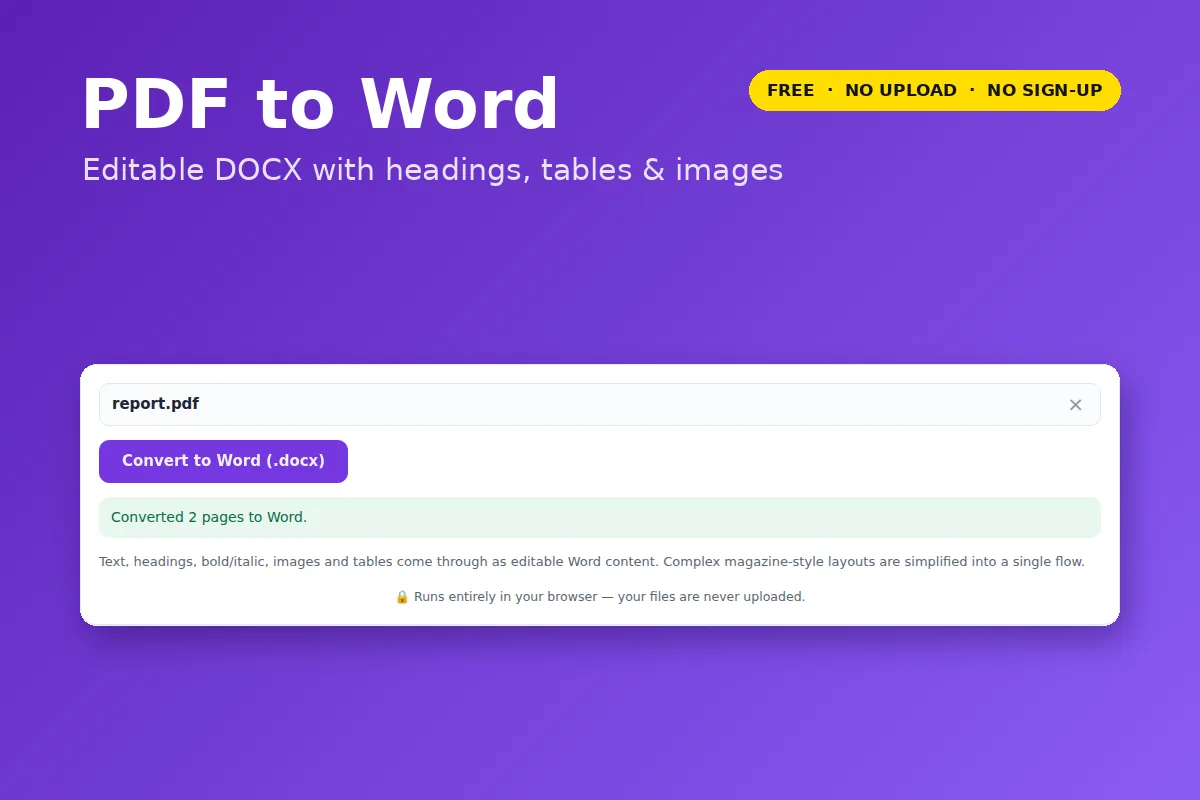
- Paragraphs rejoined into flowing text (not one line per box), with hyphenated line-breaks mended.
- Headings as real Word headings, plus bold, italic, font and size.
- Tables as real Word tables with the same columns.
- Images in their place, and the original page size.
Good to know
- Scanned PDFs have no text to convert. The tool detects this and tells you — it doesn’t hand back an empty document.
- Multi-column magazine layouts become one column; text boxes and exact positioning are simplified.
- Only need to change a few words? The PDF editor edits the PDF directly and keeps the layout exactly.
Your file is opened and processed by your own browser. Nothing is uploaded to VectorDad or anyone else, which also means there is no file-size queue, no watermark and no account.
Questions
Does it work with Google Docs?
Yes — upload the .docx to Google Drive and open it with Google Docs.
Can I convert the other way?
Use Word to PDF.