SVG to TTF Font Maker
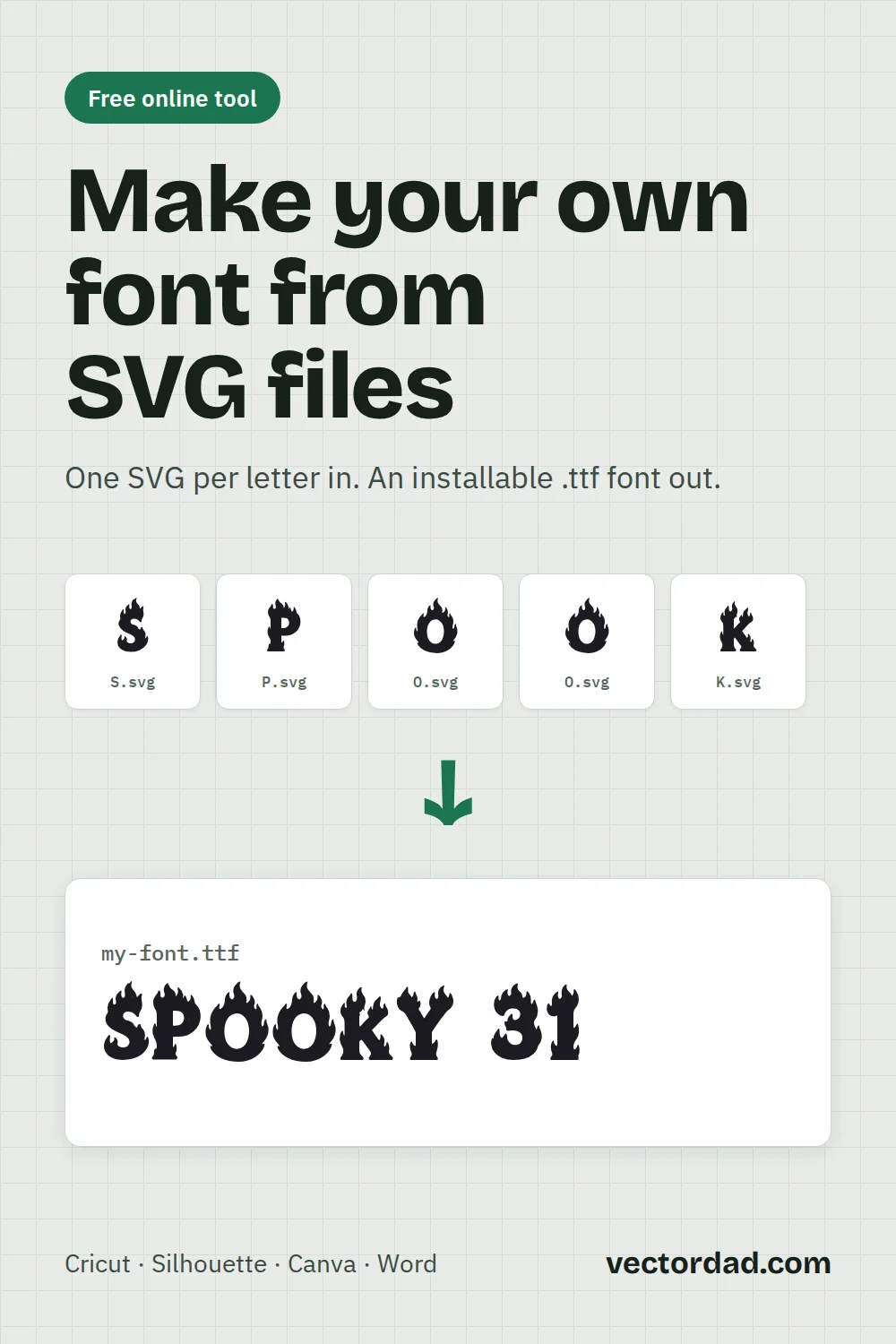
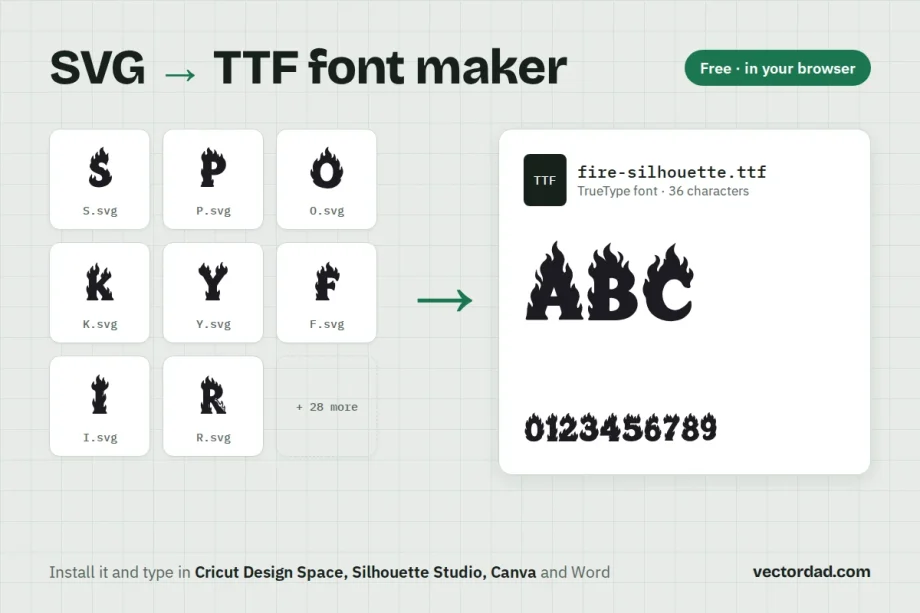
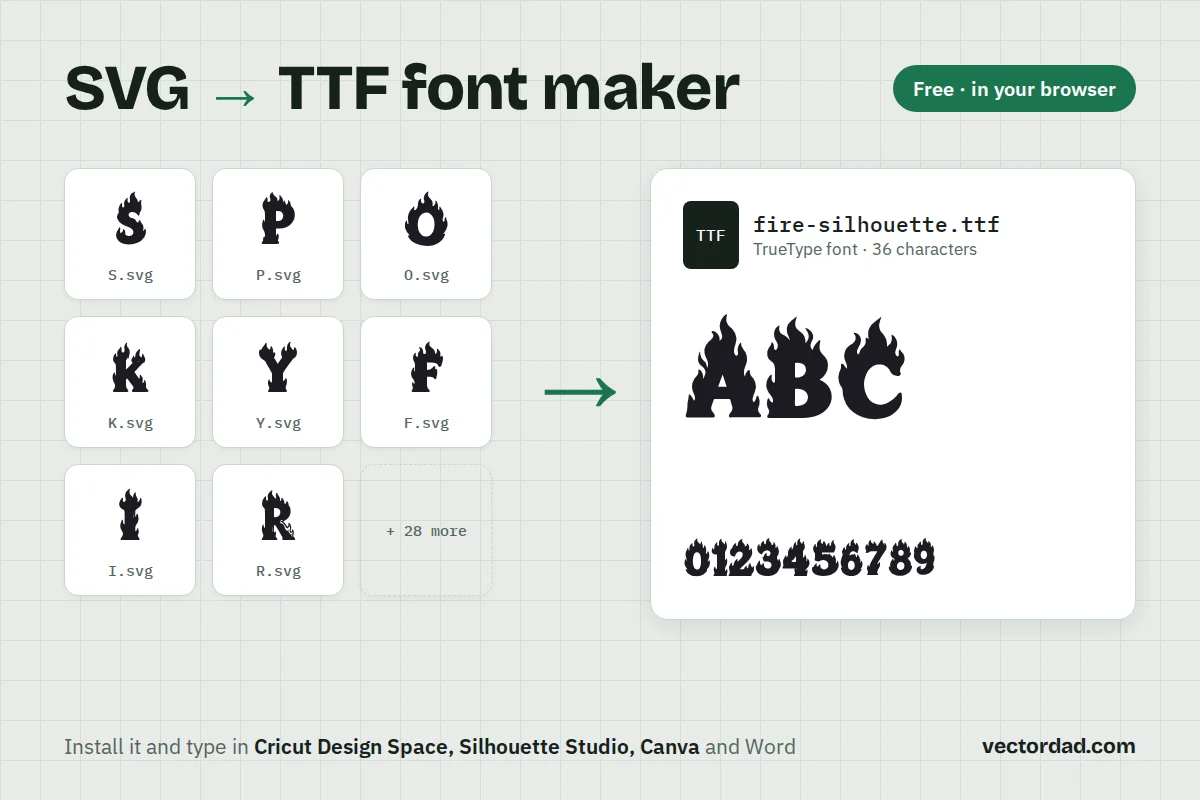
Turn one SVG per letter into a real TrueType font you can install and type with in Cricut Design Space, Silhouette Studio, Canva and Word. It’s free and runs in your browser. Your files are never uploaded.
- Converters
- ▸ SVG TO DXF
- ▸ SVG TO JPG
- ▸ SVG TO PNG
- ▸ SVG TO EPS
- ▸ SVG TO PDF
- ▸ SVG TO WEBP
- ▸ SVG TO TTF
- ▸ EPS TO DXF
- ▸ EPS TO SVG
- ▸ PDF TO SVG
- ▸ PDF TO PNG
- ▸ PDF TO JPG
- ▸ EDIT PDF New
- ▸ JPG TO PDF
- ▸ MERGE PDF
- ▸ SPLIT PDF
- ▸ COMPRESS PDF
- ▸ PDF TO WORD
- ▸ PDF TO EXCEL
- ▸ WORD TO PDF
- ▸ EXCEL TO PDF
- ▸ AI TO SVG
- ▸ AI TO EPS
- ▸ AI TO DXF
- ▸ WEBP TO PNG
- ▸ WEBP TO JPG
- ▸ PNG TO WEBP
- ▸ JPG TO WEBP
- ▸ HEIC TO PNG
- ▸ HEIC TO JPG
How to make a font from SVG files
- Name your files after their letters.
A.svg,B.svg,number-5.svgandlower-a.svgland on the right character by themselves. - Click New font, then Import SVGs. Pick them all at once, or drag the whole batch onto the page. Anything the tool can’t match waits under “Not yet assigned” for you to drag onto its slot.
- Line up each letter. Drag a glyph to move it, drag the corner handle to resize it, or type exact numbers. The guides show the baseline and cap height; “Fit to cap height” snaps a letter into place.
- Set the spacing. Letter spacing applies to every character. Space before and after fine-tune one letter. The strip under the editor shows it between H and O.
- Name your font and test it. The preview at the bottom is drawn from the actual .ttf file, so what you see is what installs.
- Download .ttf and install it. Save the project too if you want to come back and change a letter later.
What your SVG files need
- One character per file. A whole alphabet in one SVG won’t work; export each letter on its own.
- Filled shapes. Strokes and live text are skipped. In Inkscape use Path → Stroke to Path, in Illustrator Object → Expand, in Cricut Design Space Weld or Flatten.
- Any colours. A font has one colour, so dark shapes merge into one solid silhouette and white or very light shapes become holes. White eyes on a black cat turn see-through. You can turn this off or change how light a colour must be to count as a hole.
- Any size. Each letter is scaled to the cap height on import. If all your files share one artboard, choose “Keep relative sizes” so lowercase letters stay smaller.
Only have PNG or JPG letters? Turn them into SVGs first with the image to vector converter.
File names that map themselves
| Character | File names that work |
|---|---|
| Capital A | A.svg, letter-a.svg, fire-A.svg, uni0041.svg |
| Lowercase a | lower-a.svg, a-small.svg, lc-a.svg |
| Number 7 | 7.svg, number-7.svg, digit-7.svg |
| Punctuation | exclamation.svg, question.svg, ampersand.svg, period.svg, comma.svg |
Lowercase needs a word like “lower” in the name, because a Mac folder can’t hold a.svg and A.svg side by side.
Using your font in Cricut, Silhouette and Canva
- Install it first. On a Mac, double-click the .ttf and click Install Font. On Windows, right-click it and choose Install.
- Cricut Design Space: close and reopen Design Space, then choose the font under System fonts in the Text tool. It cuts as outlines, like any other font.
- Silhouette Studio: restart the software and the font appears in the Text panel’s font list.
- Canva: upload the .ttf under Brand → Brand Kit → Fonts (uploading fonts needs a Canva Pro, Teams or Education account).
Pen tools that draw a single line need a single-line font. Fonts made here are filled outlines, so pens will trace the outside of each letter.
How this differs from other SVG to TTF converters
Most “SVG to TTF” converters expect an SVG font file, an old format that already contains every letter. Give them a drawing of the letter A and they have nothing to convert. This tool starts from your own artwork: one SVG per character, which is what you get from Cricut, Inkscape, Illustrator, a tracing tool or a design bundle.
FAQ
Is it free?
Yes. There’s no sign-up and no watermark, and nothing is uploaded; the font is built on your own computer.
Can I sell or share the font I make?
The tool puts no limits on the font. The artwork is what matters: if you drew the letters, the font is yours. If the letters came from a design bundle or another font, check that licence before you share or sell it.
Can I add lowercase, numbers and punctuation?
Yes. Switch on a–z or the punctuation set above the character grid, or type any character into “Add character”. Emoji aren’t supported yet.
My letters sit too close together or too far apart.
Move the Letter spacing slider for the whole font, then use Space before and Space after on the letters that still look off. Negative spacing lets flourishes overlap.
Can I change a letter later?
Click Save project before you leave. Import that file later and every letter, position and setting comes back. Your browser also keeps the last project for you.
Which fonts does it make?
A standard TrueType (.ttf) font with 1000 units per em. It works on Mac and Windows and in any app that lets you pick installed fonts.