
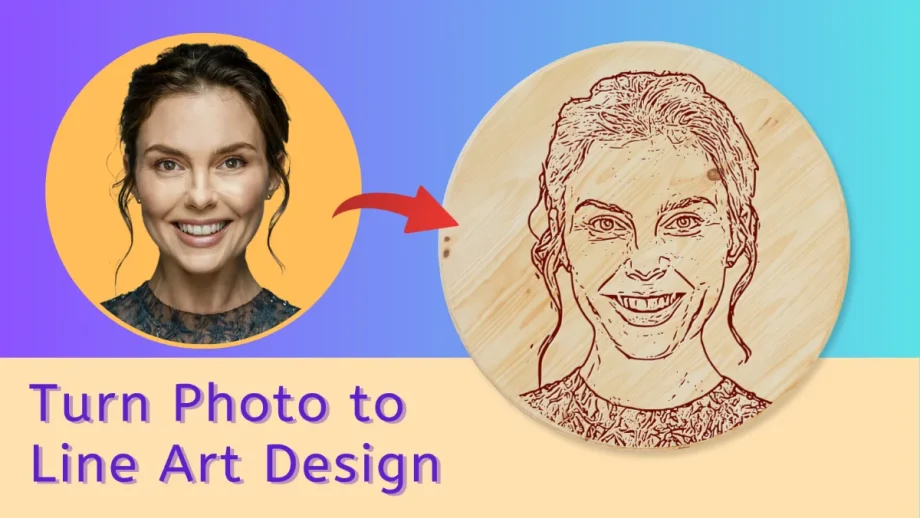
Free Photo to Vector Tools
Nine free tools that turn a photo into something you can cut, print or engrave. Every one downloads as a real vector SVG or a print-ready PDF — not a flattened PNG — which is what Cricut Design Space, Silhouette Studio, LightBurn and Glowforge actually need. No signup, no watermark, no limits.
Line Art Generator Turn a photo into clean outlines.
Photo to Sketch Turn a photo into a pencil drawing.
Dither Image Online Turn a photo into dithered dot art.

Stencil Maker Photo to printable black-and-white stencil.
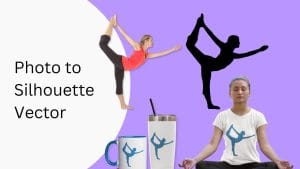
Silhouette Maker One solid shape, ready to cut.

Image Vectorizer JPG or PNG to full-colour SVG.
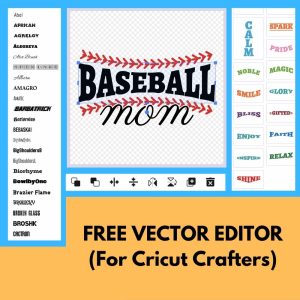
Vector Editor Edit and layer SVG in your browser.
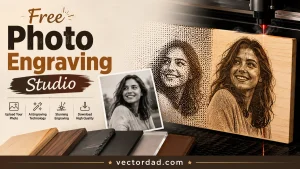
Photo Engraving Studio Preview a laser burn before you cut.
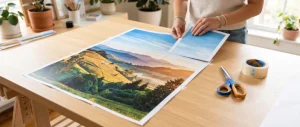
Block Poster Maker Print one image across many sheets.
Sketch, outline, stencil or silhouette?
Four words, four different results. A sketch keeps the shading, so it reads like a pencil drawing rather than a cut file. An outline keeps the lines inside the shape — that is the one for colouring pages and for tracing by hand. A stencil throws away the mid-tones and leaves solid black and white — spray paint, vinyl, pumpkins. A silhouette goes furthest: one filled shape, no interior detail, which is the cleanest thing to hand a cutting machine.
Most projects use two tools, not one. Trace the shape, open it in the Vector Editor to tidy it up and add lettering, then export. If your machine wants DXF, EPS or PDF instead of SVG, the converters handle it.
More from VectorDad: File converters · Free SVG designs · Printable templates · Text and font generators · Monogram makers