
Sudoku Puzzle Generator
Prefer ready-made puzzles? Download free printable sudoku packs — easy, medium, hard, expert, large print and kids 4×4 and 6×6, all with answer keys.
More Printable Games
About
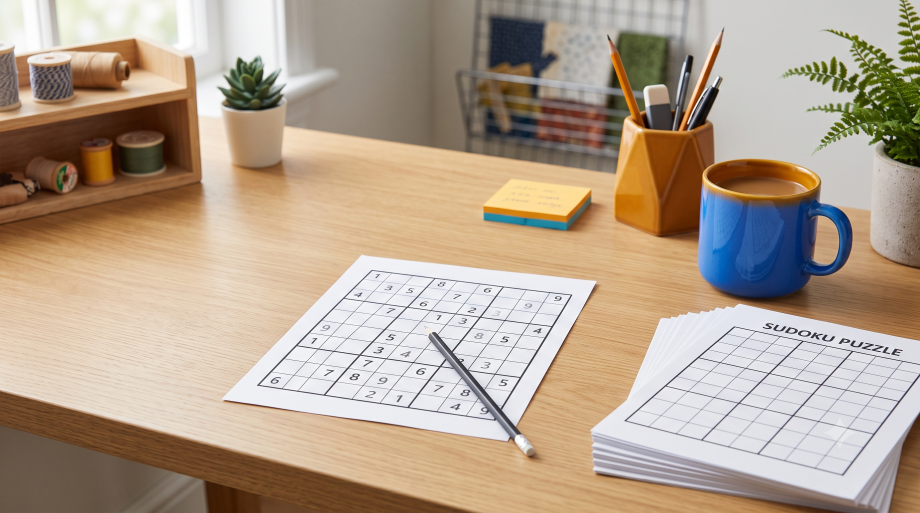
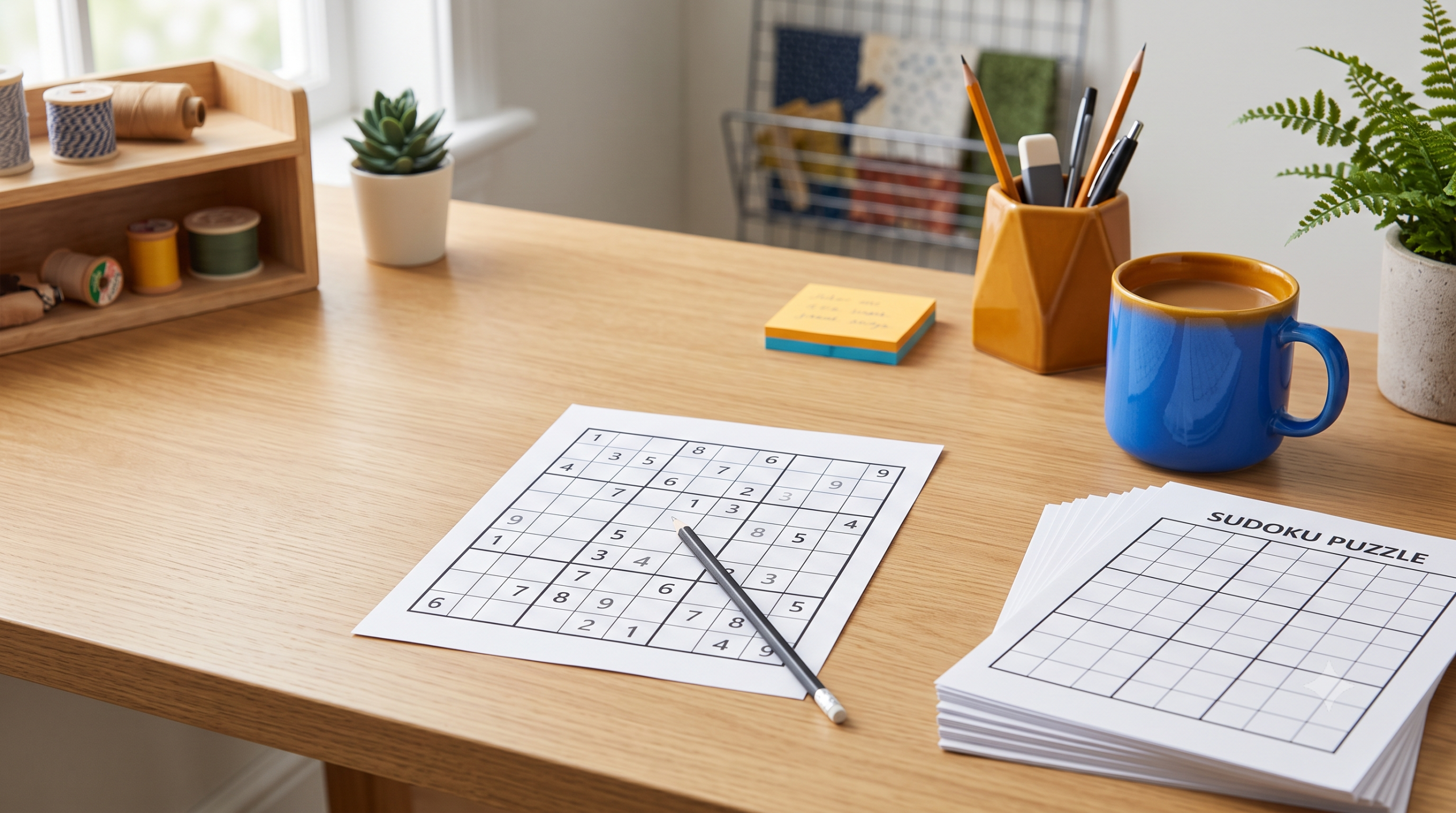
Need a stack of Sudoku puzzles for a classroom, a road trip, or a quiet afternoon with your grandkids? This free generator builds fresh, ready-to-print Sudoku grids in seconds, right in your browser. Pick a difficulty, choose how many puzzles you want, and it lays them out on clean 8.5 x 11 pages you can print at home or save as a PDF.
Every puzzle it creates has exactly one correct solution, so there is never a dead end or a guessing game. Whether you are prepping busy-bag activities, a homeschool math warm-up, or a party favor for game night, this tool takes the tedious part out of making Sudoku and lets you get straight to printing.
How It Works
- Choose a difficulty level: Easy, Medium, Hard, or Expert, each with a different number of starting clues.
- Set how many puzzles you want to generate, from 1 up to 6 in a single batch.
- Pick your page layout by choosing 1, 2, or 4 puzzles per printed page.
- Check the box to include a matching answer key if you want solutions on hand.
- Click Generate New any time you want a different set of puzzles at the same settings.
- Click Print / Download PDF and choose Save as PDF in your browser’s print dialog to download your file.
Features
- Four difficulty levels from Easy to Expert, based on the number of starting numbers shown
- Generate 1 to 6 unique puzzles at once in a single batch
- Flexible print layouts with 1, 2, or 4 puzzles per page to save paper
- Optional answer key pages generated automatically alongside your puzzles
- Every puzzle is verified to have exactly one solution, no guesswork required
- Print directly or save as a PDF straight from your browser, no downloads or software needed
Frequently Asked Questions
Is this Sudoku generator really free?
Yes, the tool is completely free to use with no account, subscription, or hidden fees. Generate and print as many puzzles as you like.
Do I need to sign up or install anything?
No sign-up or software is required. The generator runs entirely in your web browser, so you just open the page and start creating puzzles.
Can I print the puzzles or save them as a PDF?
Yes. Click Print / Download PDF and your browser’s print dialog will open. Choose your printer to print directly, or select Save as PDF to download a digital copy.
What difficulty levels are available?
You can choose Easy, Medium, Hard, or Expert. Each level adjusts how many numbers are already filled in, with Expert puzzles giving you the fewest starting clues.
Can I get an answer key for the puzzles?
Yes. Just check the Include answer key box before generating, and matching solution pages will be added after your puzzles, ready to print together.
Is this good for kids, classrooms, or beginners?
Absolutely. Choose Easy for beginners and younger solvers, or work up to Hard and Expert for more experienced puzzlers. It works great on desktop, tablet, and mobile browsers.
More free printable games
Every generator on VectorDad runs in your browser, prints to any paper size and never asks you to sign up.
- Printable maze generator — any size, any difficulty, solution included.
- Dots and boxes game sheets — pick your grid size and print.
- Printable tic-tac-toe grids — several boards to a page.
- Connect Four and Battleship grids — paper versions of both classics.
See all of them on the free printable games page.