
- Converters
- ▸ SVG TO DXF
- ▸ SVG TO JPG
- ▸ SVG TO PNG
- ▸ SVG TO EPS
- ▸ SVG TO PDF
- ▸ SVG TO WEBP
- ▸ SVG TO TTF
- ▸ EPS TO DXF
- ▸ EPS TO SVG
- ▸ PDF TO SVG
- ▸ PDF TO PNG
- ▸ PDF TO JPG
- ▸ EDIT PDF New
- ▸ JPG TO PDF
- ▸ MERGE PDF
- ▸ SPLIT PDF
- ▸ COMPRESS PDF
- ▸ PDF TO WORD
- ▸ PDF TO EXCEL
- ▸ WORD TO PDF
- ▸ EXCEL TO PDF
- ▸ AI TO SVG
- ▸ AI TO EPS
- ▸ AI TO DXF
- ▸ WEBP TO PNG
- ▸ WEBP TO JPG
- ▸ PNG TO WEBP
- ▸ JPG TO WEBP
- ▸ HEIC TO PNG
- ▸ HEIC TO JPG
JPG to PDF: Combine Images Into One PDF
Put photos, scans and printables into a single PDF — in the order you choose, on A4, US Letter or pages that match each image.
Free · no signup · JPG, PNG, WebP or GIF · your file never leaves your device
How to convert JPG to PDF
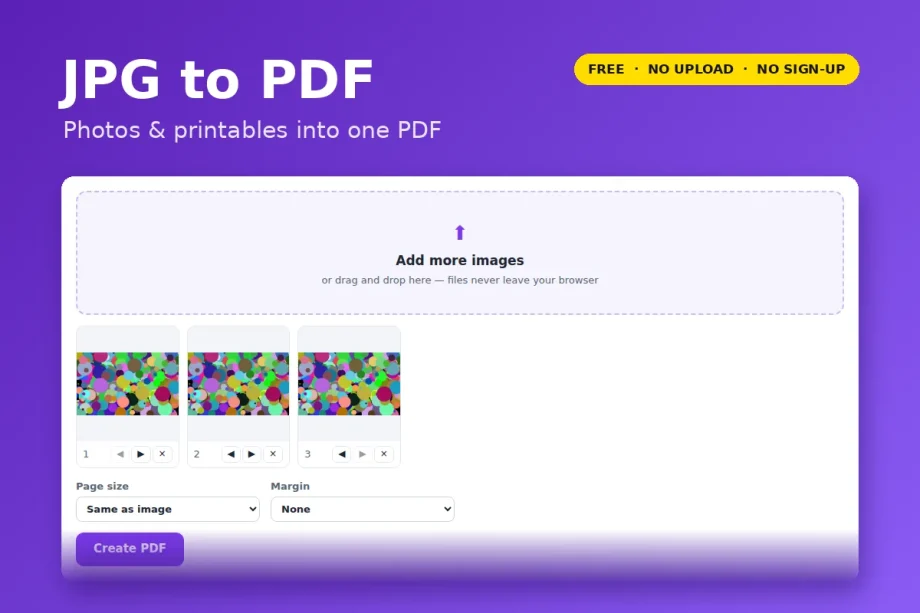
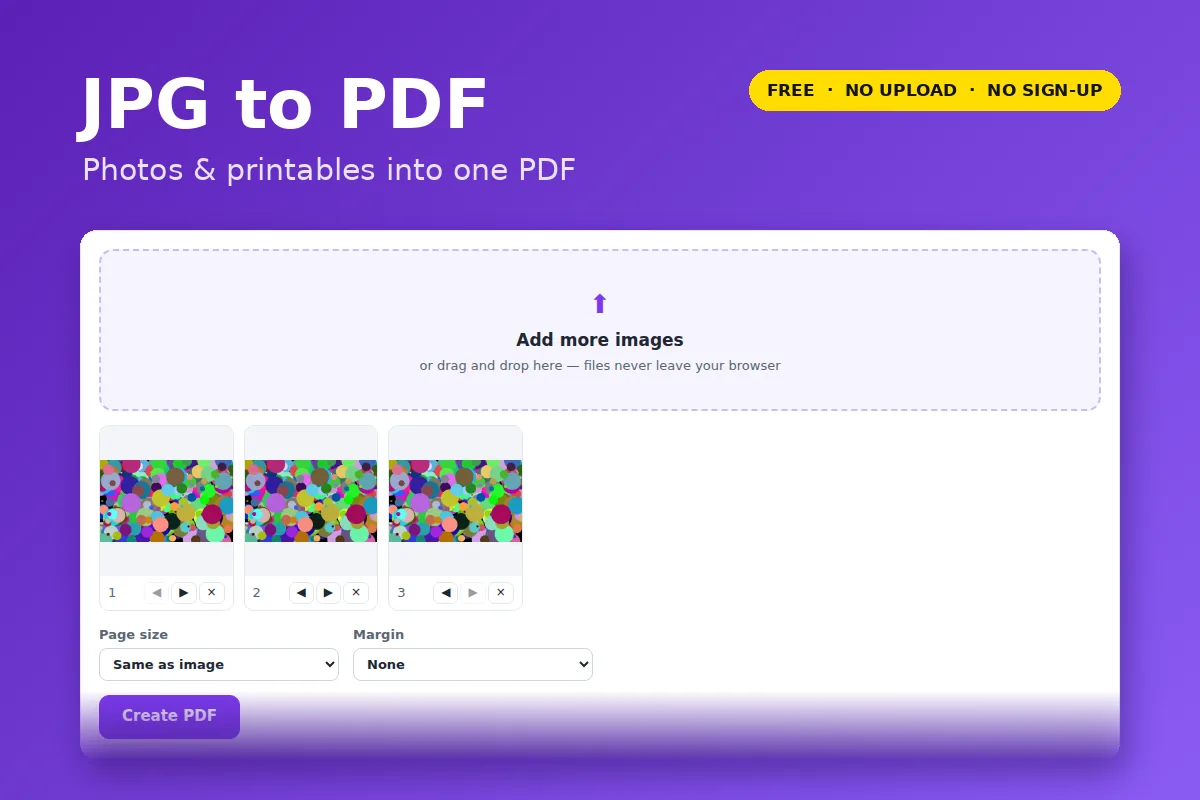
- Click Open JPG to PDF and choose one or more images (JPG, PNG, WebP, GIF, BMP).
- Use the arrows under each thumbnail to put them in order.
- Choose a page size — “Same as image”, A4 or US Letter — and a margin.
- Click Create PDF.
Details that matter
- Phone photos stay upright. Pictures taken sideways are rotated the way your phone showed them.
- No quality loss for JPGs. JPG files are placed into the PDF as-is, not re-compressed.
- PNG transparency is kept, so logos and clip art sit cleanly on the page.
- On A4/Letter, “Match each image” turns landscape photos into landscape pages automatically.
Your file is opened and processed by your own browser. Nothing is uploaded to VectorDad or anyone else, which also means there is no file-size queue, no watermark and no account.
Questions
How many images can I add?
As many as your device can hold in memory — dozens of phone photos is fine.
The PDF is too big to email.
Run it through Compress PDF; photo PDFs usually shrink 60–90%.