
- Converters
- ▸ SVG TO DXF
- ▸ SVG TO JPG
- ▸ SVG TO PNG
- ▸ SVG TO EPS
- ▸ SVG TO PDF
- ▸ SVG TO WEBP
- ▸ SVG TO TTF
- ▸ EPS TO DXF
- ▸ EPS TO SVG
- ▸ PDF TO SVG
- ▸ PDF TO PNG
- ▸ PDF TO JPG
- ▸ EDIT PDF New
- ▸ JPG TO PDF
- ▸ MERGE PDF
- ▸ SPLIT PDF
- ▸ COMPRESS PDF
- ▸ PDF TO WORD
- ▸ PDF TO EXCEL
- ▸ WORD TO PDF
- ▸ EXCEL TO PDF
- ▸ AI TO SVG
- ▸ AI TO EPS
- ▸ AI TO DXF
- ▸ WEBP TO PNG
- ▸ WEBP TO JPG
- ▸ PNG TO WEBP
- ▸ JPG TO WEBP
- ▸ HEIC TO PNG
- ▸ HEIC TO JPG
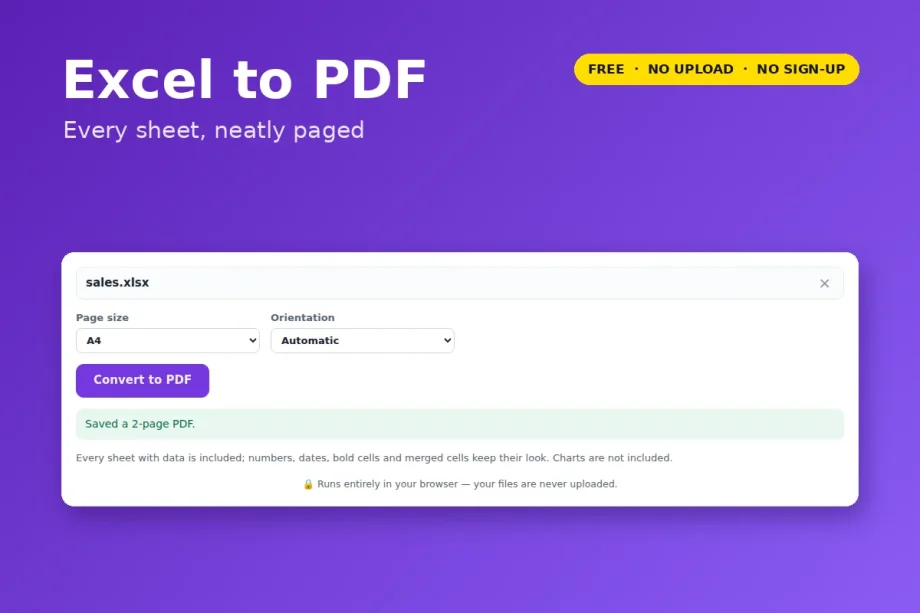
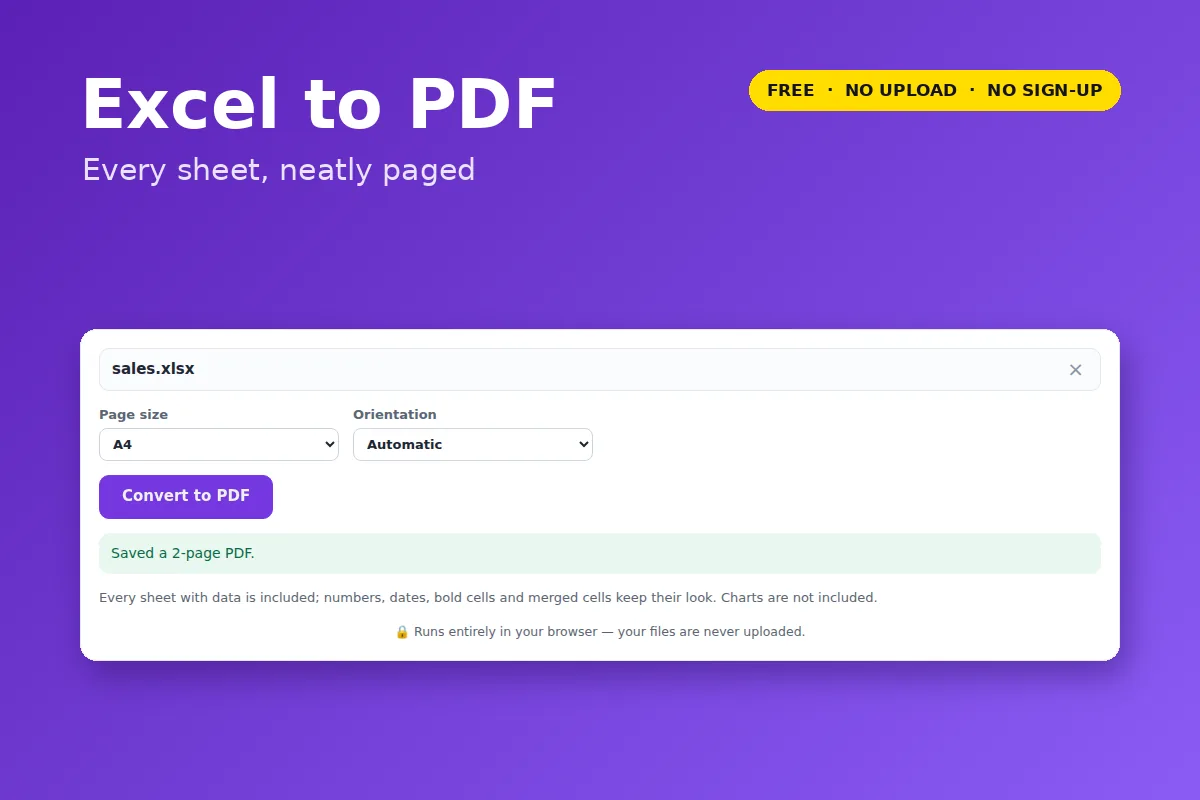
Excel to PDF: Convert XLSX to PDF
Print-ready PDF from any Excel workbook — every sheet with data, neatly paged, with gridlines.
Free · no signup · Excel .xlsx files · your file never leaves your device
What is kept
- Every sheet that has data, each starting on a new page with its name as a heading.
- Numbers, currency, percentages and dates shown as they are formatted in Excel.
- Bold cells, merged cells and relative column widths.
- Wide sheets switch to landscape automatically (or choose yourself).
- Charts, images and conditional-formatting colours are not included.
- Old
.xlsfiles need “Save as .xlsx” first.
Your file is opened and processed by your own browser. Nothing is uploaded to VectorDad or anyone else, which also means there is no file-size queue, no watermark and no account.
Questions
Can I go back to Excel?
Use PDF to Excel to turn PDF tables into a spreadsheet.