
- Converters
- ▸ SVG TO DXF
- ▸ SVG TO JPG
- ▸ SVG TO PNG
- ▸ SVG TO EPS
- ▸ SVG TO PDF
- ▸ SVG TO WEBP
- ▸ SVG TO TTF
- ▸ EPS TO DXF
- ▸ EPS TO SVG
- ▸ PDF TO SVG
- ▸ PDF TO PNG
- ▸ PDF TO JPG
- ▸ EDIT PDF New
- ▸ JPG TO PDF
- ▸ MERGE PDF
- ▸ SPLIT PDF
- ▸ COMPRESS PDF
- ▸ PDF TO WORD
- ▸ PDF TO EXCEL
- ▸ WORD TO PDF
- ▸ EXCEL TO PDF
- ▸ AI TO SVG
- ▸ AI TO EPS
- ▸ AI TO DXF
- ▸ WEBP TO PNG
- ▸ WEBP TO JPG
- ▸ PNG TO WEBP
- ▸ JPG TO WEBP
- ▸ HEIC TO PNG
- ▸ HEIC TO JPG
PDF to Excel: Turn PDF Tables Into a Spreadsheet
Price lists, statements and reports in PDF become an .xlsx file with real columns — and numbers you can actually add up.
Free · no signup · any PDF · your file never leaves your device
How the columns are found
The converter reads where every piece of text sits on the page and finds the vertical gaps that run down a table. Each gap is a column boundary, so values land in the right cells even when the PDF has no ruled lines.
Numbers stay numbers
Values like 1,250.00, $3.50, (120) and 12% are stored as numbers with matching formatting, so SUM and charts work straight away. Codes with leading zeros, like 00123, stay as text.
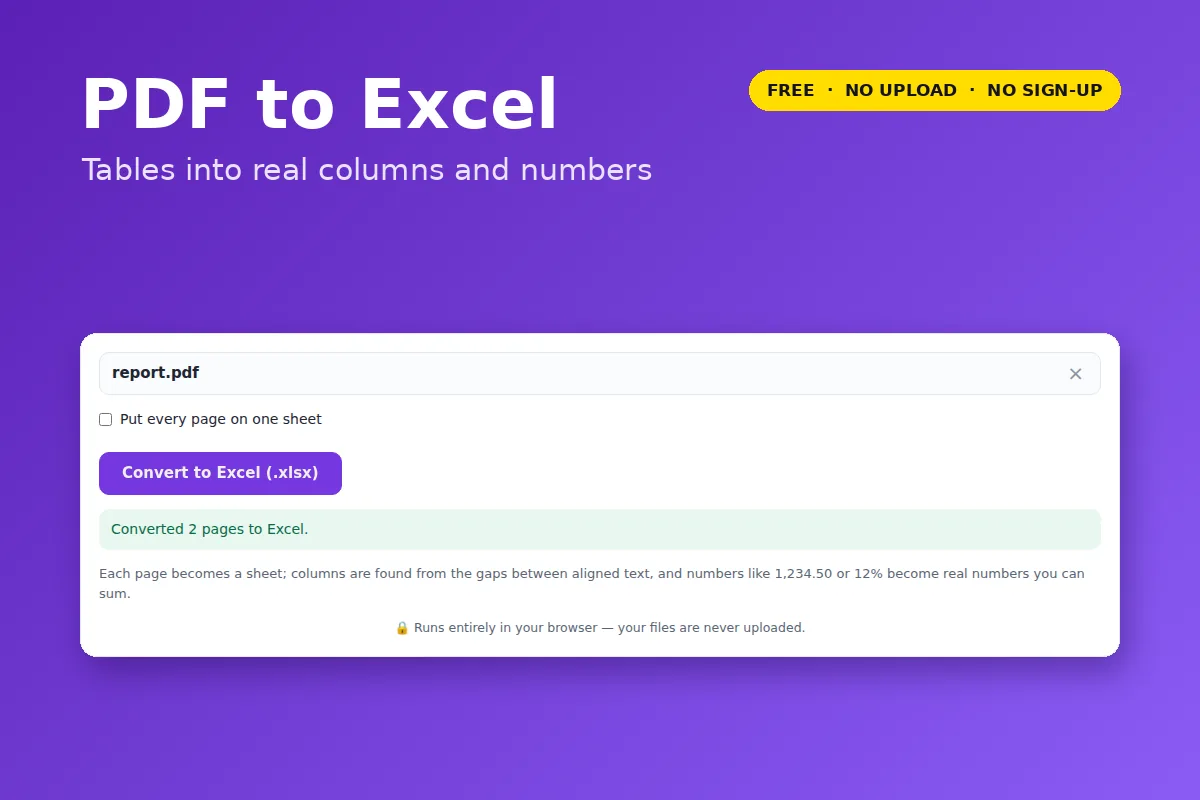
Each page becomes its own sheet, or tick Put every page on one sheet for one long table.
- Scanned PDFs need OCR, which this tool doesn’t do yet — it will tell you if your PDF is a scan.
- Titles and paragraphs on the page land in column A above the table.
Your file is opened and processed by your own browser. Nothing is uploaded to VectorDad or anyone else, which also means there is no file-size queue, no watermark and no account.