
Block Poster Maker
About
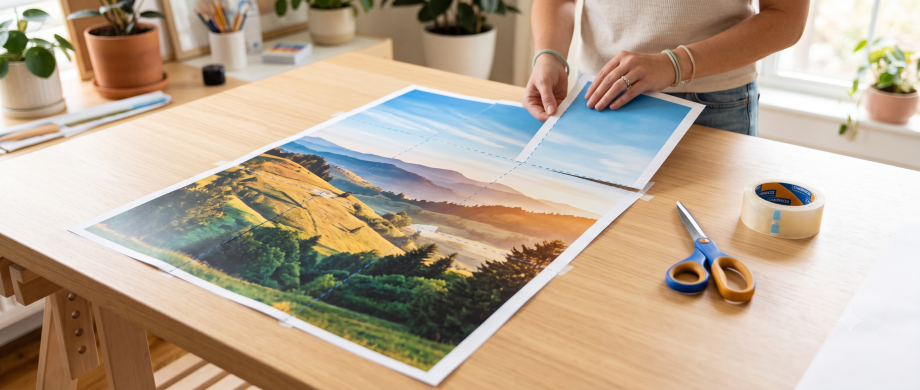
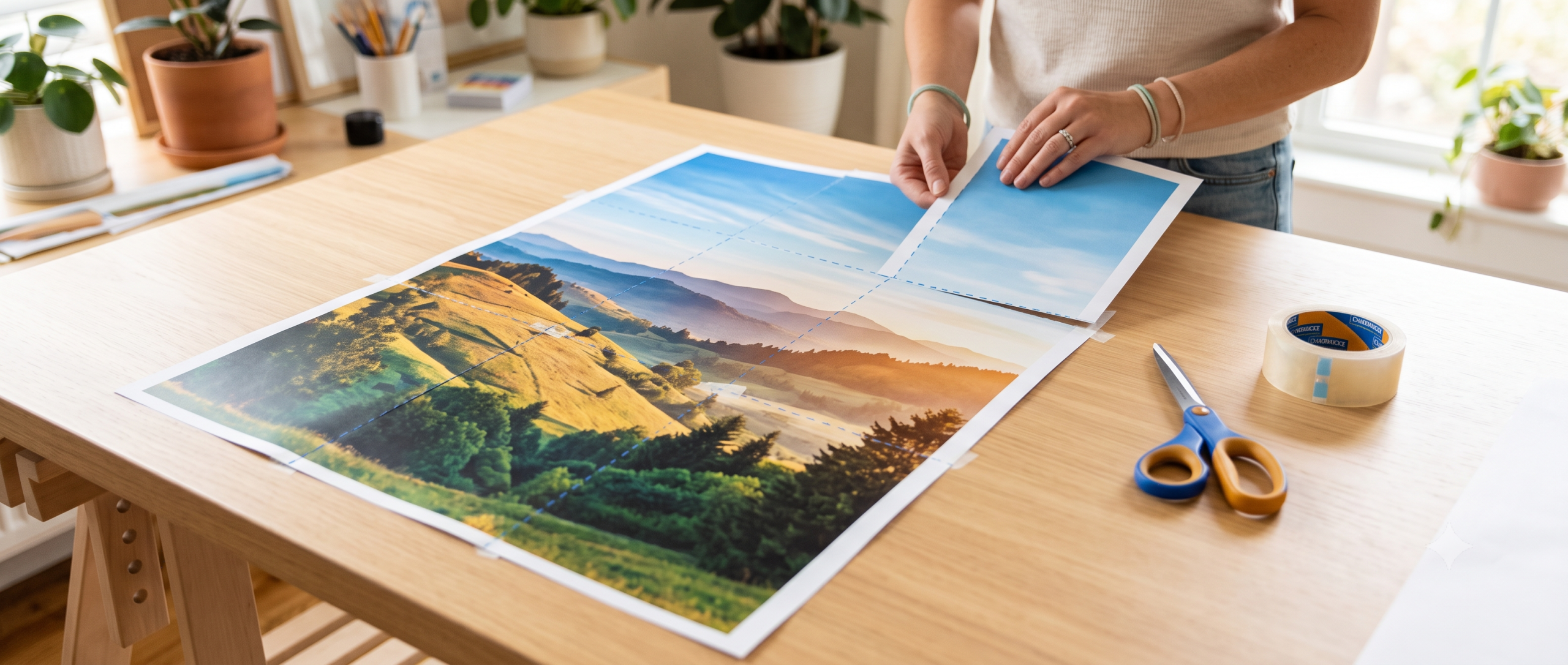
Want a wall-sized poster but only have a regular home printer? The Block Poster Maker splits any photo or image into a grid of standard-size pages that you print, trim, and tape together into one giant piece. It is perfect for classroom decorations, birthday backdrops, movie posters, a favorite family photo blown up for a bedroom wall, or a science-fair banner, all without a trip to a print shop.
Tip: turn your picture into a photo to line drawing first – outlines print far cleaner across multiple sheets.
Upload your image, tell the tool how many sheets wide you want the finished poster, and watch a live preview build itself in real time. When it looks right, download a print-ready PDF with everything already sized, split, and labeled so assembly is simple. It runs entirely in your browser, so there is nothing to install and no file ever leaves your computer.
How It Works
- Upload any image by clicking the upload box or dragging in a JPG, PNG, GIF, WebP, or SVG file.
- Choose your paper size (Letter, Legal, Tabloid, A4, A3, or A2), orientation, and printer margin.
- Enter how many sheets wide you want the finished poster, and let Auto-fit height calculate the rows automatically to keep your image in proportion, or set the height yourself.
- Toggle cut/trim lines, page labels (like R2-C3), and black and white printing on or off depending on how you plan to assemble and print it.
- Watch the live preview update instantly, showing the exact page grid and the final poster size in inches and centimeters.
- Click Download poster PDF, print every page at 100% / Actual Size, then trim the margins and tape the sheets together edge to edge.
Features
- Turns any photo or image into a giant multi-page wall poster
- Supports six paper sizes: Letter, Legal, Tabloid, A4, A3, and A2, in portrait or landscape
- Set poster width in sheets (1 to 20) with automatic height calculation to preserve image proportions
- Optional cut/trim lines and page labels (R1-C1, R2-C2, and so on) make assembly foolproof
- Black and white mode available to save color ink
- Live preview shows the exact final poster dimensions before you print, plus an instant PDF download
Frequently Asked Questions
Is the Block Poster Maker free to use?
Yes, it is completely free with no watermarks or hidden charges. Upload as many images and generate as many posters as you like.
Do I need to install software or create an account?
No. The tool works entirely in your web browser, so there is nothing to download or sign up for, and your image is processed locally rather than uploaded anywhere.
What image file types can I use?
You can upload JPG, PNG, GIF, WebP, or SVG files. For the sharpest results when blown up to poster size, start with the highest resolution image you have.
How big can I make my poster?
You can set the poster up to 20 sheets wide, and with Auto-fit height turned on, the tool automatically calculates the matching number of sheets tall to keep your image in proportion, so posters can span dozens of standard sheets.
How do I get the pieces to line up correctly?
Print every page at 100% or Actual Size in your print dialog rather than Fit to Page, since scaling changes the sizing. Trim the white margins from each sheet using the cut lines as a guide, then tape or glue them together edge to edge.
Is this good for classroom projects or kids’ room decor?
Definitely. Teachers use it for oversized classroom banners and bulletin board displays, and families use it for giant photo prints, movie-night posters, and birthday party backdrops. The page labels make it easy for kids to help with assembly.