
- Converters
- ▸ SVG TO DXF
- ▸ SVG TO JPG
- ▸ SVG TO PNG
- ▸ SVG TO EPS
- ▸ SVG TO PDF
- ▸ SVG TO WEBP
- ▸ SVG TO TTF
- ▸ EPS TO DXF
- ▸ EPS TO SVG
- ▸ PDF TO SVG
- ▸ PDF TO PNG
- ▸ PDF TO JPG
- ▸ EDIT PDF New
- ▸ JPG TO PDF
- ▸ MERGE PDF
- ▸ SPLIT PDF
- ▸ COMPRESS PDF
- ▸ PDF TO WORD
- ▸ PDF TO EXCEL
- ▸ WORD TO PDF
- ▸ EXCEL TO PDF
- ▸ AI TO SVG
- ▸ AI TO EPS
- ▸ AI TO DXF
- ▸ WEBP TO PNG
- ▸ WEBP TO JPG
- ▸ PNG TO WEBP
- ▸ JPG TO WEBP
- ▸ HEIC TO PNG
- ▸ HEIC TO JPG
PDF to SVG Converter for Cricut, Silhouette and Laser
Turn PDF patterns, templates and lettering into SVG cut files. Text becomes shapes, so it arrives in Cricut Design Space exactly as it looks — not as missing or swapped fonts.
Free · no signup · any PDF · your file never leaves your device
How to convert PDF to SVG
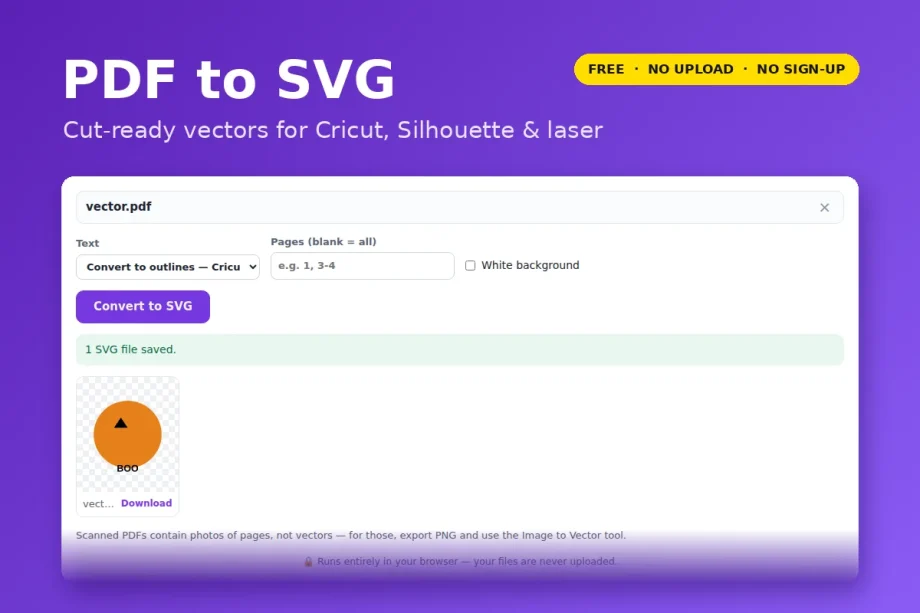
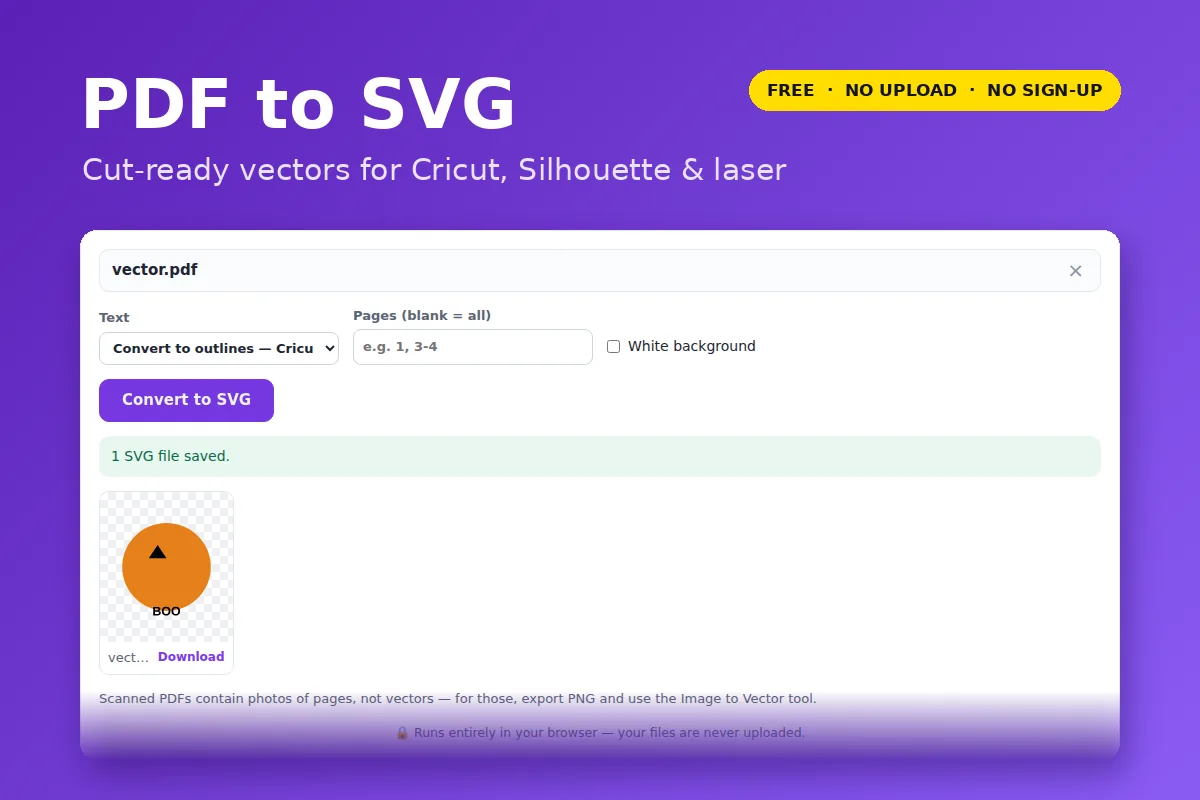
- Click Open PDF to SVG and choose your PDF.
- Leave Text on “Convert to outlines” for cutting machines and lasers.
- Type page numbers if you only need some pages (for example
1, 3-4). - Click Convert to SVG. One page downloads as an SVG; several download as a ZIP.
Why text is turned into outlines
An SVG can keep text as live text in a font, but Cricut Design Space, Silhouette Studio, LightBurn and most laser software either ignore the font or swap in their own. Letters go missing or change shape. Converting text to outlines draws every letter as a vector shape, so the file cuts exactly as the PDF looked.
If you want to keep editing the words in Illustrator or Inkscape, switch Text to “Keep as editable text” instead.
True size, true vectors
Each SVG is written at the PDF page’s real size in inches, so a template printed at 8.5 × 11 imports at 8.5 × 11. Lines, curves and fills come across as vector paths — nothing is traced from pixels, so edges stay crisp at any size.
Good to know
- Scanned PDFs contain photos of pages, not vectors. Export those with PDF to PNG and trace them with Image to Vector.
- Photos inside a PDF stay as embedded images in the SVG.
- Tick “White background” only if you want the page rectangle included — leave it off for cutting.
Your file is opened and processed by your own browser. Nothing is uploaded to VectorDad or anyone else, which also means there is no file-size queue, no watermark and no account.
Questions
Will the SVG work in Cricut Design Space?
Yes — upload it as an SVG. Because text is already outlined, Design Space shows it exactly as in the PDF. Ungroup or Attach as usual before cutting.
Can I convert a multi-page PDF?
Yes. Every page becomes its own SVG, downloaded together as a ZIP.
Why is my SVG blank or just one big box?
The PDF is probably a scan (a picture of a page). Use PDF to PNG, then Image to Vector.