
- Converters
- ▸ SVG TO DXF
- ▸ SVG TO JPG
- ▸ SVG TO PNG
- ▸ SVG TO EPS
- ▸ SVG TO PDF
- ▸ SVG TO WEBP
- ▸ SVG TO TTF
- ▸ EPS TO DXF
- ▸ EPS TO SVG
- ▸ PDF TO SVG
- ▸ PDF TO PNG
- ▸ PDF TO JPG
- ▸ EDIT PDF New
- ▸ JPG TO PDF
- ▸ MERGE PDF
- ▸ SPLIT PDF
- ▸ COMPRESS PDF
- ▸ PDF TO WORD
- ▸ PDF TO EXCEL
- ▸ WORD TO PDF
- ▸ EXCEL TO PDF
- ▸ AI TO SVG
- ▸ AI TO EPS
- ▸ AI TO DXF
- ▸ WEBP TO PNG
- ▸ WEBP TO JPG
- ▸ PNG TO WEBP
- ▸ JPG TO WEBP
- ▸ HEIC TO PNG
- ▸ HEIC TO JPG
Word to PDF: Convert DOCX to PDF
Turn a Word document into a PDF that anyone can open — with real, selectable text, not a picture of it.
Free · no signup · Word .docx files · your file never leaves your device
How to convert
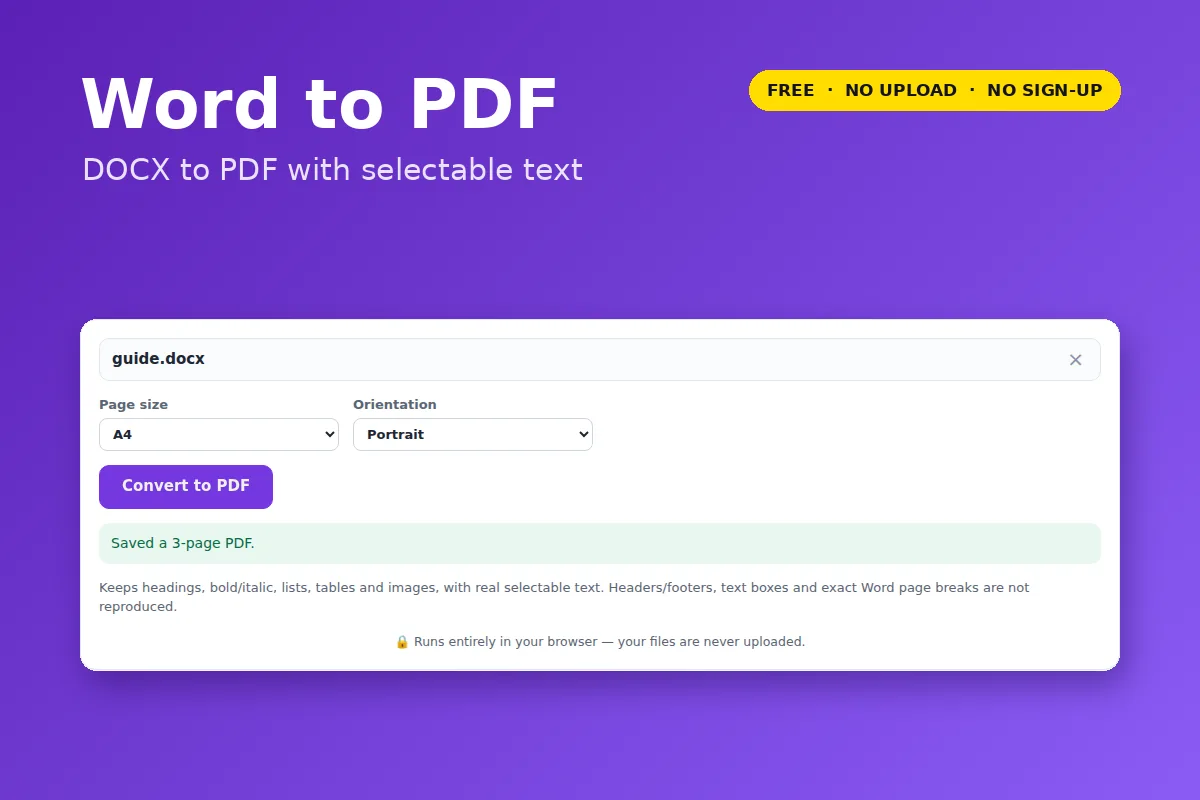
- Click Open Word to PDF and choose a
.docxfile. - Pick A4 or US Letter, portrait or landscape.
- Click Convert to PDF.
What is kept
Headings, paragraphs, bold/italic/underline, bulleted and numbered lists, tables with borders, and images. Long documents flow onto as many pages as they need.
- Old
.docfiles need “Save as .docx” in Word first. - Headers, footers, text boxes and Word’s exact page breaks are not reproduced.
- Text uses standard PDF fonts, so Latin-alphabet text only; other scripts show as “?” and the tool tells you how many.
Your file is opened and processed by your own browser. Nothing is uploaded to VectorDad or anyone else, which also means there is no file-size queue, no watermark and no account.