
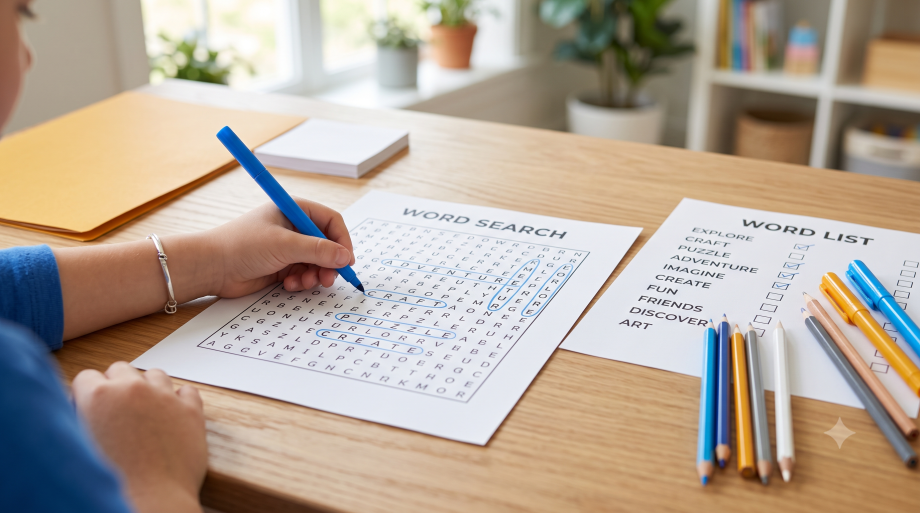
Word Search Maker
Free word search generator: type your own words or pick a theme, choose Easy, Medium or Hard, then download a printable PDF with an answer key.
Ready-made printable word searches
No time to type a list? These sets are already made, each with easy, medium and hard puzzles plus answer keys, in Letter and A4.
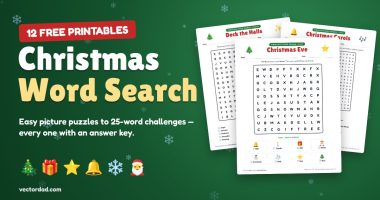 Christmas word search12 puzzles: picture grids for kids to carols for adults
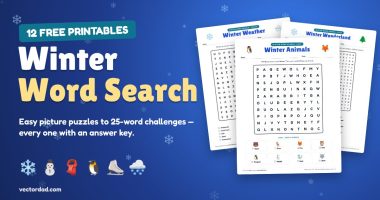 Winter word search12 snowy-day puzzles, easy to hard, with answers
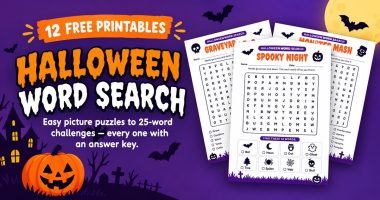 Halloween word search12 puzzles, picture grids for kids to hard 20×20
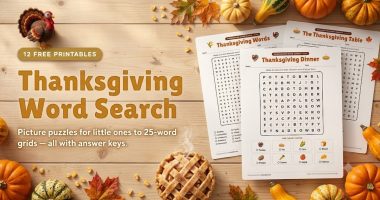 Thanksgiving word search12 puzzles with turkey, pie and harvest words
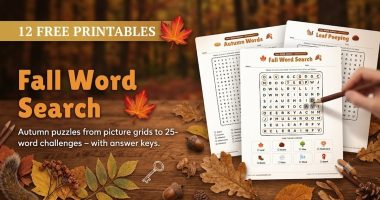 Fall word search12 autumn puzzles, easy to hard, with answers
More Printable Games
About this word search maker
Want a word search built around your own spelling list, classroom theme or birthday message instead of a random one you found online? This free word search maker (also called a word search generator, word find maker or word hunt creator) lets you type in any words you like, from vocabulary lists to names to holiday themes, and builds a custom puzzle around them in a second, with a word list and an answer key.
Pick a ready-made theme or type your own words, choose a difficulty, and download the puzzle as a PDF or PNG. The tool places every word, fills the empty squares with random letters and lays the page out for printing: title, optional name and date line, the grid and a tick-box word list. Nothing to install and no sign-up, it all runs in your browser.
How to make a word search
- Pick a theme to start from, or type a title and your own words, one per line (commas work too).
- Choose Easy, Medium or Hard, or set the grid size (10×10 to 25×25, or Auto-fit) and directions yourself.
- Choose UPPERCASE or lowercase letters and whether to print a Name or Name and date line.
- Click Generate Puzzle, or Shuffle for a new layout with the same words.
- Click Download PDF for a puzzle page plus an answer-key page, PNG for image files, or Print to print straight away.
Difficulty levels
- Easy: 10×10 grid, words run left to right and top to bottom only. Good for ages 5–7 and short sight-word lists.
- Medium: 15×15 grid with diagonal words added. A good default for ages 8–12.
- Hard: 20×20 grid, words run in all eight directions including backwards, and the filler letters are drawn from your own words so the grid is full of decoys. For teens and adults.
Features
- Any custom word list, up to 60 words, or 13 ready-made themes (Halloween, Thanksgiving, Christmas, animals, sight words and more)
- Easy, Medium and Hard presets, or full control of grid size and directions
- Real PDF download in US Letter or A4, with a colour-coded answer key on page 2
- PNG download of the puzzle and the answer key, for slides, Google Classroom or newsletters
- Name, or Name and date, line at the top for classroom worksheets
- One-click Shuffle to get a new layout with the same words
Frequently Asked Questions
Is the word search maker free?
Yes. It is completely free with no account or payment. Make and print as many puzzles as you like, for home or the classroom.
How do I make a word search puzzle?
Type your words one per line (or pick a theme), choose a difficulty and click Generate Puzzle. Then click Download PDF to save a printable copy with its answer key.
Can I download the puzzle as a PDF?
Yes. Download PDF saves a real PDF file in US Letter or A4: the puzzle on page 1 and the answer key on page 2. You can also download PNG images or print directly.
Can I get an answer key?
Yes. Every PDF includes an answer-key page with each hidden word highlighted in its own colour. Tick Show answer key to see the solution on screen.
How many words can I put in a word search?
Up to 60. As a guide, use about 8–10 words for a 10×10 grid, 12–18 for 15×15 and 20–30 for 20×20. If a word is too long for the grid, the grid grows automatically so every word fits.
Can I use spaces or numbers in words?
Letters only. Spaces, numbers and punctuation are removed, so “ice cream” becomes ICECREAM, which is how printed word searches normally show phrases.
Is it suitable for kids and classrooms, and does it work on mobile?
Yes. Use Easy for young children and Hard for older students and adults, and add a Name and date line for worksheets. It works in any modern browser on desktop, tablet or phone.
What is the difference between a word search, a word find and a word hunt?
Nothing, they are names for the same puzzle. Word sleuth, word seek and find-a-word are used too. This tool makes all of them.
More free printable games
Every generator on VectorDad runs in your browser, prints to any paper size and never asks you to sign up.
- Word scramble maker — turn any word list into a scramble worksheet.
- Printable hangman sheets — ready-to-play sheets with your own phrases.
- Crossword puzzle maker — type words and clues, get a printable crossword.
- Printable sudoku generator — four difficulty levels with answer keys.
- Printable maze generator — any size, any difficulty, solution included.
See all of them on the free printable games page.