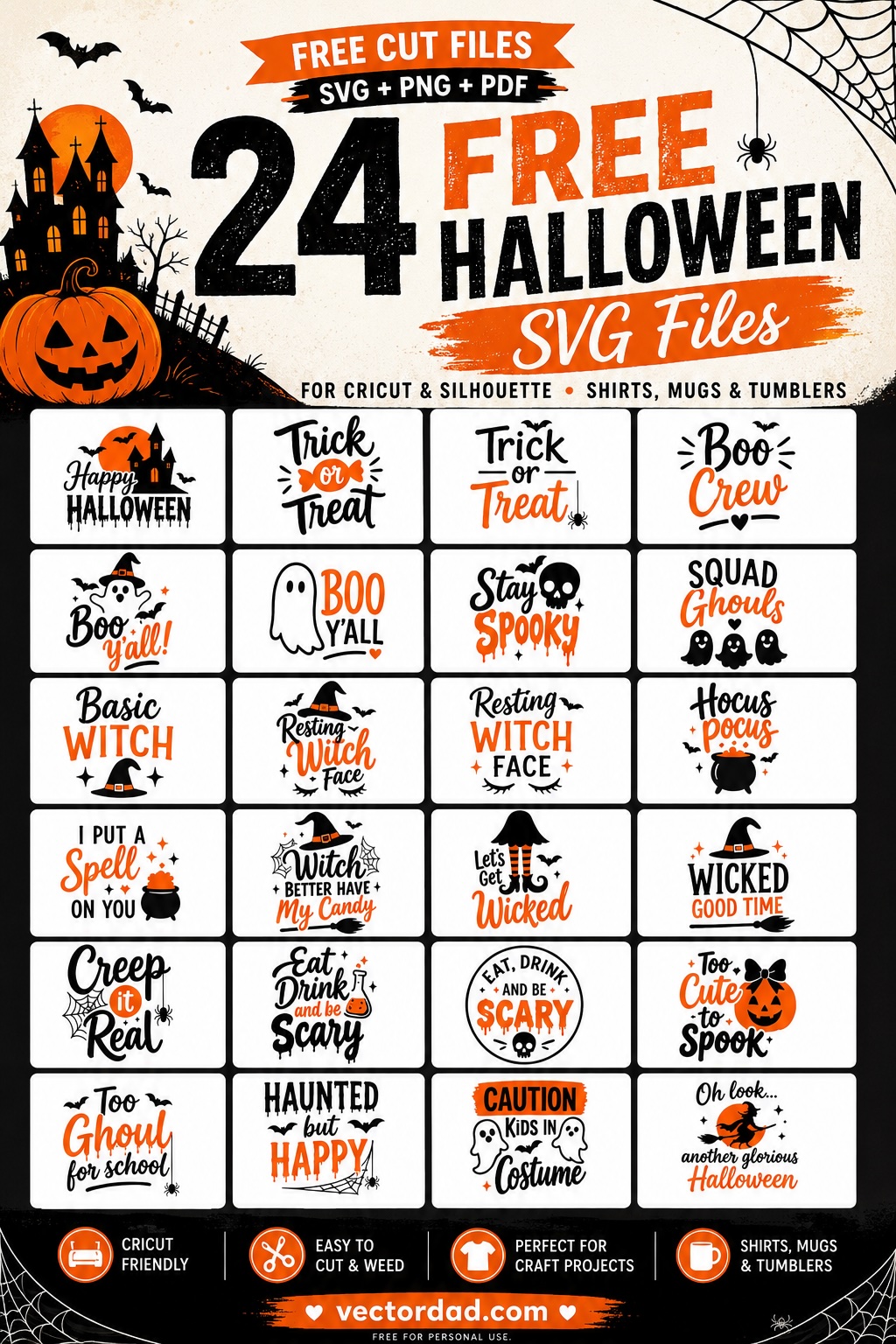
Two-Colour Halloween SVG Designs for Shirts & Tumblers
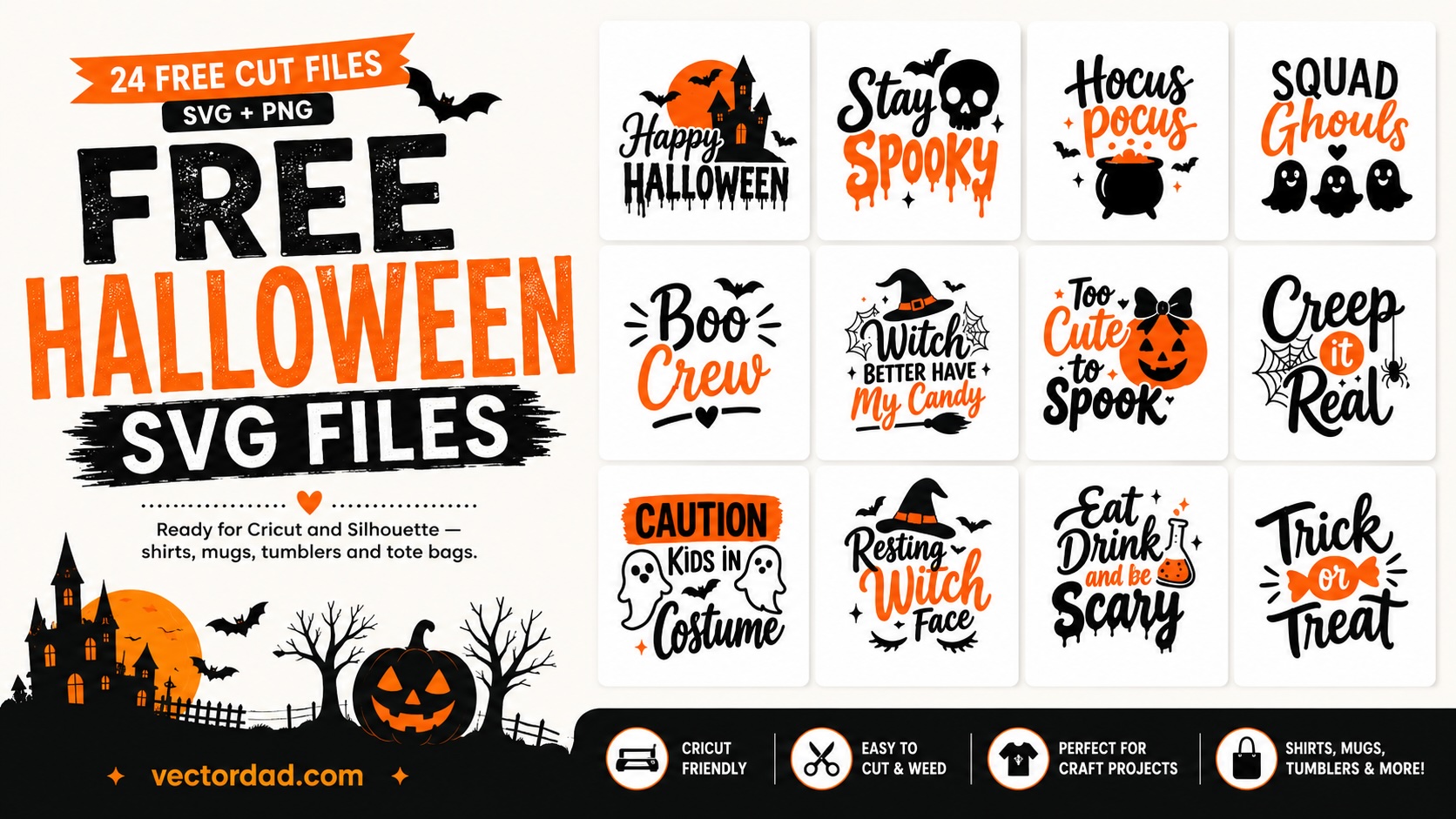
Twenty-four Halloween cut files, free to download. Each one is a clean two-colour design — black and orange on separate layers — ready to drop straight into Cricut Design Space or Silhouette Studio and put on a shirt, a mug, a tumbler or a tote bag.
Every file has been checked so it actually cuts and weeds. No hairline strokes left over from tracing, no stray specks hiding in the corners, and exactly two colours per design so you are not sent to a third mat to cut something invisible. Each design comes as an SVG for your cutting machine, a transparent PNG at 3000 px for print-on-demand and sublimation, and a PDF if you would rather print and cut by hand.
Licence: free for personal use. Make these for yourself, your family and your friends — shirts for the school run, mugs for the office, decals for your own front door. Please do not resell the files, include them in a bundle, or put them on items you sell. If you want to use one commercially, get in touch first.
What you can make with these
- T-shirts and hoodiesHeat transfer vinyl, ironed or pressed
- Mugs and tumblersAdhesive vinyl or sublimation from the PNG
- Tote bags and pillowsHTV works on most cotton and canvas
- Doors, windows and wallsRemovable adhesive vinyl
Classic Halloween phrases
The ones that suit anybody — a first Halloween shirt, a set of matching family tees, a tote for collecting sweets. Big shapes, short words, and they read clearly from across a room.
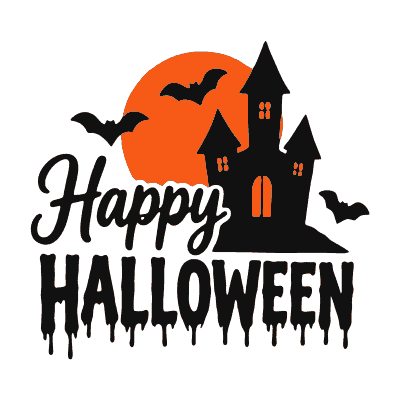
Happy Halloween
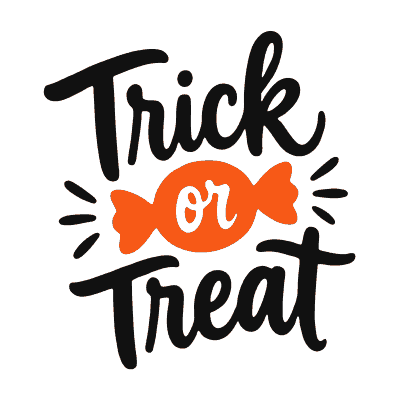
Trick or Treat
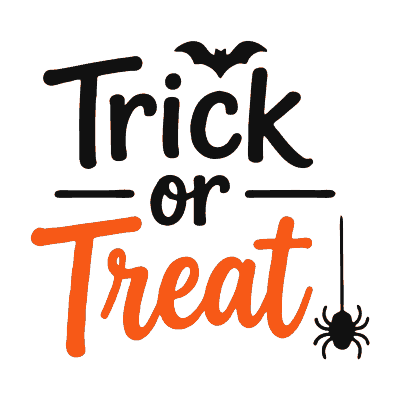
Trick or Treat (spider)
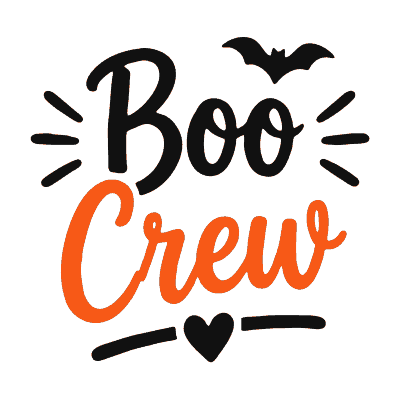
Boo Crew
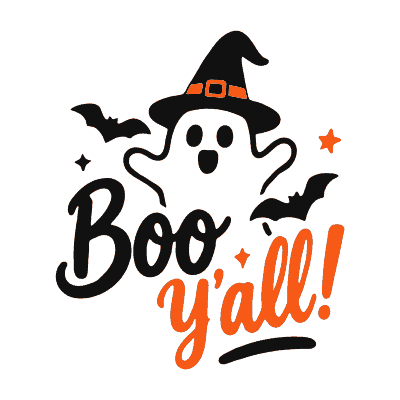
Boo Y’all
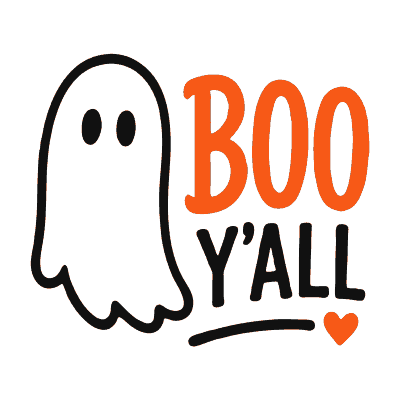
Boo Y’all (big ghost)
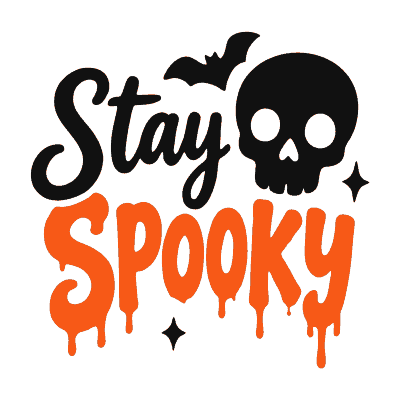
Stay Spooky
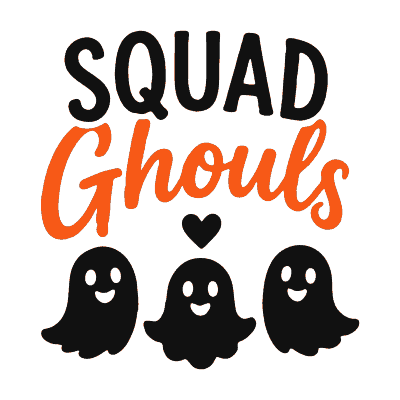
Squad Ghouls
Witch designs
Hats, cauldrons, brooms and a fair amount of attitude. These are the ones that sell the fastest as shirts every October, and they work just as well on a tumbler.
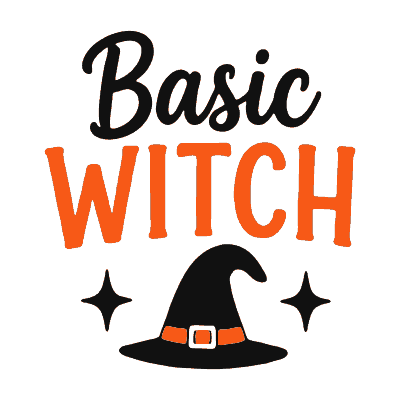
Basic Witch
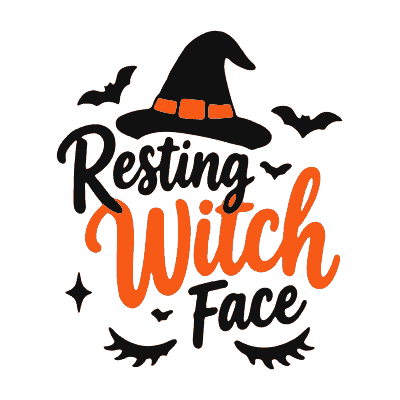
Resting Witch Face
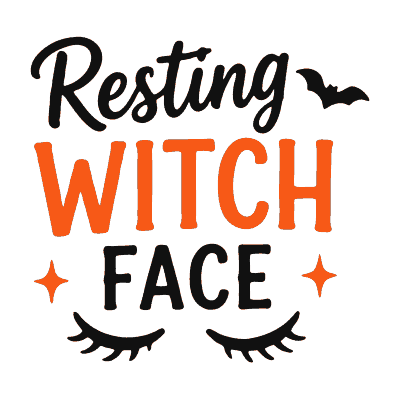
Resting Witch Face (lashes)
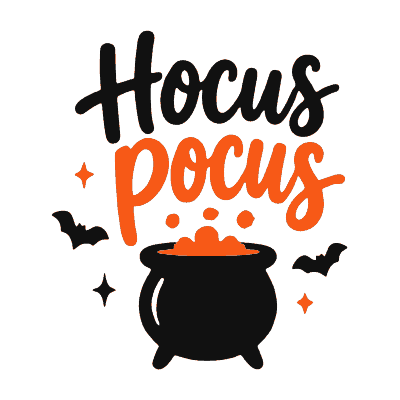
Hocus Pocus
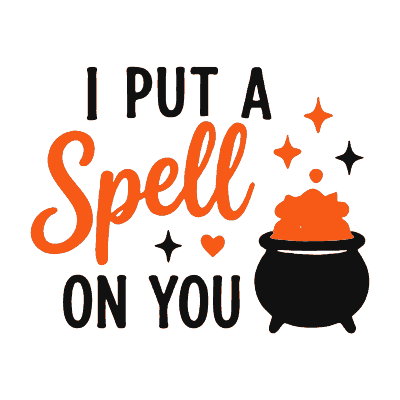
I Put a Spell on You
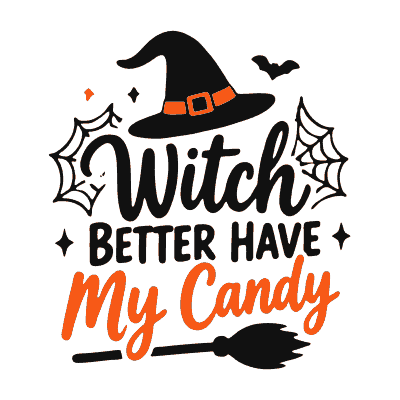
Witch Better Have My Candy
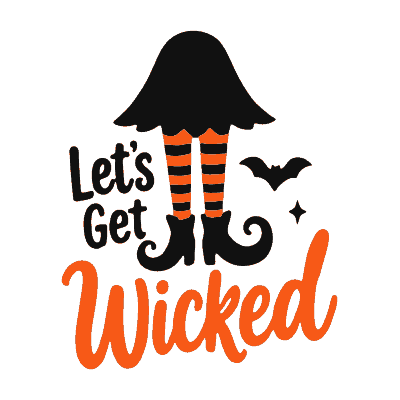
Let’s Get Wicked
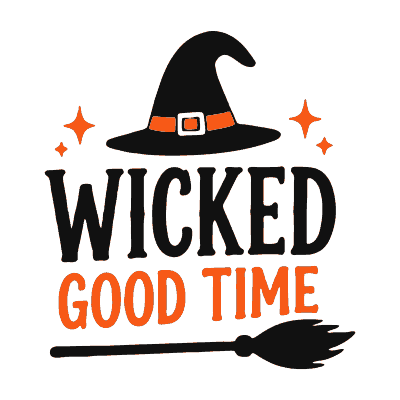
Wicked Good Time
Funny and family designs
Puns, kids’ shirts and a couple for the adults. Caution: Kids in Costume is a good one for a car window or a front door on the night itself.
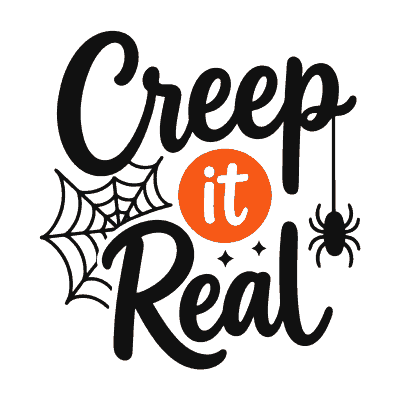
Creep It Real
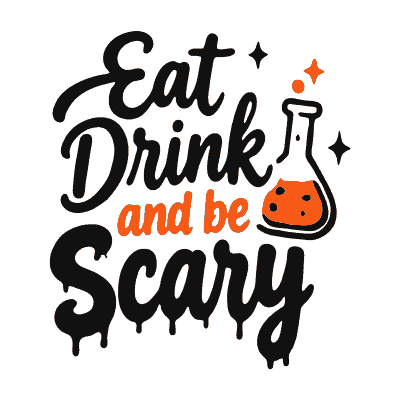
Eat, Drink and Be Scary
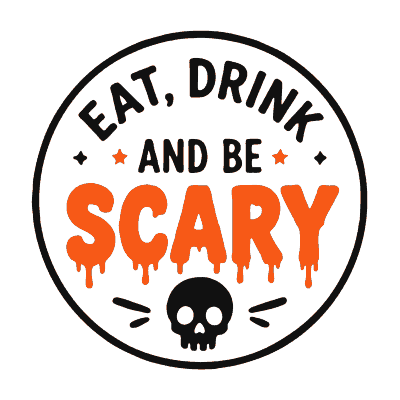
Eat, Drink and Be Scary (badge)
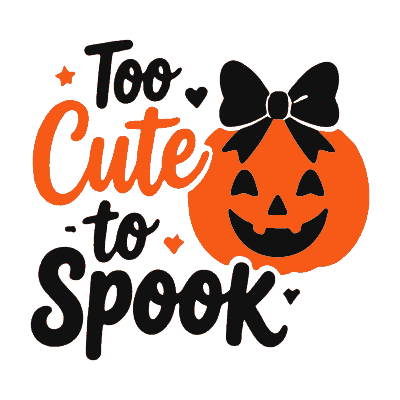
Too Cute to Spook

Too Ghoul for School
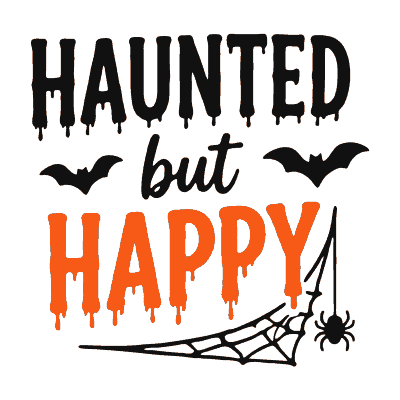
Haunted but Happy
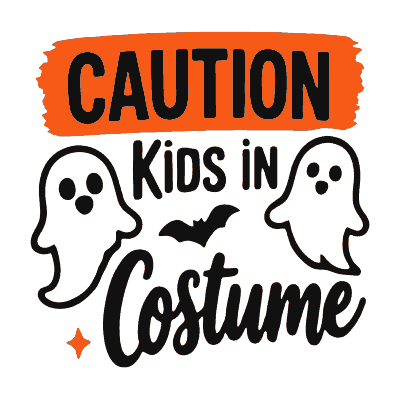
Caution: Kids in Costume
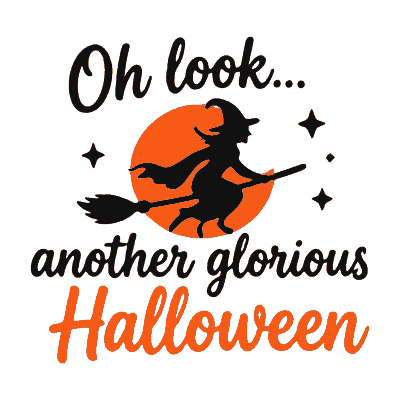
Oh Look, Another Glorious Halloween
How to use these on a cutting machine
- Download the SVG. Not the PNG — the SVG is the one your machine can cut, and it scales to any size without going fuzzy.
- Upload it to Design Space or Silhouette Studio. In Cricut, choose Upload, then Upload Image, and drop the SVG in. It will come in as two layers, black and orange.
- Size it before you cut. A front-of-shirt design is usually 9 to 11 inches wide for adults, 6 to 7 for children. A tumbler wrap is nearer 3 to 4 inches tall.
- Mirror the design if you are using heat transfer vinyl. This is the step everyone forgets. HTV is cut face-down on its backing, so the image must be flipped or your lettering comes out backwards.
- Cut each colour on its own mat. Put black vinyl on one, orange on the other, and cut the matching layer on each.
- Weed the excess. Pull away everything you do not want, including the middles of letters like O, A and E. A weeding hook and good light make this far quicker.
- Press the bottom layer first. Black usually goes down first, then orange on top. Follow your vinyl’s temperature and time — most HTV wants around 305 °F / 150 °C for 15 seconds.
- Peel when the instructions say. Some vinyl peels hot, some cold. Peeling a cold-peel vinyl while it is hot will lift the design straight back off.
Two colours, layered. In these designs the black and orange sit next to each other rather than overlapping. That gives you crisp edges, but it also means the two layers need to line up properly when you press them. Use the transparent PNG as a guide on screen, and press the black layer first so you have something to register the orange against.
Questions people ask
Which file do I actually need?
The SVG for any cutting machine — Cricut, Silhouette, Brother, Glowforge. The PNG if you are doing sublimation, print-then-cut, or sending artwork to a print-on-demand service; it has a transparent background and is 3000 px on the long edge, plenty for a full-size shirt. The PDF only if you want to print it on paper and cut by hand.
Do I have to mirror the design?
Yes, for heat transfer vinyl — always. Not for adhesive vinyl going on a mug or a window. Getting this wrong is the single most common reason a first attempt is wasted.
Why are there two colours?
Each design is built as a black layer and an orange layer so it looks like the preview. You do not have to use both — cutting only the black layer gives you a perfectly good one-colour design, and you can recolour either layer to anything you like before cutting.
Will these work in the free version of Silhouette Studio?
The free edition cannot open SVG files — that is a Silhouette limitation, not a problem with the file. You need Designer Edition for SVG, or you can use the PNG with print-and-cut instead.
What size should I cut?
Adult shirt front, 9 to 11 inches wide. Youth, 6 to 7. Pocket design, around 3 to 4. A 20 oz tumbler wrap is roughly 3.5 inches tall. Every design here stays clean when scaled down, and none has detail thin enough to cause weeding trouble at those sizes.
Can I sell what I make with these?
No — these are free for personal use only. Make them for yourself, your family and your friends, but please do not sell finished items or pass the files on. If you would like to use one commercially, contact me and we will sort something out.
More tools you might like
- Halloween monogram maker — build a lettered design for a door, a sign or a shirt.
- Photo to stencil — turn any picture into a clean black-and-white cut file of your own.
- Silhouette maker — make a crisp silhouette from a photograph.