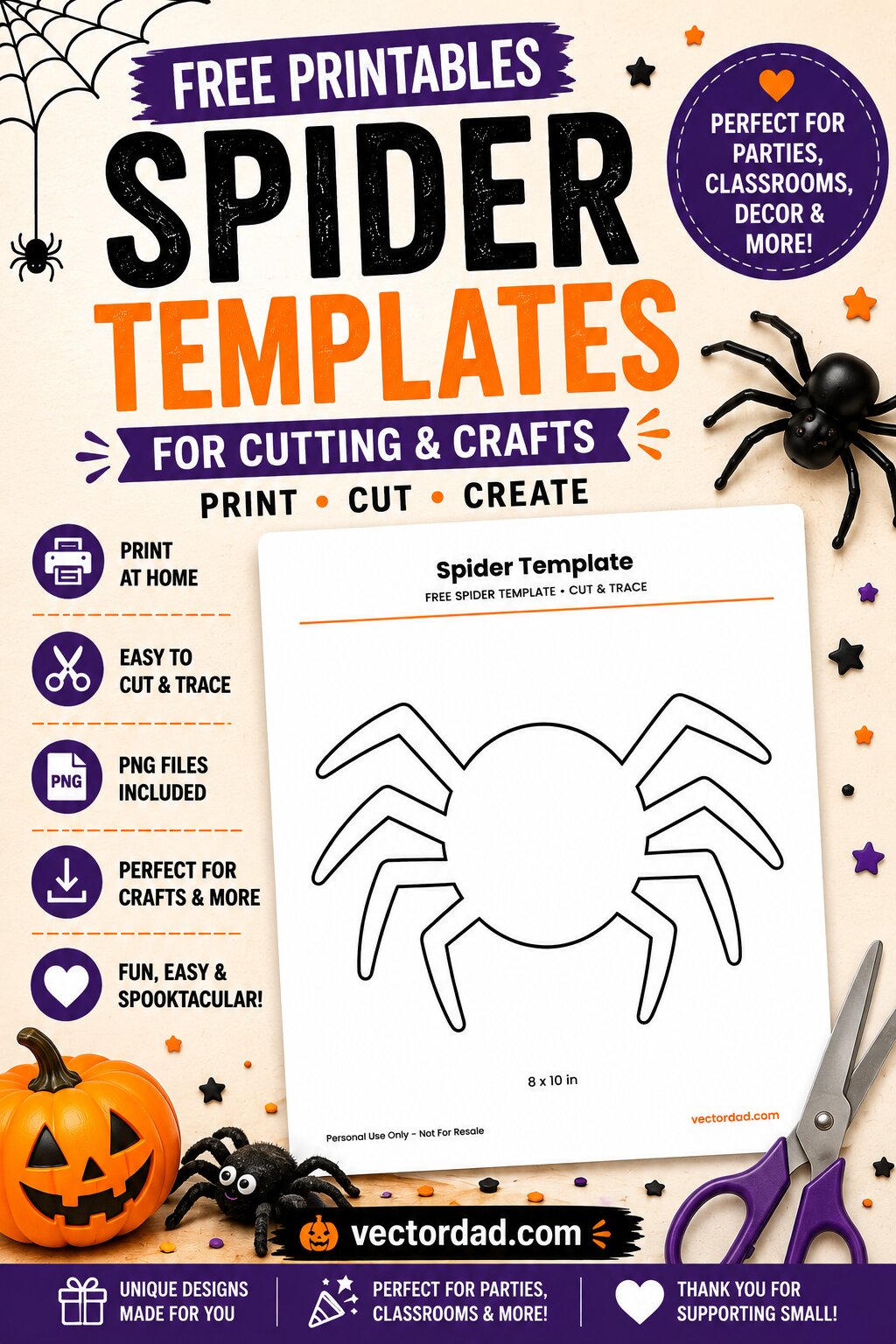
Spider Templates — 24 Free SVG Cut Files & Printables
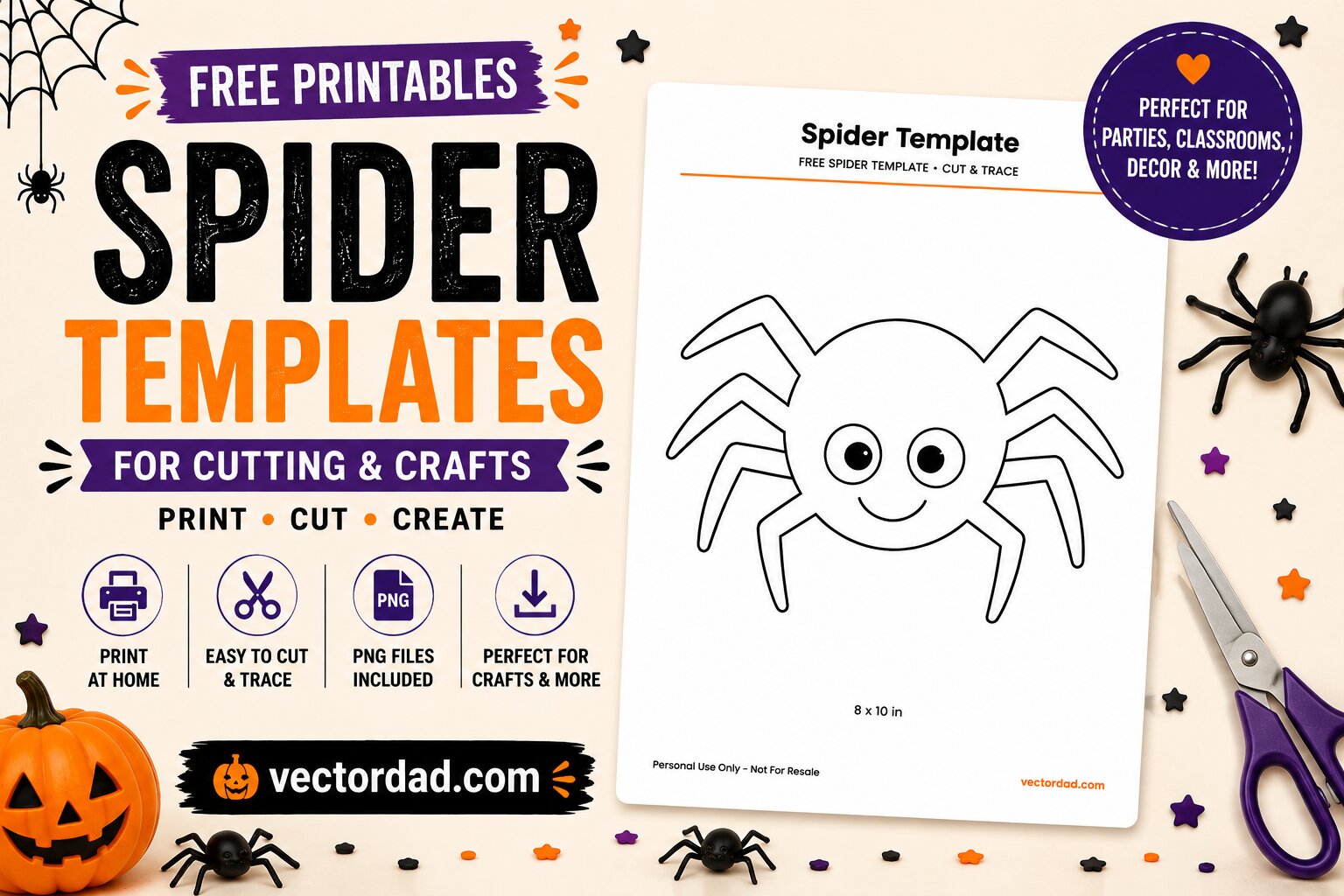
Twenty-four spiders in two sets: twelve friendly orange-and-black characters, and twelve black silhouettes for the ones that are meant to make people jump. Both sets are drawn as flat, closed shapes, so they cut as cleanly as they print.
Every design comes as a layered SVG for Cricut, Silhouette and Glowforge, a transparent PNG, and a full-colour PDF in US Letter and A4. Free, no email, no account.
Colour spiders
Orange bodies, striped legs, white eyes. A witch hat, a scarf, a candy, an oak leaf, one holding a pumpkin. These are the ones for kids’ shirts, treat bags and classroom walls — three layers each, or just cut the black and let the shirt be the body.
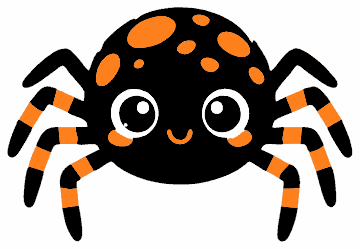
Spotted Spider
Prints 9.0×6.2 in · cuts to 1.8 in in black
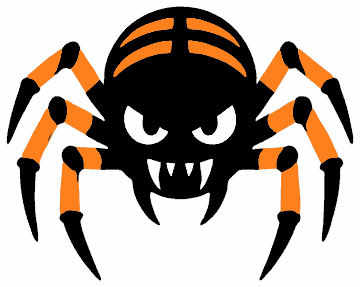
Fanged Spider
Prints 7.5×6.0 in · cuts to 2.0 in in black
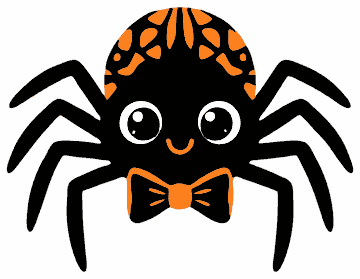
Bow Tie Spider
Prints 7.5×5.8 in · cuts to 1.6 in in black
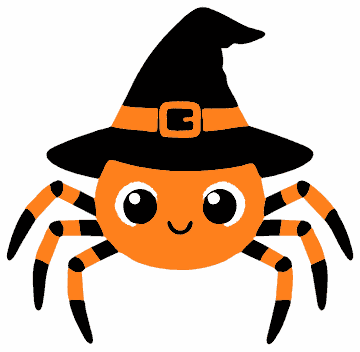
Witch Hat Spider
Prints 7.5×7.3 in · cuts to 2.7 in in black
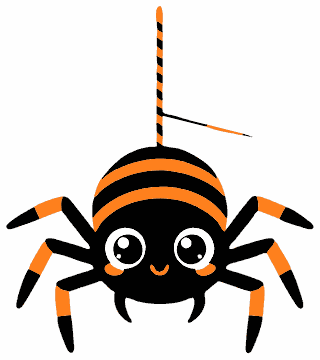
Hanging Spider
Prints 7.5×8.4 in · cuts to 3.1 in in black
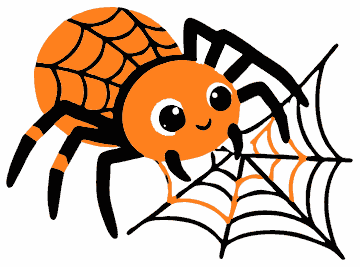
Web Weaver Spider
Prints 8.4×6.2 in · cuts to 2.2 in in black
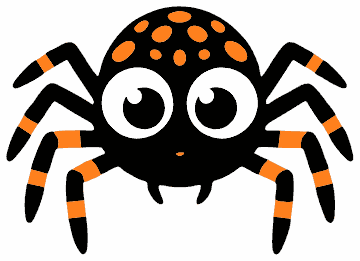
Big-Eyed Spider
Prints 8.6×6.2 in · cuts to 1.5 in in black
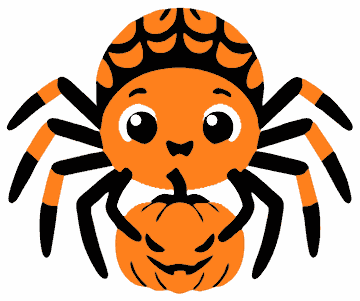
Pumpkin Spider
Prints 7.5×6.3 in · cuts to 3.8 in in black
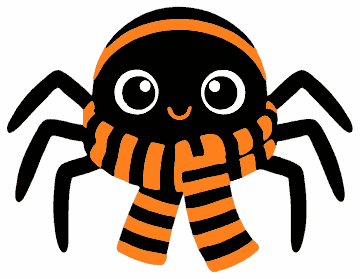
Scarf Spider
Prints 7.5×5.8 in · cuts to 1.9 in in black
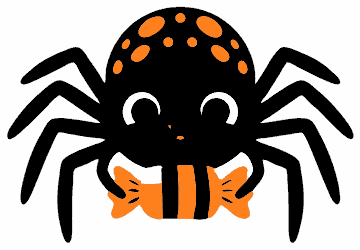
Candy Spider
Prints 8.9×6.2 in · cuts to 1.2 in in black
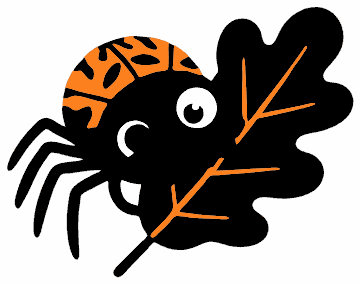
Leaf Spider
Prints 7.5×5.9 in · cuts to 1.5 in in black
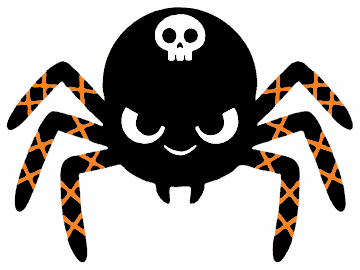
Skull Spider
Prints 8.3×6.2 in · cuts to 4.4 in in black
Black spider silhouettes
One black layer each, no colour to line up. Two hang on a thread, one sits in its web, one is a proper hairy tarantula. These are the small ones — most cut clean at around an inch, which makes them the set for scattering across a window, a jar or a table.
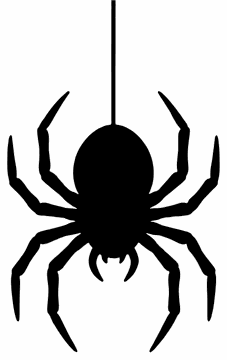
Dangling Spider
Prints 5.3×8.5 in · cuts to 1.1 in
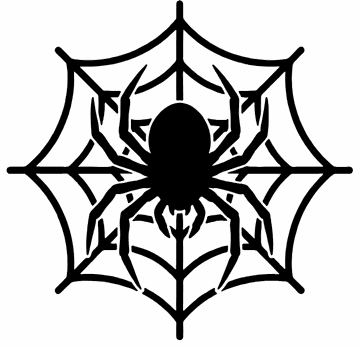
Spider on a Web
Prints 7.5×7.2 in · cuts to 2.2 in
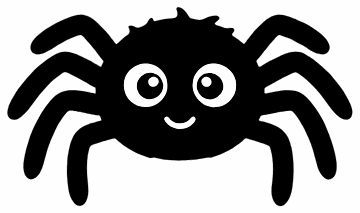
Round Spider
Prints 10.0×5.9 in · cuts to 0.8 in
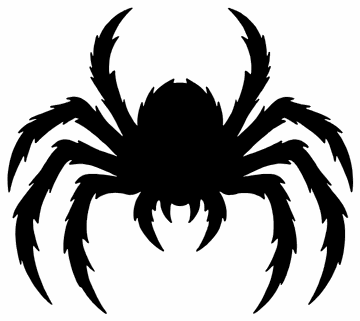
Hairy Spider
Prints 7.5×6.7 in · cuts to 3.1 in
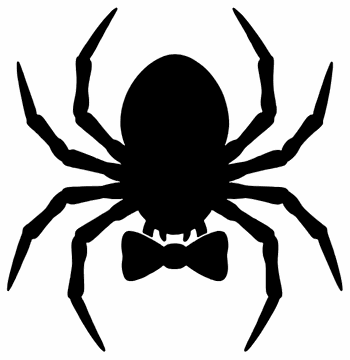
Bow Tie Spider Silhouette
Prints 7.5×7.7 in · cuts to 1.1 in
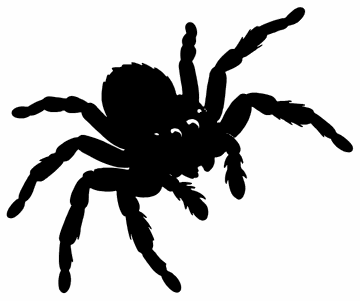
Jumping Spider
Prints 7.5×6.3 in · cuts to 3.1 in
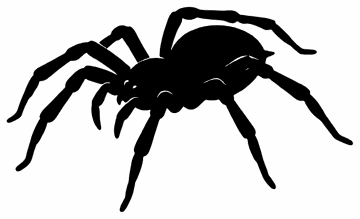
Crawling Spider
Prints 10.0×6.1 in · cuts to 1.3 in
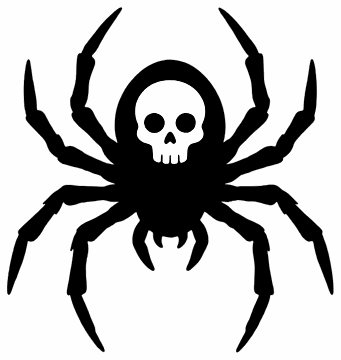
Skull-Marked Spider
Prints 7.5×7.9 in · cuts to 1.3 in
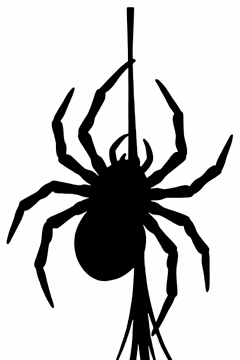
Descending Spider
Prints 5.6×8.5 in · cuts to 1.3 in
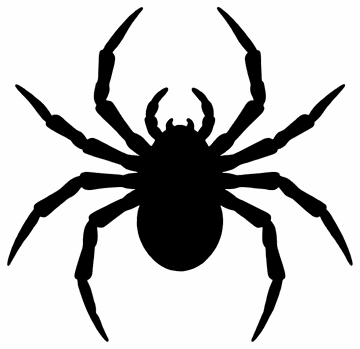
Wide-Legged Spider
Prints 7.5×7.3 in · cuts to 1.3 in
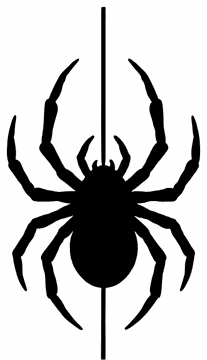
Spider on a Silk Line
Prints 4.9×8.5 in · cuts to 0.9 in
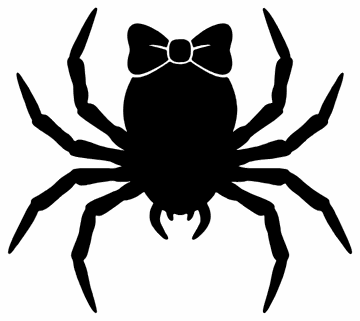
Spider with a Bow
Prints 7.5×6.7 in · cuts to 1.2 in
What is in each download
- SVGThe artwork as vector, with each colour on its own path so your machine reads them as separate layers.
- PNGThe same artwork on a transparent background, 1200 px on the long edge, for print-and-cut and digital use.
- PDF — page 1One large full-colour design filling the sheet, with its printed size marked underneath.
- PDF — page 2The same design twice at medium and four times small, plus that design’s smallest clean cut size.
How small can you cut these?
Spider legs are the thinnest thing we have drawn, so this is worth knowing before you cut. We measured every design rather than guessing: each colour layer was rendered on its own, the thinnest feature in it measured, then scaled to find the size at which that feature reaches 0.5 mm — roughly where standard vinyl stops lifting cleanly off the backing.
| Black layer alone | Every layer | |
|---|---|---|
| Silhouettes (12 designs) | 1.3 in | 1.3 in |
| Colour spiders (12 designs) | 2.0 in | 5.3 in |
| Smallest of all (Round Spider) | 0.8 in | 1.7 in |
Those are medians. The pattern is simple: the orange leg bands are the thin part. Cut the black layer on its own and every colour design here comes in under four and a half inches; add the orange and most of them want four to eight. The silhouettes have no such problem, because there is only ever one layer.
Each design’s own number is under its thumbnail above and printed on page 2 of its PDF. These are sizes for standard adhesive and heat-transfer vinyl; with a fresh blade, a clean mat and a slower cut you will usually get away with a bit smaller, and paper or cardstock goes smaller still.
How to use them
- Cutting machine. Upload the SVG — not the PNG — so the colours arrive as separate layers. Cricut Design Space and Silhouette Studio will both offer to keep them grouped; keep them, then hide any layer you are not cutting.
- Set your size first. Scale the whole group before you cut, and check it against that design’s number above. Resizing one layer on its own will knock the registration out.
- Weed the legs last. Take the big waste off first, then come back for the gaps between the legs with a hook. Leave the mat flat on the bench while you do it — lifting it is how thin legs come away with the waste.
- Iron-on. Mirror every layer, cut shiny side down, and press the largest layer first — orange, then black, then white on top. The black line art is what makes the spider read, so it always goes over the orange.
- Paper and card. Print the PDF at 100% — choose Actual size, not Fit to page. Cut the silhouettes from black card and tape them inside a window; they read from the street better than almost anything else on this site.
Questions people ask
Will the SVG open as separate layers?
Yes. Each colour is a single path, so Design Space, Silhouette Studio and Glowforge all read the colour spiders as three layers and the silhouettes as one. If your software flattens the design, you have most likely imported the PNG by mistake.
Which set should I use for a shirt?
Either, but for a first attempt take a silhouette. One layer means nothing to line up, and at nine to eleven inches across an adult chest you have four times the size any of them needs. The colour spiders look better and take three passes.
How small can I go for a sticker sheet?
Printed, as small as you like — the PDFs already include a page of small sizes. Cut, the silhouettes hold together down to about an inch, and Round Spider to eight tenths of an inch.
Can I print these on a normal printer?
Yes. One large design on page 1, smaller repeats on page 2, and no full-page background to drain the cartridge. The silhouettes print fine on a black-and-white printer.
Can I use these at school or for something I sell?
School, church, party, your own home — yes, cut and print as many as you need, no need to ask. Selling finished items you made from them is fine in small numbers; selling the files, or a bundle of the designs themselves, is not.