Skull Templates — 24 Free SVG Cut Files & Printables
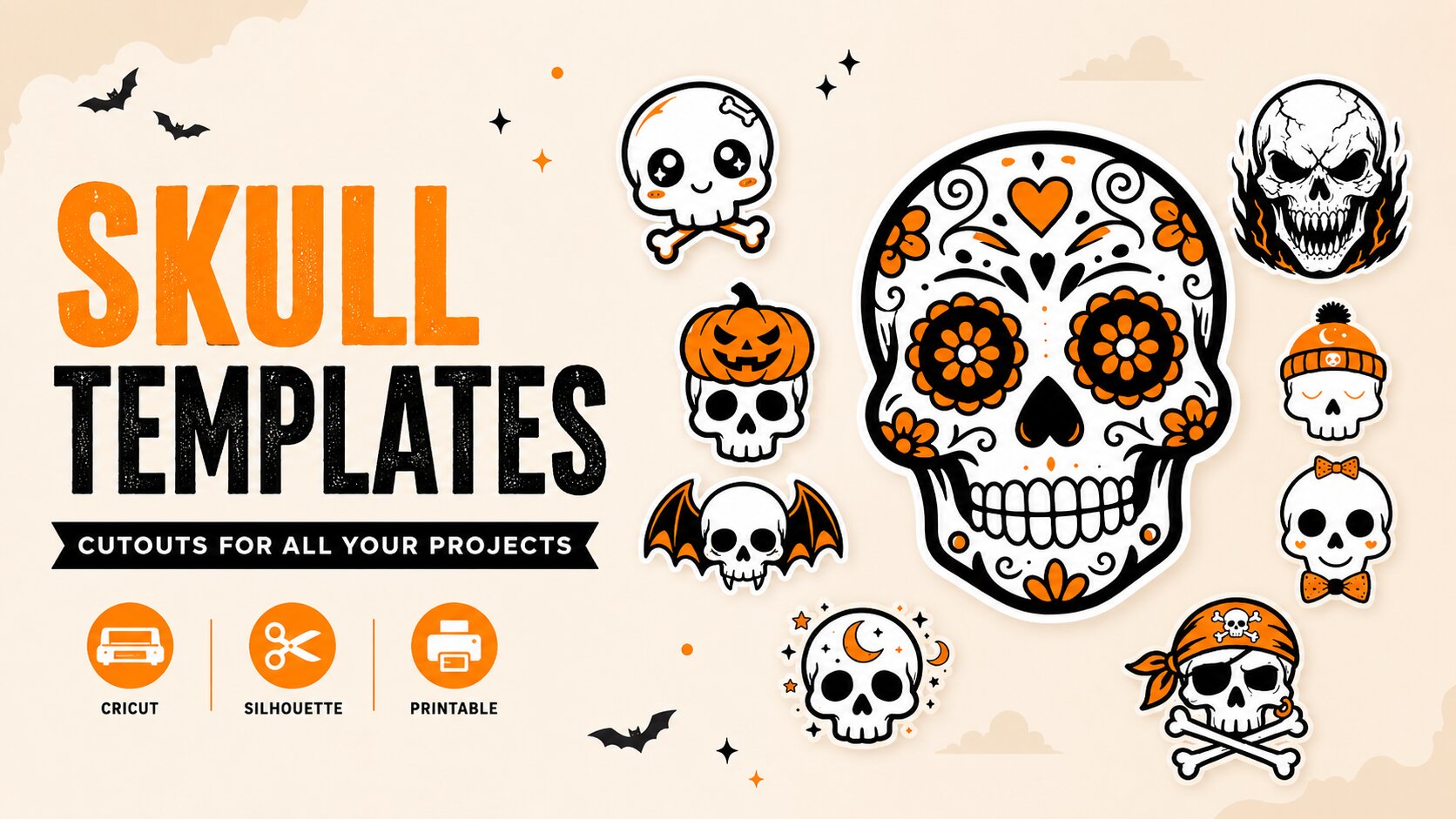
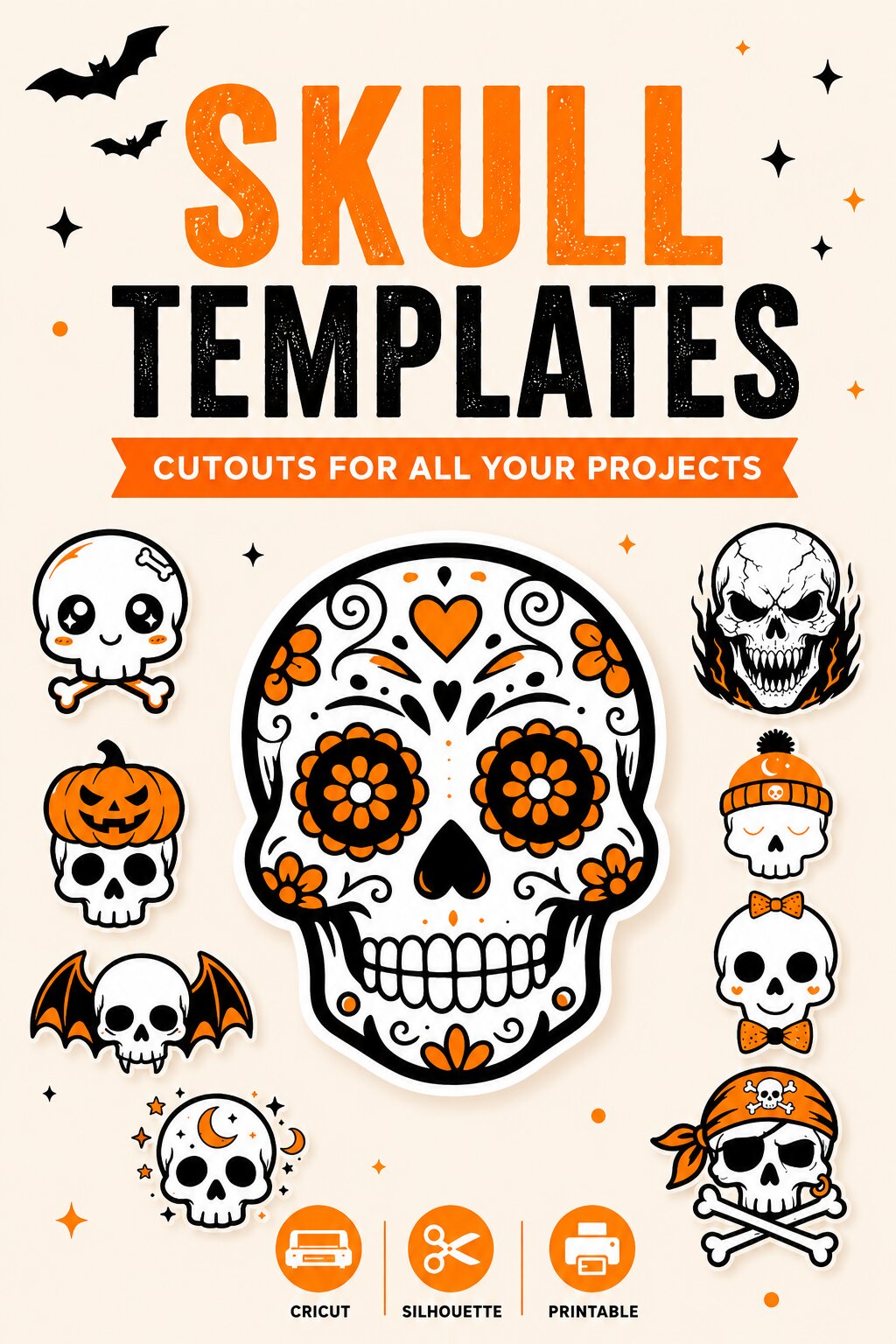
Twenty-four skulls, drawn flat in three colours: white for the skull itself, black for the line art, orange for whatever it is wearing. Twelve are the classic Halloween crowd — crossbones, a sugar skull, a pirate, a set of bat wings. Twelve have picked up a personality somewhere: headphones, a crown, a monocle, a bobble hat.
Every design comes as a layered SVG for Cricut, Silhouette and Glowforge, a transparent PNG, and a full-colour PDF in US Letter and A4. Free, no email, no account.
Classic Halloween skulls
The ones you already picture when someone says skull: crossed bones, a flaming grin, a flower crown, a jack-o’-lantern worn as a hat. A sugar skull in here too, with the full marigold and filigree treatment.
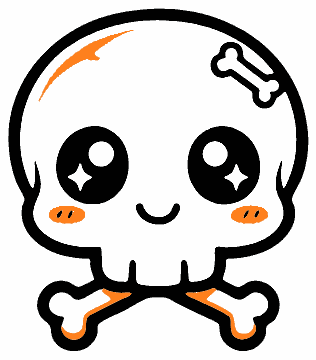
Cute Skull and Crossbones
Prints 7.4×8.5 in · cuts to 0.9 in in black
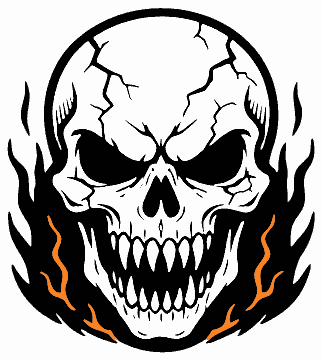
Flaming Skull
Prints 7.5×8.4 in · cuts to 3.9 in in black
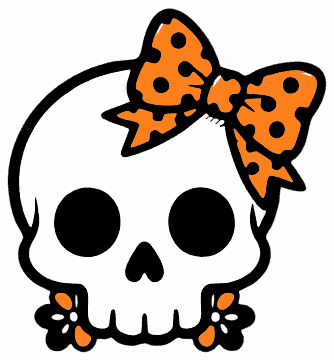
Bow Skull
Prints 7.5×8.1 in · cuts to 1.4 in in black
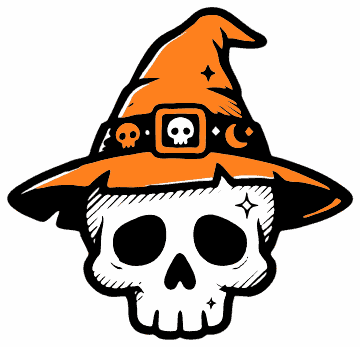
Witch Hat Skull
Prints 7.5×7.2 in · cuts to 5.6 in in black
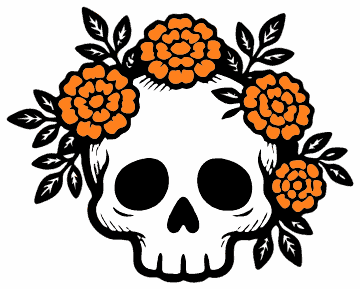
Flower Crown Skull
Prints 7.5×6.0 in · cuts to 4.4 in in black
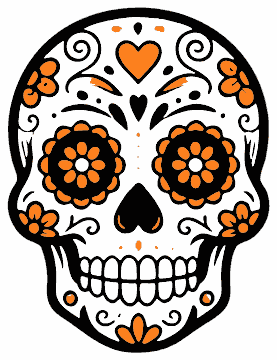
Sugar Skull
Prints 6.5×8.5 in · cuts to 2.0 in in black
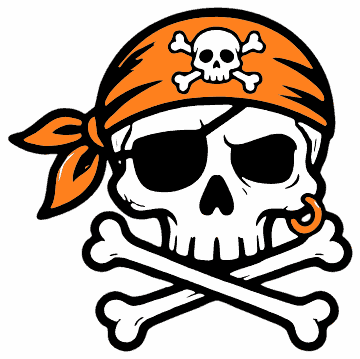
Pirate Skull
Prints 7.5×7.5 in · cuts to 2.7 in in black
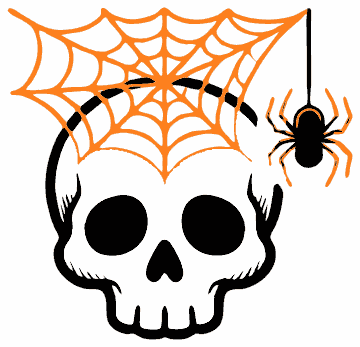
Cobweb Skull
Prints 7.5×7.2 in · cuts to 5.6 in in black
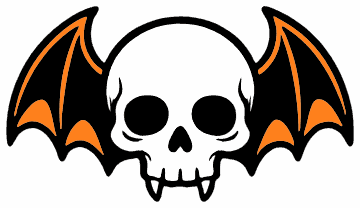
Bat Wing Skull
Prints 10.0×5.8 in · cuts to 2.3 in in black
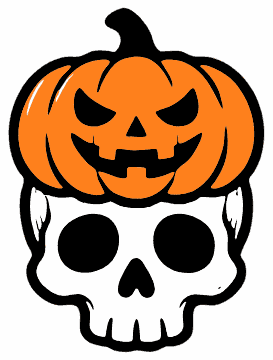
Pumpkin Hat Skull
Prints 6.4×8.5 in · cuts to 2.2 in in black
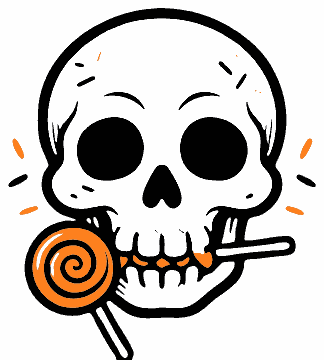
Lollipop Skull
Prints 7.5×8.3 in · cuts to 2.6 in in black
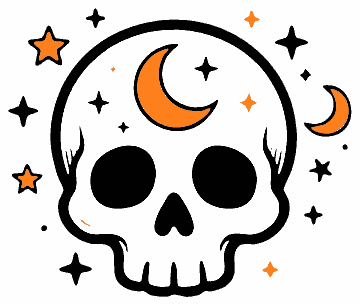
Moon and Stars Skull
Prints 7.5×6.3 in · cuts to 3.1 in in black
Skulls with a personality
Same bones, different day. A skull in headphones with its tongue out, one in a crown, one with a monocle and a waxed moustache, one in a bobble hat looking like it would rather be asleep. These are the ones for mugs, tote bags and anything that needs to be funny rather than frightening.
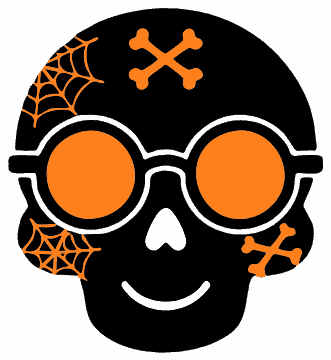
Round Glasses Skull
Prints 7.5×8.2 in · cuts to 2.7 in in black

Headphones Skull
Prints 7.5×6.2 in · cuts to 1.7 in in black
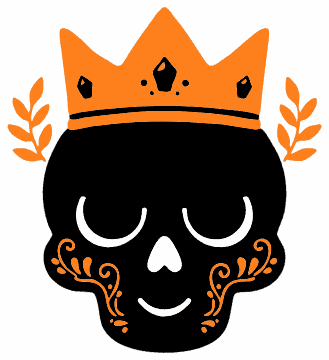
Crown Skull
Prints 7.5×8.2 in · cuts to 2.0 in in black
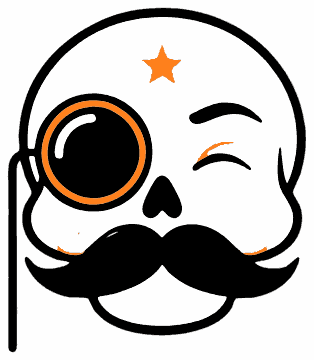
Monocle Skull
Prints 7.4×8.5 in · cuts to 0.9 in in black
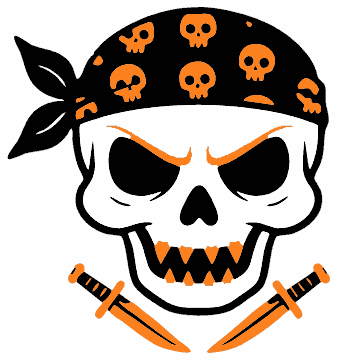
Bandana Skull
Prints 7.5×8.0 in · cuts to 2.6 in in black
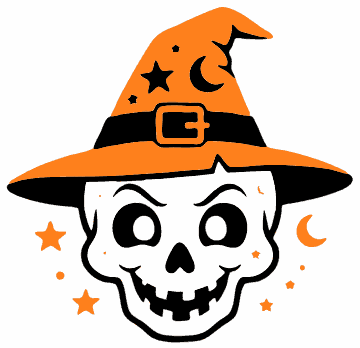
Wizard Hat Skull
Prints 7.5×7.2 in · cuts to 2.2 in in black
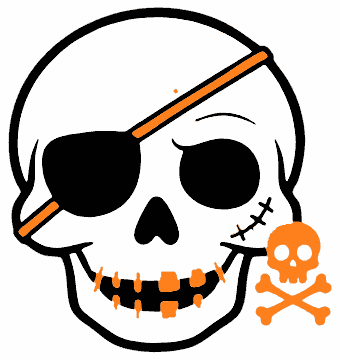
Eye Patch Skull
Prints 7.5×7.9 in · cuts to 1.8 in in black
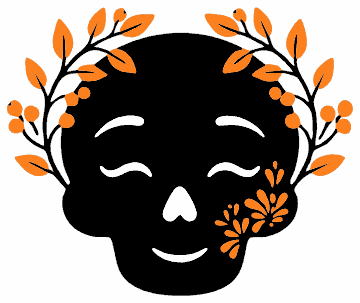
Leafy Skull
Prints 7.5×6.3 in · cuts to 3.5 in in black
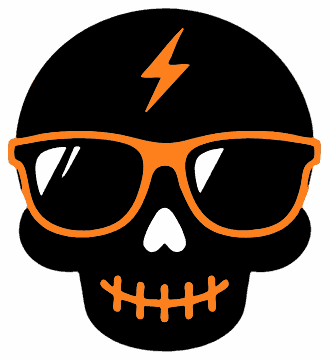
Cool Skull
Prints 7.5×8.2 in · cuts to 0.8 in in black
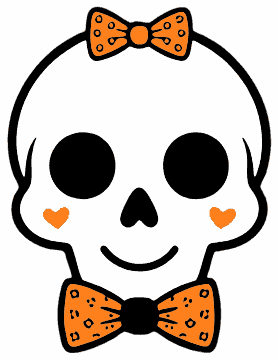
Bow Tie Skull
Prints 6.5×8.5 in · cuts to 2.6 in in black
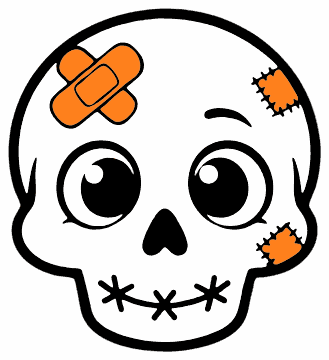
Patched Skull
Prints 7.5×8.2 in · cuts to 2.3 in in black
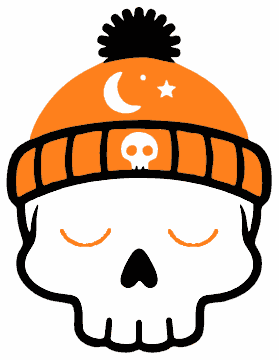
Beanie Skull
Prints 6.5×8.5 in · cuts to 0.9 in in black
What is in each download
- SVGThe artwork as vector, with white, black and orange on separate paths so your machine reads them as three layers.
- PNGThe same artwork on a transparent background, 1200 px on the long edge, for print-and-cut and digital use.
- PDF — page 1One large full-colour design filling the sheet, with its printed size marked underneath.
- PDF — page 2The same design twice at medium and four times small, plus that design’s smallest clean cut size.
How small can you cut these?
We measured every design rather than guessing: each colour layer was rendered on its own, the thinnest feature in it measured, then scaled to find the size at which that feature reaches 0.5 mm — roughly where standard vinyl stops lifting cleanly off the backing.
| Black layer alone | With the orange | |
|---|---|---|
| Classic skulls (12 designs) | 2.7 in | 4.4 in |
| Personality skulls (12 designs) | 2.1 in | 3.0 in |
| Smallest of all (Cool Skull) | 0.8 in | 1.2 in |
Those are medians. The useful thing to know is that the orange trim is always the limit, never the white. On 23 of the 24 designs, cutting all three colours needs exactly the same size as cutting two, because the white is the big skull shape and nothing about it is thin. It is the hat brims, the filigree and the flower centres that decide how small you can go.
Each design’s own number is under its thumbnail above and printed on page 2 of its PDF. These are sizes for standard adhesive and heat-transfer vinyl; with a fresh blade, a clean mat and a slower cut you will usually get away with a bit smaller, and paper or cardstock goes smaller still.
How to use them
- Cutting machine. Upload the SVG — not the PNG — so the colours arrive as separate layers. Cricut Design Space and Silhouette Studio will both offer to keep them grouped; keep them, then hide any layer you are not cutting.
- Set your size first. Scale the whole group before you cut, and check it against that design’s number above. Resizing one layer on its own will knock the registration out.
- Layer order. White first, then orange, then black on top. The black line art is what makes a skull read as a skull, so it always goes last — if it ends up underneath, the eye sockets and teeth disappear.
- Iron-on. Mirror every layer and cut shiny side down. Press the white base for a few seconds, peel, add the orange, then the black. A cool peel on the last layer stops the edges lifting.
- Paper and card. Print the PDF at 100% — choose Actual size, not Fit to page. Printed on sticker paper these cut into decals; on card they make good gift tags and party picks.
Questions people ask
Will the SVG open as separate layers?
Yes. Each colour is a single path, so Design Space, Silhouette Studio and Glowforge all read every design as three layers. If your software flattens it, you have most likely imported the PNG by mistake.
Do I have to cut the white layer?
Only on a coloured surface. The white is the skull itself, so on a black shirt it is doing real work — but on white card or a white shirt you can leave it out and the design looks exactly the same, with one less layer to line up.
What size should I cut for a t-shirt?
Nine to eleven inches across the chest for an adult, six to seven for a child. Every design here clears both sizes comfortably; the fussiest are Cobweb Skull and Leafy Skull, which want seven inches once the orange goes on.
Can I print these on a normal printer?
Yes. One large design on page 1, smaller repeats on page 2, and no full-page background to drain the cartridge. Because the skulls are mostly white, they use far less ink than they look like they will.
Can I use these at school or for something I sell?
School, church, party, your own home — yes, cut and print as many as you need, no need to ask. Selling finished items you made from them is fine in small numbers; selling the files, or a bundle of the designs themselves, is not.