Cursive Signature Generator — Create Your Signature Online (PNG & SVG)
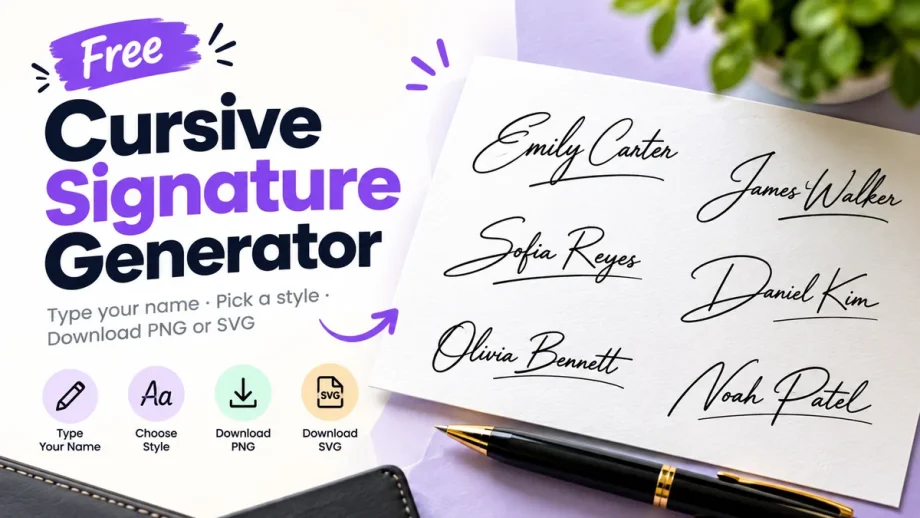
Type your name and get a flowing cursive signature in seconds. Pick a handwriting-style script font, adjust the size and slant, then download a transparent PNG for documents and email, or an SVG for Cricut, laser engraving and printing. Free, no signup, no watermark.
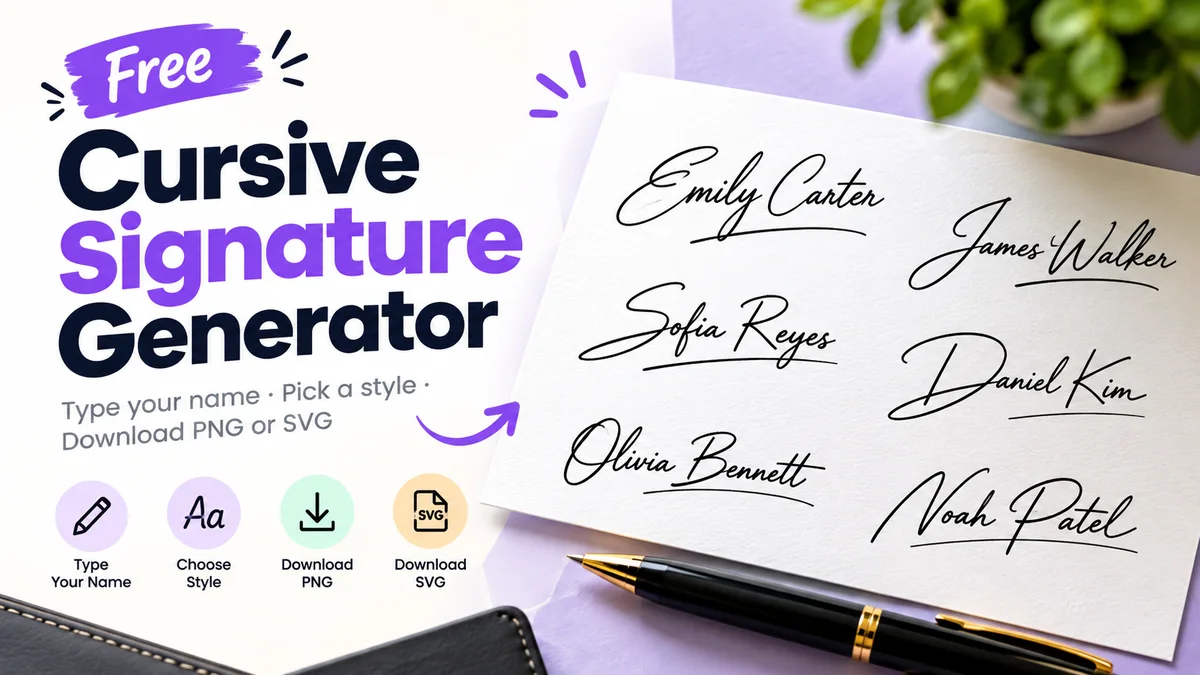
Free · no signup · transparent PNG or SVG · runs in your browser
How to Make a Cursive Signature
- Click Create My Signature — the editor opens with a signature-style script already selected.
- Type your name in the Text box. Most people use first name + surname, or first initial + surname.
- Try different fonts under Typography. Alex Brush, Great Vibes, Sacramento, Yellowtail and Satisfy all give a natural handwritten look.
- Add character — choose Rise for a signature that climbs to the right, or a small Bend for a gentle swoop.
- Download — PNG with a transparent background for documents and emails, or SVG to cut, engrave or scale without blurring.
Which Script Font Suits Your Signature?
| Font | Look | Good for |
|---|---|---|
| Alex Brush | Classic, slanted, elegant loops | Formal signatures, letters, certificates |
| Great Vibes | Fancy calligraphy with big capitals | Wedding cards, invitations, name signs |
| Sacramento | Thin, fast, monoline | Minimal email signatures and logos |
| Yellowtail | Bold retro script | Brand signatures, product labels |
| Satisfy | Relaxed, friendly handwriting | Personal notes, social media, blogs |
| Dancing Script | Bouncy, easy to read | Kids’ crafts, cards, stickers |
What You Can Use Your Signature For
- Email signatures — add the transparent PNG under your name in Gmail or Outlook.
- Artwork and photography — sign your prints, digital art or watermark photos.
- Blogs and websites — a handwritten sign-off at the end of posts.
- Branding — a signature logo for a small business, Etsy shop or social profile.
- Crafts — cut the SVG in vinyl on a Cricut or Silhouette, or engrave it on wood, leather or a tumbler.
A note on legal signatures. A font-generated signature is great for design, branding and informal use. For contracts, bank forms and official documents, use your own handwritten signature or a proper e-signature service, which records who signed and when.
More Lettering Tools
Want copy-and-paste cursive letters for Instagram or Facebook instead of an image? Use the cursive text generator. For names on a curve or in a circle, try the curved text generator or the wavy text generator. For initials, the monogram maker builds framed monograms ready to cut.
Frequently Asked Questions
Is the signature generator free?
Yes. It is free with no signup and no watermark, and you can make as many signatures as you like.
How do I get a signature with a transparent background?
Download it as PNG. The background stays transparent, so the signature sits cleanly on documents, photos and emails.
Can I use the signature on a Cricut or laser?
Yes. Download the SVG and import it into Cricut Design Space, Silhouette Studio, LightBurn or Glowforge. SVG stays sharp at any size.
Can I make my signature slant upwards?
Yes. Choose the Rise shape for a signature that climbs to the right, or use a small Bend on the Arc shape for a gentle curve.
Is a generated signature legally valid?
For contracts and official documents, use your own handwritten signature or an e-signature service. A font-based signature is best for design, branding and informal use.
Is my name stored anywhere?
No. The generator runs entirely in your browser, so nothing you type is sent to a server.