
Free Printable Video Game Backlog Tracker
Keep every game on your radar with this free printable video game backlog tracker. Log what you’re currently playing, what you’ve finished, and what’s still on your wishlist — all in one bold, gamer-styled layout.
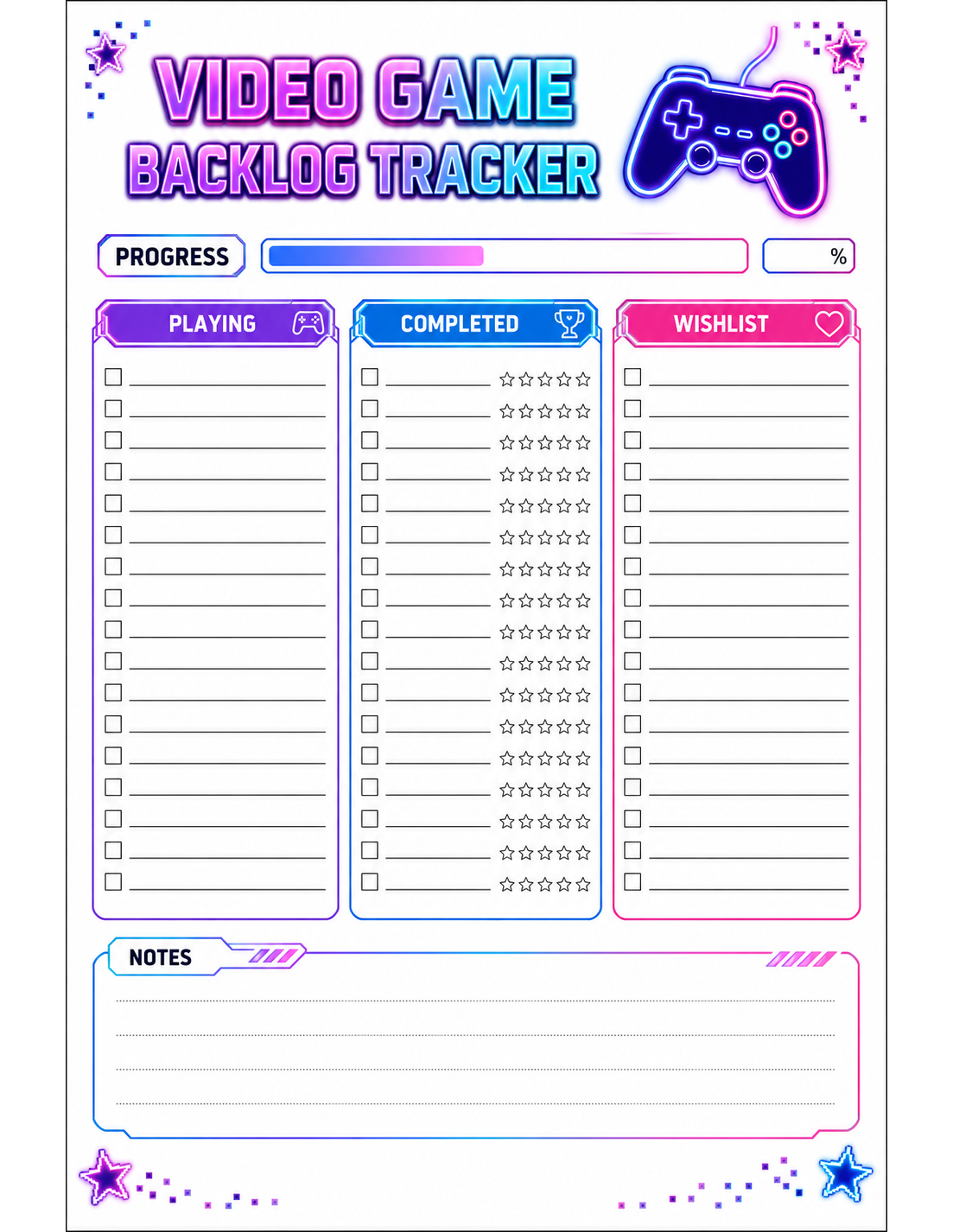
Size: A4, US Letter
This template can be downloaded in the following formats:
How to use this tracker
- Add each game title to the Playing, Completed, or Wishlist column.
- Check off games as you move them from Wishlist to Playing to Completed.
- Jot your rating or total playtime next to each finished game.
- Use the Wishlist column to plan your next purchase or rental.
Why use a printable video game tracker?
Backlogs pile up fast when you’re juggling games across multiple platforms and storefronts. It’s easy to forget what you already own, what you started and never finished, or what you meant to pick up during a sale. A printable tracker puts your whole gaming lineup in one place so nothing gets lost in a scattered mix of apps and store libraries.
Writing it down by hand also makes it easier to actually finish what you start. Seeing your Playing list stay short keeps you focused, and checking games off as Completed gives a satisfying sense of progress that a digital list buried in a launcher just doesn’t provide.
Tips for getting the most out of this tracker
- Update your tracker weekly so it always reflects what you’re actually playing.
- Limit your “Playing” column to 2-3 games at a time to avoid spreading yourself too thin.
- Rate each game right after finishing it while your thoughts are still fresh.
- Group your Wishlist by platform or price to plan smarter purchases.
- Print a few extra copies so you can start a fresh tracker each gaming season or year.
Frequently asked questions
What is a video game backlog tracker?
It’s a simple printable log for organizing the games you’re currently playing, have completed, and still want to play, so you always know what’s next.
Can I use this tracker for any gaming platform?
Yes. The tracker works for console, PC, and mobile games alike — just write in the titles you’re tracking regardless of platform.
How do I print this tracker?
Download the PNG or PDF version and print it at home on standard A4 or US Letter paper, or take the PDF to a print shop for a sharper result.
Related Trackers
Looking for more free printable trackers? Check out these related picks.
TV & Movie Watchlist Tracker
Keep a running list of shows and movies to watch, and what you’ve seen.
Screen Time Tracker
Monitor daily screen time and build healthier digital habits.
Subscription Tracker
Track every subscription, renewal date, and monthly cost.
Daily & 100-Day Goal Tracker
Track daily habits and progress toward your 100-day goal.