Word Scramble Maker

More Printable Games
About
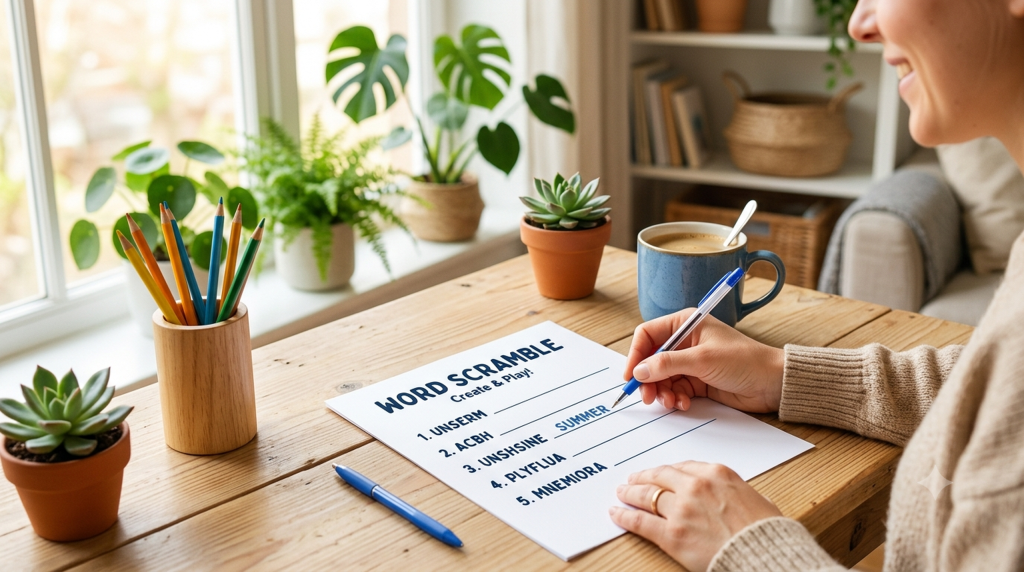
Turn any list of words into a clean, printable puzzle in seconds. Our free Word Scramble Maker lets you type your own words, choose how tricky the mix-up should be, and print a polished worksheet right from your browser. No accounts, no downloads, no watermarks.
Whether you’re a teacher building a spelling review, a parent making a rainy-day activity, or a party host putting together a quick game, everything happens on this page. Type, tweak, print. Change a setting and the preview updates instantly, so what you see is exactly what you’ll get on paper.
How It Works
- Type your words. Add one word per line (or separate them with commas) in the word list box. Sample words are already loaded so you can see how it works.
- Add a title and instructions. Give your worksheet a heading and a short line of directions, like “Unscramble the words below.”
- Choose your options. Pick the number of columns, font size, scramble intensity, letter case, and whether to keep the first or last letter in place.
- Add extras (optional). Turn on a word bank of hints, item numbers, or a separate answer key page.
- Shuffle until you like it. Click Shuffle to re-scramble the words with your current settings.
- Print. Hit Print to send a clean, worksheet-only page to your printer or save it as a PDF.
Features
- Bring your own words — spelling lists, vocabulary, holiday themes, names, anything you type.
- Adjustable difficulty — choose Light scrambling for younger kids or Full random shuffle for a real challenge.
- Keep-first and keep-last letters — leave helpful clues in place to make puzzles easier.
- Flexible layout — 1, 2, or 3 columns with small, medium, or large text.
- Letter case control — keep your words as typed, or switch everything to UPPERCASE or lowercase.
- Built-in word bank — print a shuffled list of answers as hints in a tidy box.
- Answer key page — generate a second sheet that lists each scramble next to its solution.
- Print-ready worksheets — a distraction-free page sized for standard US Letter paper.
Frequently Asked Questions
Is the Word Scramble Maker really free?
Yes. It’s completely free to use with no signup, no login, and no watermark on your printed worksheets.
Do I need to create an account or install anything?
No. Everything runs right here in your browser. There’s nothing to download or install.
Can I use my own words?
Absolutely. That’s the whole point. Type any words you like, one per line or separated by commas, and the maker scrambles them for you.
Does it work for classrooms and groups?
Yes. Teachers use it for spelling and vocabulary practice, and it’s just as handy for homeschool lessons, birthday parties, and group games. Print as many copies as you need.
Can I make an answer key?
Yes. Flip on the answer key toggle and the tool adds a second page listing each scrambled word next to its correct answer, so grading and checking are quick.
How do I control how hard the puzzles are?
Use the intensity setting for a lighter or fuller shuffle, and turn on “Keep first letter” or “Keep last letter” to leave clues in place. You can also add a word bank of hints for beginners.
Can I save it as a PDF?
Yes. When you click Print, choose “Save as PDF” in your printer dialog to keep a digital copy or share it.