
70s Font Generator: FREE Editable 70s Text Effects
Create unique groovy style font lettering effects using the vectordad’s best 70s font generator app. Generate the 70s style striped logo effects, groovy text effects, vintage look font effects, and more.We are all fond of the old vintage era while designing typography. The best choice when it comes to designing art from the 40s to the 90s is groovy fonts. These fonts can be used for various purposes, mostly creating logos, layered cut files for Cricut crafts or vintage artwork.
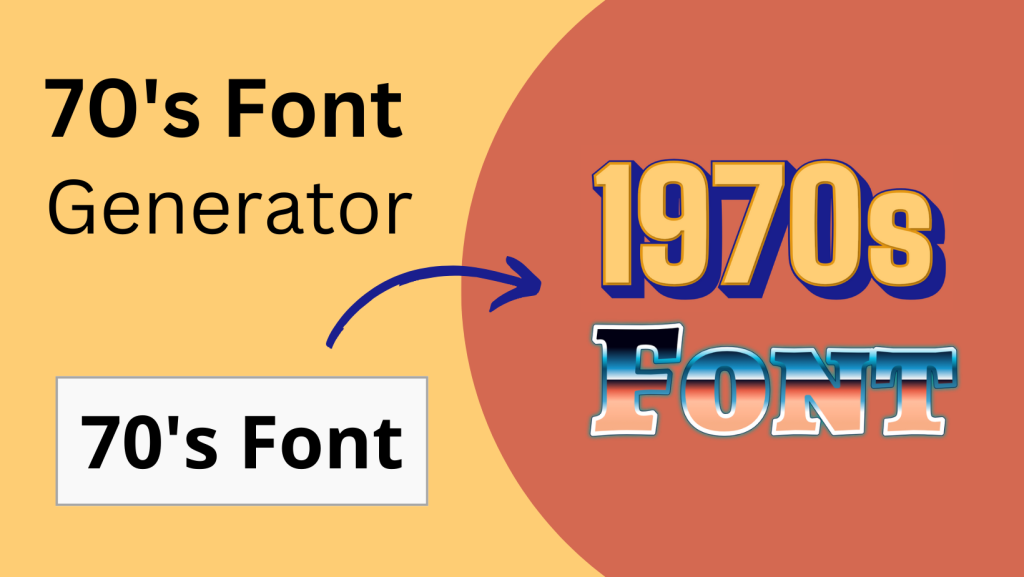
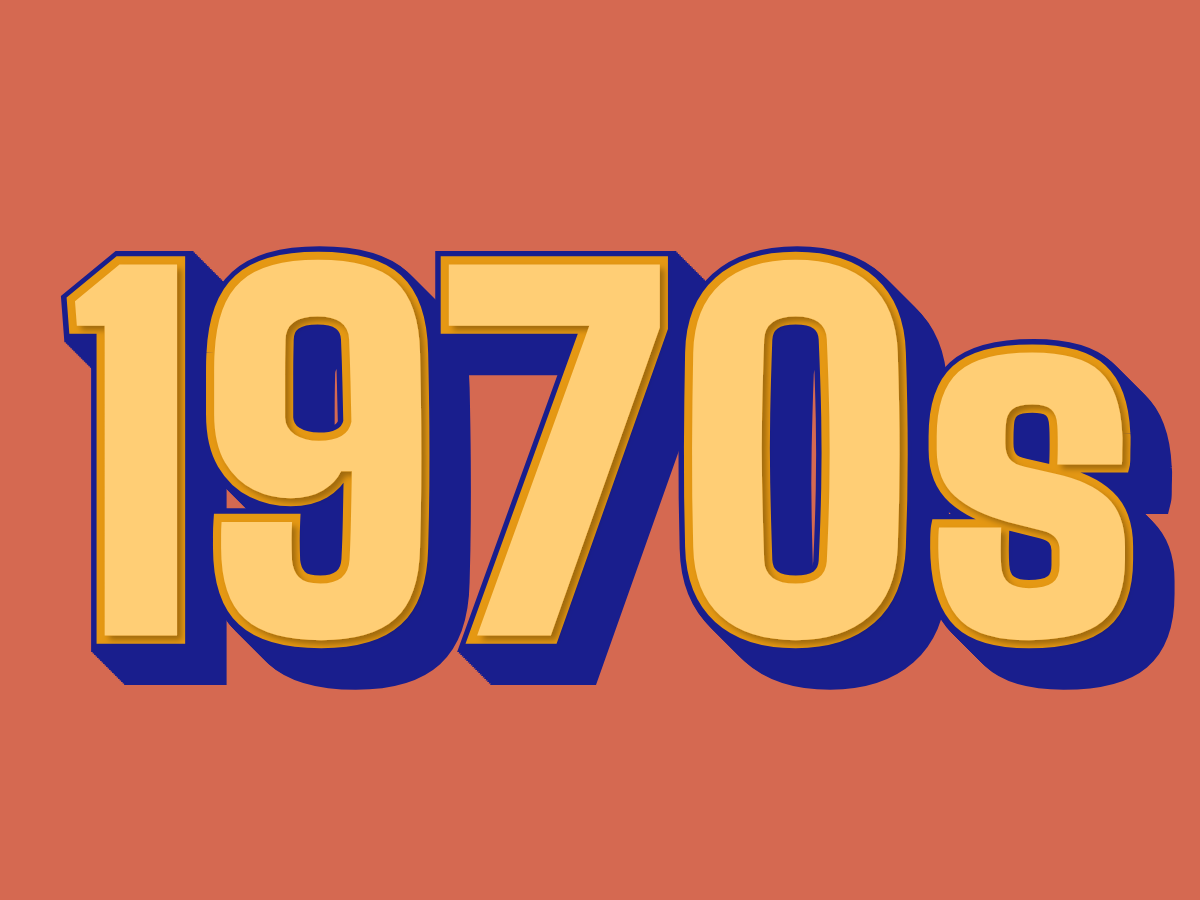 70s Retro Style Text Effect
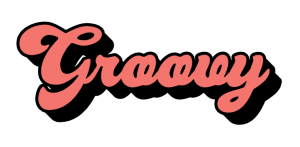 Groovy Font Text Effect
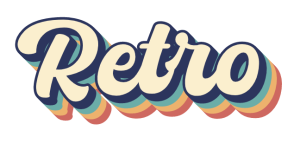 Retro Font Text Effect
SUGGEST US
We are constantly working on enhancing the application by adding new features and various new templates. If you experience any issues or you have any suggestions for us with this vintage font generator tool, feel free to contact us at vectordad24@gmail.com.
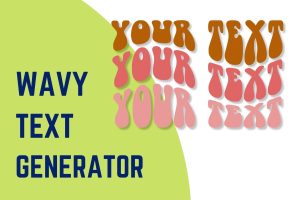
70s posters often bend the lettering too – make wavy text in the same retro style. For a 70s look you can type anywhere, install the Genty font.
The shape template includes Groovy Font Text Effect, Retro Font Text Effect, and 80s Retro Neon Style Text Effect. Please share with us any templates that you would like us to add to the gallery.
Try vectordad’s Silhouette Maker app.
DESIGN, DOWNLOAD & SELL
Use our free 70’s retro font output file to create your own vinyl decals and stickers, t-shirts and apparel or iron-on vinyl, customized mugs and drinkware with vinyl or Infusible Ink transfers, personalized gifts such as keychains, ornaments, and coasters, customized home decor items like wall art, photo frames, clocks, and door mats, customized wedding and event decorations, such as centerpieces, place cards, and signs.
You can also use it to create personalized stationery like greeting cards and invitations, customized phone cases and laptop sleeves, car decals and magnets, and fitness gear such as water bottles and gym bags.
The files you create open in all the major design programs, including Adobe Illustrator, CorelDRAW, Inkscape, Cricut Design Space, Silhouette Studio, and PowerPoint.
You are free to sell your designs, too — list them as downloads on marketplaces like Etsy, Creative Market, and Design Bundles, or turn them into print-on-demand products such as t-shirts and mugs on platforms like Redbubble, Printful, and Zazzle.
Design your own 1980’s retro font text for free and get the printable version in no time. Use this groovy text generator to create: groovy text, retro text, vintage text, vintage font, 80s font, 80s logo, retro schrift, retro groovy font, wavy groovy font, and many more.
Free to Download & Yours to Create With
Every design you make here is completely free to download and yours to use — for personal projects or commercial work like Etsy shops, print-on-demand, custom gifts, and craft fairs. No subscriptions, no watermarks, and no usage limits.
Need another design? Explore more of VectorDad’s free design tools for Cricut, Silhouette, laser cutters, and printables — new generators and templates are added regularly.
OTHER RELATED DESIGNING TOOLS


STEP BY STEP HELP TUTORIAL
It’s super easy and fun to make your own 80’s retro font text in no time. Choose the shape templates and follow the steps below.
1. Upload fonts:
Next, upload your own favorite groovy fonts. The font change directly reflects the stage.
2. Type in your text:
Type your text in the textbox on top of the right-hand side section. Enter your text to directly preview the changes to the text on the stage on the left.
3. Download the final output:
Apply the above changes and download the final output as a high-quality PNG image or JPG image or vector SVG file format for your next great project.