
Creato Display Font – Free Download (OTF, TTF, SVG)

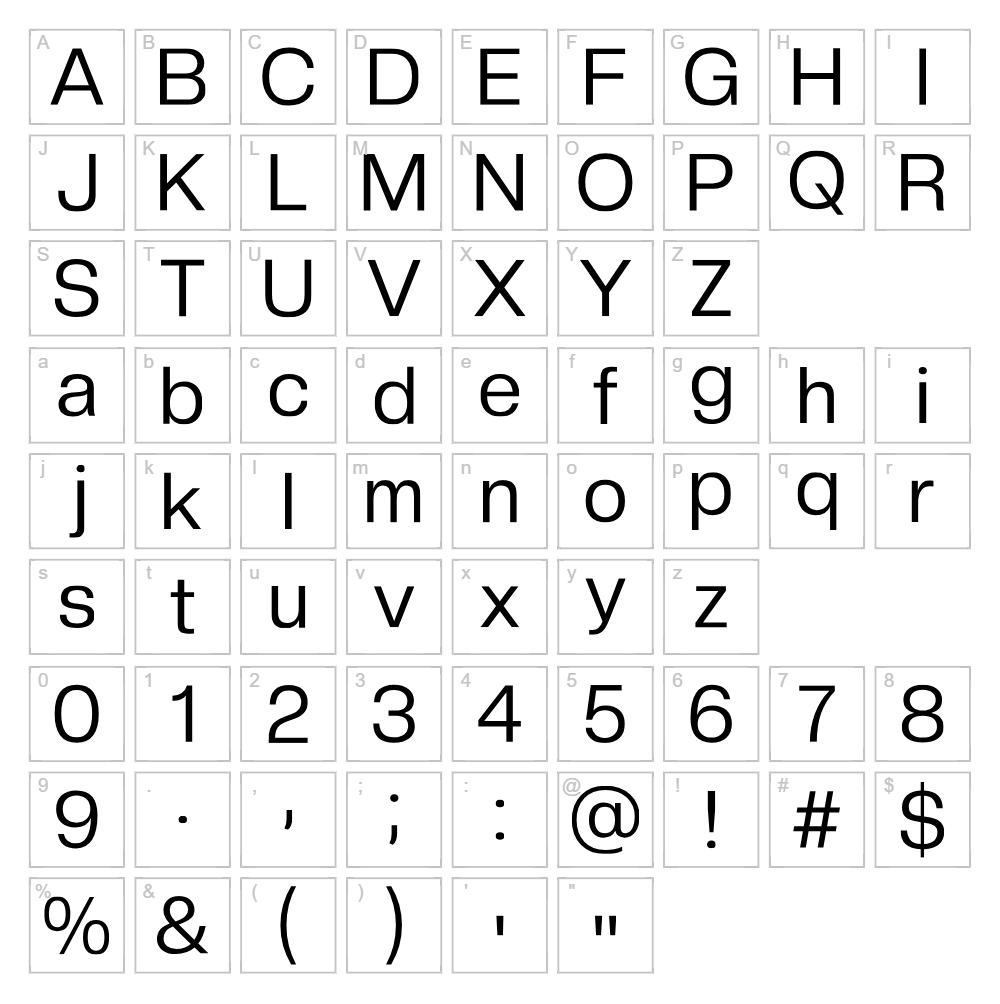
Character Map
Font Files
- CreatoDisplay-LightItalic.otf
- CreatoDisplay-MediumItalic.otf
- CreatoDisplay-RegularItalic.otf
- CreatoDisplay-BlackItalic.otf
- CreatoDisplay-BoldItalic.otf
- CreatoDisplay-ExtraBoldItalic.otf
- CreatoDisplay-ThinItalic.otf
- CreatoDisplay-Bold.otf
- CreatoDisplay-ExtraBold.otf
- CreatoDisplay-Light.otf
- CreatoDisplay-Medium.otf
- CreatoDisplay-Regular.otf
- CreatoDisplay-Black.otf
- CreatoDisplay-Thin.otf
Font Details
- License:Free for commercial use
- Author:
About Creato Display
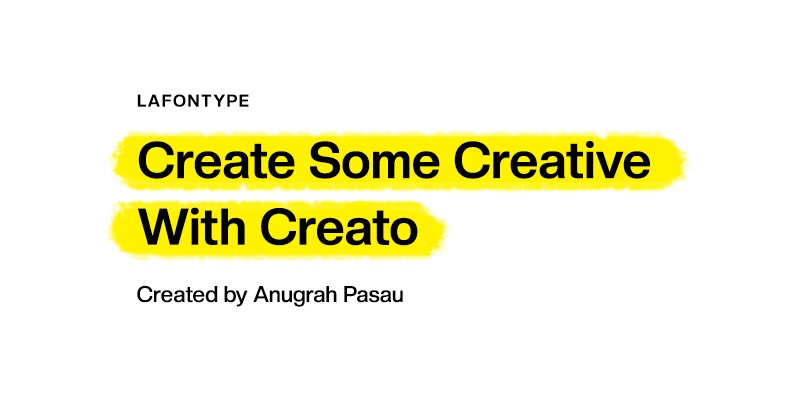
Creato Display is a bold, geometric sans serif font designed by Lafontype that commands attention with its clean lines and modern aesthetic. The typeface features a confident stance with consistent stroke widths, making it ideal for contemporary design projects that demand visual impact. Its minimalist construction and professional character set it apart as a versatile display option for designers seeking clarity without sacrificing personality. Creato Display combines functional elegance with striking visual presence, earning its place in any creative professional's font library.
Best Uses for Creato Display
Creato Display excels in headline design, branding applications, and bold poster graphics where impact is essential. This font is perfect for logo design, packaging, digital marketing materials, and Cricut vinyl cutting projects that require professional-grade typography. Whether you're creating t-shirt designs, promotional signage, or eye-catching social media graphics, Creato Display delivers the bold presence needed to stand out.
What Fonts Pair Well With Creato Display?
Creato Display pairs beautifully with complementary typefaces that balance its boldness. Consider pairing it with Roboto for a cohesive modern aesthetic, Lora for elegant serif contrast, or Open Sans for clean, readable body text. Each combination creates visual hierarchy while maintaining professional polish across your designs.
License & Commercial Use
Creato Display is 100% free for commercial use, licensed under terms that permit you to use the font in logos, branding, print materials, digital designs, web projects, mobile applications, and merchandise production. You may use this font for client work, product packaging, advertising, and any commercial venture without licensing fees. Credit to Lafontype is appreciated but not required. However, you may not resell, redistribute, or modify the font files themselves for redistribution.
Frequently Asked Questions
Is Creato Display free for commercial use?
Yes, Creato Display is completely free for commercial use. You can use it in logos, branding projects, print materials, digital designs, web applications, merchandise, and any other commercial venture without restrictions or licensing fees.
What file formats does Creato Display come in?
Creato Display is available in standard font formats including OTF (OpenType) and TTF (TrueType), compatible with Windows, macOS, and Linux systems. These formats work across all major design applications and operating systems.
What fonts pair well with Creato Display?
Creato Display pairs well with Roboto for a cohesive modern look, Lora for serif contrast and elegance, and Open Sans for clean, readable body copy. These combinations create strong visual hierarchy while maintaining professional design consistency.
Is Creato Display suitable for web design?
Yes, Creato Display works excellently for web headlines, hero sections, and display text on websites. Its bold, geometric character ensures readability on screens and creates strong visual impact in digital layouts and responsive designs.
How to Install Creato Display
- Download the Creato Display font file from VectorDad.com
- Unzip the downloaded folder to access the font files
- Double-click the font file (OTF or TTF) to open the font preview window
- Click the "Install" button to add the font to your system
- Restart your design applications and Creato Display will be available in your font menu
Use Creato Display With VectorDad Tools
Maximize your design potential by using Creato Display with the VectorDad Word Art Generator to create custom SVG designs for Cricut projects. Take your creations further with the Curved Text Generator to bend and shape Creato Display text along custom paths for unique vinyl cutting applications.


