
Bacotu Font – Free Download (OTF, TTF, SVG)

About Bacotu
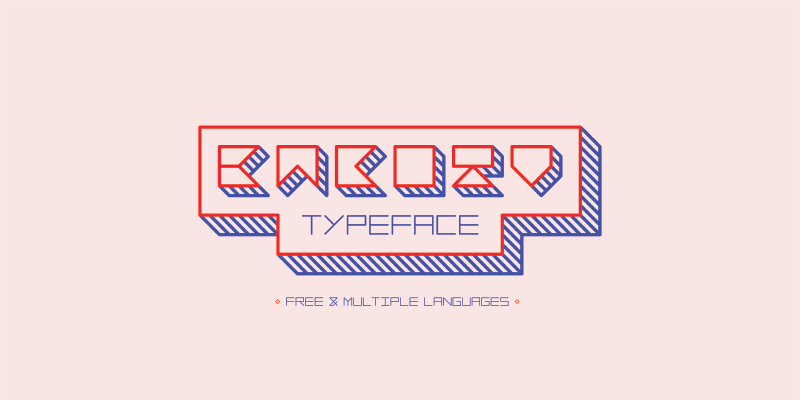
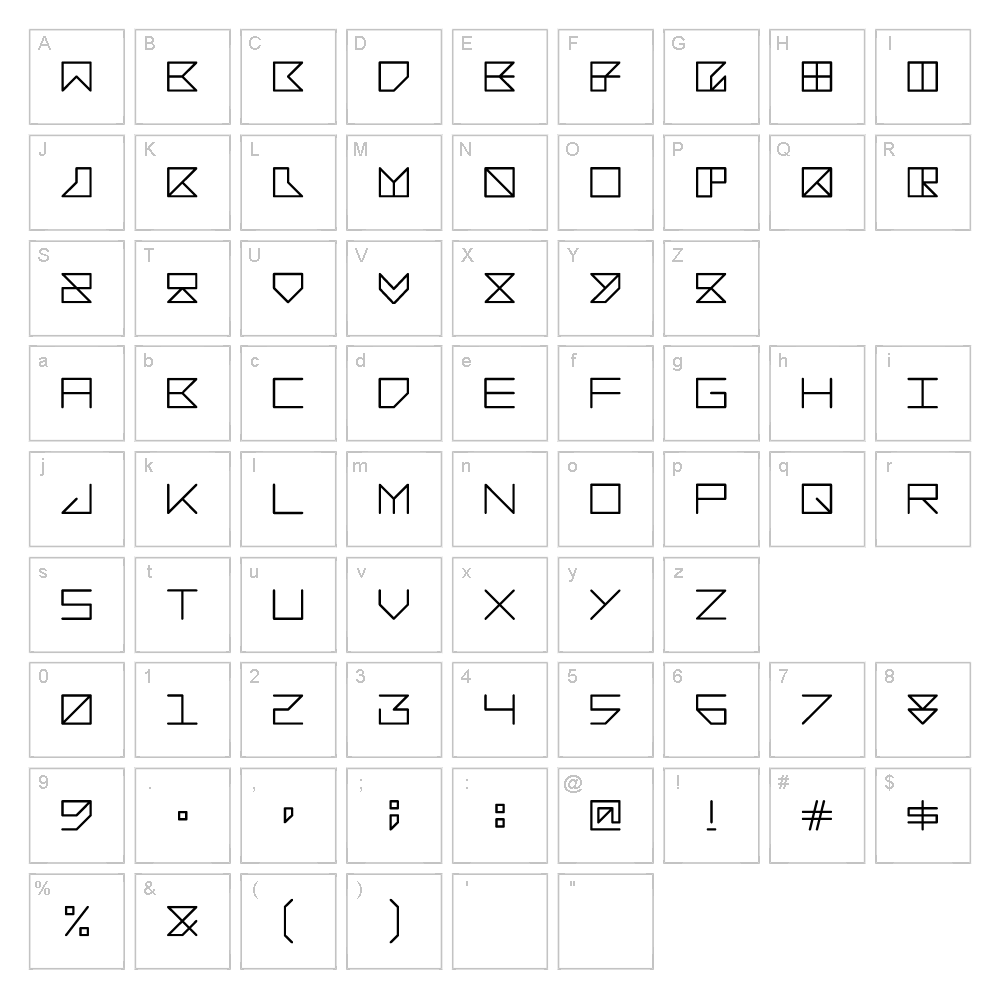
Bacotu is a distinctive techno-inspired typeface designed by Hiep Tong that brings a futuristic edge to any project. With its geometric forms and sharp angular strokes, this font delivers a modern, tech-forward aesthetic that commands attention. The letterforms are constructed with precision and clean lines, creating a bold presence without sacrificing legibility. Bacotu's unique character makes it perfect for designers seeking a contemporary typeface with personality and visual impact.
Best Uses for Bacotu
Bacotu excels in logo design, branding projects, and futuristic product packaging where a tech-savvy aesthetic is desired. Its bold character makes it ideal for vinyl decals, Cricut craft projects, event posters, and digital signage that demand high visibility. The font also works beautifully for album covers, gaming interfaces, and modern editorial layouts where cutting-edge style is essential.
What Fonts Pair Well With Bacotu?
Bacotu pairs exceptionally well with clean sans-serif fonts like Roboto or Inter from Google Fonts, which complement its geometric nature without competing for attention. For a contrasting pairing, consider Playfair Display, a sophisticated serif that balances Bacotu's technical edge with elegance. These combinations work across branding, editorial design, and digital applications.
License & Commercial Use
Bacotu is 100% free for commercial use, including logo design, printed materials, digital publications, web design, mobile apps, merchandise, and promotional campaigns. You may use this font in client work, business branding, and any commercial project without purchasing a license or seeking additional permission. When using Bacotu, please provide credit to designer Hiep Tong where possible. However, reselling or redistributing the font files themselves is strictly prohibited.
Frequently Asked Questions
Is Bacotu free for commercial use?
Yes, Bacotu is completely free for commercial use. You can use it in logos, branding, merchandise, print, digital products, and any business application without restrictions or additional licensing fees.
What file formats does Bacotu come in?
Bacotu is available in standard font formats including TTF (TrueType) and OTF (OpenType), making it compatible with Windows, Mac, and most design applications.
What fonts pair well with Bacotu?
Bacotu pairs well with geometric sans-serifs like Roboto and Inter for complementary designs, or with serif fonts like Playfair Display for elegant contrast. The choice depends on your project's tone and visual hierarchy.
Can I use Bacotu in Cricut Design Space?
Yes, once installed on your computer, Bacotu will be available in Cricut Design Space. You can use it to create custom vinyl decals, t-shirt designs, and other craft projects with ease.
How to Install Bacotu
- Download the Bacotu font file from VectorDad.com
- Unzip the downloaded folder to access the font files
- Double-click the TTF or OTF font file to open the font preview
- Click the "Install" button to add the font to your system
- Restart your design applications—Bacotu will now be available in all your creative software
Use Bacotu With VectorDad Tools
Elevate your Cricut projects by using Bacotu with the VectorDad Word Art Generator, which instantly converts your text into stunning SVG designs ready for cutting. Create curved, wrapped text effects with the Curved Text Generator to add dynamic layouts to your vinyl decals, signage, and craft projects.


