
Backcountry Font – Free Download (OTF, TTF, SVG)

About Backcountry
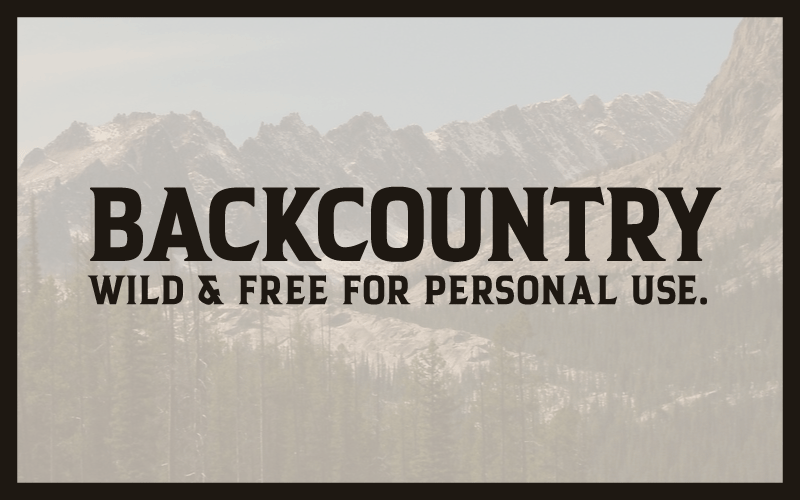
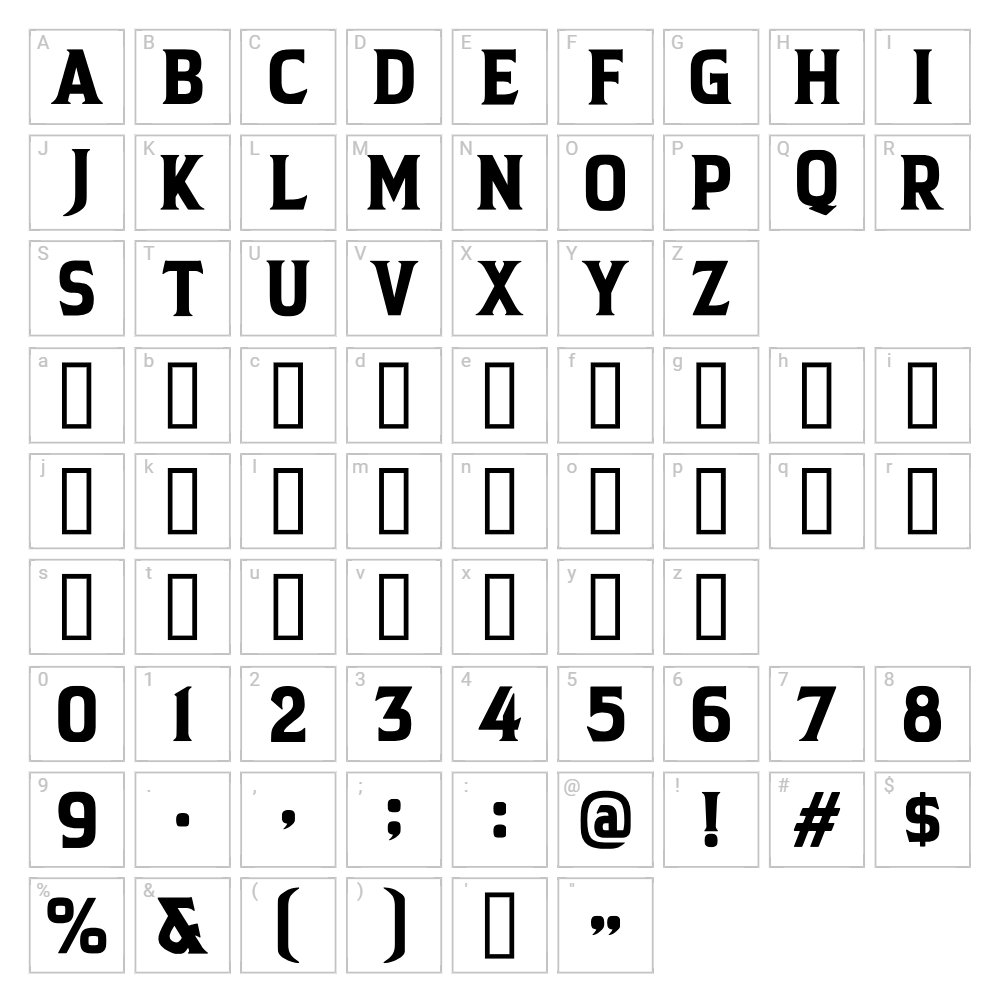
Backcountry is a striking retro-inspired fancy font designed by HENRIavecunK that brings nostalgic flair to any creative project. With its distinctive letterforms and confident stroke weight, this typeface evokes vintage signage and classic outdoor aesthetics. The font's character lies in its ability to command attention while maintaining an approachable, friendly personality. Backcountry works beautifully for projects that need personality and visual impact without sacrificing legibility.
Best Uses for Backcountry
Backcountry excels in logo design, branding, and vintage-themed promotional work where retro appeal is a core design goal. It's perfect for t-shirt graphics, vinyl decals, Cricut crafting projects, and rustic signage applications. The font also shines in poster design, album artwork, and any creative endeavor that benefits from bold, nostalgic typography.
What Fonts Pair Well With Backcountry?
Backcountry pairs beautifully with clean, minimalist fonts that provide contrast to its decorative nature. Montserrat, a geometric sans-serif available on Google Fonts, offers modern balance. Playfair Display works well for elegant pairing in editorial contexts. For a more casual complement, Open Sans provides professional simplicity that lets Backcountry take the spotlight.
License & Commercial Use
Backcountry is free for personal and commercial use, allowing you to create logos, print materials, digital designs, web graphics, mobile apps, and merchandise without licensing restrictions. Please provide credit to designer HENRIavecunK when possible. The one restriction is that you may not resell or redistribute the font files themselves—they are for use, not resale.
Frequently Asked Questions
Is Backcountry free for commercial use?
Yes! Backcountry is completely free for commercial use. You can use it for business logos, marketing materials, product packaging, merchandise, and any other commercial project without additional licensing fees or restrictions.
What file formats does Backcountry come in?
Backcountry is available in standard font formats including TTF (TrueType) and OTF (OpenType), ensuring compatibility across Windows, Mac, and most design applications.
What fonts pair well with Backcountry?
Backcountry pairs well with minimalist sans-serif fonts like Montserrat and Open Sans, which provide clean contrast to its decorative style. For elegant designs, Playfair Display complements it beautifully.
Does Backcountry work well with Cricut machines?
Absolutely! Backcountry's bold, confident strokes are ideal for Cricut cutting and vinyl projects. The font's distinct letterforms cut cleanly and produce excellent results on decals, t-shirts, and other crafted items.
How to Install Backcountry
- Download the Backcountry font file from VectorDad.com to your computer.
- Unzip the downloaded file to extract the font file(s) from the compressed folder.
- Double-click the font file (TTF or OTF) to open the font preview window.
- Click Install to add Backcountry to your system's font library.
- Restart your design application and Backcountry will be available in your font dropdown menu.
Use Backcountry With VectorDad Tools
Maximize Backcountry's creative potential using the VectorDad Word Art Generator, which transforms your text into stunning word art designs perfect for Cricut projects. For curved or circular text effects, try the Curved Text Generator to create professional-quality designs with ease.


