
Gtek Broken Font – Free Download (OTF, TTF, SVG)

About Gtek Broken
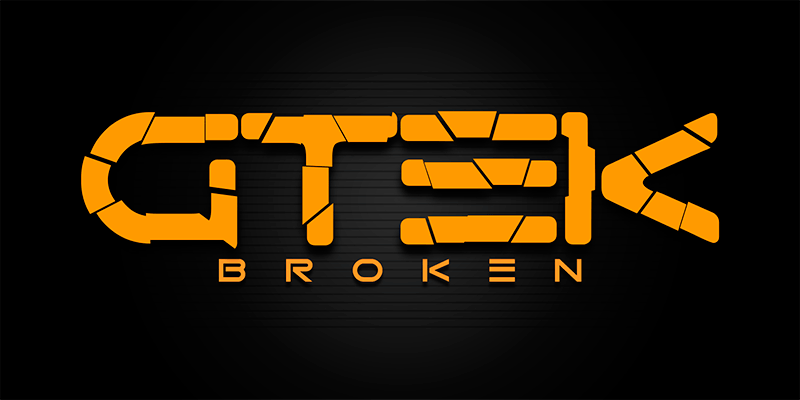
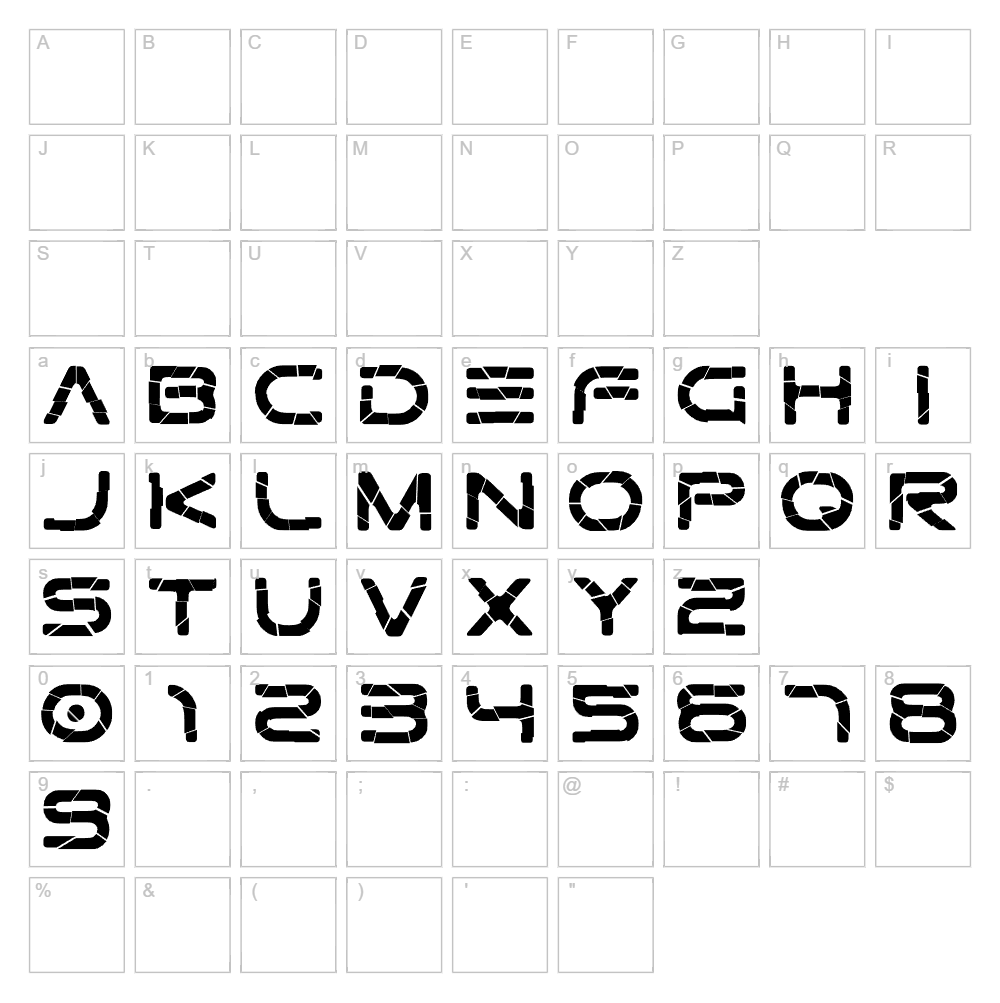
Gtek Broken is a distressed display font from Qbotype Fonts that brings an edgy, fractured aesthetic to any design project. With its deliberately broken letterforms and jagged stroke characteristics, this typeface radiates an experimental, modern attitude perfect for designers seeking bold visual impact. The irregular baseline and fragmented structure create a sense of movement and energy, making it ideal for projects that demand attention and personality. Its unique distorted style sets it apart from conventional fonts and works exceptionally well in contemporary branding and creative applications.
Best Uses for Gtek Broken
Gtek Broken excels in eye-catching headline design, poster creation, and branding projects where you want to make a rebellious statement. It's perfect for t-shirt vinyl designs, Cricut cutting projects, album artwork, gaming graphics, and street-style signage. This font is also well-suited for music festival promotions, comic book lettering, and any creative endeavor that benefits from its bold, distressed personality.
What Fonts Pair Well With Gtek Broken?
Since Gtek Broken is a dominant display font, it pairs best with clean, minimal typefaces that provide contrast. Consider pairing it with Open Sans (a modern sans-serif available on Google Fonts) for body text and secondary headings, Roboto for a contemporary tech feel, or Playfair Display for elegant sophistication alongside its gritty edge. These pairings balance the font's intensity with readable, refined complementary text.
License & Commercial Use
Gtek Broken is free for commercial use, meaning you can use it in logos, printed materials, digital designs, websites, mobile apps, merchandise, and packaging without restriction. You may apply it to client projects, product branding, social media graphics, and business collateral freely. However, you must provide credit to Qbotype Fonts when possible, and you are not permitted to resell, redistribute, or bundle the font files themselves. Always check the foundry's full license agreement for any specific restrictions or attribution requirements.
Frequently Asked Questions
Is Gtek Broken free for commercial use?
Yes, Gtek Broken is completely free for commercial use. You can use it in client projects, product branding, merchandise, packaging, and any other commercial application without purchasing a license. A credit to Qbotype Fonts is appreciated but may not be required depending on the specific license terms.
What file formats does Gtek Broken come in?
Gtek Broken is typically available in standard font formats including TTF (TrueType) and OTF (OpenType), which are compatible with Windows, Mac, and Linux systems. These formats work seamlessly with design software like Adobe Creative Suite, Cricut Design Space, Silhouette Studio, and most modern applications.
What fonts pair well with Gtek Broken?
Gtek Broken pairs exceptionally well with clean, minimalist fonts that provide visual contrast. Top pairing choices include Open Sans, Roboto, and Playfair Display. These complementary typefaces balance Gtek Broken's distressed, edgy aesthetic with readability and sophistication in multi-font layouts.
Can I use Gtek Broken for Cricut vinyl decals and t-shirt designs?
Absolutely! Gtek Broken's bold, distinctive letterforms make it an excellent choice for Cricut cutting projects, vinyl decals, and apparel design. Its distressed style creates visually striking designs on t-shirts, hoodies, and other merchandise. Simply import the font into Cricut Design Space and use it like any standard font for your cutting projects.
How to Install Gtek Broken
- Download the Gtek Broken font file from VectorDad or the source website and save it to your computer.
- Unzip the downloaded folder to extract the font file (usually a .ttf or .otf file).
- Double-click the font file to open the font preview window on your system.
- Click the "Install" button to add Gtek Broken to your system fonts library.
- Restart your design applications (Adobe Creative Suite, Cricut Design Space, Silhouette Studio, etc.) and Gtek Broken will appear in your font menus and be ready to use.
Use Gtek Broken With VectorDad Tools
Create stunning custom word art graphics with Gtek Broken using the VectorDad Word Art Generator, perfect for converting your text into ready-to-cut SVG files for Cricut and other cutting machines. Take your designs even further with the Curved Text Generator to bend and shape Gtek Broken text along custom paths, giving your vinyl decals and t-shirt designs a professional, eye-catching appearance.


