
Pamela Font – Free Download (OTF, TTF, SVG)

About Pamela
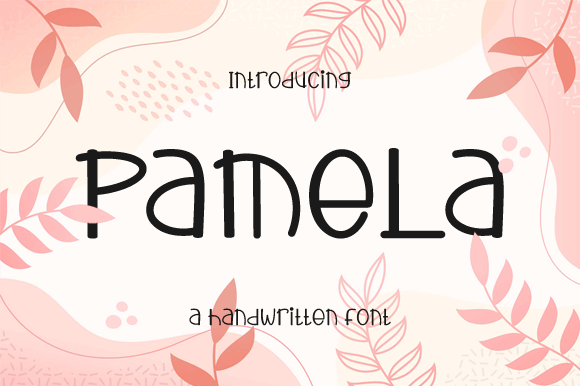
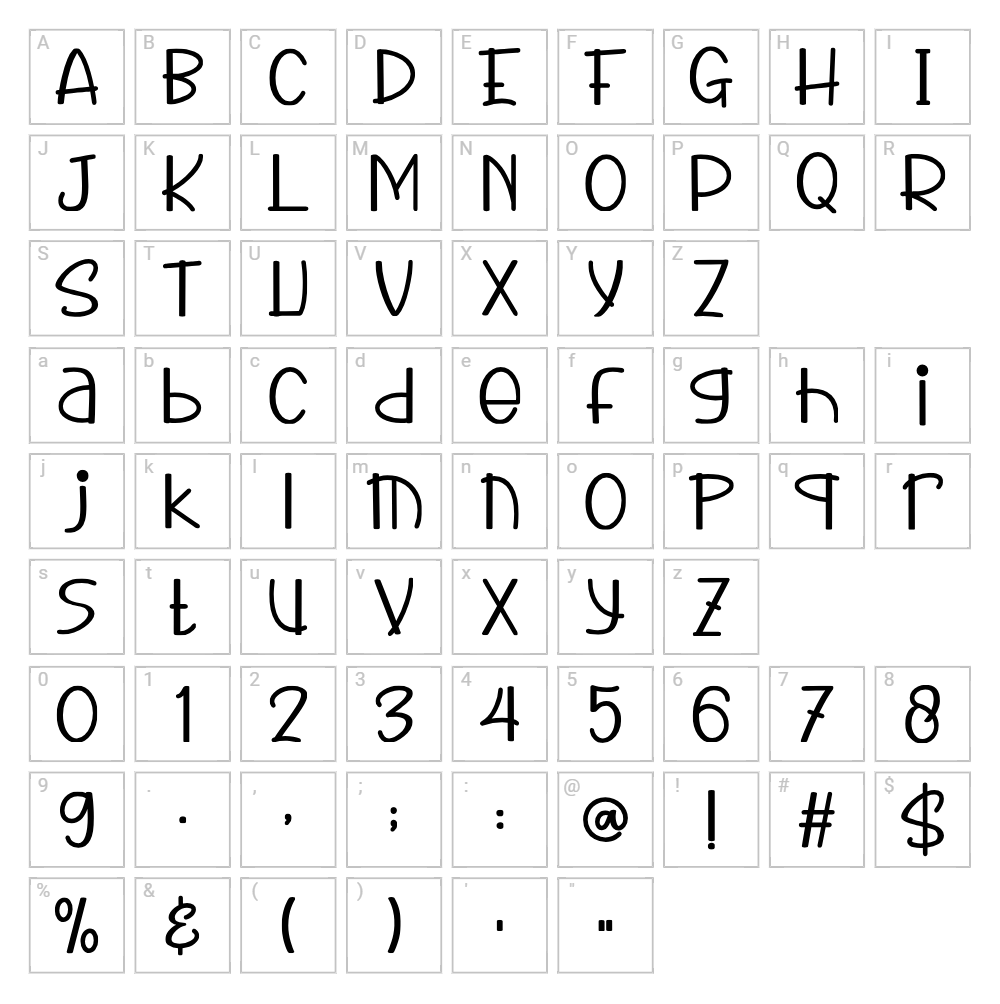
Pamela is a striking fancy typeface created by Nirmala Creative that brings a bold, decorative energy to any design project. This font features distinctive letterforms with elegant curves and dramatic flourishes that command attention while maintaining excellent readability. The design balances ornamental details with clean lines, making it equally at home in sophisticated branding applications or playful creative endeavors. Pamela's unique character set and expressive style make it a standout choice for designers seeking a personality-driven typeface.
Best Uses for Pamela
Pamela excels in headline design, branding projects, and display applications where a bold, decorative voice is needed. This font is perfect for logo design, poster creation, Cricut vinyl decal projects, and merchandise like t-shirts and apparel where impact matters. It's also ideal for event invitations, greeting cards, social media graphics, and any design that benefits from a fancy, eye-catching typographic treatment.
What Fonts Pair Well With Pamela?
Pamela pairs beautifully with clean, minimal sans-serif fonts that allow it to shine as the design focal point. Consider pairing it with Roboto or Open Sans from Google Fonts for body text and supporting elements. For a more sophisticated combination, Lora (a serif font) provides elegant contrast while maintaining design cohesion.
License & Commercial Use
Pamela is available for free personal use, making it an accessible option for hobbyists, students, and creators exploring design projects. The font is licensed for use in logos, print materials, digital designs, website projects, mobile applications, and merchandise production. Always credit Nirmala Creative as the designer when using this font in your projects. Please note that reselling or distributing the font files themselves is not permitted under the license terms.
Frequently Asked Questions
Is Pamela free for commercial use?
Pamela is designated as free for personal use. If you plan commercial applications, contact Nirmala Creative directly to discuss licensing options and permissions for your specific project needs.
What file formats does Pamela come in?
Pamela is available in standard font file formats including TTF (TrueType Font) and OTF (OpenType Font), ensuring compatibility with Windows, Mac, and most design applications including Adobe Creative Suite and free tools like Canva.
What fonts pair well with Pamela?
Pamela pairs best with neutral, minimal typefaces that don't compete for attention. Roboto, Open Sans, and Lora are excellent complementary choices available free on Google Fonts that balance Pamela's decorative style.
Can I use Pamela for my Cricut cutting machine projects?
Yes, Pamela works beautifully with Cricut Design Space and other cutting software. For even better results with Cricut projects, use the VectorDad Word Art Generator or Curved Text Generator to create custom SVG files with Pamela's lettering.
How to Install Pamela
- Download the Pamela font file from VectorDad.com to your computer.
- Unzip the downloaded folder to access the font files (TTF or OTF format).
- Double-click the font file to open the font preview window.
- Click the "Install" button to add Pamela to your system fonts.
- Restart your design applications and Pamela will be available in the font dropdown menu.
Use Pamela With VectorDad Tools
Take your Pamela designs to the next level by using the VectorDad Word Art Generator to create custom SVG files perfect for Cricut cutting projects. For curved text effects, the Curved Text Generator allows you to bend and shape Pamela lettering into unique designs ideal for vinyl decals and decorative applications.
Make Your Own Font
Like the look of Pamela but want letters in your own style? Draw or trace each character as an SVG, then turn the set into an installable .ttf font with our SVG to TTF converter. It runs in your browser, with no signup.


