
Stella Font – Free Download (OTF, TTF, SVG)

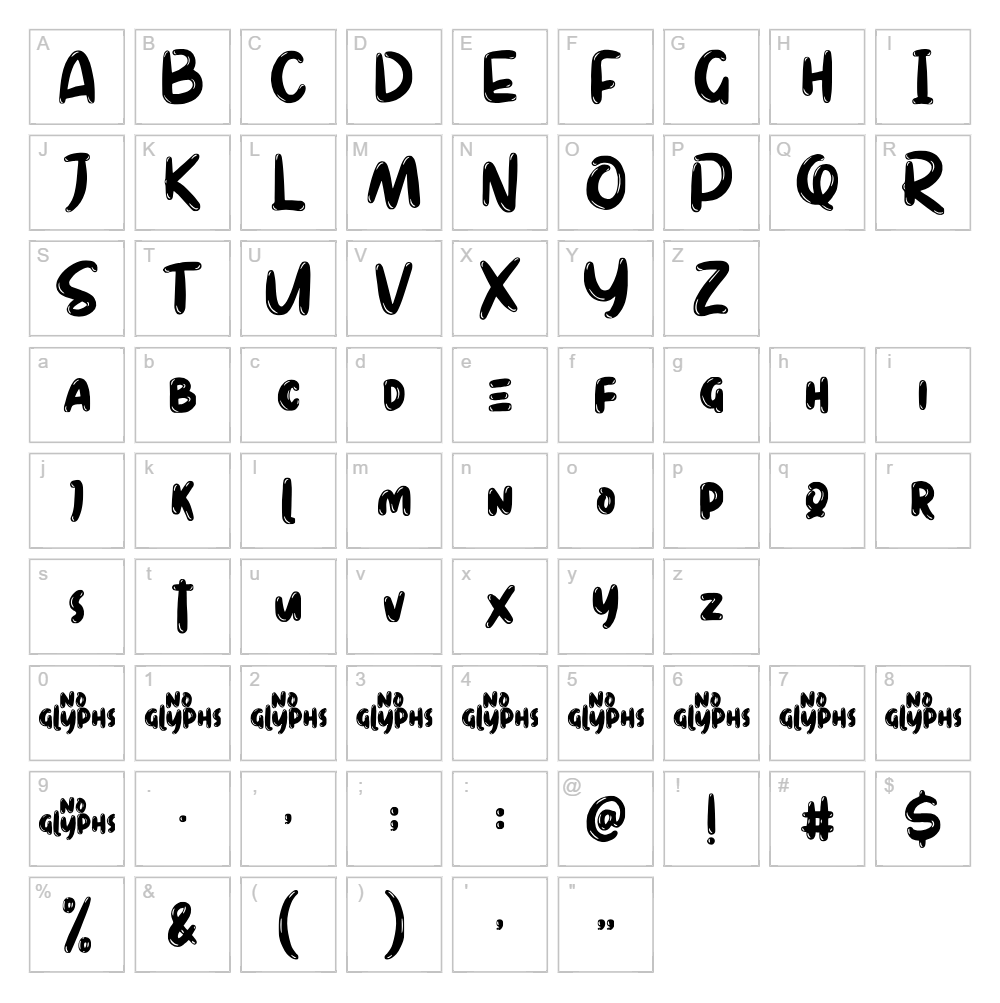
Character Map
Download Stella Font
Downloads as a ZIP file. Check the license notes on this page before commercial use.
Font Files
- Stella Demo.ttf
- Stella Demo.otf
Font Details
- License:Free for personal use
- Author:
About Stella
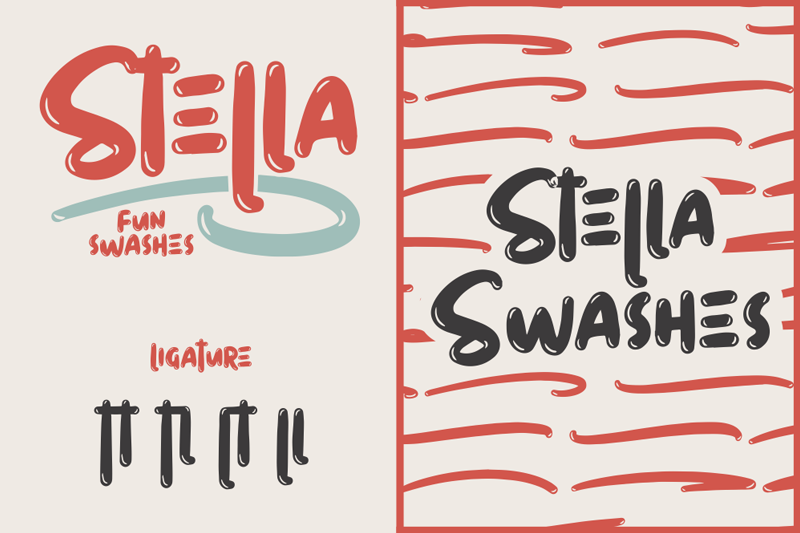
Stella is a playful cartoon-inspired font designed by Sarah Robbaniyyah that brings whimsical charm to any creative project. With its rounded letterforms and friendly stroke weight, Stella strikes the perfect balance between modern sophistication and lighthearted appeal. The font's characteristic curves and soft edges create an approachable mood that works beautifully in designs targeting both children and adults. Stella's distinctive personality makes it an ideal choice for designers seeking a font that stands out while remaining highly legible.
Best Uses for Stella
Stella shines in playful branding projects, children's book illustrations, greeting card designs, and custom apparel. This font is particularly effective for Cricut crafting projects, vinyl decals, and personalized merchandise where a friendly, approachable aesthetic is desired. It also works wonderfully for social media graphics, event invitations, and whimsical signage that needs to capture attention with personality.
What Fonts Pair Well With Stella?
To complement Stella's playful nature, consider pairing it with Poppins, a clean and modern sans-serif that provides balance without competing for visual attention. For a more sophisticated contrast, Lora (a elegant serif font) creates an interesting juxtaposition between Stella's whimsy and classic typography. Alternatively, Montserrat offers a neutral, professional counterpart that grounds Stella's decorative energy while maintaining cohesive design harmony.
License & Commercial Use
Stella is available for personal use under its specified license. While the font is free to download, commercial use permissions depend on the original license terms set by designer Sarah Robbaniyyah. If you intend to use Stella for commercial projects—including logo design, printed materials, digital products, web applications, or branded merchandise—please verify the current license terms on the font's official distribution page or contact the designer directly. Always credit Sarah Robbaniyyah as the designer, and note that redistributing or reselling the font files is strictly prohibited.
Frequently Asked Questions
Is Stella free for commercial use?
Stella is designated as "Free For Personal Use." Commercial licensing depends on the original designer's terms. Before using Stella commercially (logos, print products, merchandise, apps, or websites), verify the current license agreement with Sarah Robbaniyyah or the font's official source.
What file formats does Stella come in?
Stella is typically available in standard font formats including TTF (TrueType) and OTF (OpenType). These formats are compatible with Windows, Mac, and creative software like Adobe Creative Suite, Cricut Design Space, and Silhouette Studio.
What fonts pair well with Stella?
Stella pairs beautifully with modern sans-serifs like Poppins and Montserrat for a contemporary look, or with elegant serifs like Lora for a more sophisticated contrast. See our full font pairing recommendations above.
Can I use Stella for Cricut projects?
Yes, Stella works excellently in Cricut Design Space for custom vinyl decals, t-shirt designs, and personalized crafts. Once installed on your computer, it will be available in the Cricut app's font library for all your DIY projects.
How to Install Stella
- Download the Stella font file from the VectorDad website.
- Unzip the downloaded file to extract the font files.
- Double-click the Stella font file (TTF or OTF) to open the font preview window.
- Click the "Install" button to add Stella to your system fonts.
- Restart your creative applications (Adobe, Cricut Design Space, etc.) and Stella will be available in all font menus.
Use Stella With VectorDad Tools
Maximize Stella's creative potential with the VectorDad Word Art Generator, which lets you transform text into eye-catching designs perfect for printing and cutting. Create professional curved text effects using the Curved Text Generator, ideal for Cricut projects that demand dynamic, Instagram-worthy layouts.
Make Your Own Font
Like the look of Stella but want letters in your own style? Draw or trace each character as an SVG, then turn the set into an installable .ttf font with our free font creator. It runs in your browser, with no signup.
Similar Fonts
If you like Stella, you may also like these free fonts:


