
Fake Smiths Font – Free Download (OTF, TTF, SVG)

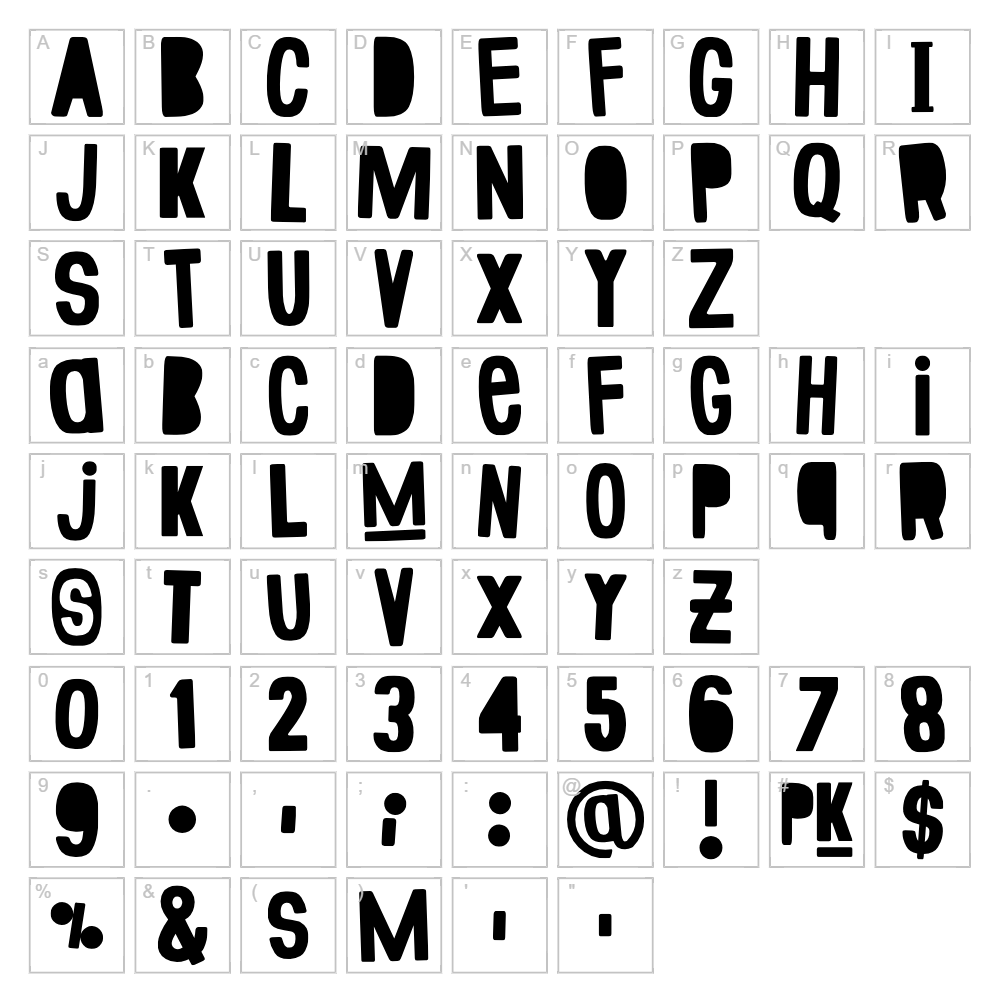
Character Map
Download Fake Smiths Font
Downloads as a ZIP file. Check the license notes on this page before commercial use.
Font Files
- Fake Smiths.ttf
Font Details
- License:Free for personal use
- Author:
About Fake Smiths
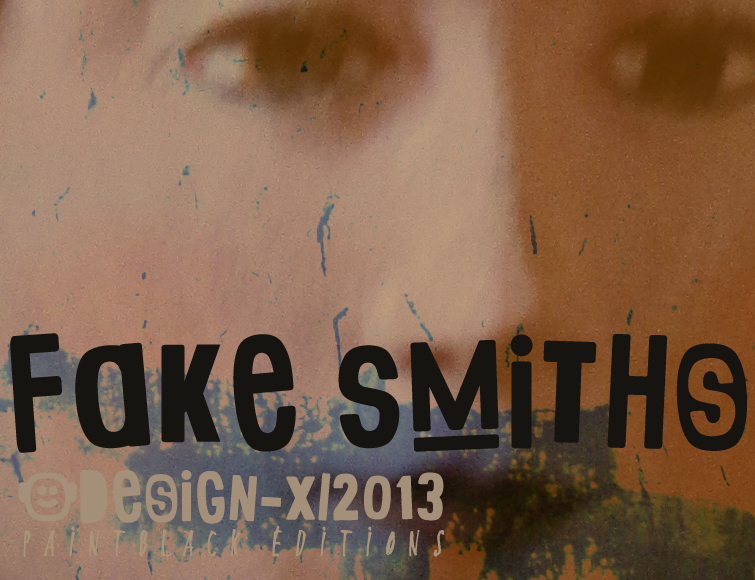
Fake Smiths is a boldly distorted display font designed by paintblack that embraces an intentionally warped, unconventional aesthetic. The characters feature irregular letterforms with jagged edges and exaggerated angles, giving the typeface a raw, hand-crafted quality that feels both modern and chaotic. Its artistic distortion makes it perfect for designers seeking a unique, eye-catching personality. This free font captures a rebellious spirit ideal for creative projects that demand visual impact and character.
Best Uses for Fake Smiths
Fake Smiths excels in projects where bold visual personality outweighs readability—think poster design, album artwork, brand identity statements, and eye-catching social media graphics. It's perfect for Cricut crafters creating custom vinyl decals, t-shirt designs, and statement signage that needs to stand out. The distorted style also works wonderfully for editorial covers, music promotion materials, and any project where unconventional typography strengthens the creative message.
What Fonts Pair Well With Fake Smiths?
Pair Fake Smiths with clean, minimal typefaces to balance its distorted energy. Poppins (Google Fonts) offers modern simplicity, Roboto provides neutral sans-serif grounding, and Playfair Display adds elegant contrast with serif sophistication. These pairings allow Fake Smiths to shine as a display accent while maintaining overall design legibility.
License & Commercial Use
Fake Smiths is licensed for free personal and commercial use. You may use this typeface to create logos, design print materials, develop digital products, build websites, create mobile applications, and produce merchandise—all without permission or payment required. You must credit the designer paintblack in your project credits. However, you cannot resell, redistribute, or modify the font files themselves for resale or republication.
Frequently Asked Questions
Is Fake Smiths free for commercial use?
Yes, Fake Smiths is completely free for commercial projects including logos, packaging, merchandise, websites, and digital products. Simply credit the designer paintblack in your credits.
What file formats does Fake Smiths come in?
Fake Smiths is available in standard font formats including TTF (TrueType) and OTF (OpenType), ensuring compatibility with Mac, Windows, and design software like Adobe Creative Suite, Cricut Design Space, and Canva.
What fonts pair well with Fake Smiths?
Fake Smiths pairs beautifully with clean sans-serif fonts like Poppins and Roboto for balanced contrast, or with elegant serif fonts like Playfair Display for more sophisticated compositions. The key is pairing its distorted energy with stable, legible typefaces.
Can I use Fake Smiths for Cricut and vinyl cutting projects?
Absolutely. Fake Smiths works great for Cricut cutting and vinyl decal projects, though its irregular letterforms may require careful spacing. For best results, test your text at your intended size before cutting.
How to Install Fake Smiths
- Download the Fake Smiths font file from VectorDad in TTF or OTF format.
- Unzip the downloaded folder to access the font file.
- Double-click the font file to open the font preview window.
- Click the "Install" button to add Fake Smiths to your system fonts.
- Restart your design application, and Fake Smiths will appear in your font list and be ready to use.
Use Fake Smiths With VectorDad Tools
Create stunning distorted text designs using the VectorDad Word Art Generator, which lets you instantly convert Fake Smiths typography into editable SVG files perfect for Cricut projects. Bend and curve your text with the Curved Text Generator to amplify the font's artistic energy and add even more visual dynamism to your designs.
Make Your Own Font
Like the look of Fake Smiths but want letters in your own style? Draw or trace each character as an SVG, then turn the set into an installable .ttf font with our SVG to TTF font maker. It runs in your browser, with no signup.
Similar Fonts
If you like Fake Smiths, you may also like these free fonts:


