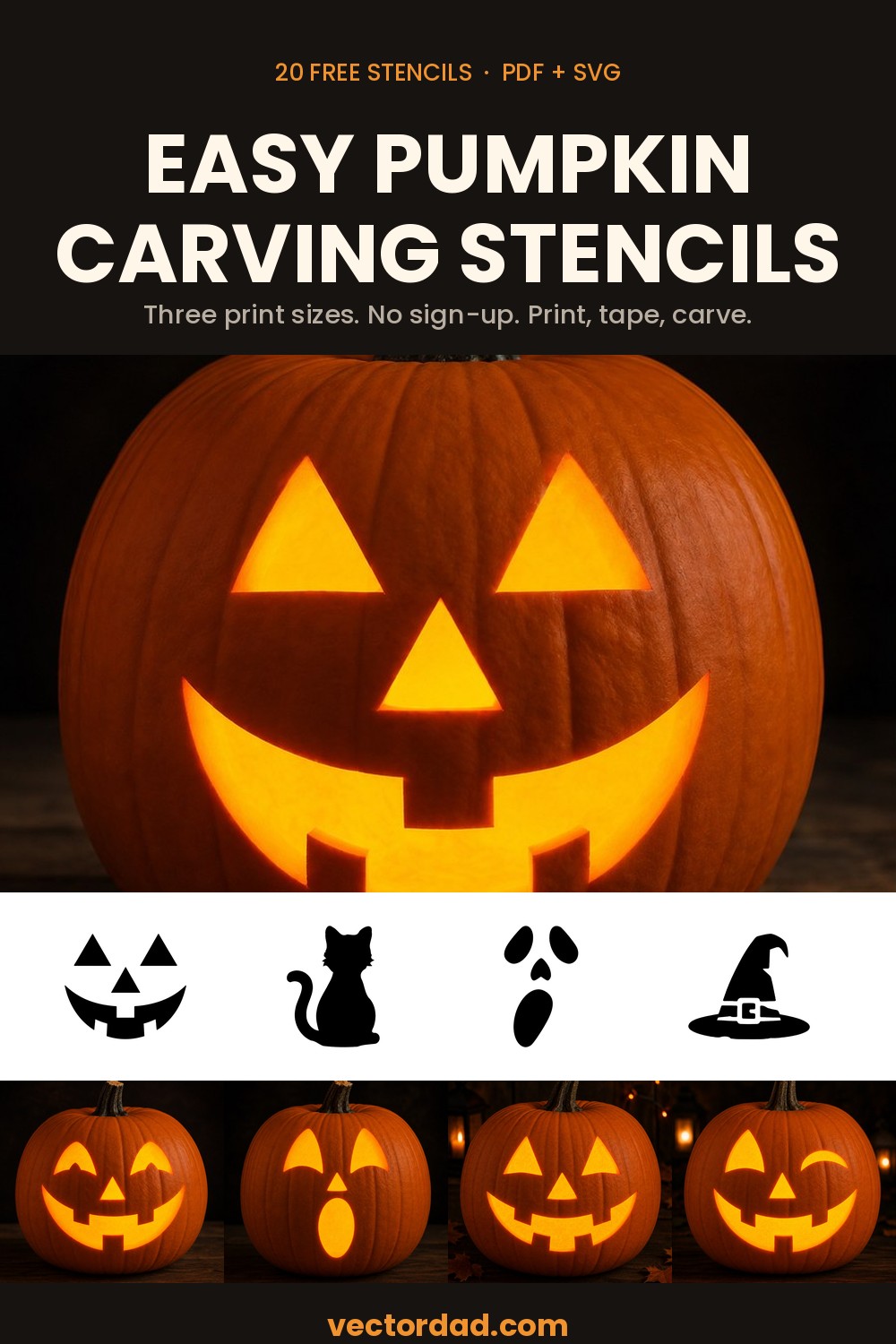
Easy Pumpkin Carving Stencils
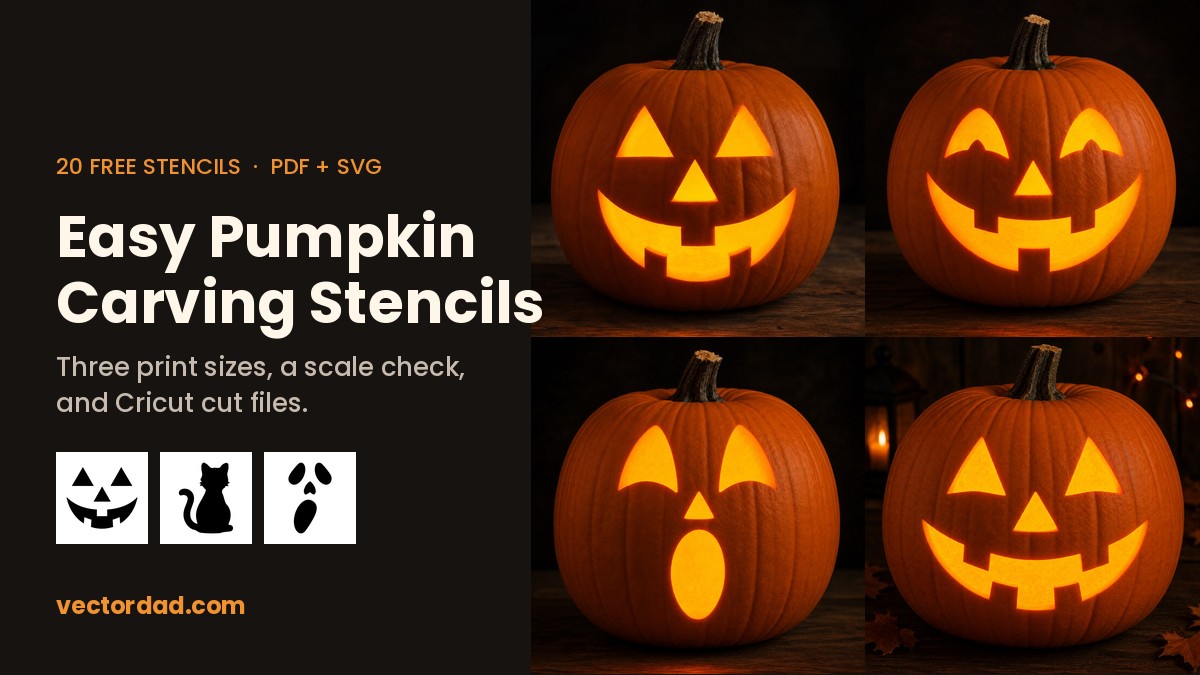
Twenty pumpkin carving stencils, all of them cuttable with a kitchen knife and a bit of patience. No sign-up, no watermark, and every design comes in three printed sizes so you can match the template to the pumpkin instead of guessing.
Each one downloads as a PDF for printing and carving, an SVG if you cut with a Cricut or Silhouette, and a PNG if you just want the picture. These are the beginner set — big shapes, few pieces, nothing so fine that it tears halfway through.
Print these at full size — it matters more than you think
The most common reason a stencil goes wrong has nothing to do with carving. Print dialogs default to Fit to page, which quietly shrinks the design by a few per cent, and you only find out when the template no longer matches the pumpkin you measured.
Want to carve your own pet or face? Upload a photo to our free picture stencil maker and print it at pumpkin size.
Each PDF holds three pages, so you can pick the size that suits your pumpkin rather than resizing anything:
- Small — 5 inA small pumpkin, around 20 cm tall
- Medium — 7 inThe standard carving pumpkin, around 25 cm
- Large — 9 inA big one, 30 cm and up
The sheets are sized for US Letter and print correctly on A4 as well. On every stencil, black is what you cut away and white is the pumpkin you leave standing.
Easy jack-o’-lantern faces
Four or five separate shapes with nothing trapped inside them — the fastest carve on the page, and forgiving if the knife wanders.
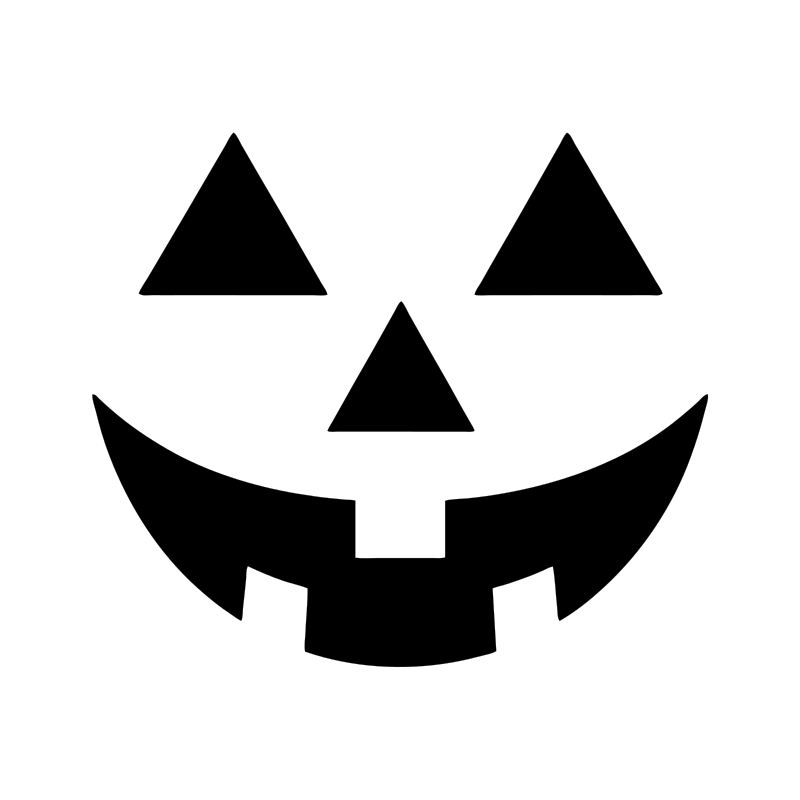
Classic triangle face
Easy
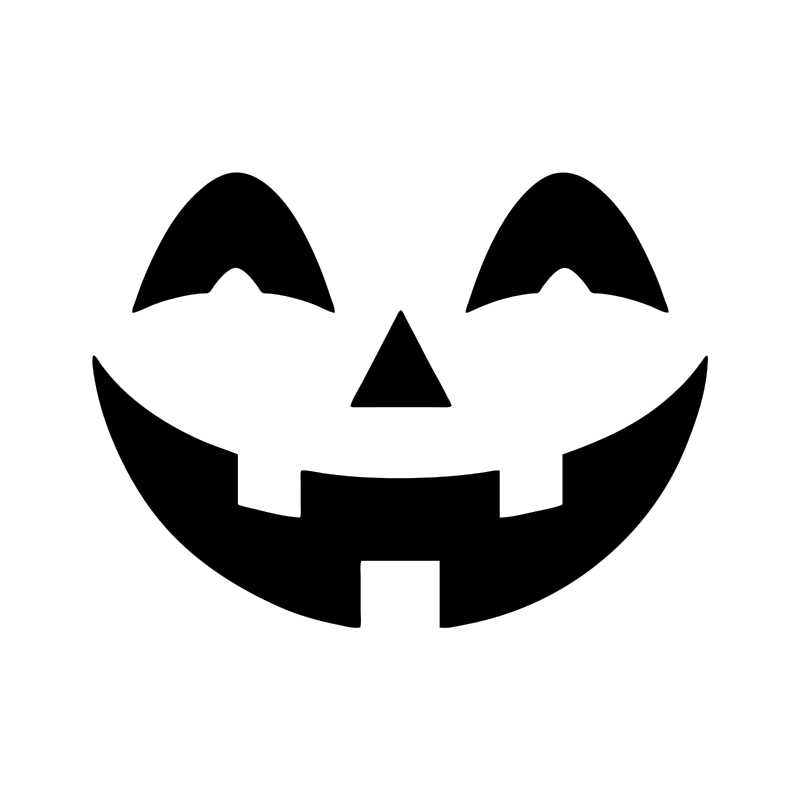
Smiling jack-o’-lantern
Easy
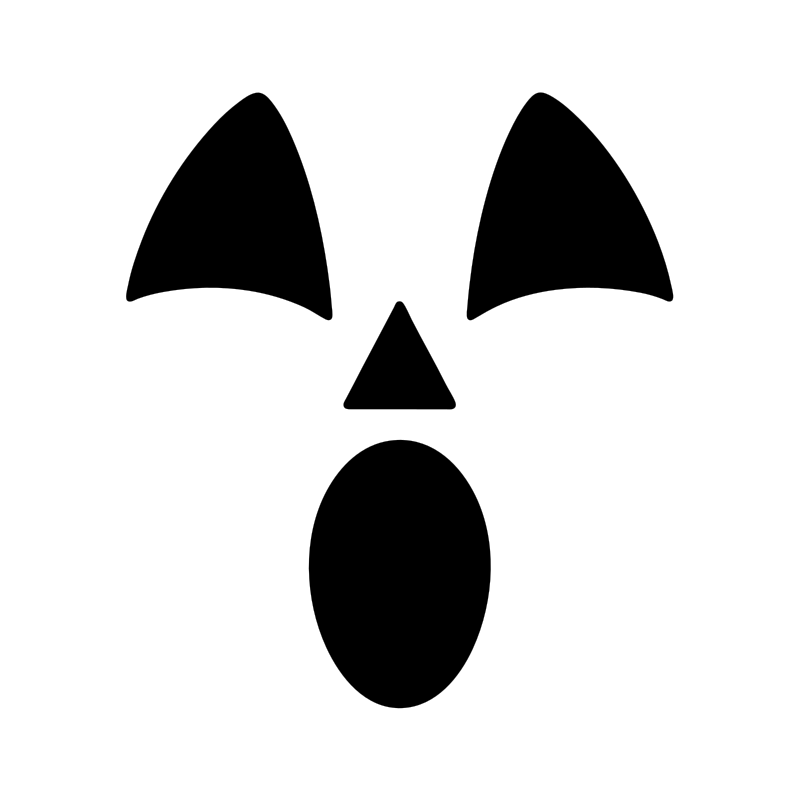
Surprised face
Easy
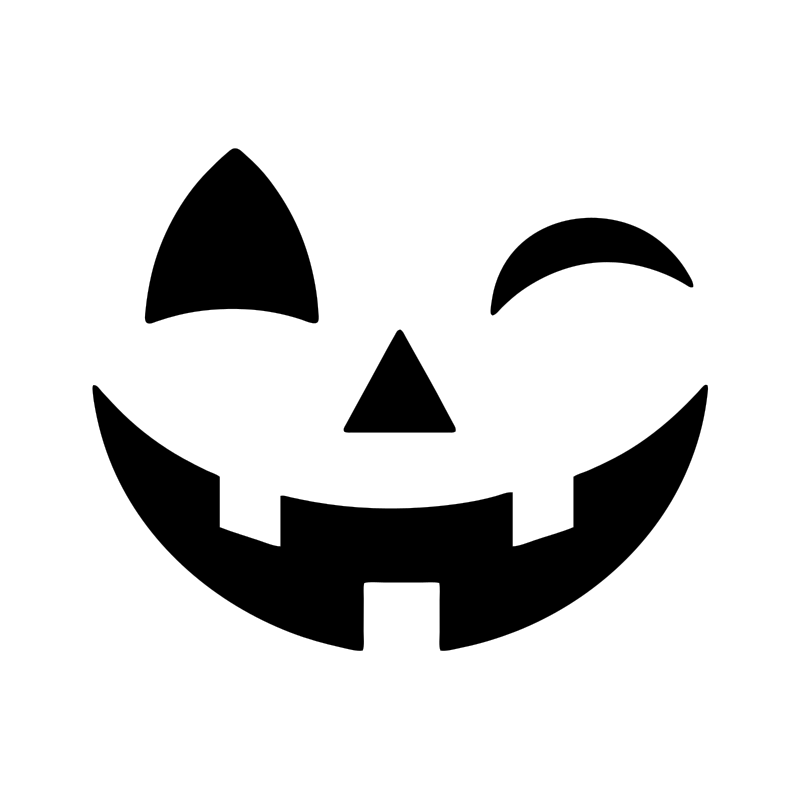
Winking face
Easy
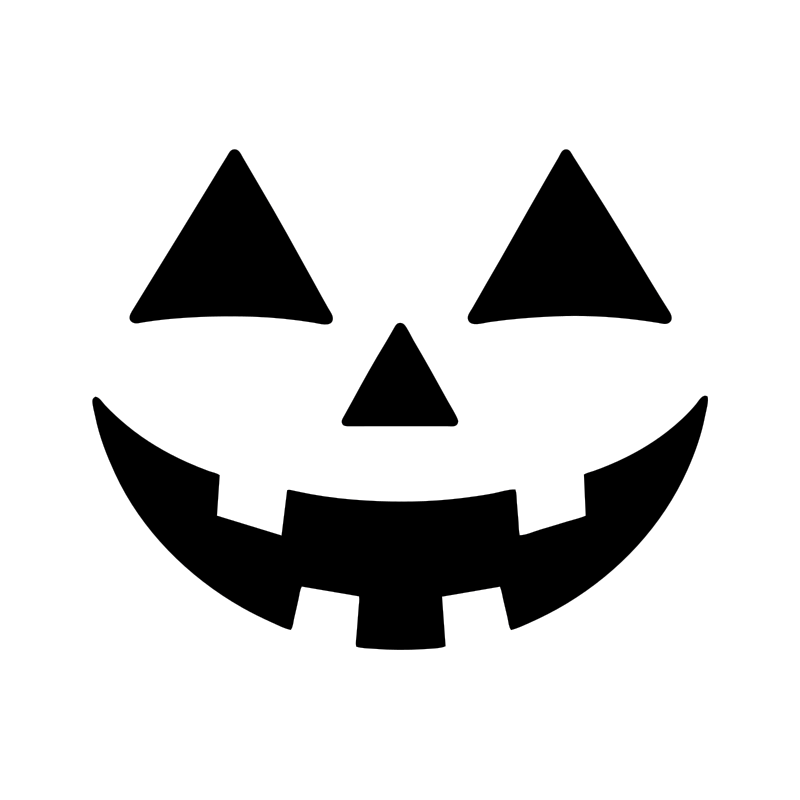
Toothy grin
Easy
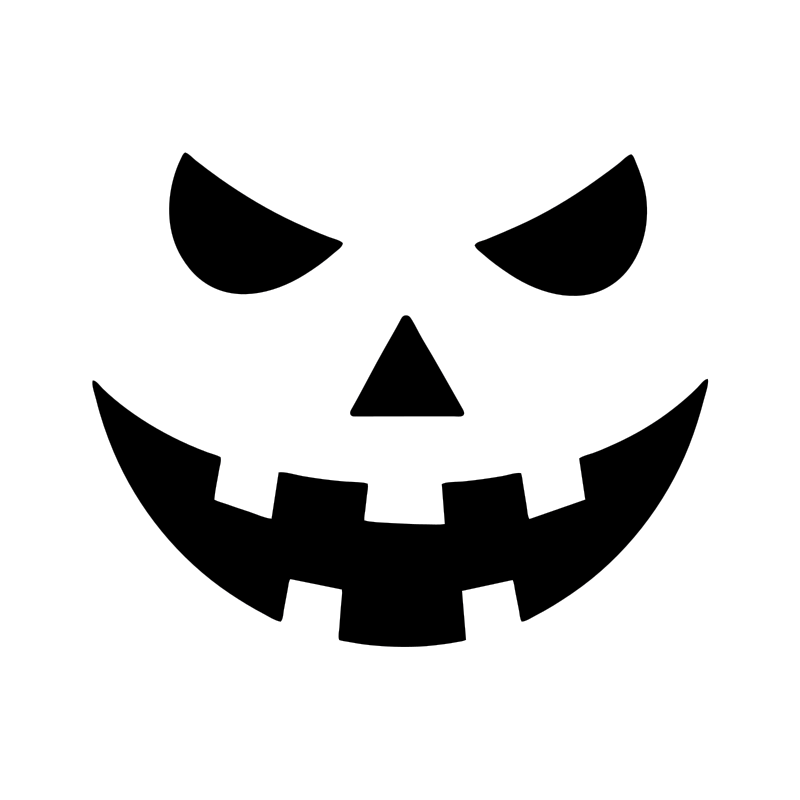
Angry brows
Easy
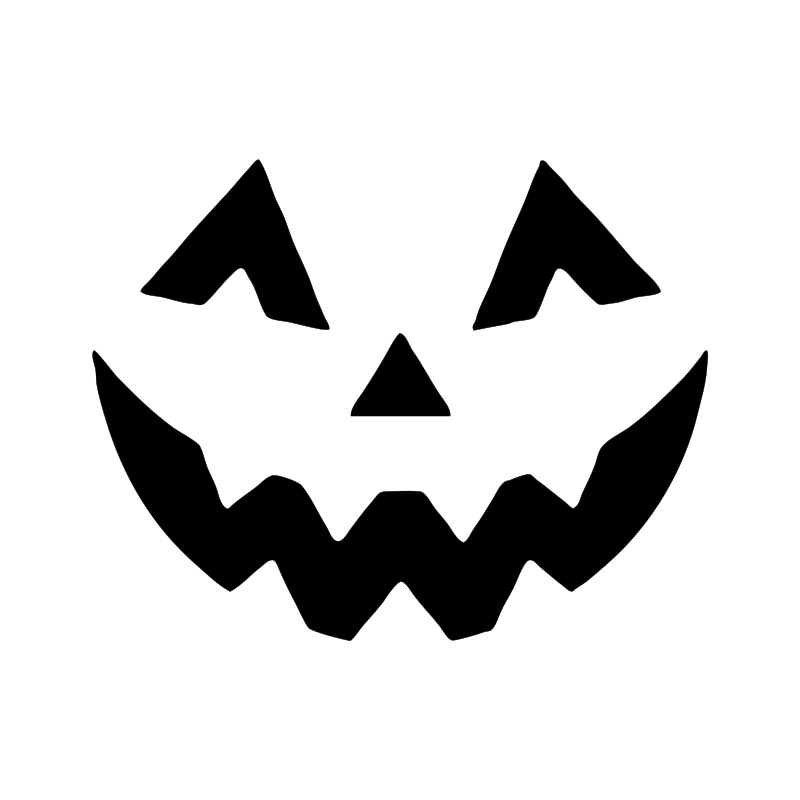
Cheeky grin
Easy
Cats, bats and spiders
Bold single silhouettes. Nothing here needs holding in place while you cut.
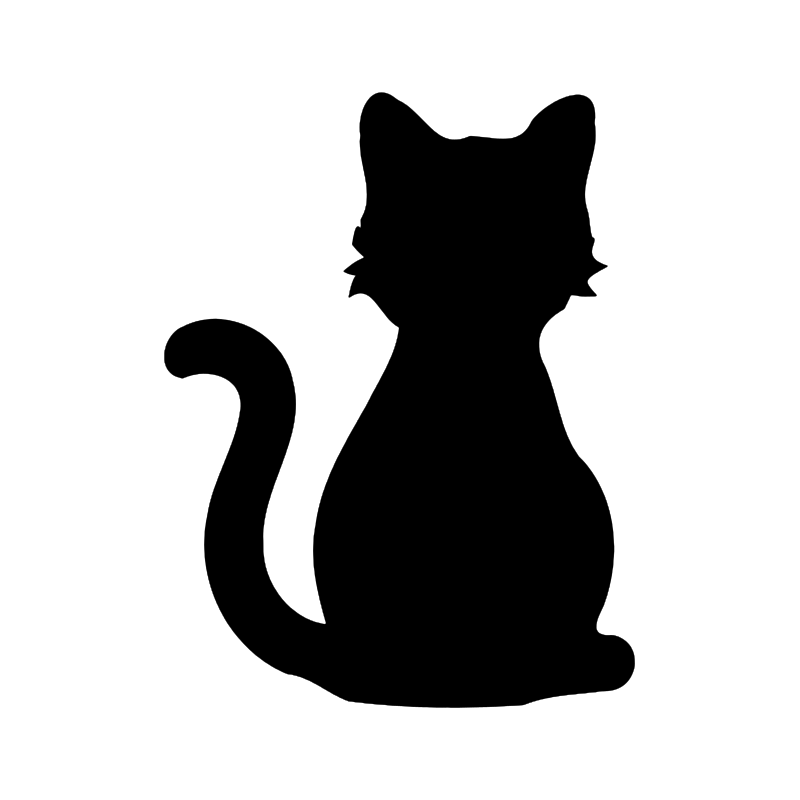
Black cat
Steady
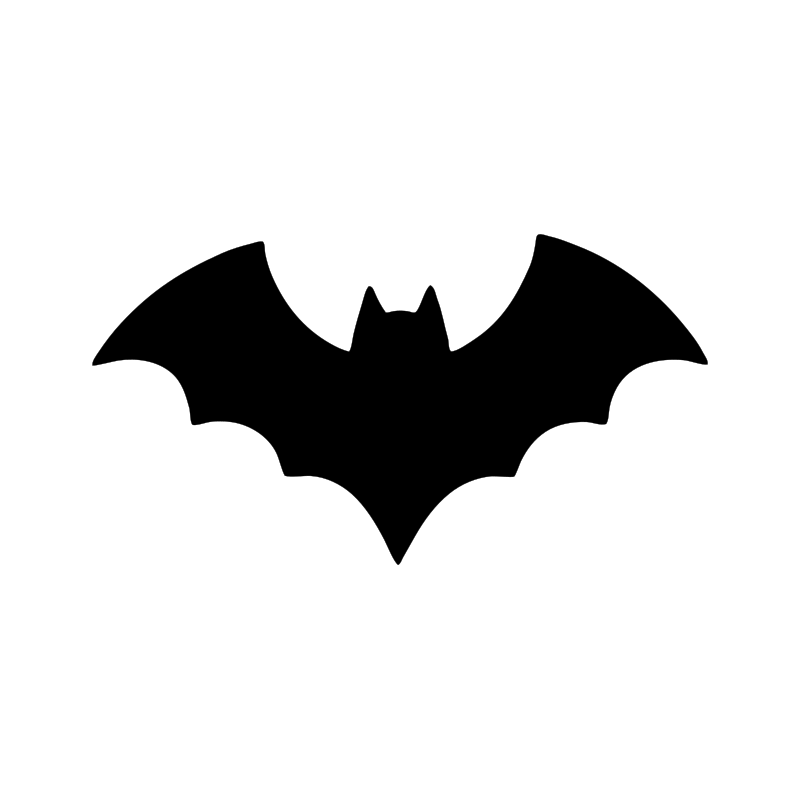
Simple bat
Easy
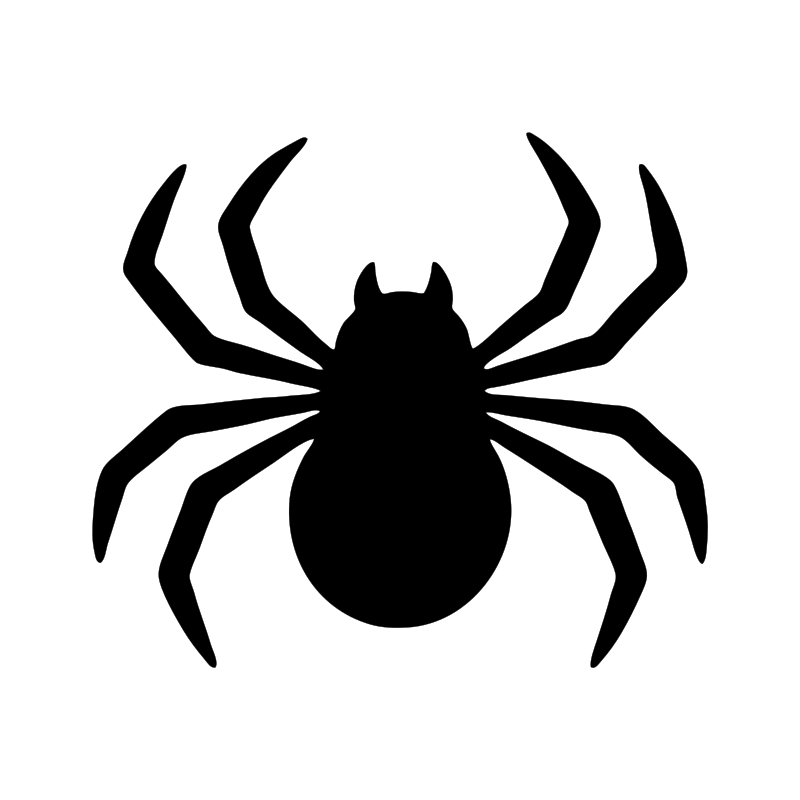
Spider
Steady
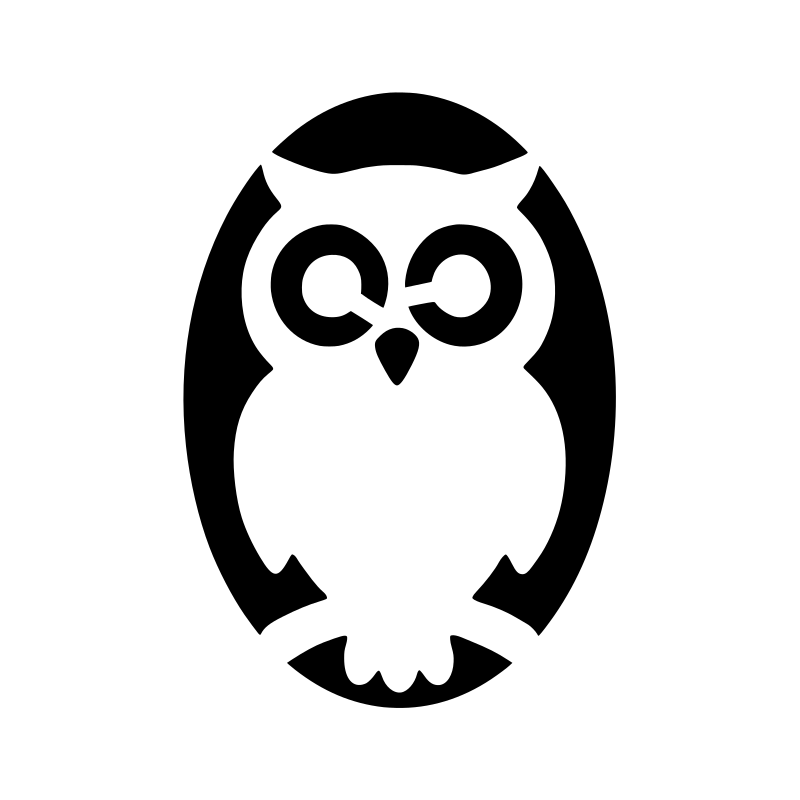
Owl
Steady
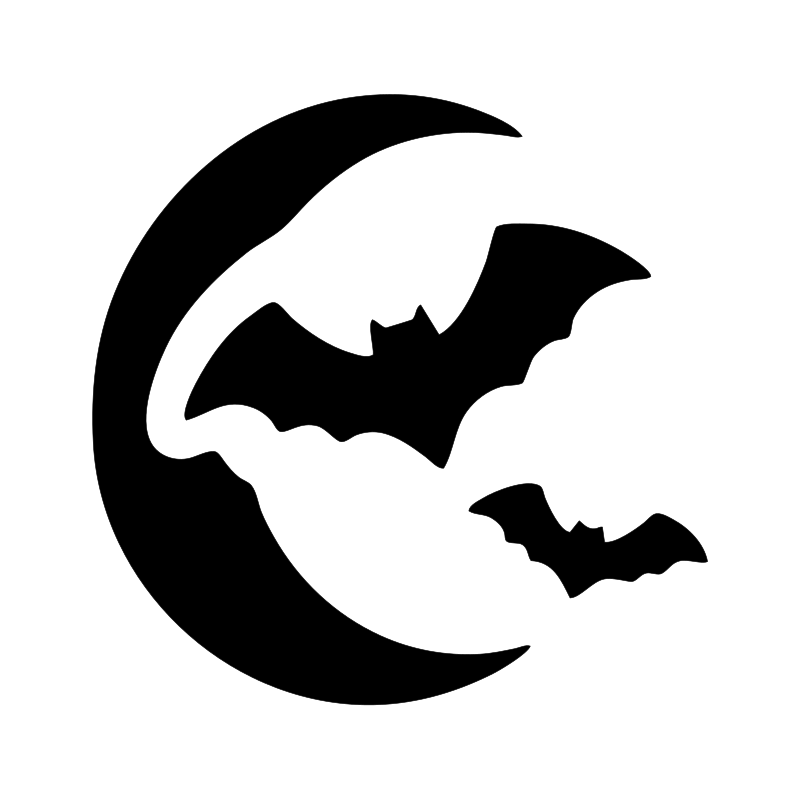
Crescent moon with bats
Easy
Ghosts, skulls and fire
A little more cutting, still no fine detail. Good second pumpkins once the first one has gone well.

Classic ghost
Steady
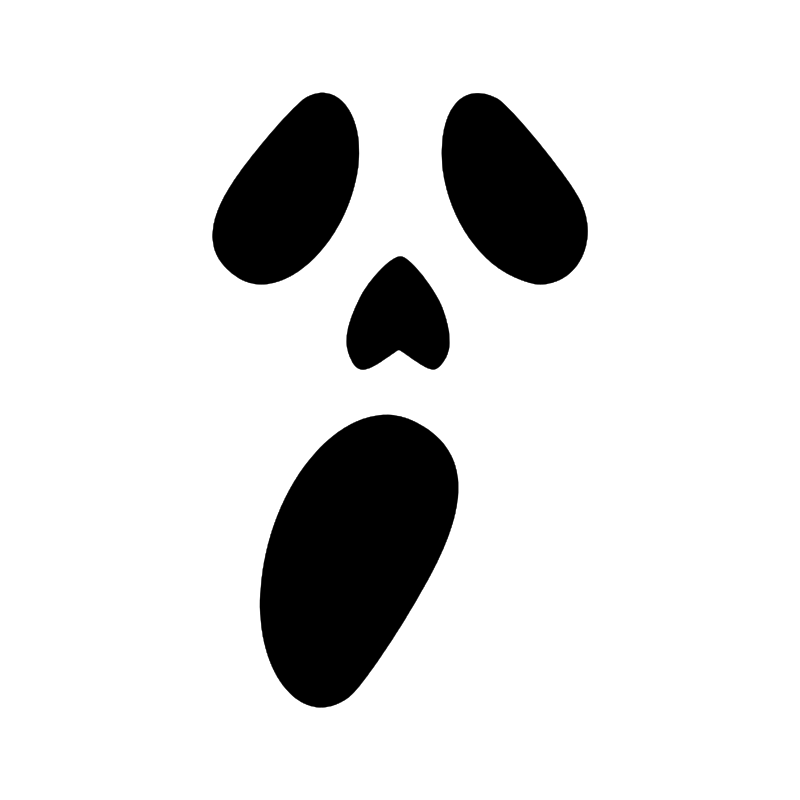
Ghost face
Easy

Crossbones
Easy
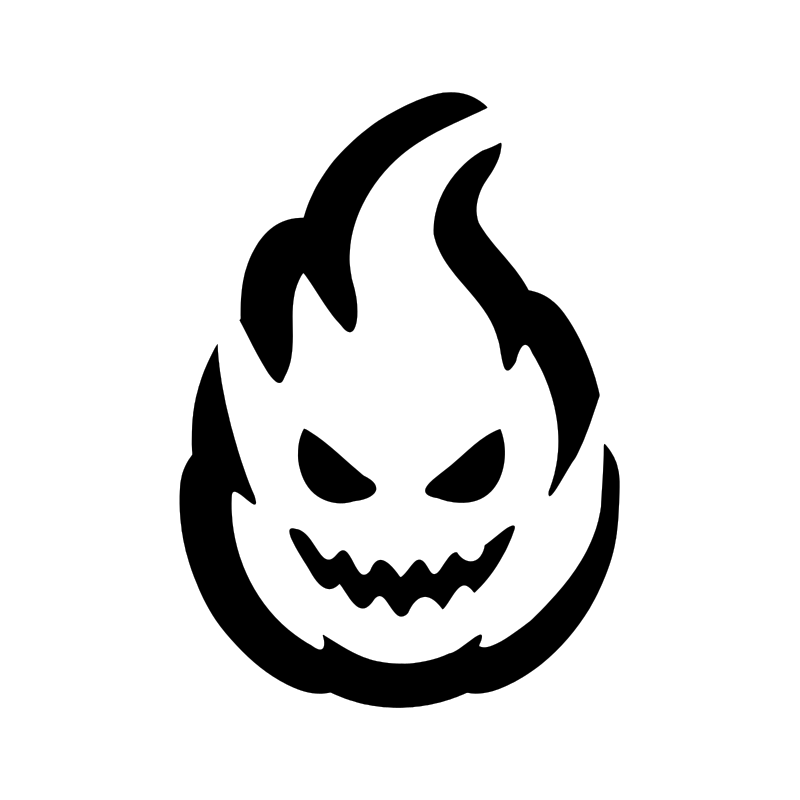
Flame face
Steady
Witches and the graveyard
The most cutting on the page. Leave these until you have a pumpkin or two behind you.
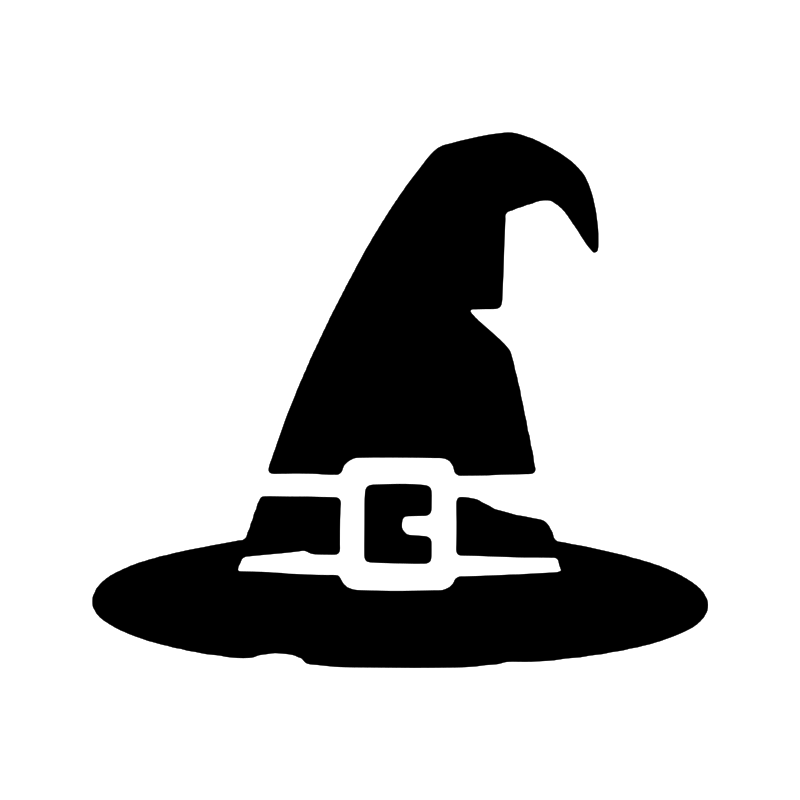
Witch hat
Easy
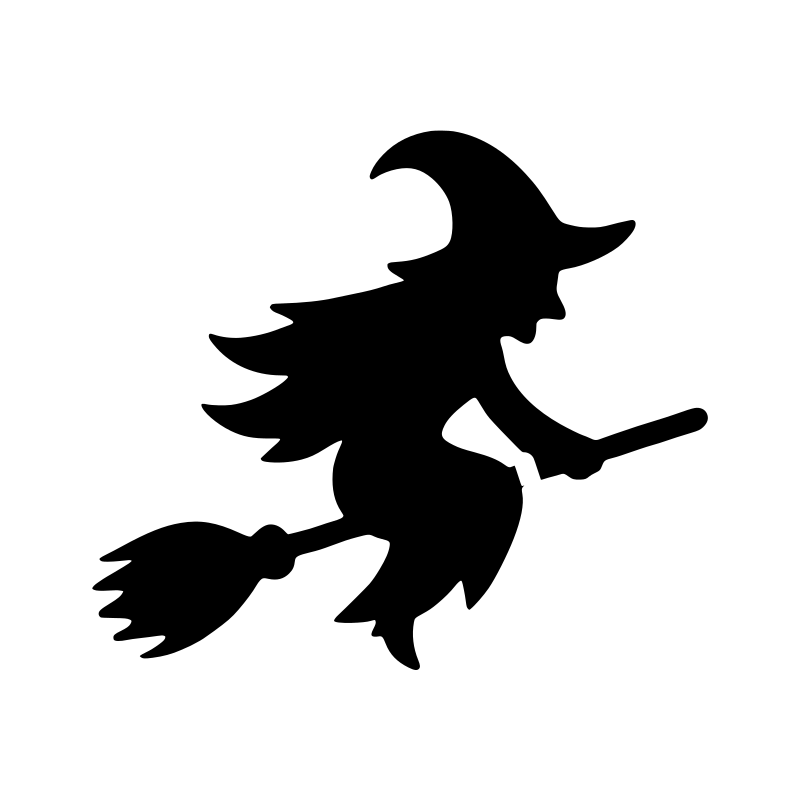
Witch on a broom
Steady
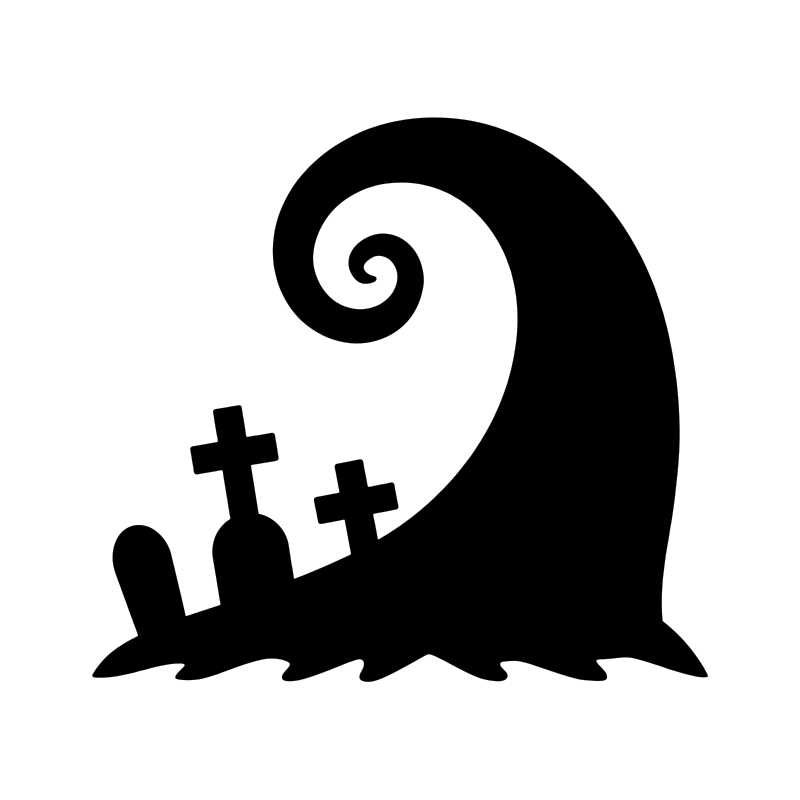
Gravestone
Steady
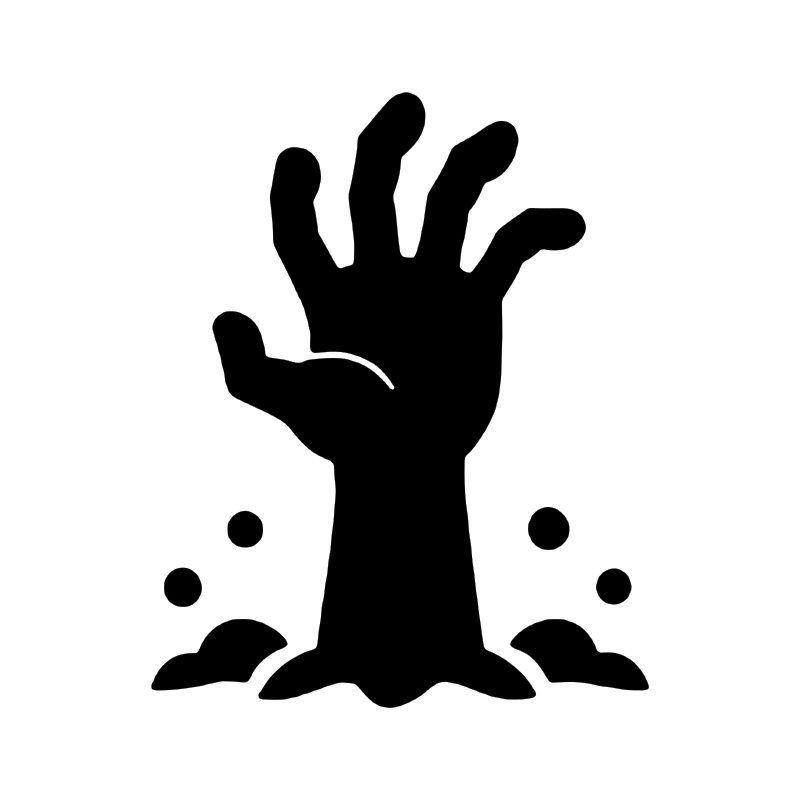
Zombie hand
Steady
How to carve one of these
The carving is the easy part. Preparation is where a pumpkin is won or lost.
- Pick a pumpkin with a smooth, flattish face and give it a wipe. Deep ribs across the middle of your design will fight you the whole way.
- Cut the opening in the back or the bottom, not around the stem. The stem is what keeps a pumpkin fresh; cut it off and you have started a clock. A hole in the base also lets you set the pumpkin down over a candle rather than posting one inside.
- Scoop it out, then keep going. Thin the wall behind your design to about an inch. This is the step everyone skips, and it is the reason a saw suddenly will not go through.
- Print, trim the spare paper away, and tape the sheet on. Small snips around the edge of the paper help it sit flat against a curved pumpkin.
- Transfer the outlines. Poke through the paper along every line with a pin, about a quarter of an inch apart — or press hard along the lines with a ballpoint pen to emboss them into the skin. Lift the paper off and join the dots.
- Cut from the middle outward, smallest shapes first. A pumpkin gets floppier as you remove material, so do the fiddly interior work while it is still rigid.
- Leave every piece in place until all the cutting is done, then push them out gently from the inside. Pop them out as you go and the design flexes while you are still working on it.
- Make it last. A smear of petroleum jelly on the cut edges slows the shrivelling, and somewhere cool overnight buys you several days.
Questions people ask
Are these really free?
Yes — no account, no email, no watermark. Print as many as you like for yourself, your classroom or your street.
What if the ruler bar does not measure four inches?
Your printer scaled the page. Reprint with Actual Size or 100% selected and Fit to page switched off. Otherwise the design still carves — just not at the size you planned for.
Can I use these with a Cricut or Silhouette?
That is what the SVG download is for. It carries the shapes only — no ruler, no instructions — so it drops straight into Design Space or Studio and scales to whatever you need. Handy for vinyl on a no-carve pumpkin as well as for cutting card.
Which of these is genuinely easiest?
The faces. They are four or five separate shapes with nothing inside them, and a wobbly cut still reads as a face. Start with the classic triangle face, then try a silhouette.
My pumpkin went soft after two days. What went wrong?
Most likely the lid. Cutting around the stem removes the part that keeps the fruit sealed, and it dries from the top down. Cut the opening in the back or the base instead, keep it out of direct sun, and bring it in somewhere cool overnight.
Can I sell things made with these?
Carve as many pumpkins as you like, for any reason. The template files themselves stay ours — please do not repackage them as a download or bundle them for sale.
More tools you might like
- Photo to Stencil — turn any picture into a stencil
- Photo to Outline — outlines from photographs
- Silhouette Maker — clean silhouettes for vinyl
- Printable Halloween Letters — spider and cobweb alphabet
- Halloween Monogram Maker
- All free design templates