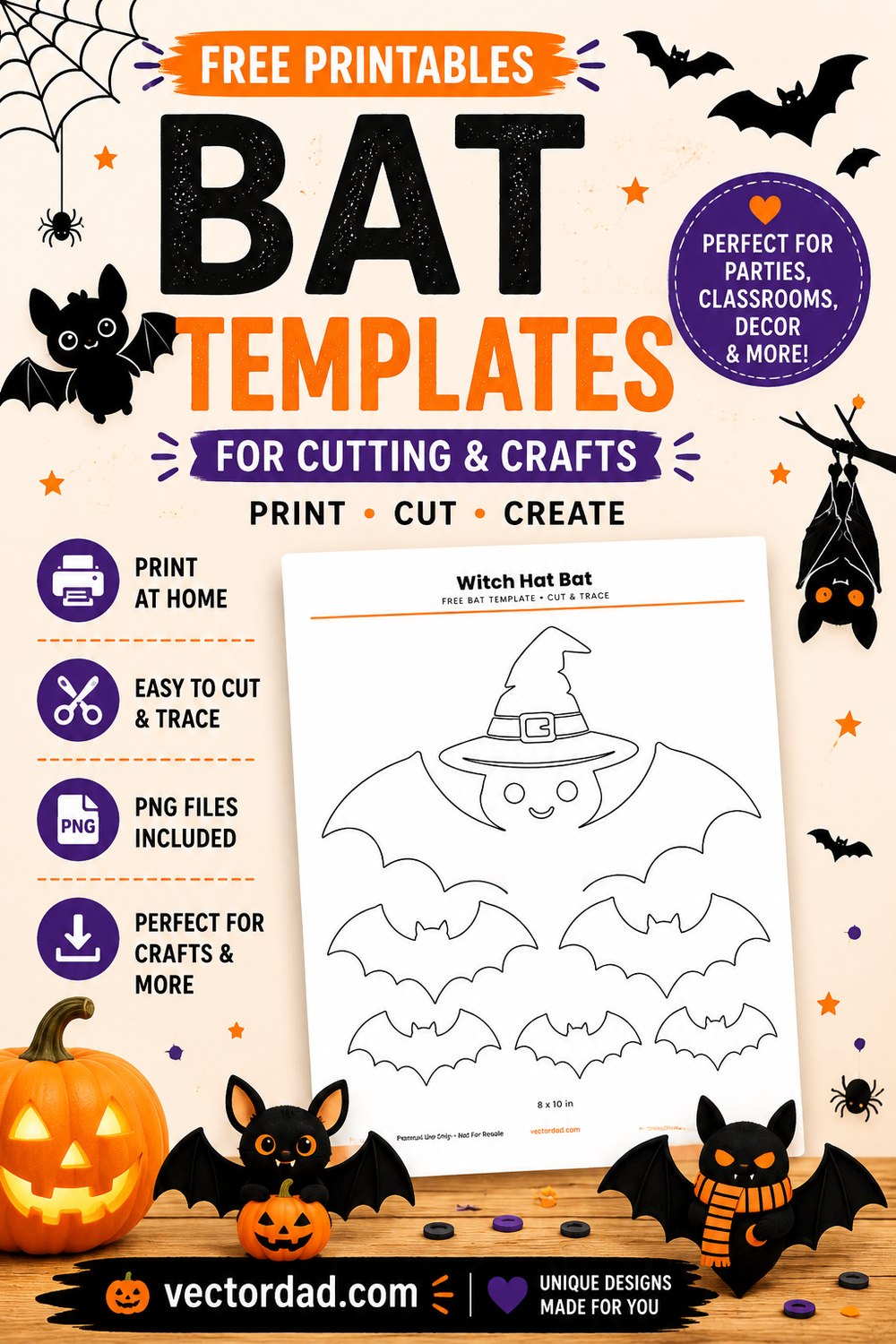
Bat Templates — 24 Free Printable Bat Shapes
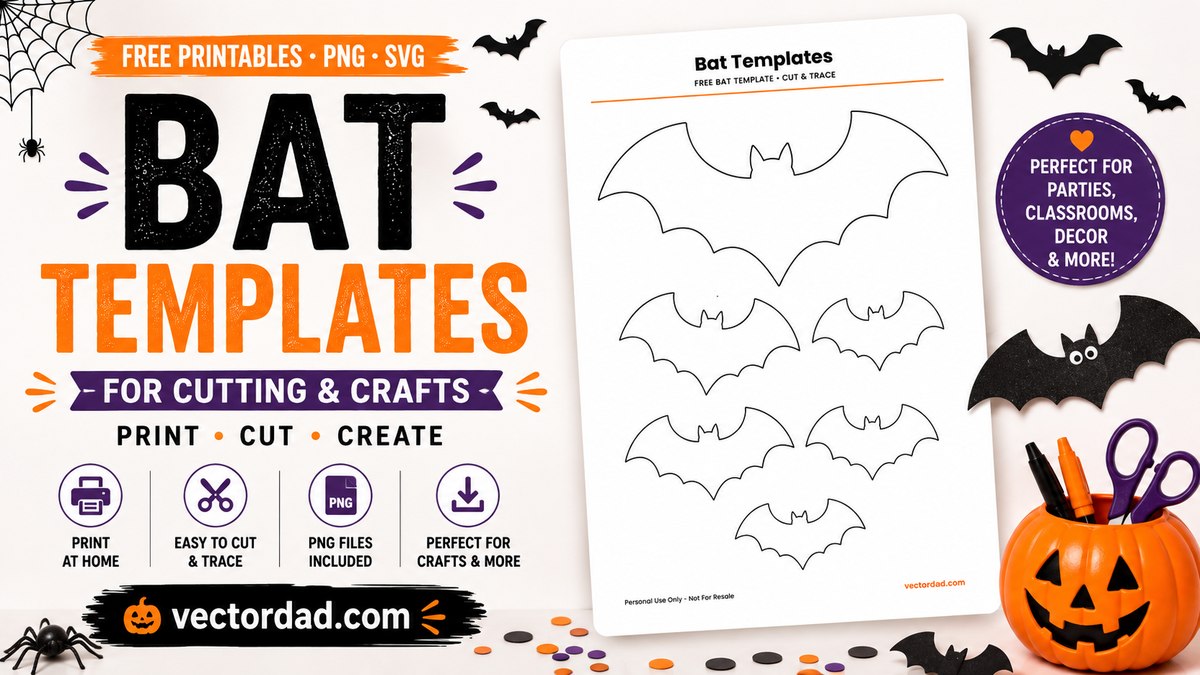
Twenty-four bat shapes, each a clean closed outline you can print and cut straight out. Bats are wider than they are tall, so the big template prints sideways on the page — that is what gets the classic bat a ten-inch wingspan instead of seven and a half. A second sheet in every download holds the same bat at tag and garland sizes.
Free, in US Letter and A4, plus SVG and transparent PNG for cutting machines and digital use.
Classic bat shapes
Plain silhouettes and the simple characters. These are the ones for a wall flight, a window or a garland — one closed outline, cut in a single pass, unmistakable from across a room.
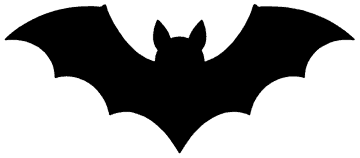
Classic Bat
Prints 10.0×4.4 in
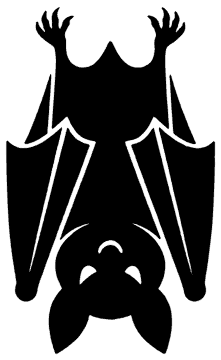
Hanging Bat
Prints 5.2×8.5 in
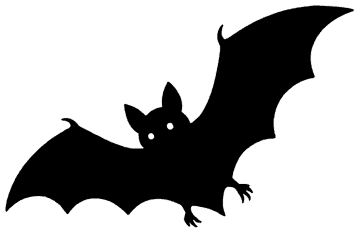
Flying Bat
Prints 9.6×6.2 in
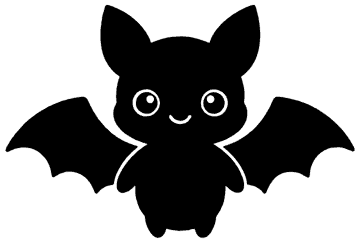
Cute Bat
Prints 9.2×6.2 in
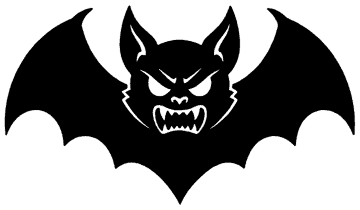
Vampire Bat
Prints 10.0×5.8 in
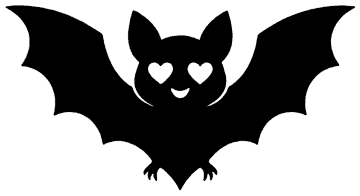
Heart-Eyes Bat
Prints 10.0×5.5 in
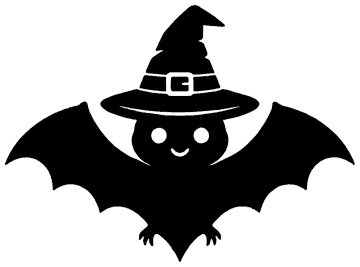
Witch Hat Bat
Prints 8.4×6.2 in
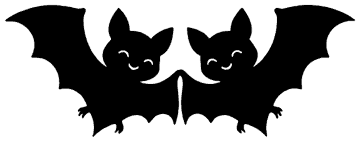
Bat Couple
Prints 10.0×3.9 in
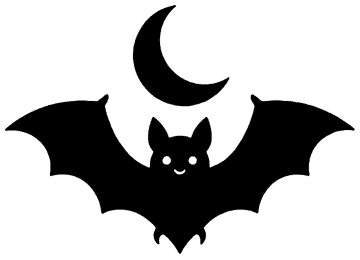
Bat with Moon
Prints 8.6×6.2 in
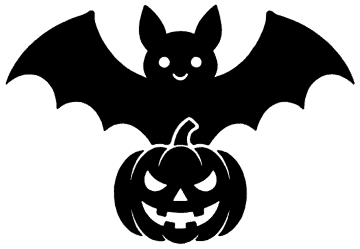
Bat with Pumpkin
Prints 9.0×6.2 in
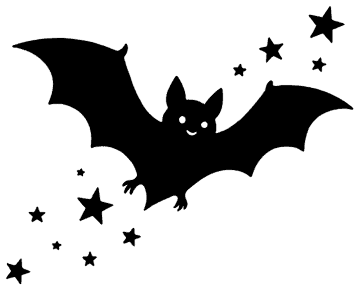
Bat with Stars
Prints 7.7×6.2 in
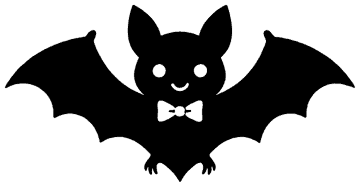
Bow Tie Bat
Prints 10.0×5.2 in
Orange and black bats
Two-colour versions for card, vinyl or paint. The PDF outlines every shape including the hats, scarves and cobwebbed wings, so you can cut the bat from one colour and the details from another — or print page one and colour it in.
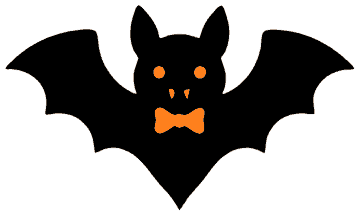
Dapper Bat
Prints 10.0×6.0 in
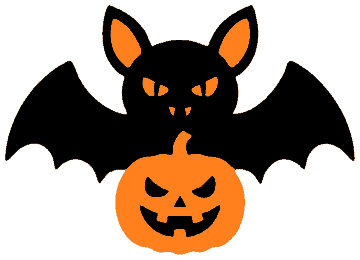
Pumpkin Bat
Prints 8.6×6.2 in
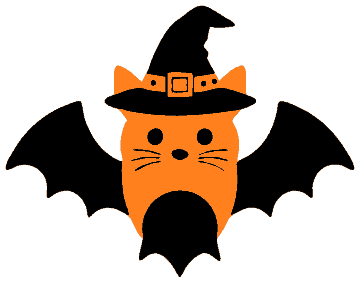
Witch Bat
Prints 7.9×6.2 in
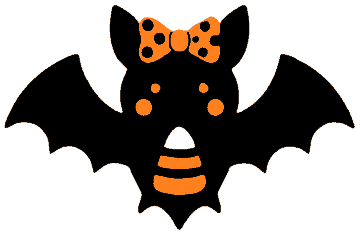
Ribbon Bat
Prints 9.5×6.2 in
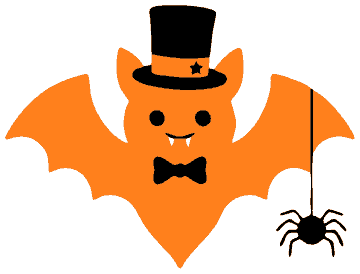
Top Hat Bat
Prints 8.1×6.2 in
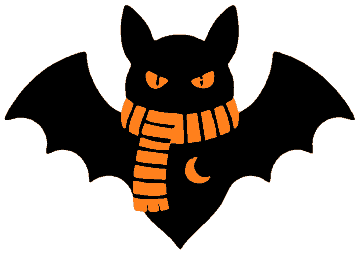
Scarf Bat
Prints 8.8×6.2 in
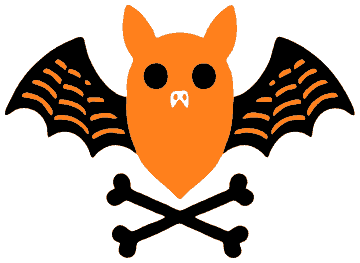
Crossbones Bat
Prints 8.5×6.2 in
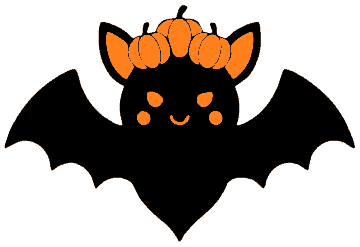
Harvest Bat
Prints 9.0×6.2 in
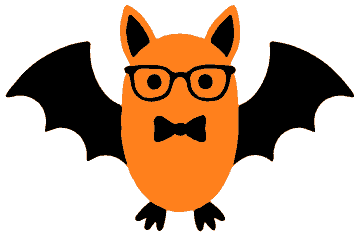
Glasses Bat
Prints 9.4×6.2 in
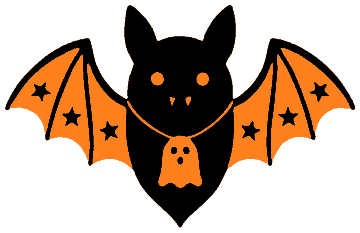
Star Wing Bat
Prints 9.6×6.2 in
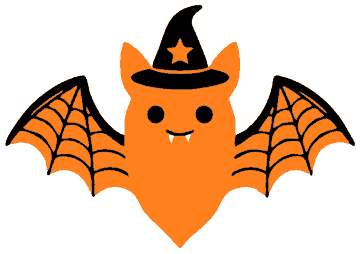
Cobweb Bat
Prints 8.8×6.2 in
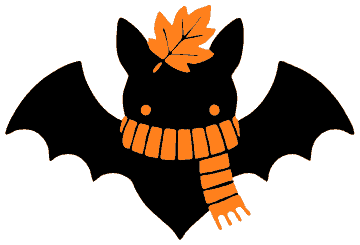
Autumn Bat
Prints 9.1×6.2 in
What is in each download
- PDF — page 1One large outline filling the sheet, landscape for all but the hanging bat, with its printed size marked underneath.
- PDF — page 2The same bat twice at medium size and four times small, for tags, garlands and cupcake toppers.
- SVGThe filled artwork as vector, for Cricut, Silhouette, Glowforge or editing.
- PNGThe filled artwork on a transparent background, 1200 px on the long edge.
How to use them
- Print at 100%. Choose Actual size in the print dialog, not Fit to page. Leave the orientation alone; the PDF already carries it.
- Cut out the template along the outline. The wing scallops are the fiddly part — small sharp scissors beat big ones, and it helps to turn the paper rather than the scissors.
- Draw around it on black card, felt or foam, then cut the material. Glue the print to cereal-box card first if you are tracing more than a few.
- Or print straight onto card stock and cut on the line. 160–220 gsm holds its shape hanging from a thread.
- For the classic wall flight. cut eight to twelve at mixed sizes from black card and tape them up a staircase wall in a curve, smallest at the top. Fold the wings up slightly so they cast a shadow.
- For a cutting machine, use the SVG. It is the filled artwork, so the body and every detail come through as separate closed shapes.
Questions people ask
How big do these print?
The large outline fills the sheet, which for a wide-winged bat means up to ten inches across on US Letter. The exact measured size is printed under every bat in the PDF and listed under each design above. Page two gives the same bat at roughly half and quarter size.
Why is my PDF landscape?
Because the bat is. Twenty-three of the twenty-four print sideways so the wingspan uses the long edge of the paper; only the hanging bat, which is taller than it is wide, is portrait. The orientation is stored in the file, so your printer picks it up without you setting anything.
Can I make one bigger than a sheet of paper?
Use the SVG, which scales to any size cleanly. With no cutting machine, our block poster maker will split the image across several sheets that tape together — good for a bat that spans a window.
Do the two-colour bats need a colour printer?
No. The PDF outlines every shape in black, including the hats, scarves and cobwebbed wings, so it prints the same on any printer and doubles as a colouring page. The orange lives only in the SVG and PNG, for cutting the details from a second colour.
Can I use these at school or for something I sell?
School, church, party, your own home — yes, print as many as you need, no need to ask. Selling the template files themselves, or a pack made from them, is the one thing that is not allowed.