
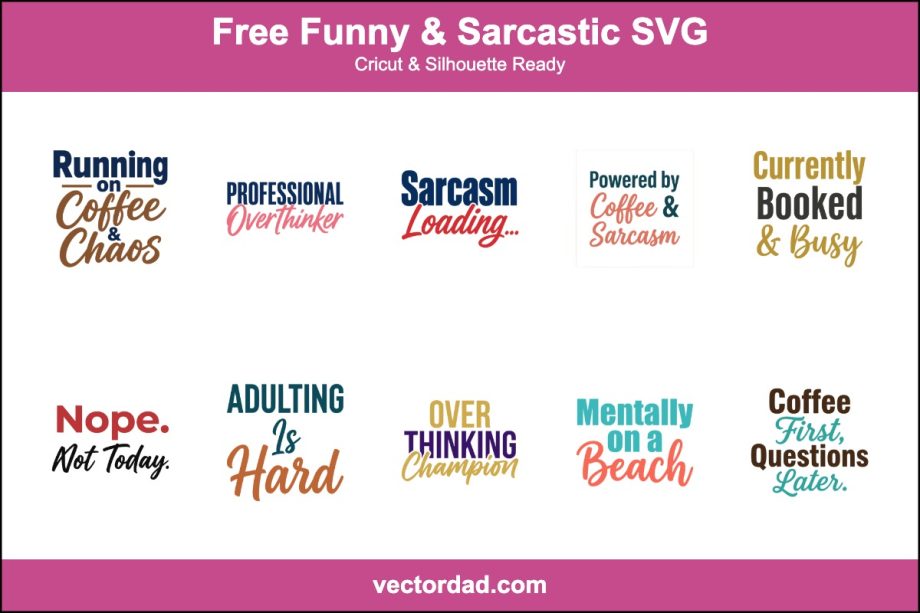
Free Funny & Sarcastic SVG Designs for Cricut & Silhouette
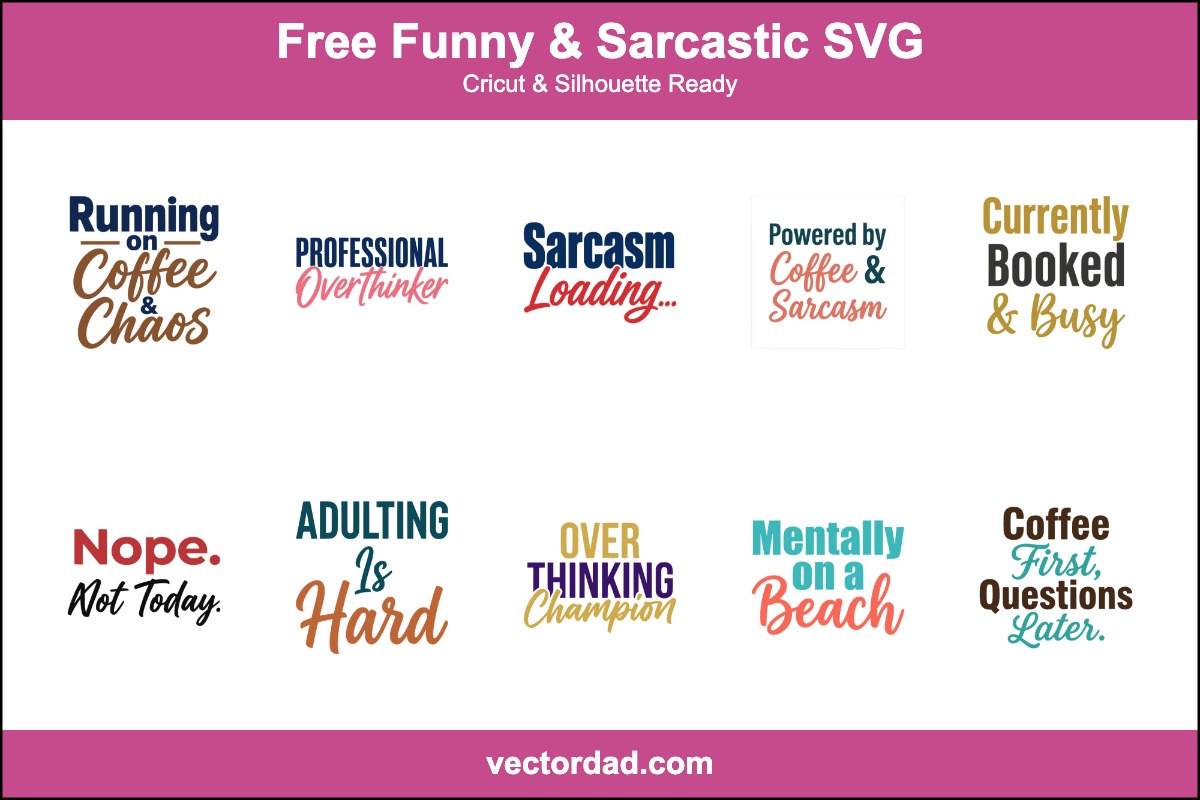
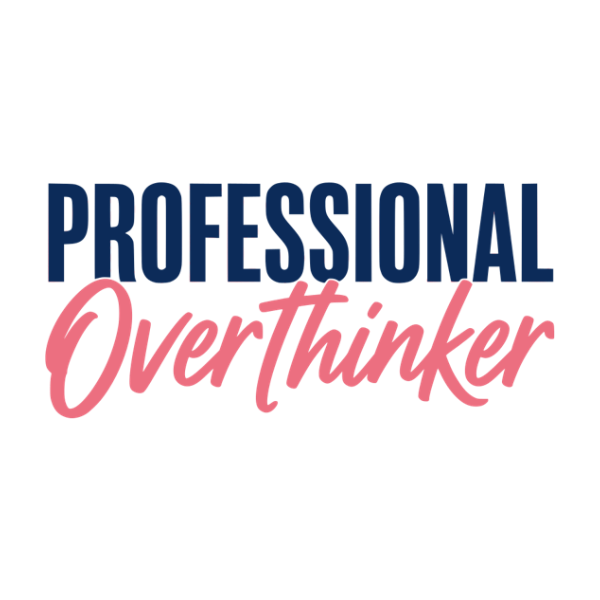
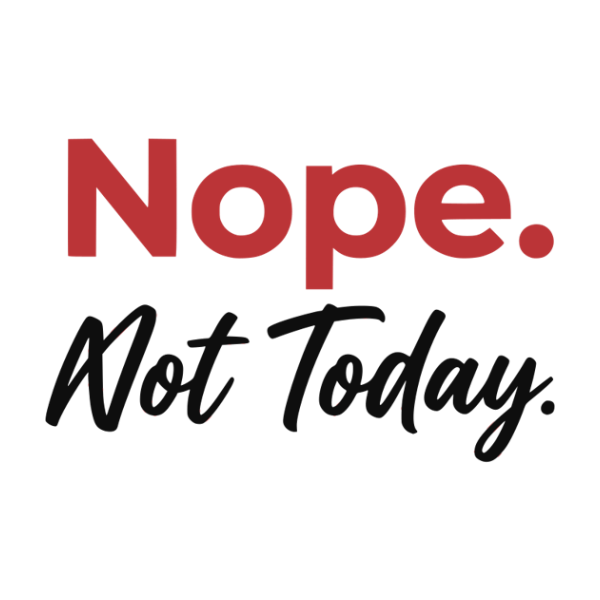
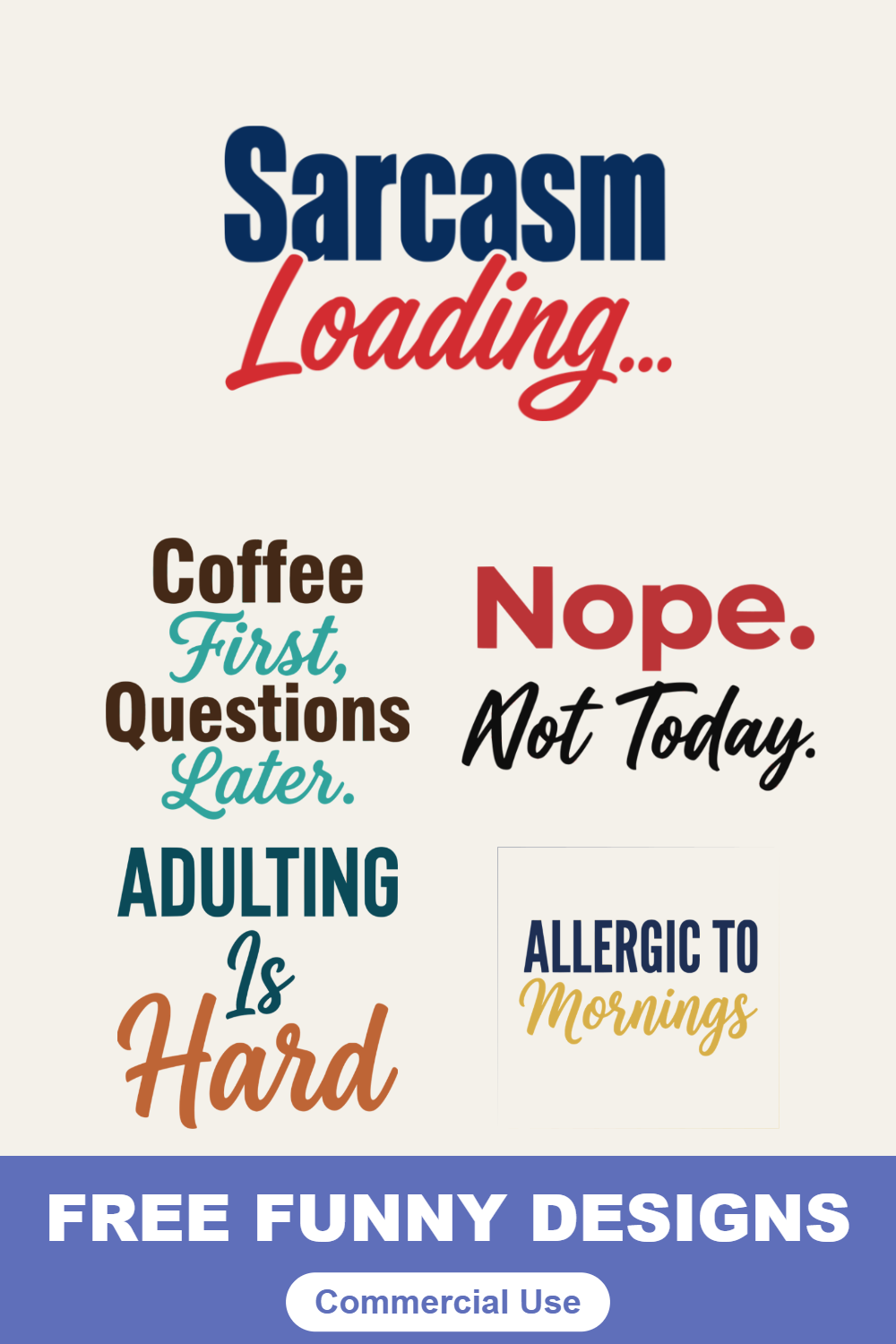
Bring the sarcasm. This free set of funny and snarky SVG cut files turns everyday attitude into wearable one-liners — “Running on Coffee & Chaos,” “Professional Overthinker,” “Sarcasm Loading,” “Currently Booked & Busy,” “Nope. Not Today.,” “Adulting Is Hard,” “Mentally on a Beach,” and more. Every design is clean, layered lettering you can recolor and resize right in your browser, then download as an SVG, PNG, JPG, or PDF for Cricut, Silhouette, or sublimation. They’re made for tees, hoodies, tumblers, and gifts for the coffee-fueled and chronically unbothered.









What’s included and the file formats you get
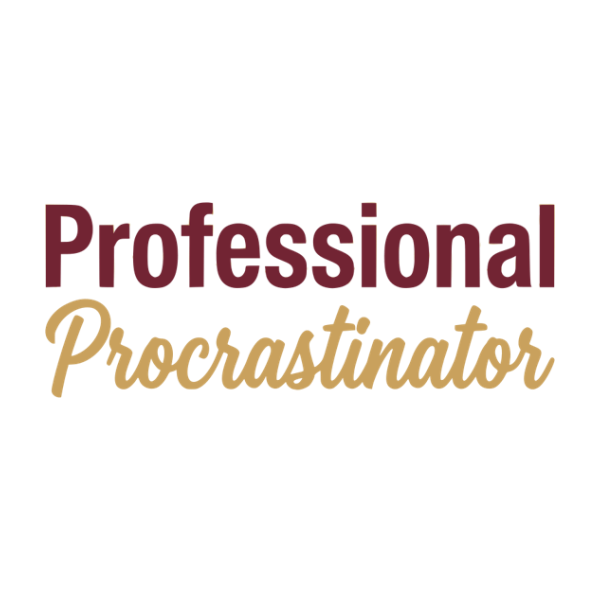
This page gathers twelve sarcastic, text-forward designs — “Running on Coffee & Chaos,” “Professional Overthinker,” “Sarcasm Loading,” “Powered by Coffee & Sarcasm,” “Currently Booked & Busy,” “Nope. Not Today.,” “Adulting Is Hard,” “Overthinking Champion,” “Mentally on a Beach,” “Coffee First, Questions Later,” “Allergic to Mornings,” and “Professional Procrastinator.” Each one downloads four ways: a true vector SVG for Cricut and Silhouette, a transparent PNG for sublimation and print-on-demand, a JPG for quick previews, and a print-ready PDF for print-then-cut. Because the lettering is vector, a tiny pocket joke and a full-front statement both cut with crisp, readable edges.
How to use these cut files in Cricut Design Space and Silhouette Studio
In Cricut Design Space, click Upload, choose the SVG, and add it to your canvas. Since these are phrases, use Weld to fuse the words into a single shape so the line cuts and weeds as one piece, then recolor it to match your shirt or tumbler. In Silhouette Studio, the Designer Edition opens SVGs directly through File → Open; on the free edition, import the PNG and run the Trace tool to build cut lines. Thin script joints and tight letter spacing cut best with a fresh blade, so set your material first and run a quick test cut before committing your good vinyl.
Funny SVG project ideas
These one-liners are made for t-shirts, hoodies, and crewneck sweatshirts, but they go much further: stainless tumblers and coffee mugs, canvas tote bags, laptop and water-bottle decals, koozies, and enamel-pin-style patches. They’re perfect for gag gifts, white-elephant exchanges, coworker mugs, and “treat yourself” merch. Pair a coffee joke with a tumbler for a quick handmade present, or press “Mentally on a Beach” onto a tank for vacation season. For sublimation, drop the transparent PNGs straight onto mugs and polyester tees for full-color results.
A quick layering and weeding tip
For lettering, weed the inside counters of letters first — the holes in “a,” “e,” “o,” and “p” — using a bright weeding mat so the negative space is easy to spot. Most of these designs are happiest as a clean single-color iron-on, which is the fastest, most beginner-friendly option. If you want two colors, cut each layer separately, line them up with transfer tape, and press from the bottom layer up. Always mirror the design before cutting any iron-on vinyl.
Frequently asked questions
Are these funny SVG files really free?
Yes. Every design on this page is free to download and use for personal projects and your own handmade items.
Can I sell shirts and mugs I make with these designs?
You can use them on finished physical products you make and sell in small quantities. What you can’t do is resell or redistribute the SVG or PNG file itself as a digital product.
What file formats can I download?
Each design exports from the on-page editor as an SVG, PNG, JPG, or PDF, so you have the right file for cutting, sublimation, or print-then-cut.
Will these work with Cricut and Silhouette?
Yes. The SVGs import cleanly into Cricut Design Space and Silhouette Studio (Designer Edition); weld the words first so each phrase stays as one tidy cut.
Can I put these on a coffee mug or tumbler?
Absolutely. Use adhesive vinyl for a tumbler or mug wrap, or sublimate the transparent PNG onto a coated mug for a permanent, dishwasher-friendly finish.
DESIGN, DOWNLOAD & SELL
You can use these funny SVG designs and templates on a wide range of materials — adhesive vinyl, heat-transfer vinyl, cardstock, glass, wood, shirts, mugs, tumblers, tote bags, pillows and more. The files open in all major design software, including Adobe Illustrator, Inkscape, CorelDRAW, Cricut Design Space and Silhouette Studio. You can also sell the finished crafts you make with these designs on marketplaces like Etsy and Creative Fabrica, or at your local craft fair.
SUGGEST US
We are constantly adding new funny and sarcastic designs and features to this page. Got a one-liner you want turned into a cut file? Tell us — contact us at vectordad24@gmail.com.
Pin it here
Related designs
More free designs and tools to explore: inspirational SVG designs, nurse SVG designs, Mama & mom-life SVGs, gift box templates, fall SVG designs and patriotic SVG designs. Want to write your own punchline? Letter it with the Vector Quotes Maker, or turn a meme or photo into a cut-ready file with our image to vector converter.