
Medieval Font – Free Download (OTF, TTF, SVG)

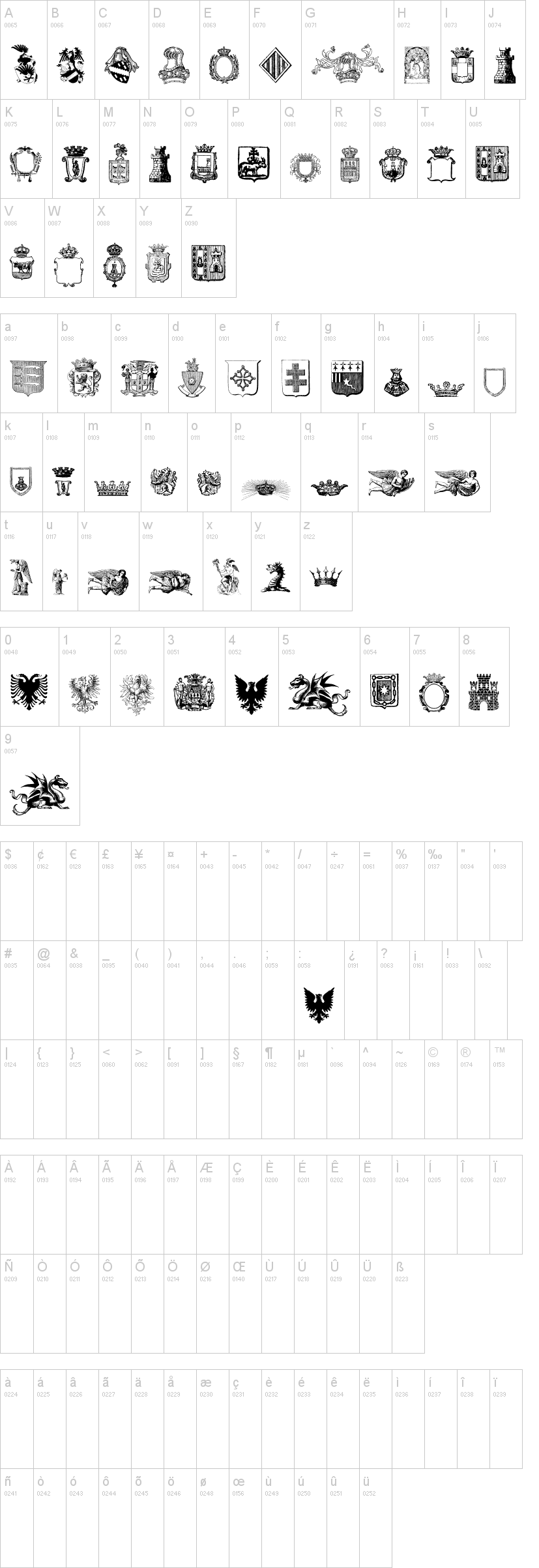
Character Map
Download Medieval Font
Downloads as a ZIP file. Check the license notes on this page before commercial use.
Font Files
- Free Medieval.ttf
Font Details
- License:Free for personal use
- Author:
About Medieval
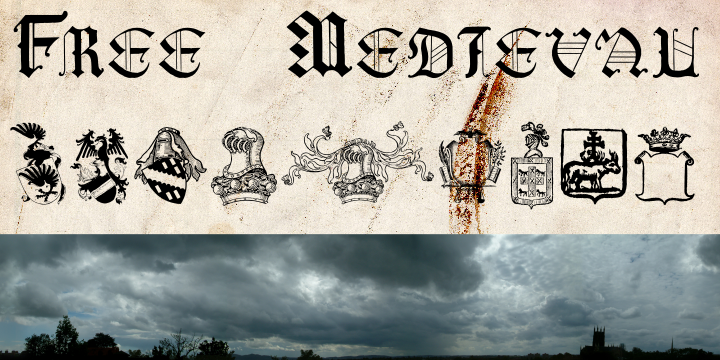
Medieval is a distinctive dingbat-inspired typeface designed by Intellecta Design that captures the ornamental essence of ancient and historical lettering. With its decorative stroke characteristics and intricate details, this font evokes the aesthetic of medieval manuscripts and classical typography. The bold, textured appearance makes it instantly recognizable while maintaining readability across various sizes. Medieval stands out as a creative choice for designers seeking authentic period-inspired character without compromising on modern versatility.
Best Uses for Medieval
Medieval is ideal for fantasy and historical-themed projects, including book covers, poster design, and game graphics that demand an ancient or mystical aesthetic. Its dingbat qualities make it perfect for Cricut crafts, vinyl decals, and decorative signage in themed venues like restaurants, escape rooms, or historical attractions. The font also excels in logo design for heritage brands, fantasy merchandise, and t-shirt graphics where a bold, distinctive character style creates visual impact.
What Fonts Pair Well With Medieval?
Medieval pairs exceptionally well with clean, modern sans-serif fonts to create contrast and balance in mixed layouts. Consider pairing it with Roboto or Open Sans from Google Fonts for body text and headlines that need legibility. For a more elegant approach, Lora serif font complements Medieval's historical character while maintaining a professional appearance.
License & Commercial Use
Medieval is free for personal use, allowing you to use the font in personal projects without restriction. For commercial applications—including logo design, printed materials, digital products, web design, applications, and merchandise—you must obtain proper licensing from Intellecta Design. Always provide credit to Intellecta Design when required by their specific license terms. Reselling, redistributing, or repackaging the font files is strictly prohibited under all circumstances.
Frequently Asked Questions
Is Medieval free for commercial use?
Medieval is free for personal use only. Commercial projects require a commercial license from Intellecta Design. Contact the foundry directly to inquire about licensing options for business applications.
What file formats does Medieval come in?
Medieval is typically available in standard font formats including .ttf (TrueType) and .otf (OpenType). Check the download package for included file formats and ensure compatibility with your design software.
What fonts pair well with Medieval?
Medieval pairs best with clean sans-serif fonts like Roboto and Open Sans for contrast, or with serif fonts like Lora for elegant designs. See Section 3 for detailed pairing recommendations.
Can I use Medieval for fantasy game graphics and merchandise?
For personal fantasy projects, yes. However, if you're creating commercial merchandise, games, or branded products for sale, you'll need a commercial license from Intellecta Design first. Always verify licensing requirements before production.
How to Install Medieval
- Download the font from the VectorDad resource page and save the
.zipfile to your computer. - Unzip the folder by right-clicking and selecting "Extract All" (Windows) or double-clicking (Mac).
- Double-click the font file (the
.ttfor.otffile) to open the font preview window. - Click "Install" at the top of the preview window to add Medieval to your system fonts.
- Restart your design applications and Medieval will appear in your font list in Adobe Creative Suite, Cricut Design Space, and all other programs.
Use Medieval With VectorDad Tools
Maximize Medieval's decorative potential by using the VectorDad Word Art Generator to create stunning custom designs with instant SVG export for Cricut projects. Transform your text further with the Curved Text Generator to bend, arc, and shape Medieval text for unique vinyl decals, t-shirt designs, and professional signage.
Make Your Own Font
Like the look of Medieval but want letters in your own style? Draw or trace each character as an SVG, then turn the set into an installable .ttf font with our SVG to TTF converter. It runs in your browser, with no signup.
Similar Fonts
If you like Medieval, you may also like these free fonts:


