
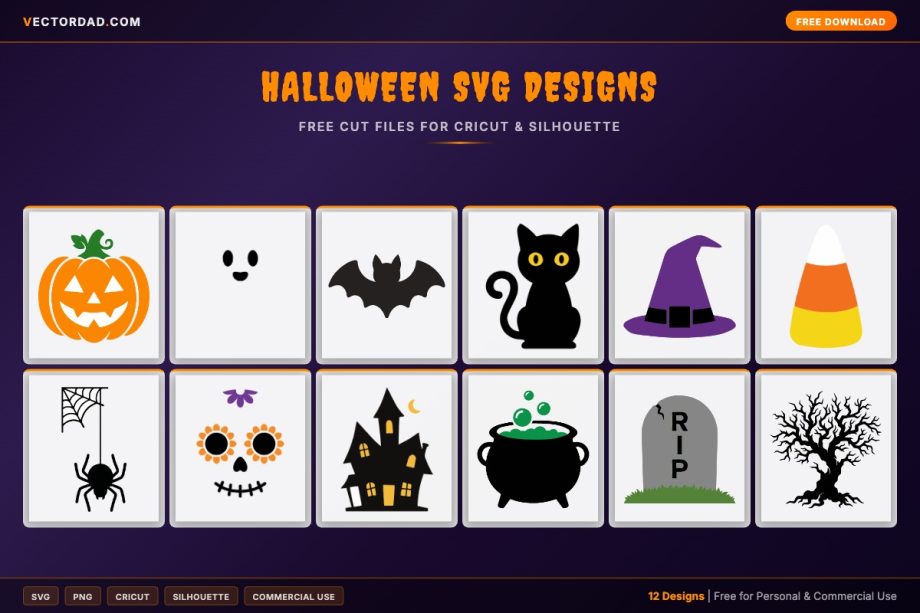
Get ready for spooky season with this free set of Halloween SVG cut files — grinning jack-o’-lanterns, ghosts, bats, black cats, witch hats, candy corn, sugar skulls, a haunted house, and more. Every design is a clean, layered vector you can recolor and resize right in your browser, then download as an SVG, PNG, JPG, or PDF for Cricut, Silhouette, or sublimation. They’re made for trick-or-treat shirts, party décor, treat bags, and porch signs.



What’s included and the file formats you get
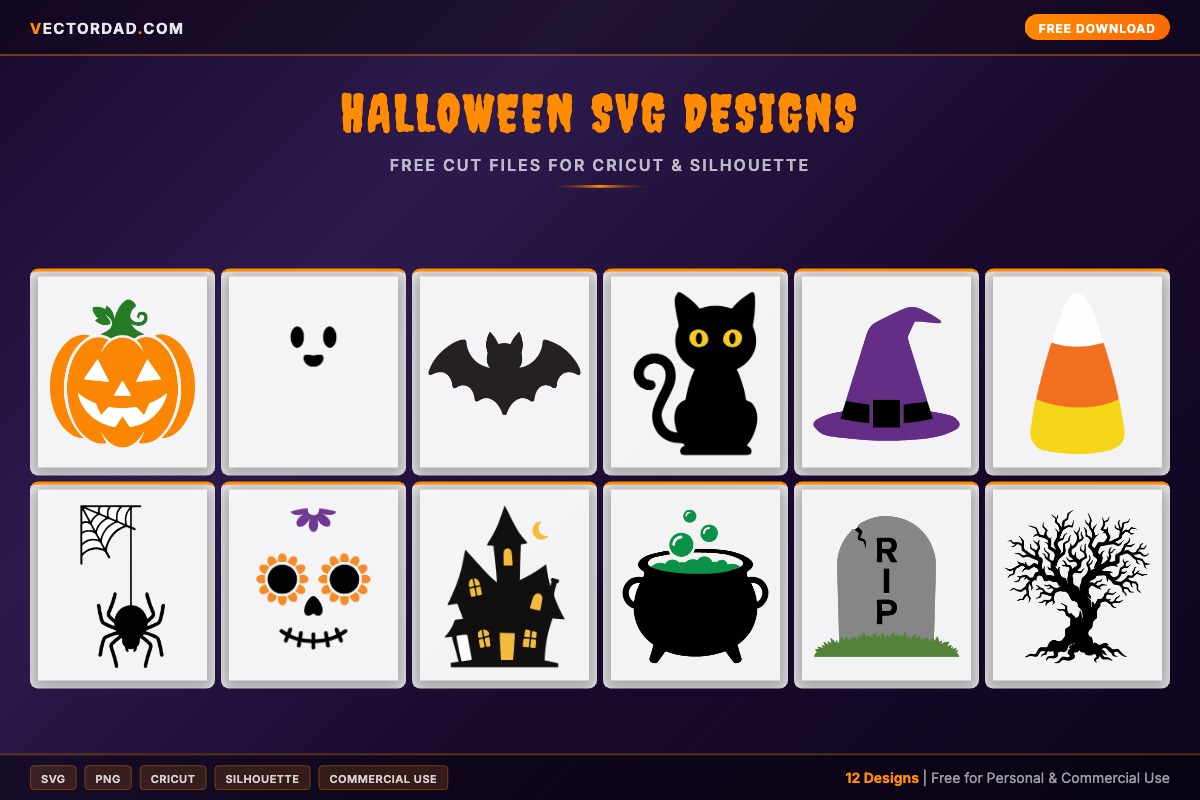
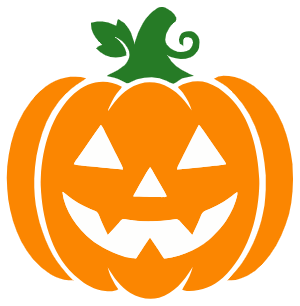
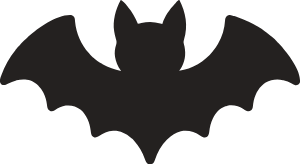
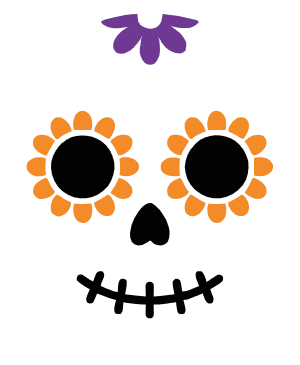
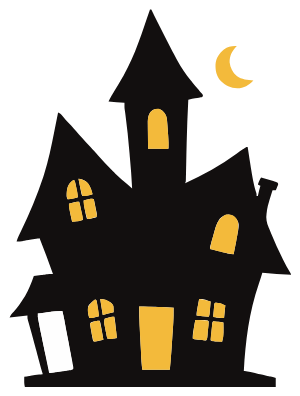
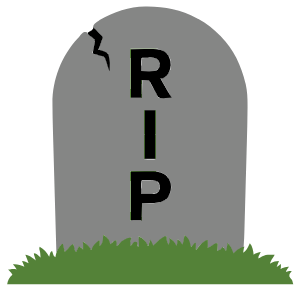
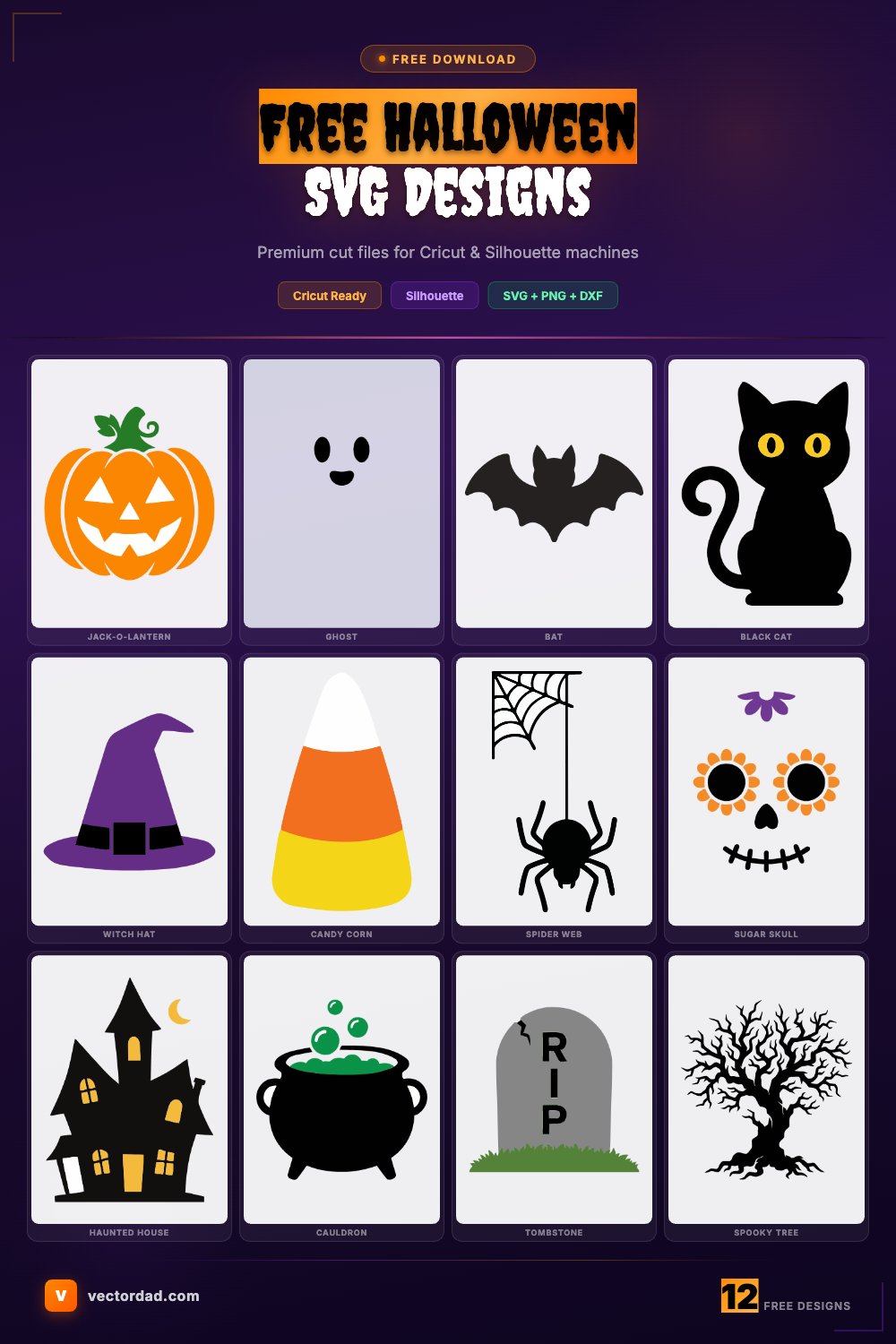
This collection packs twelve Halloween favorites: a carved jack-o’-lantern, a friendly ghost, a bat, a sitting black cat, a witch hat, candy corn, a spider on its web, a colorful sugar skull, a haunted house, a bubbling witch’s cauldron, a RIP tombstone, and a spooky bare tree. Each design downloads as a scalable SVG for cutting machines, a transparent PNG for sublimation and print-on-demand, a JPG for fast previews, and a print-ready PDF for print-then-cut projects. Vectors stay crisp at any size, so the same bat works as a tiny gift-tag accent or a giant window silhouette.
How to use these cut files in Cricut Design Space and Silhouette Studio
In Cricut Design Space, hit Upload, select the SVG, and drop it on your canvas — the layers arrive separated so you can swap the candy corn’s colors or weld a name onto a tombstone before cutting. In Silhouette Studio, the Designer Edition opens SVGs directly via File → Open; on the standard edition, import the PNG and use Trace to create cut lines. Black cardstock and orange or purple HTV are classic Halloween combos — always run a quick test cut so the blade handles fine details like the spider web and the cat’s whiskers cleanly.
Halloween project ideas
Turn these into trick-or-treat t-shirts and onesies, glow-in-the-dark vinyl treat bags, candy bowls and buckets, mantel and front-porch signs, etched or vinyl tumblers, window clings, and felt or paper banners. The haunted house and bare tree make moody layered shadow-box scenes, the sugar skull is great for Day of the Dead décor, and the ghost and bat are perfect for cute classroom party favors. Sublimation makes quick work of mugs and polyester tees using the transparent PNGs.
A quick layering and weeding tip
Weed delicate Halloween designs slowly and start with the smallest negative spaces — the jack-o’-lantern’s eyes and grin, the spider web’s thin strands, and the cutouts inside the sugar skull. A bright LightGrip mat and a fine-point weeding hook make these tiny pieces much easier to lift. For layered HTV, build from the back color forward and press each layer briefly before adding the next; remember to mirror iron-on designs before you cut.
Frequently asked questions
Are these Halloween SVGs free to use?
Yes — download and use them for personal projects and your own handmade items at no cost.
Can I sell items made with these designs?
You’re welcome to use them on finished physical products you make and sell in small batches. You may not resell or share the SVG or PNG file itself.
Do the designs work with glow-in-the-dark or holographic vinyl?
Absolutely. Single-color shapes like the bat, ghost, and cat cut beautifully in specialty vinyl; just slow your machine slightly for thicker materials.
How big should a design be for a kid’s Halloween shirt?
Around 6–7 inches wide for a youth front graphic and 3–4 inches for a smaller accent. Resize in the editor before downloading.
Can I add a name to the tombstone or treat bag?
Yes — use the editor here to resize a design, then combine it with custom text from our quotes maker for a personalized cut.
DESIGN, DOWNLOAD & SELL
You can use these Halloween SVG designs and templates on a wide range of materials — adhesive vinyl, heat-transfer vinyl, cardstock, glass, wood, shirts, mugs, tote bags, pillows and more.
The files open in all major design software, including Adobe Illustrator, Inkscape, CorelDRAW, Cricut Design Space and Silhouette Studio. You can also sell the finished crafts you make with these designs on marketplaces like Etsy and Creative Fabrica, or at your local craft fair.
SUGGEST US
We are constantly enhancing this page by adding new Halloween designs and features. Please share any design or feature you would like us to add — contact us at vectordad24@gmail.com.
Pin it here
Related designs
More free designs and tools to explore: Christmas SVG designs, Halloween quotes & sayings, Halloween coloring pages, printable spooky Halloween letters and Thanksgiving SVG designs. Want something cheeky year-round? Check out our funny & sarcastic SVG designs.
Halloween rolls straight into autumn, so pair these with our fall SVG designs — pumpkins, acorns, and harvest motifs that share the same palette. Looking for more free seasonal cut files? Browse our patriotic SVG designs and sports SVG designs too. To personalize a treat bag or tombstone with your own words, open the Vector Quotes Maker, and if you want to turn a drawing or photo into a cut file, use our image to vector converter.