
Printable Tracing Letter Fonts (A-Z): Free Alphabet Font & Number Templates
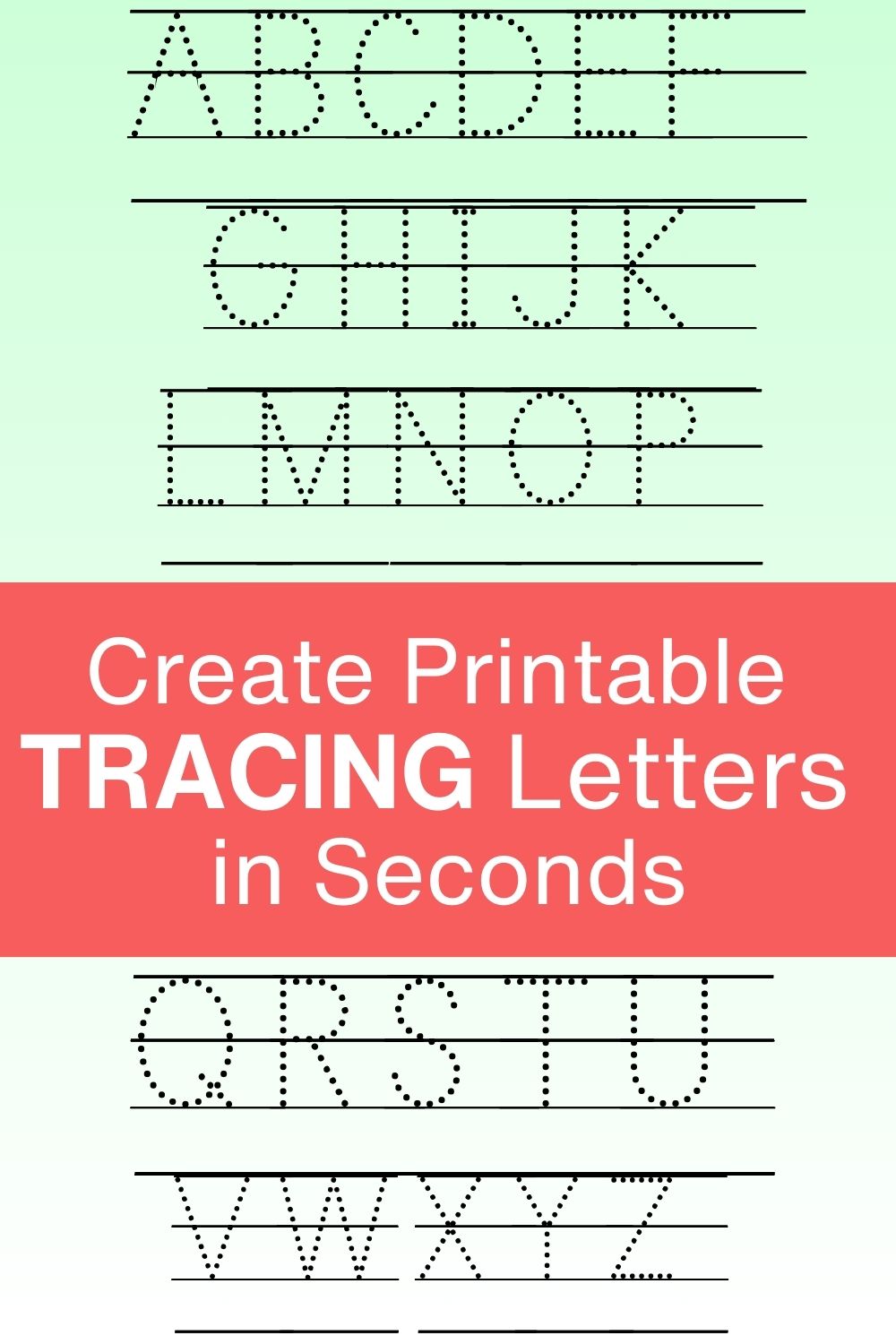
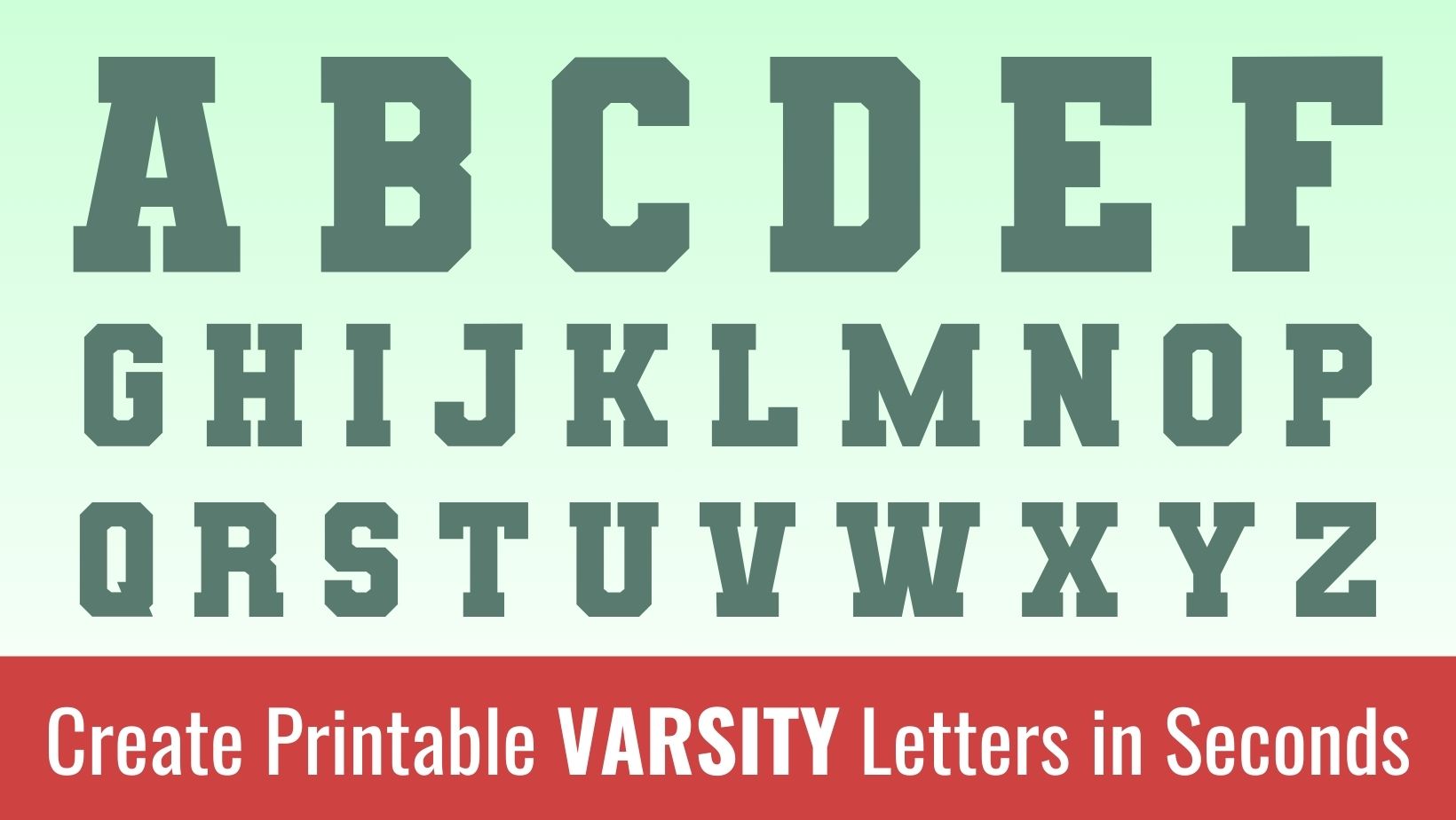
Create your own amazing printable tracing letters(A-Z), tracing numbers(0-9), free alphabet fonts and letter templates. Just select from the templates and click on the edit design button to begin. Download cut-friendly SVG file for Cricut and Silhouette machines.
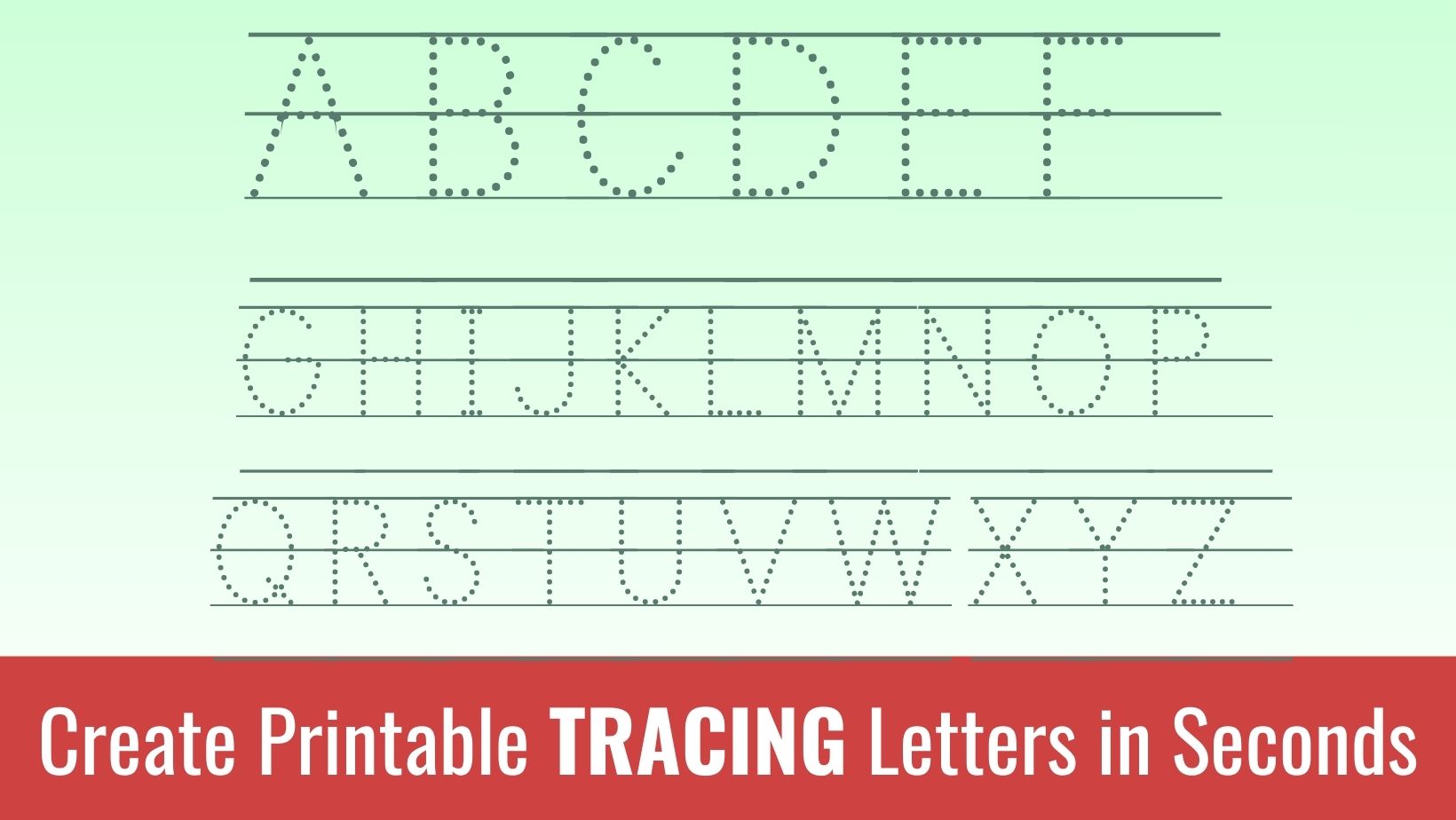
Listed below are the templates for the printable tracing letters. Click on the “Edit Design” button to begin.
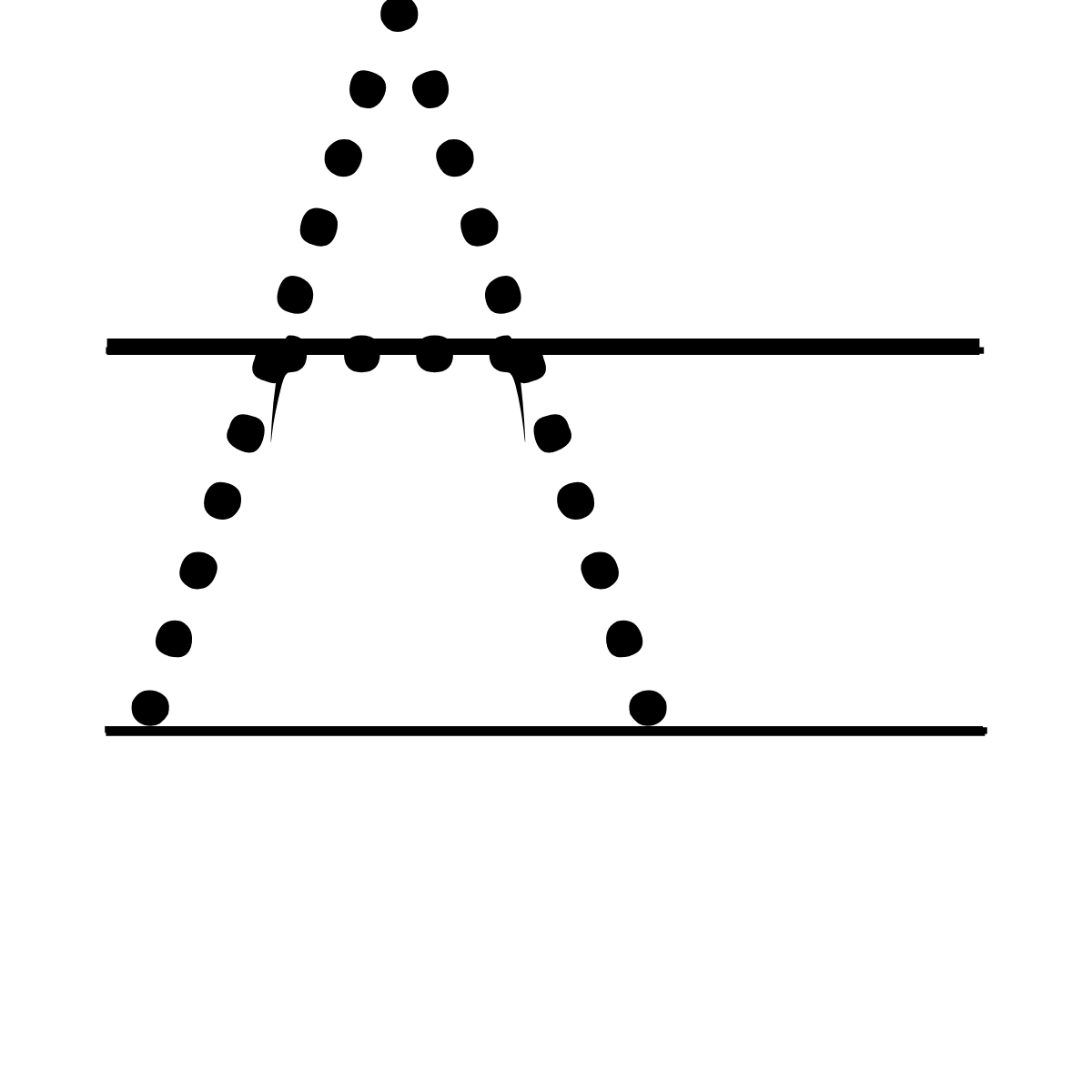 A – Tracing Font.
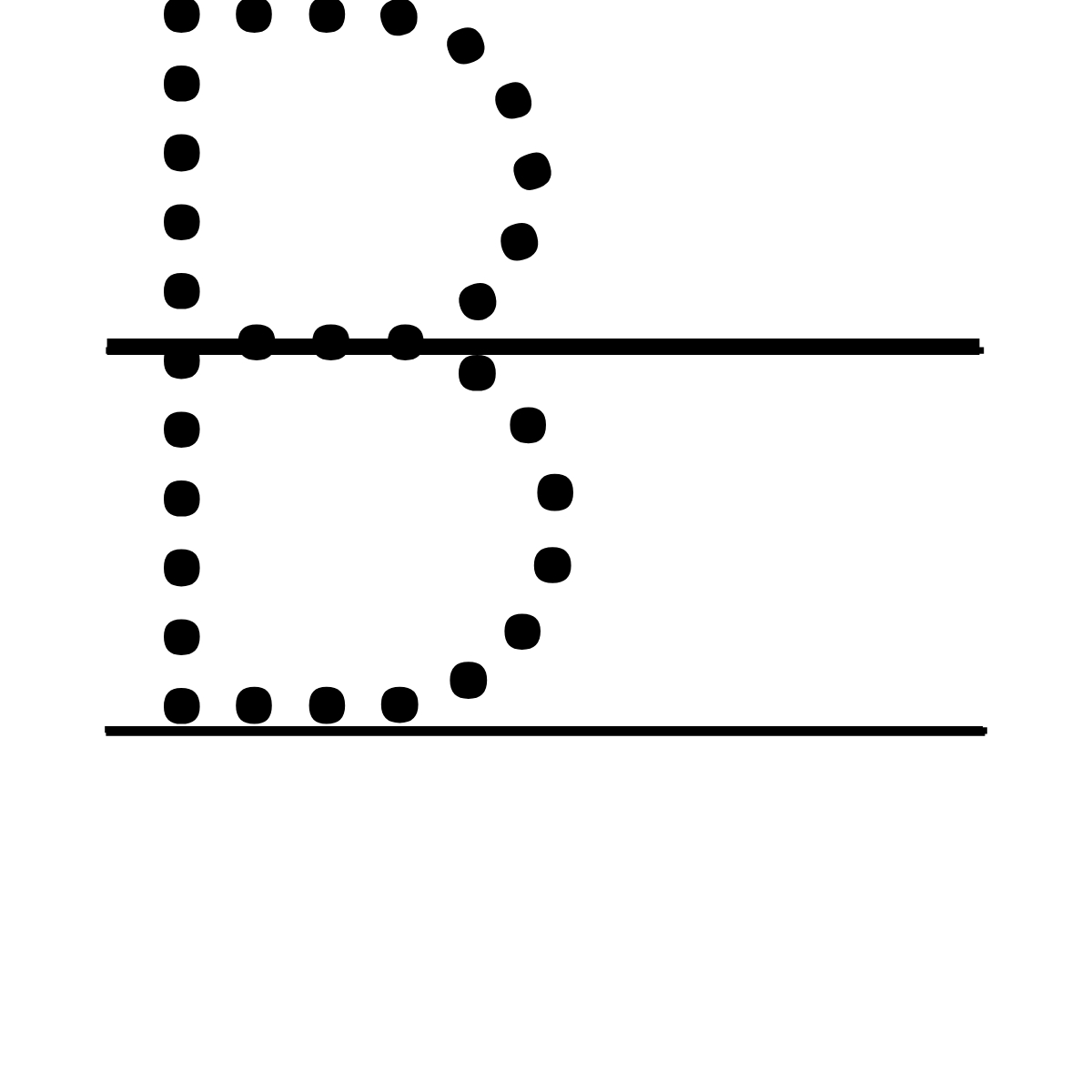 B – Tracing Font.
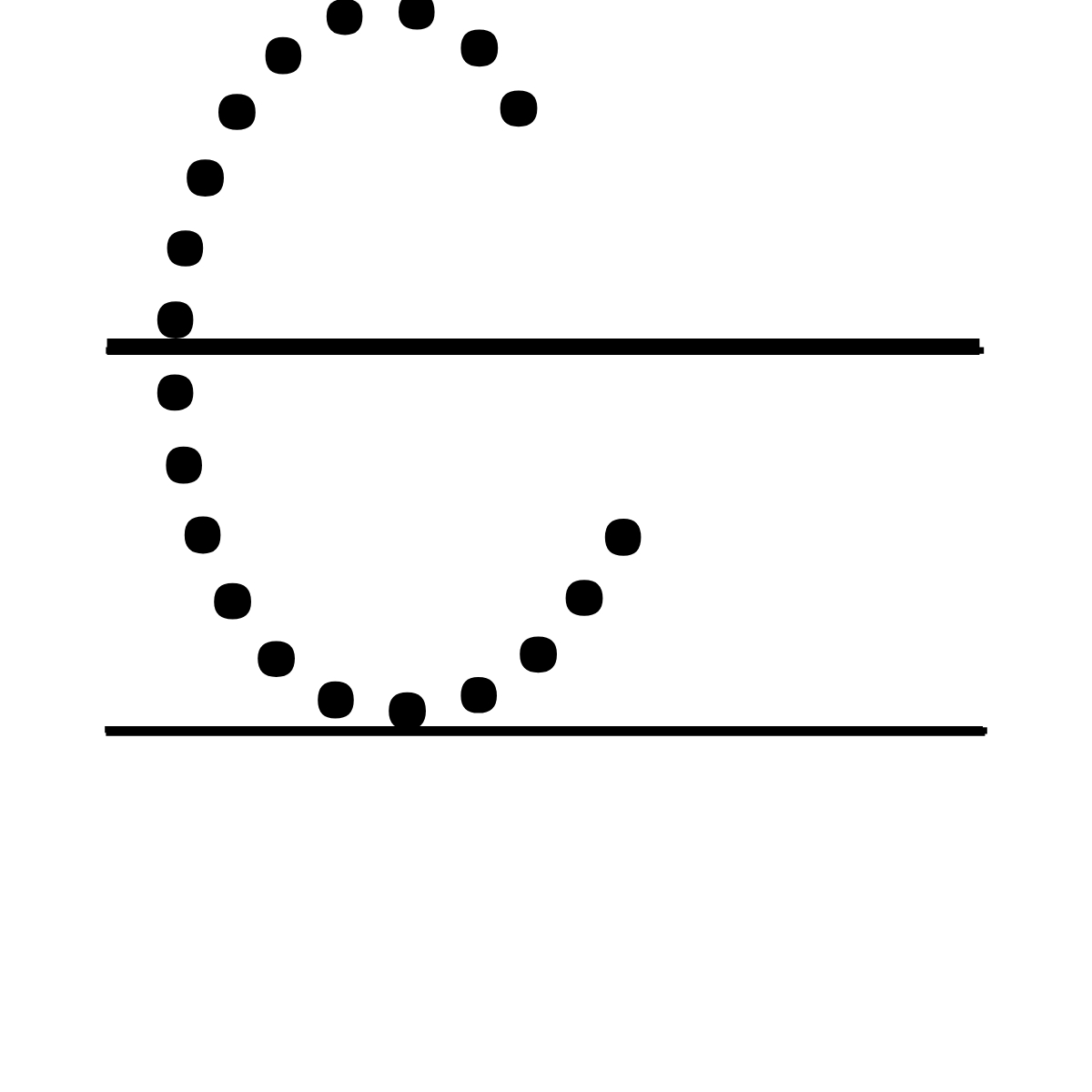 C – Tracing Font.
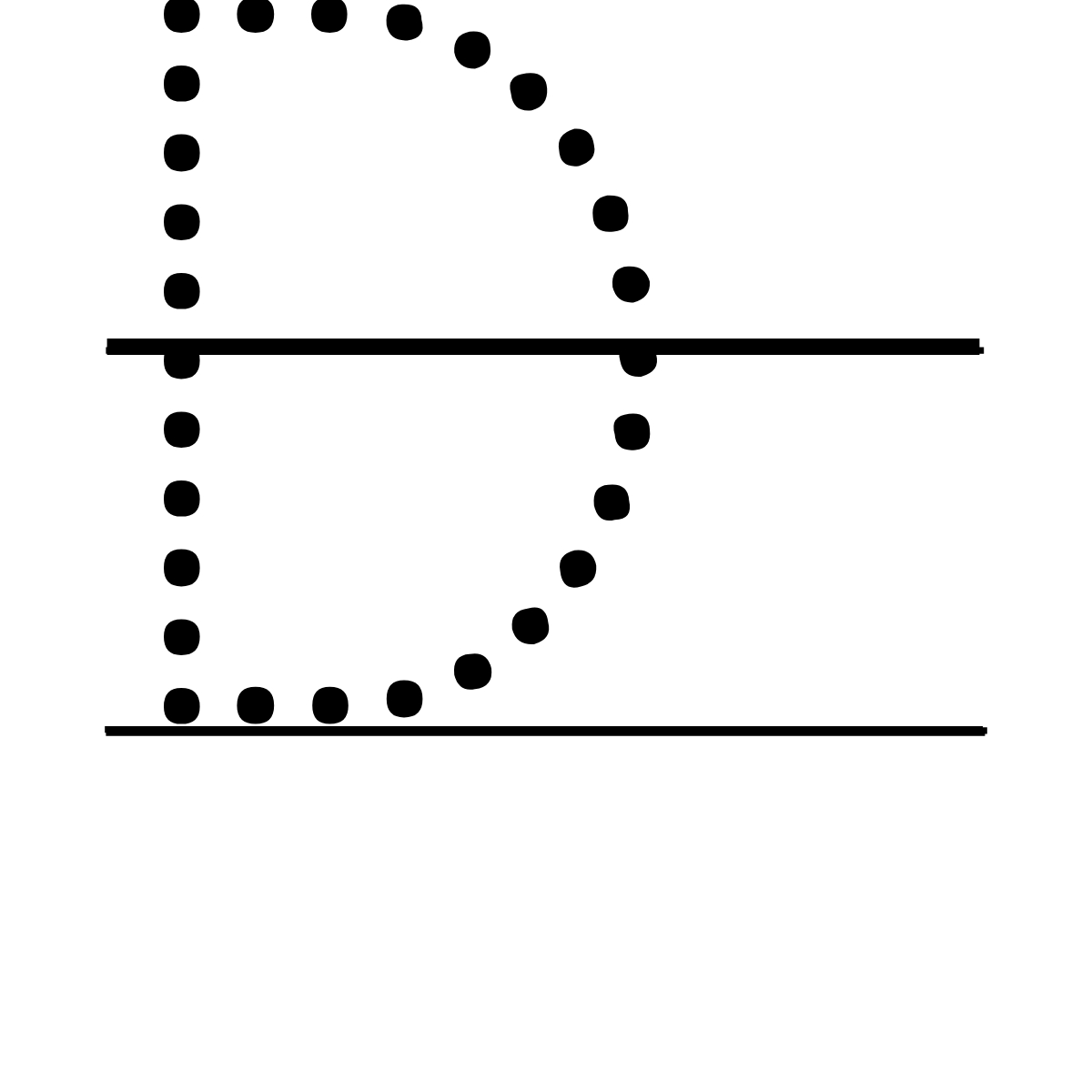 D – Tracing Font.
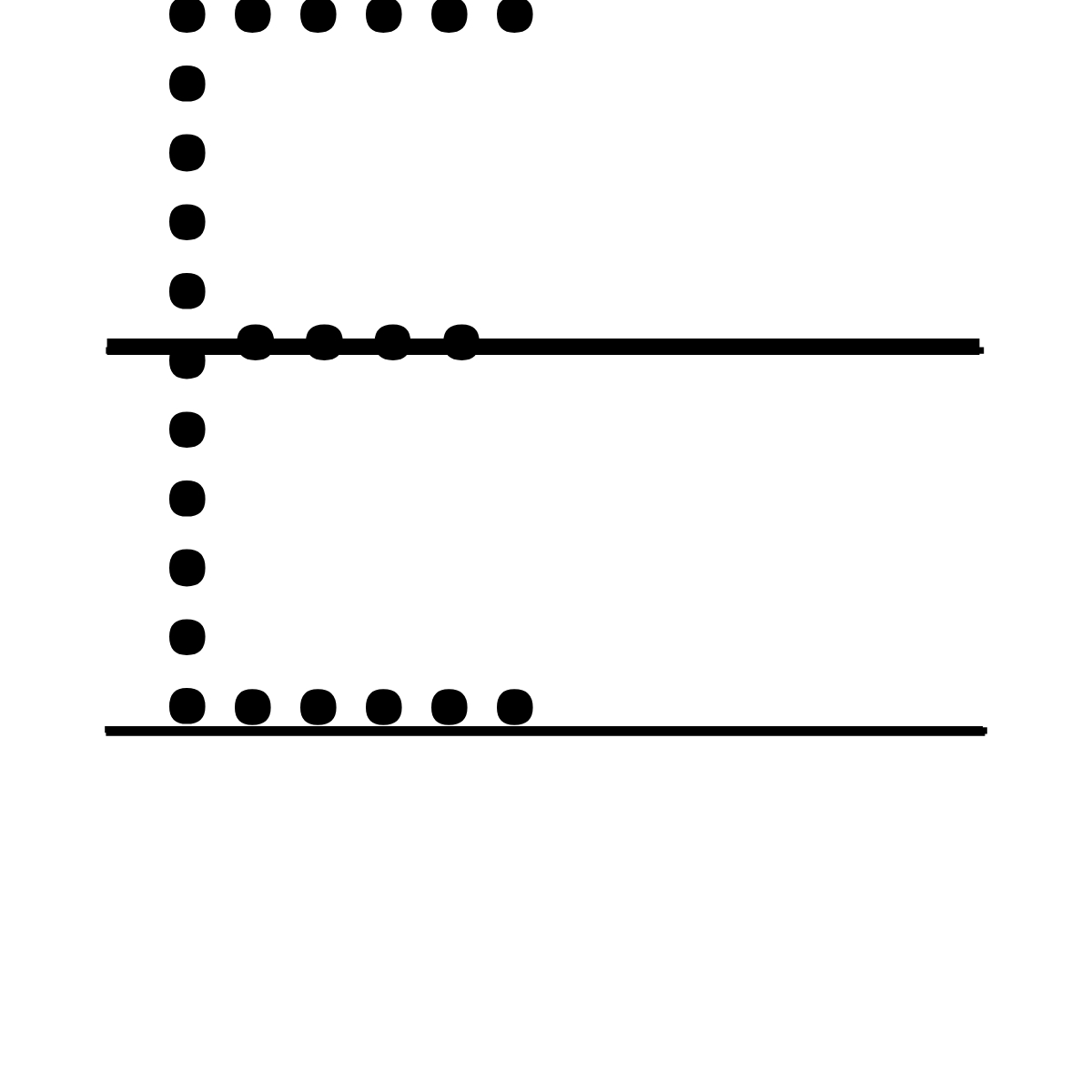 E – Tracing Font.
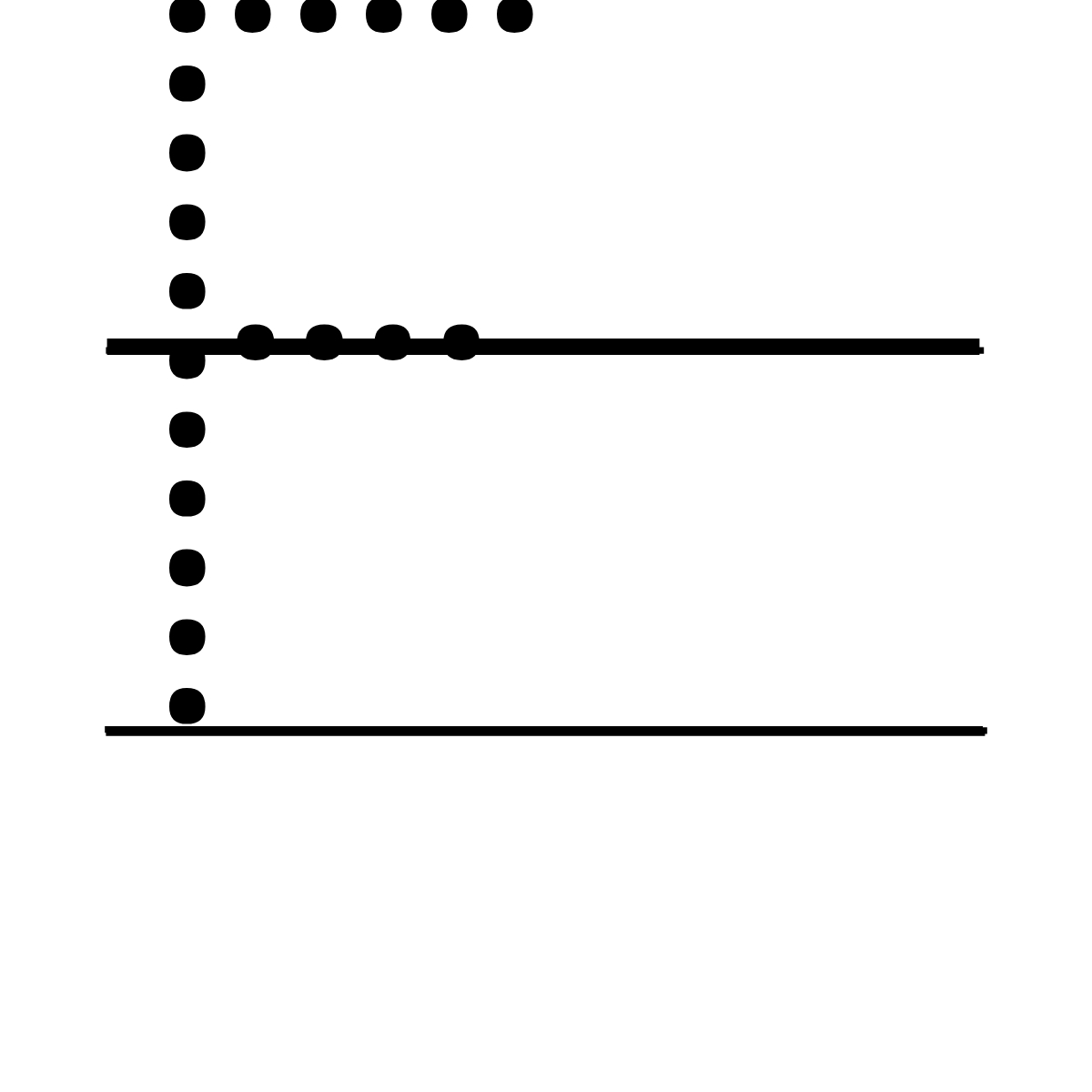 F – Tracing Font.
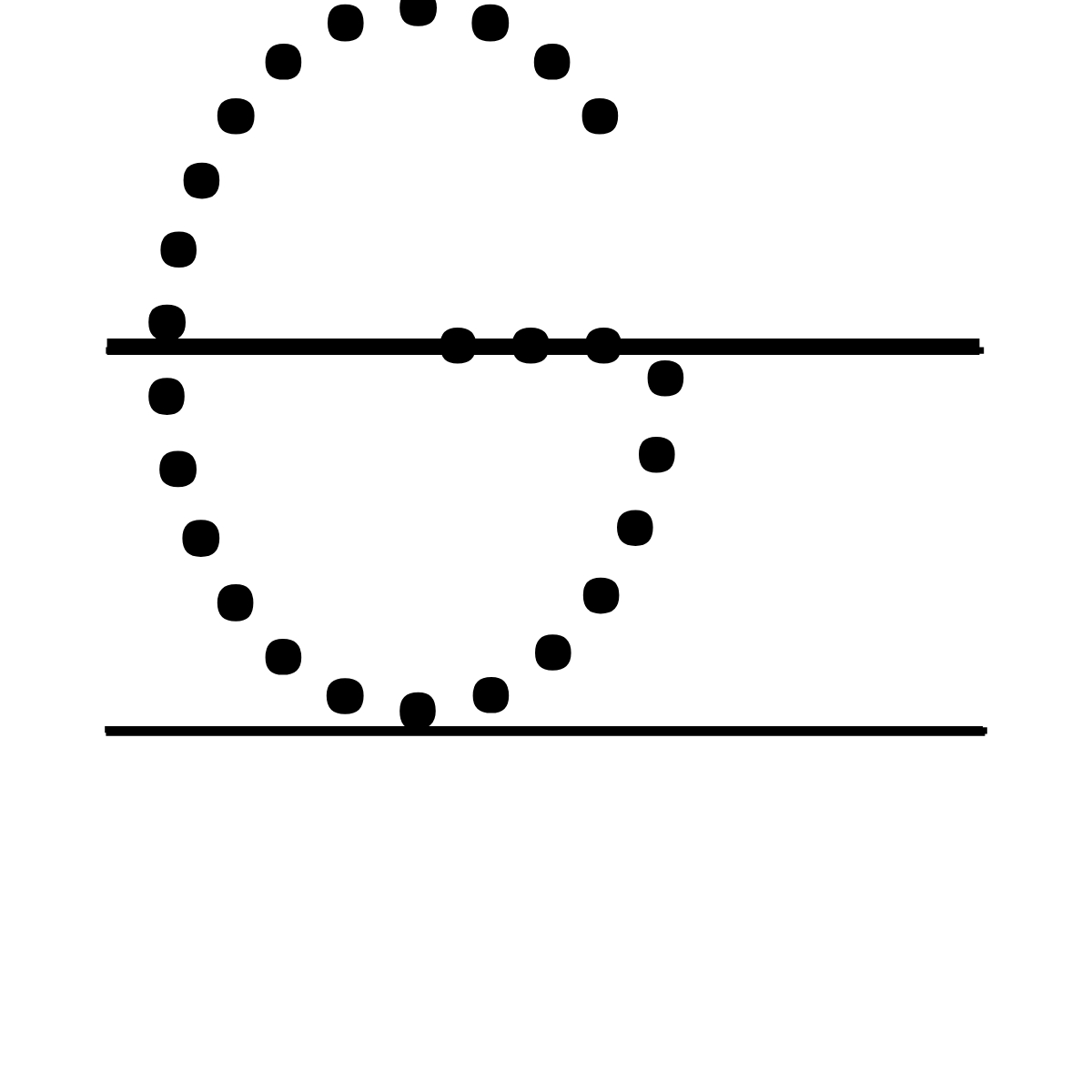 G – Tracing Font.
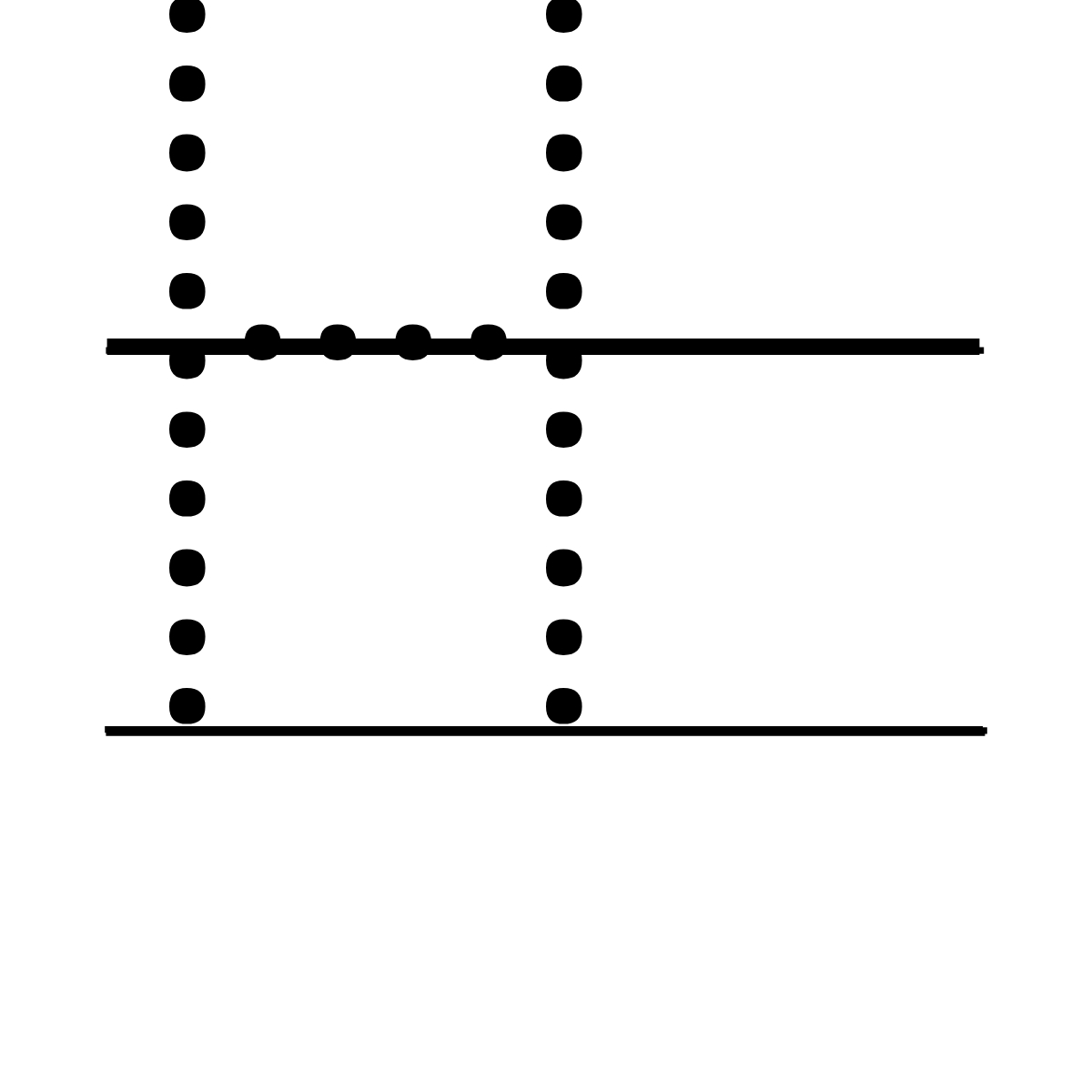 H – Tracing Font.
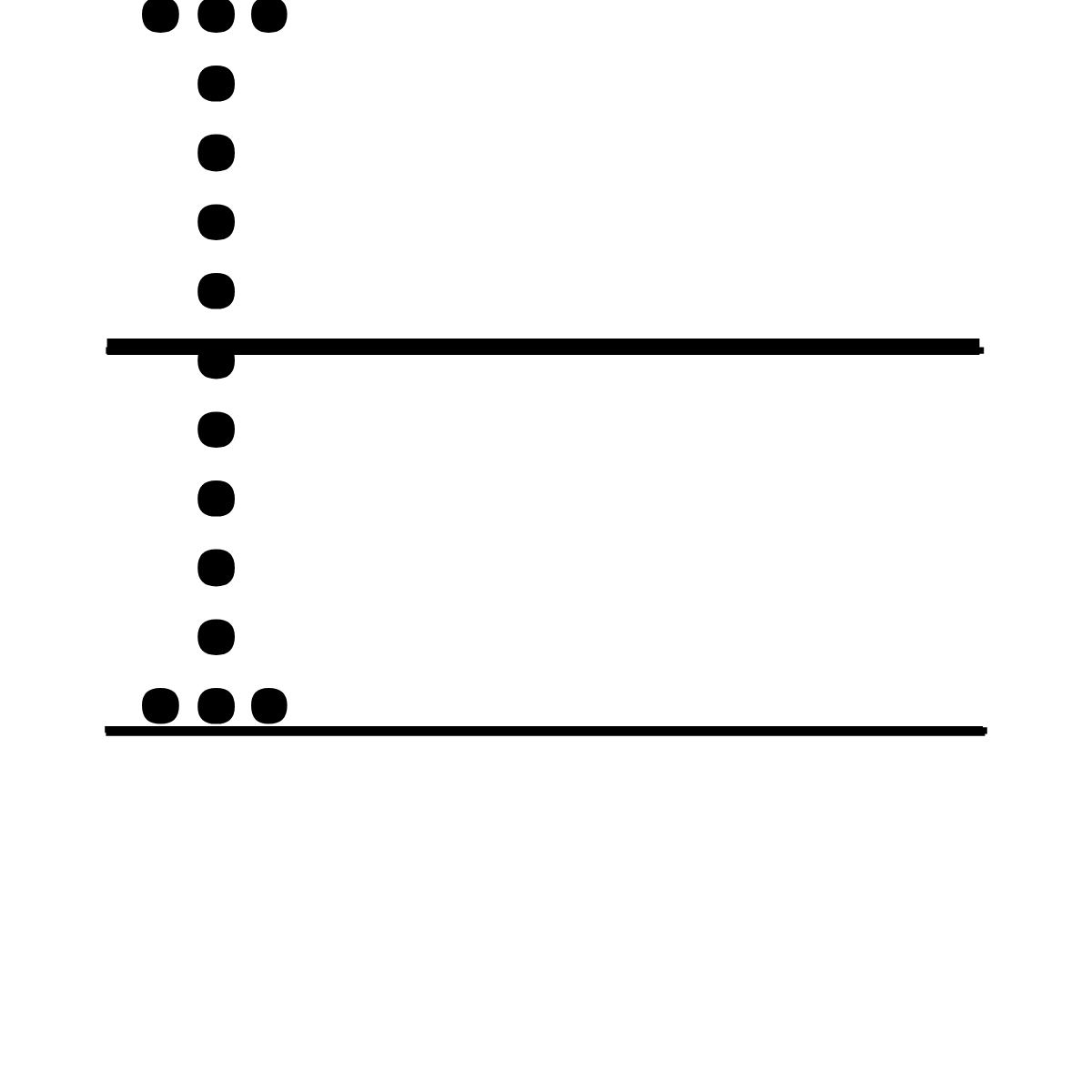 I – Tracing Font.
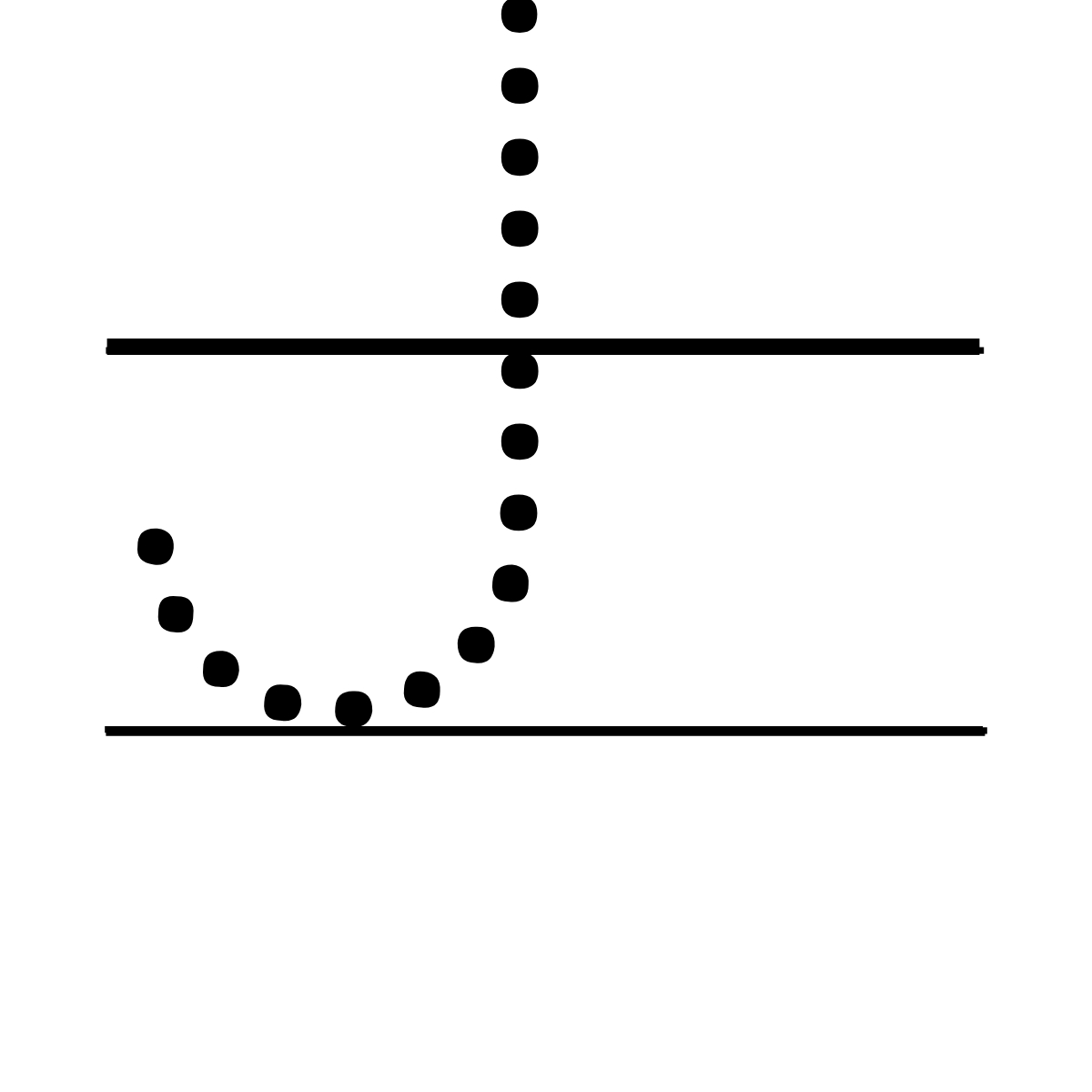 J – Tracing Font.
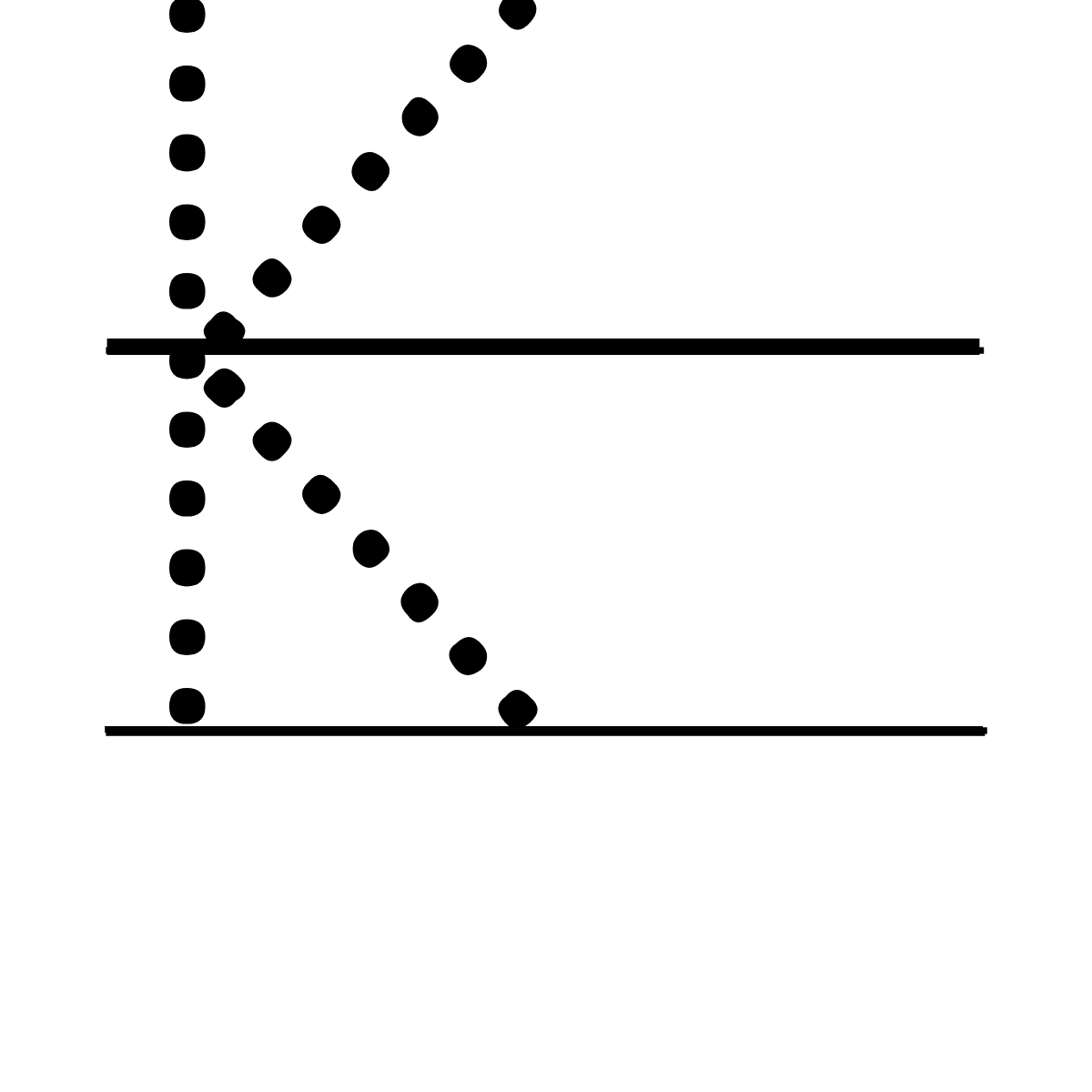 K – Tracing Font.
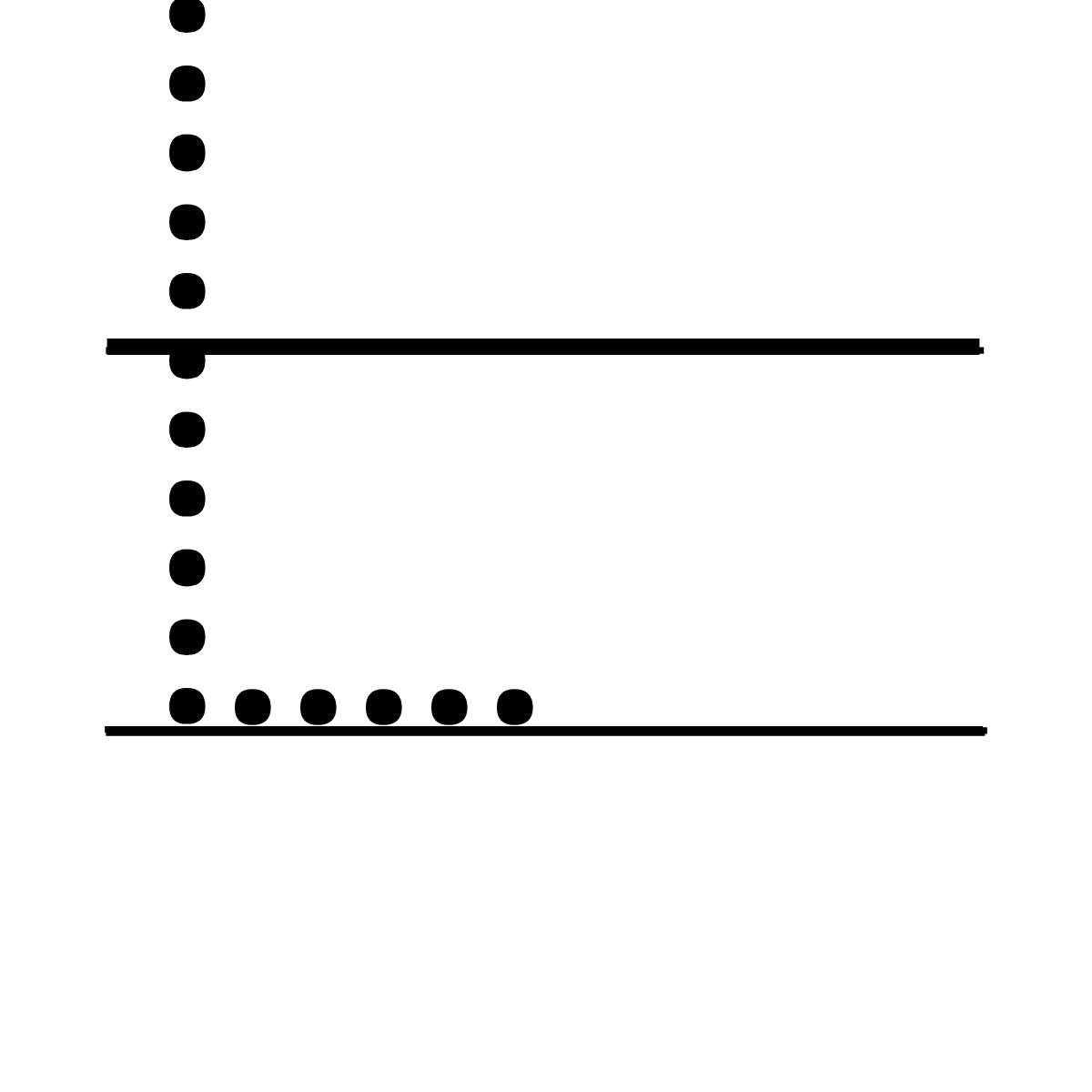 L – Tracing Font.
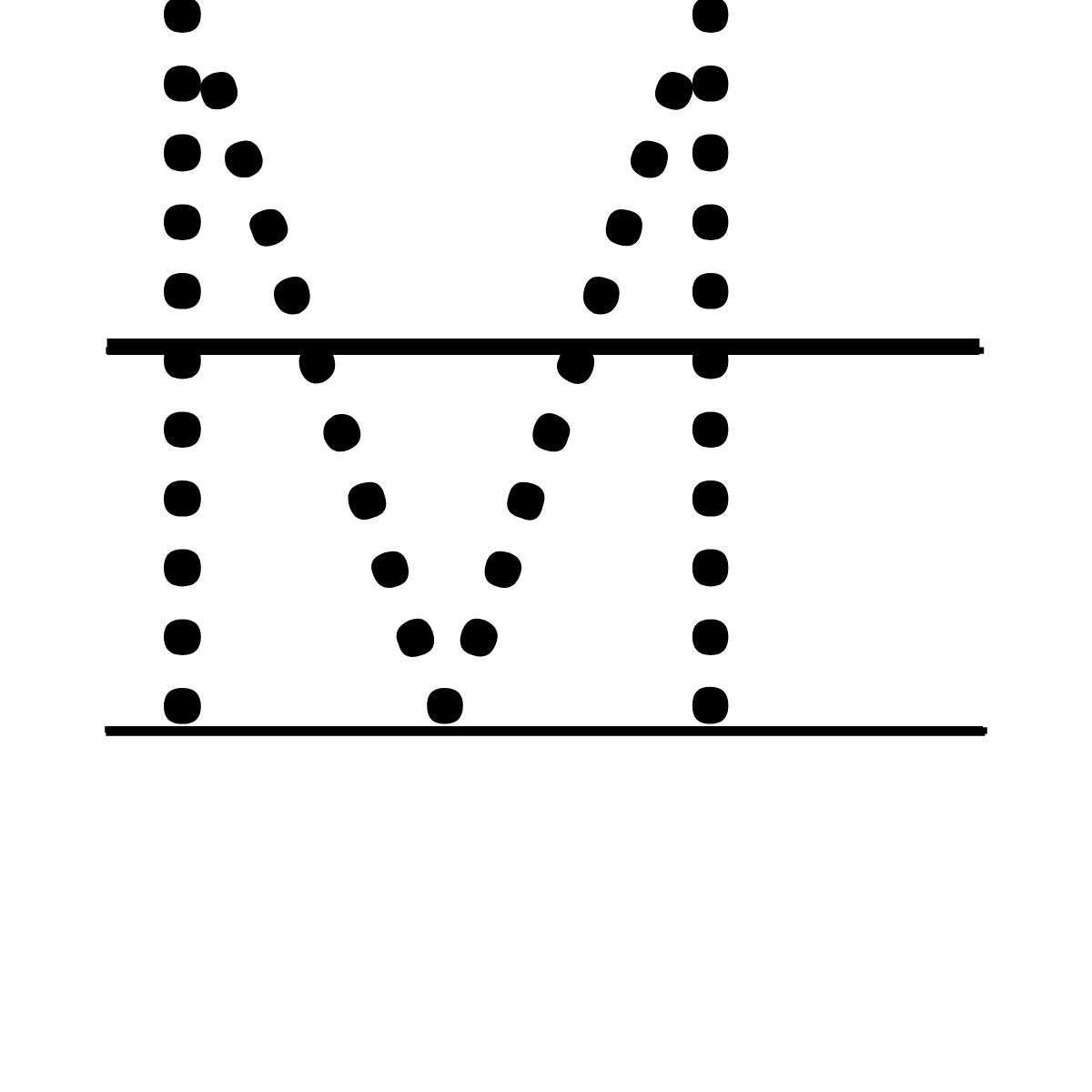 M – Tracing Font.
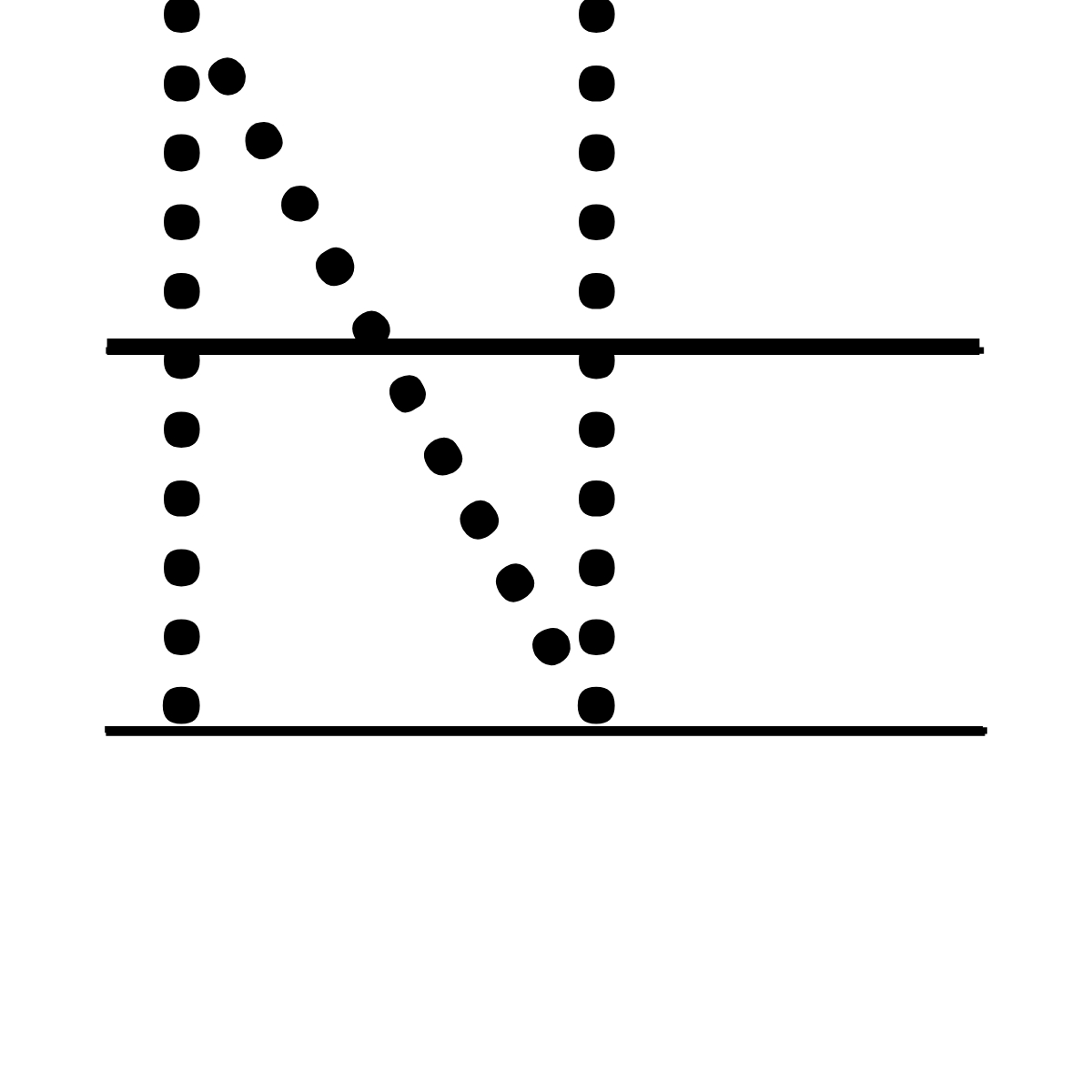 N – Tracing Font.
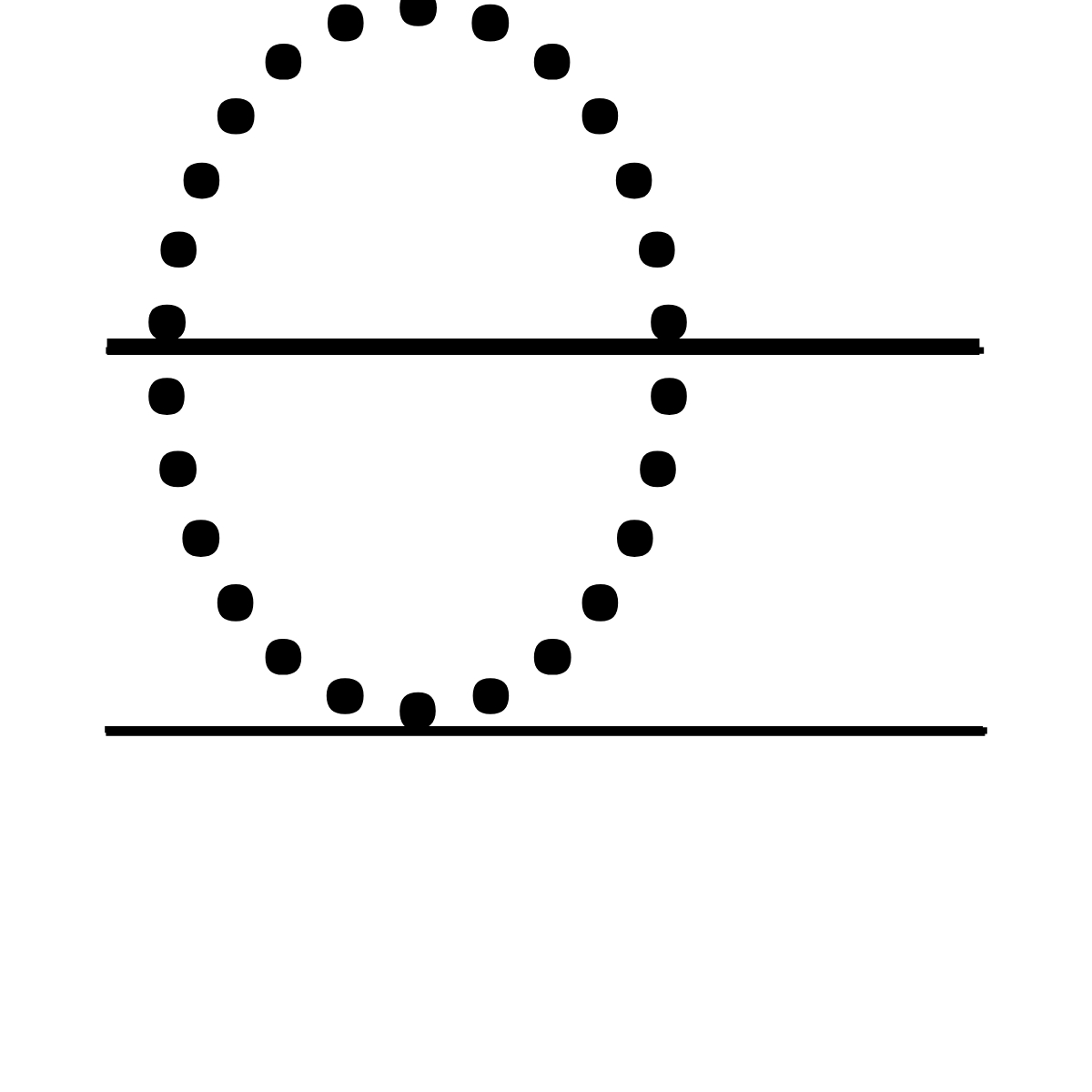 O – Tracing Font.
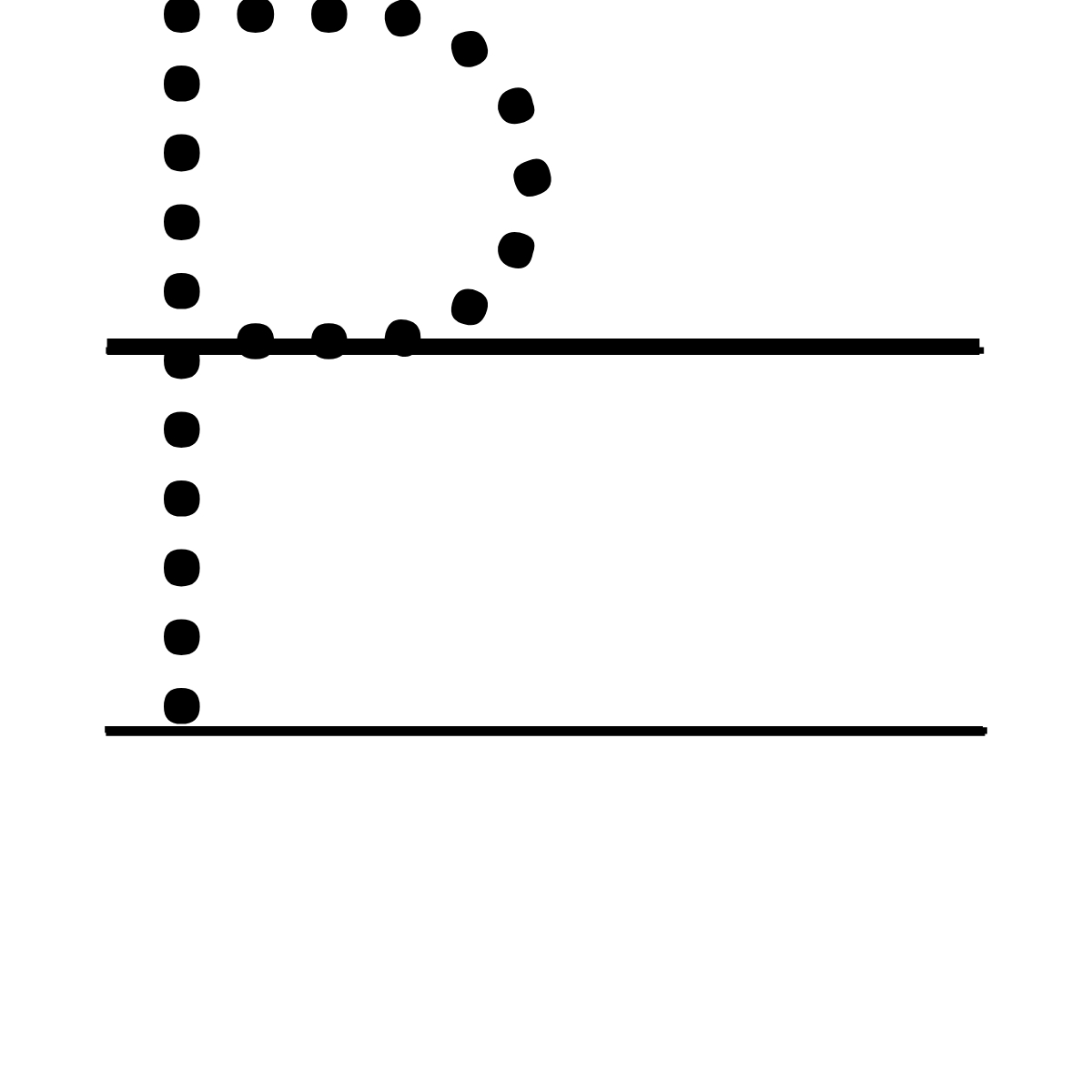 P – Tracing Font.
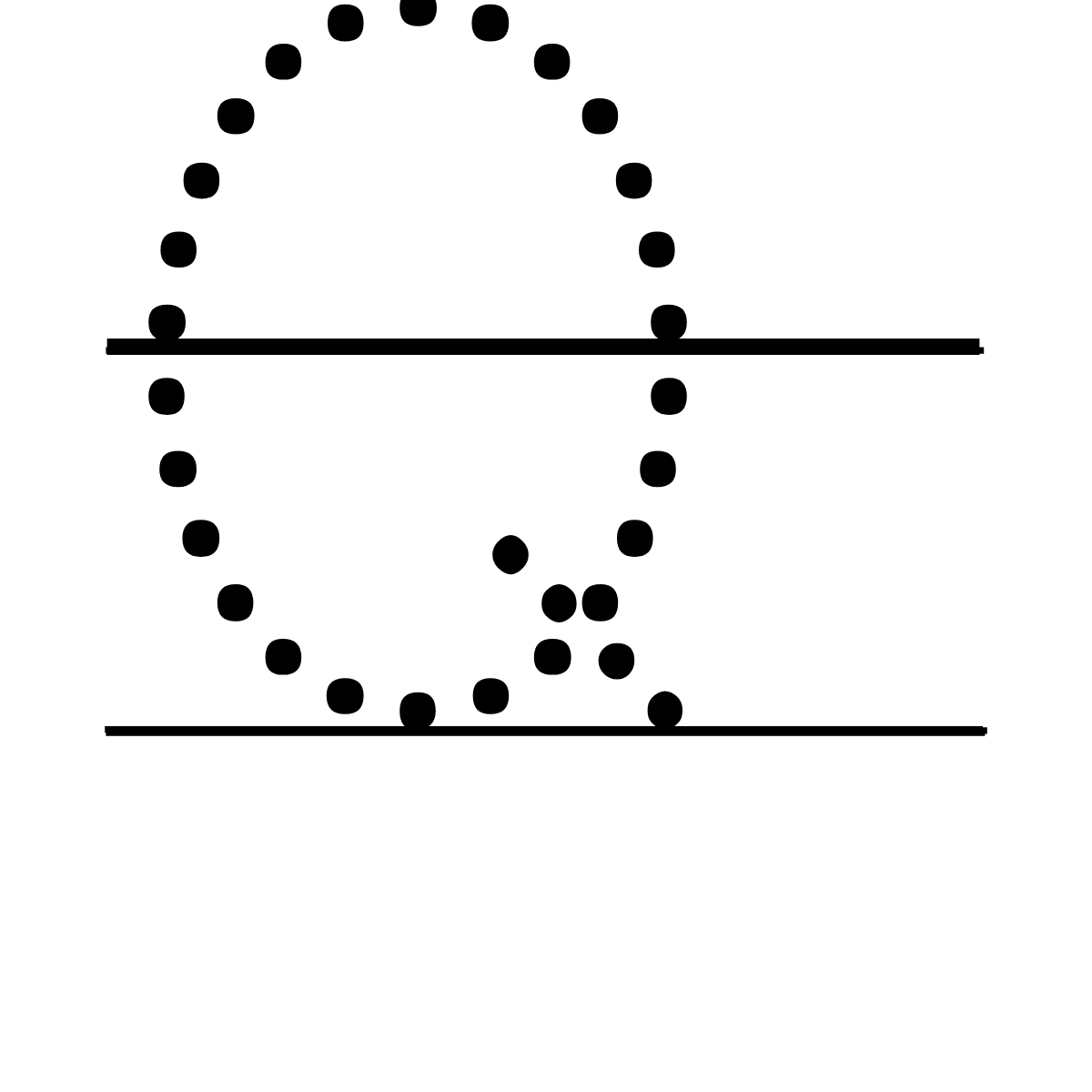 Q – Tracing Font.
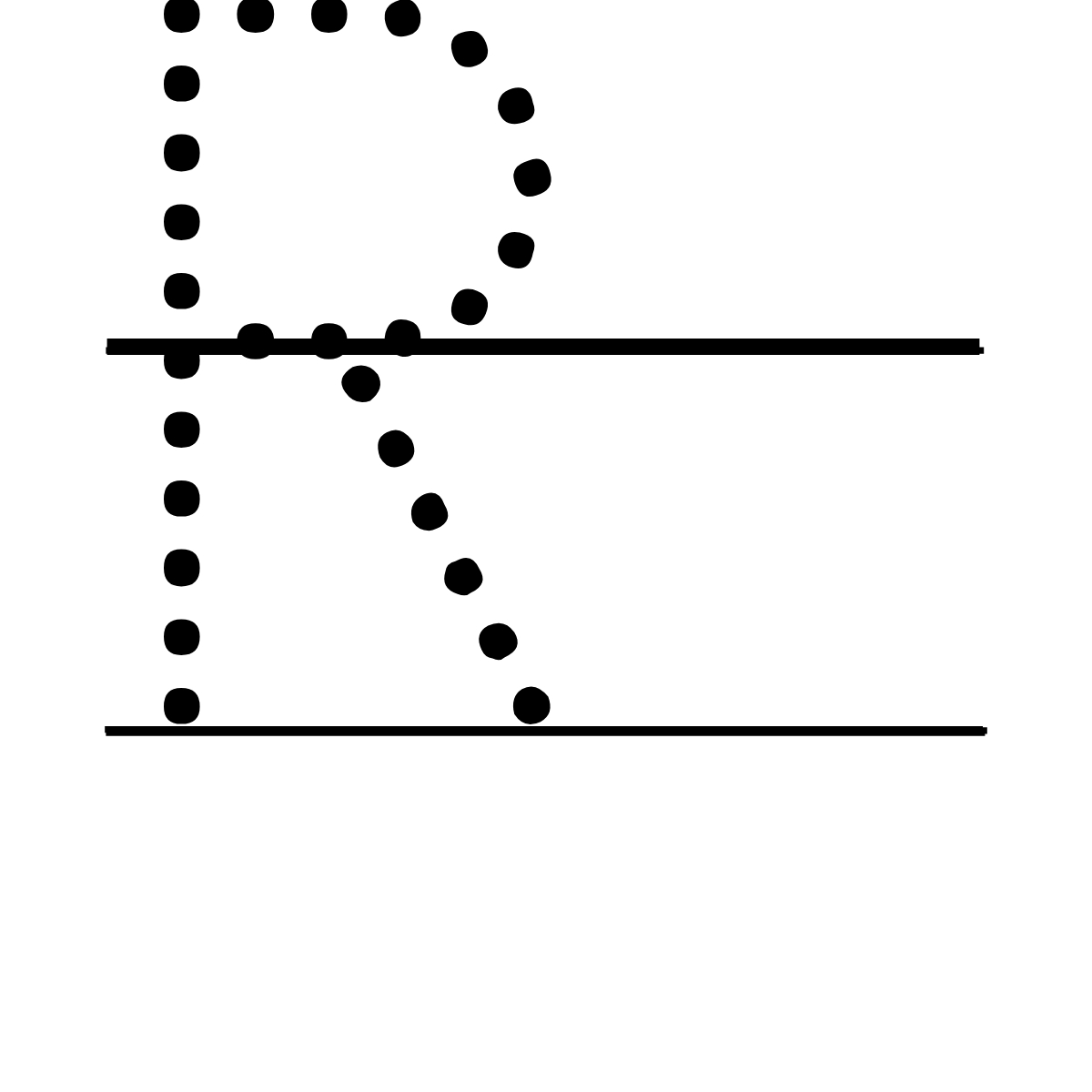 R – Tracing Font.
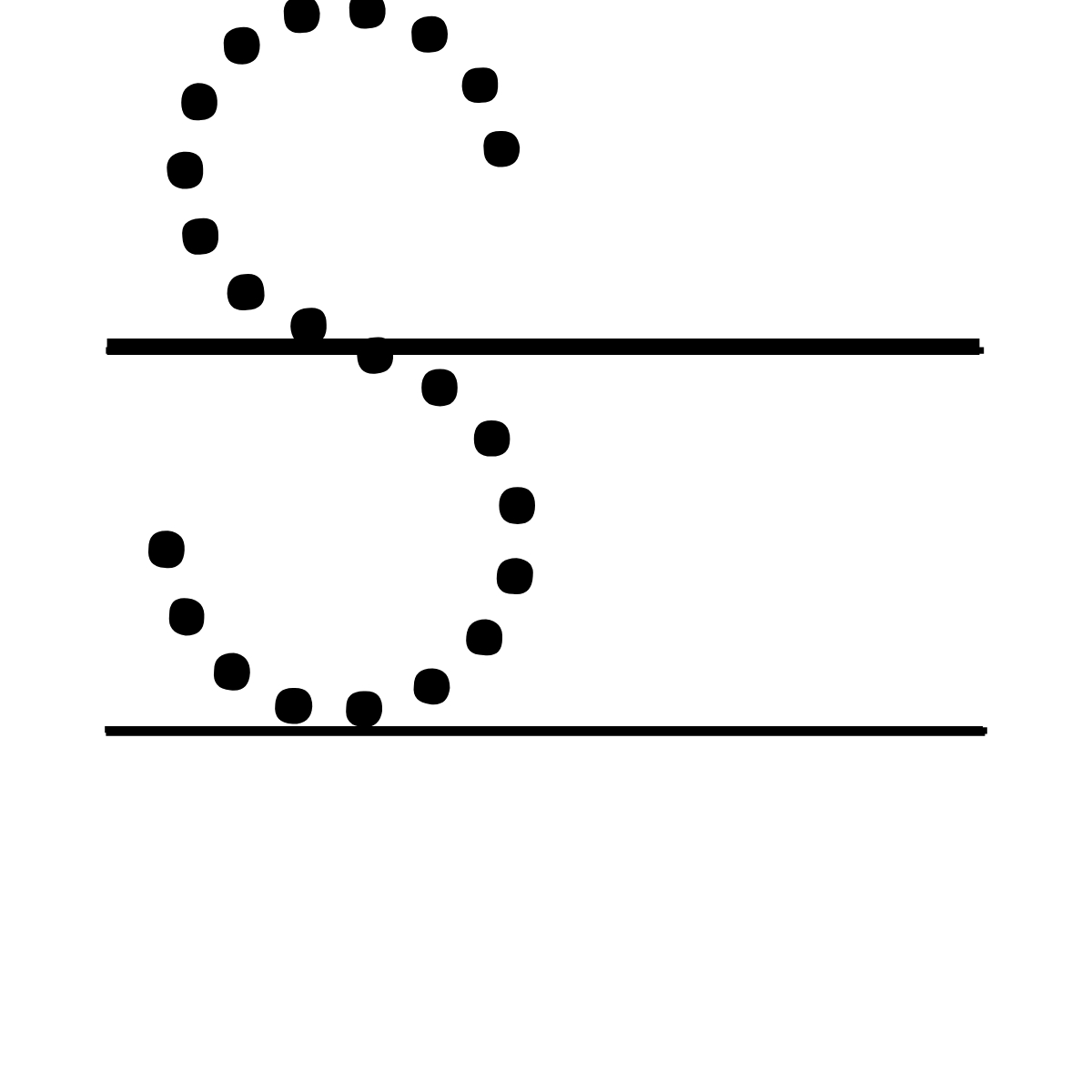 S – Tracing Font.
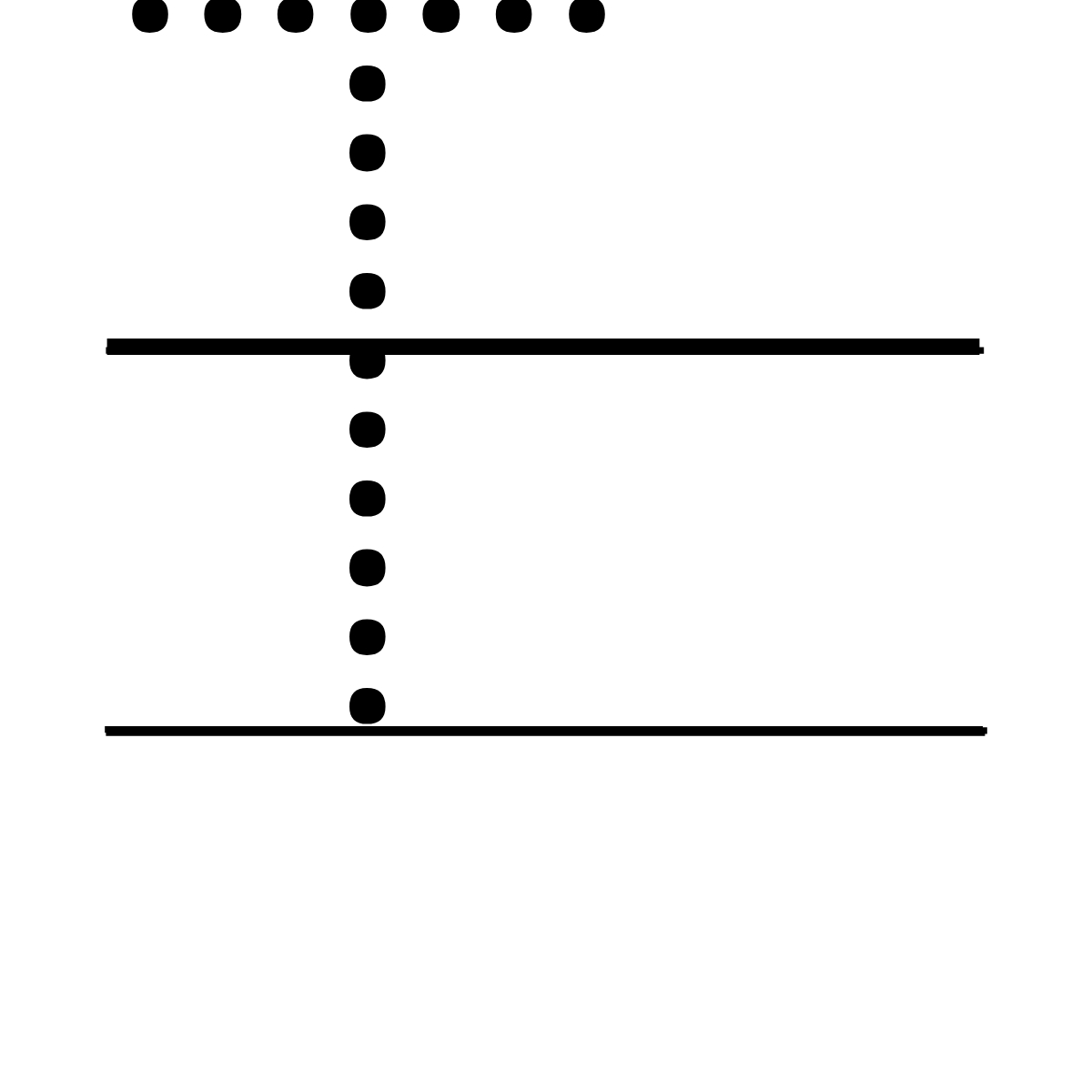 T – Tracing Font.
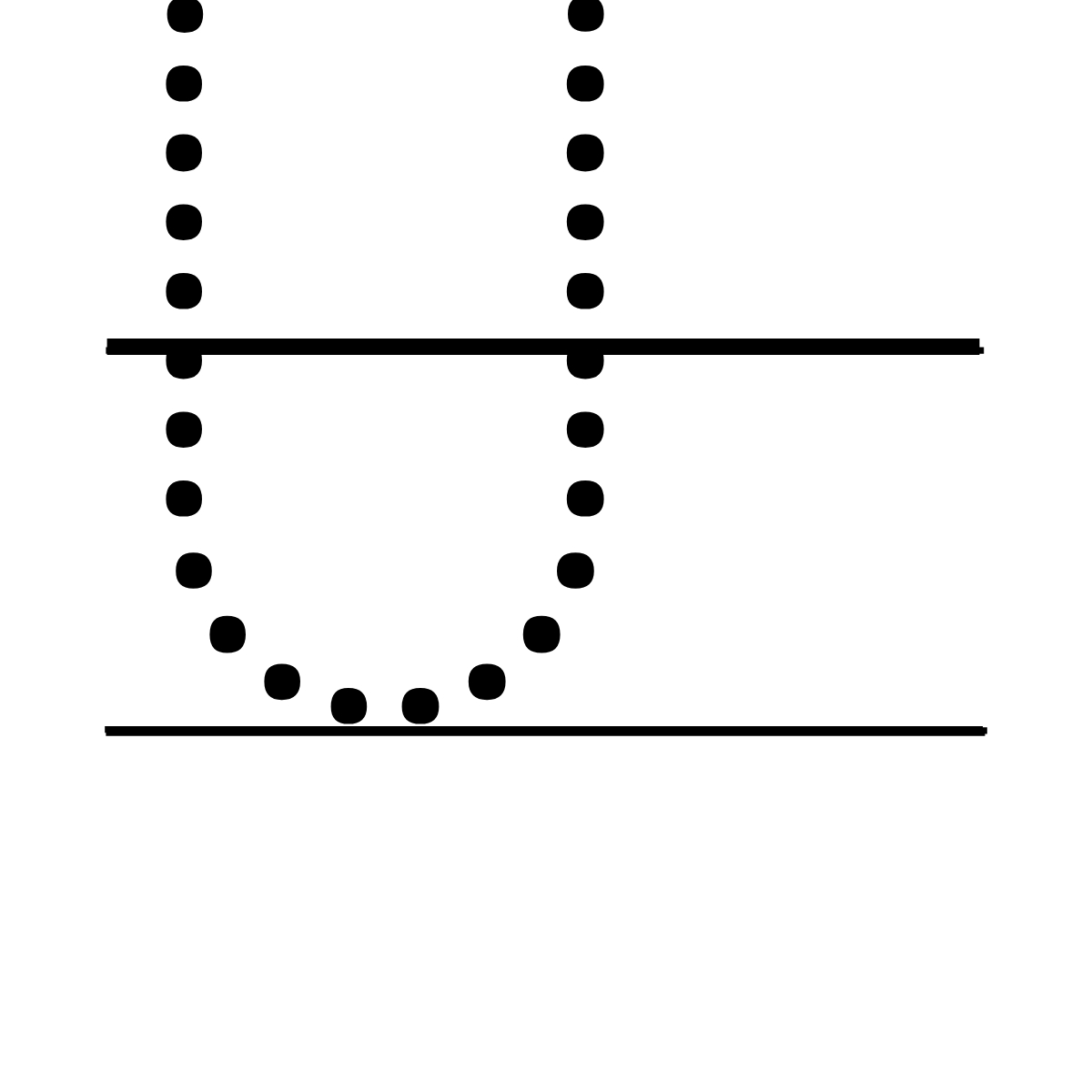 U – Tracing Font.
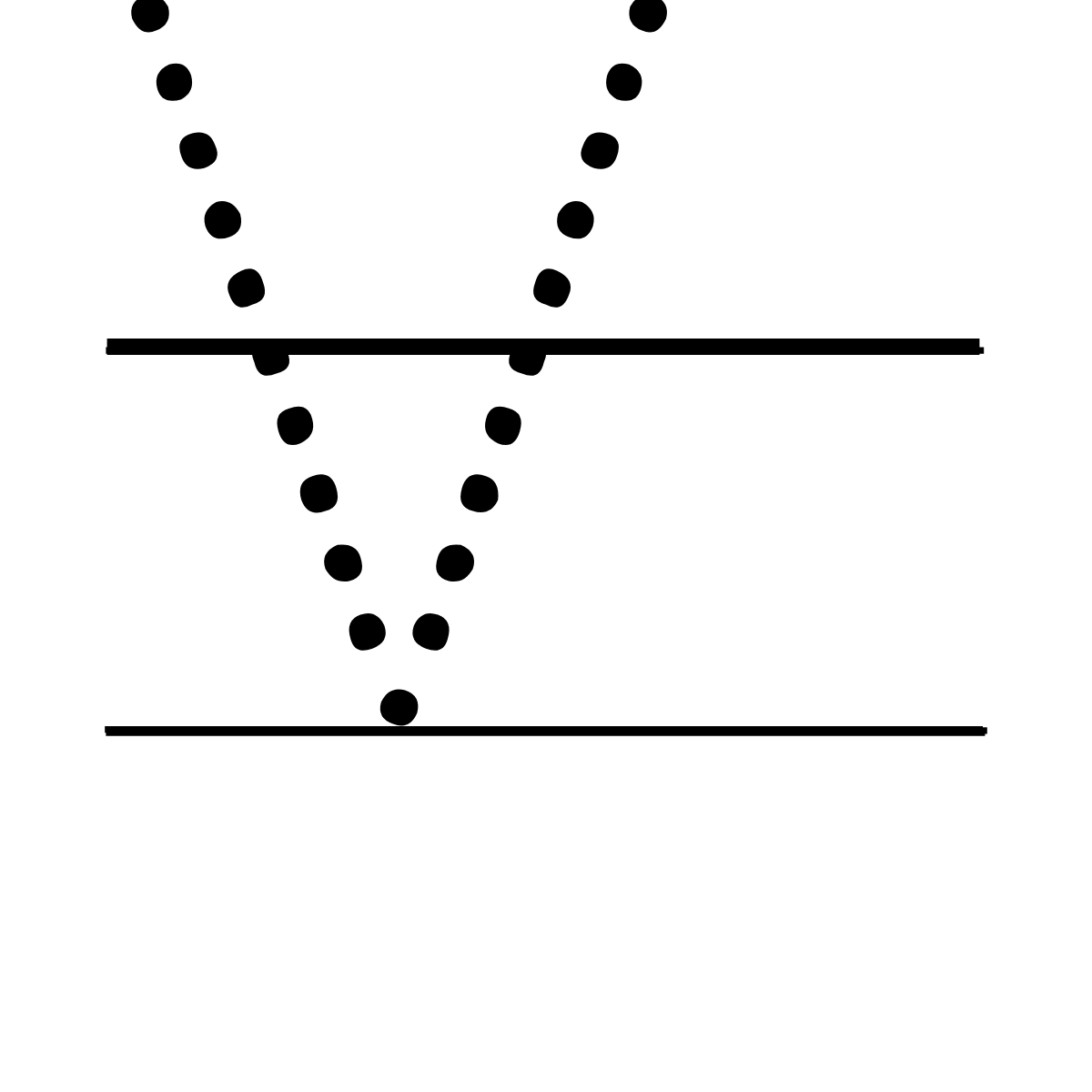 V – Tracing Font.
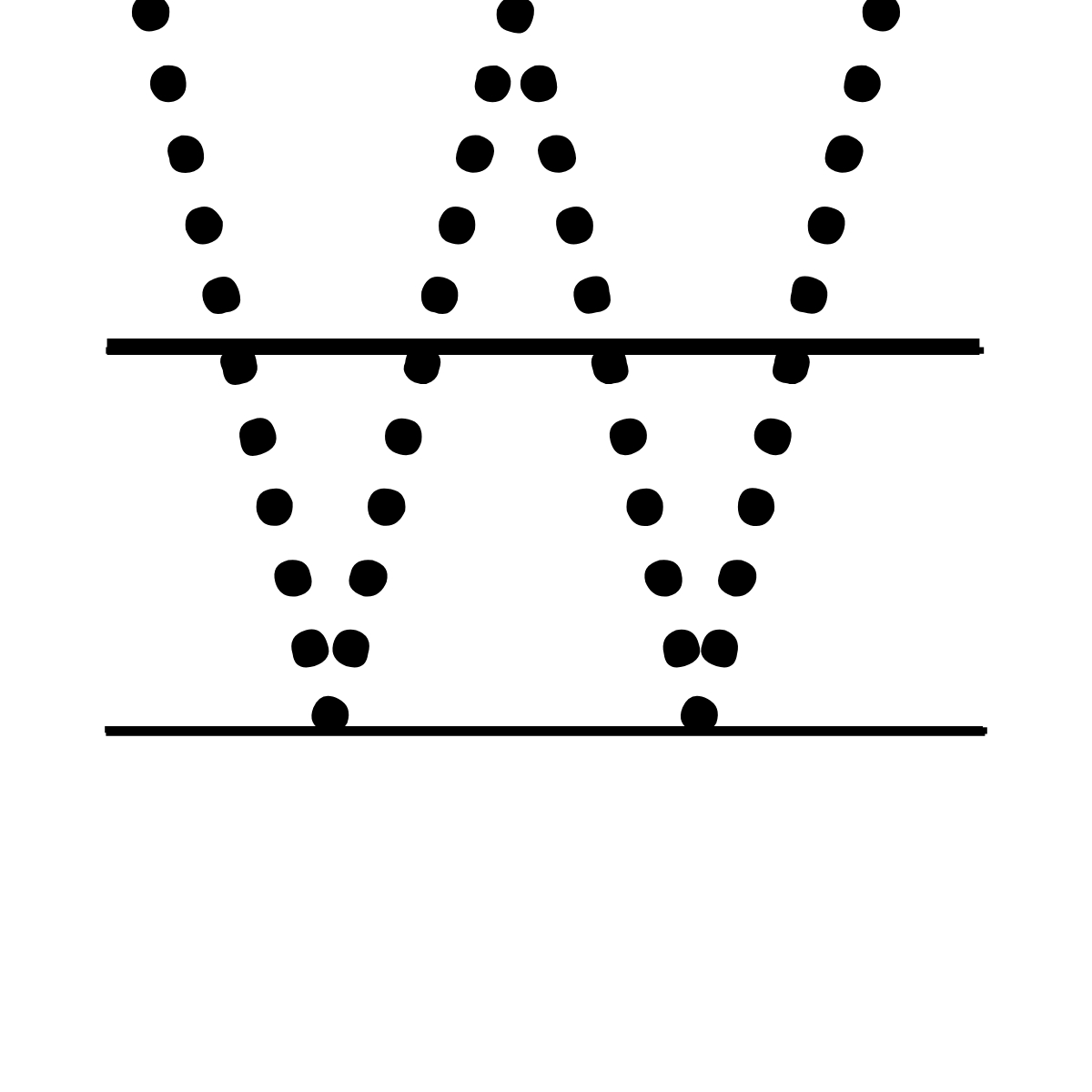 W – Tracing Font.
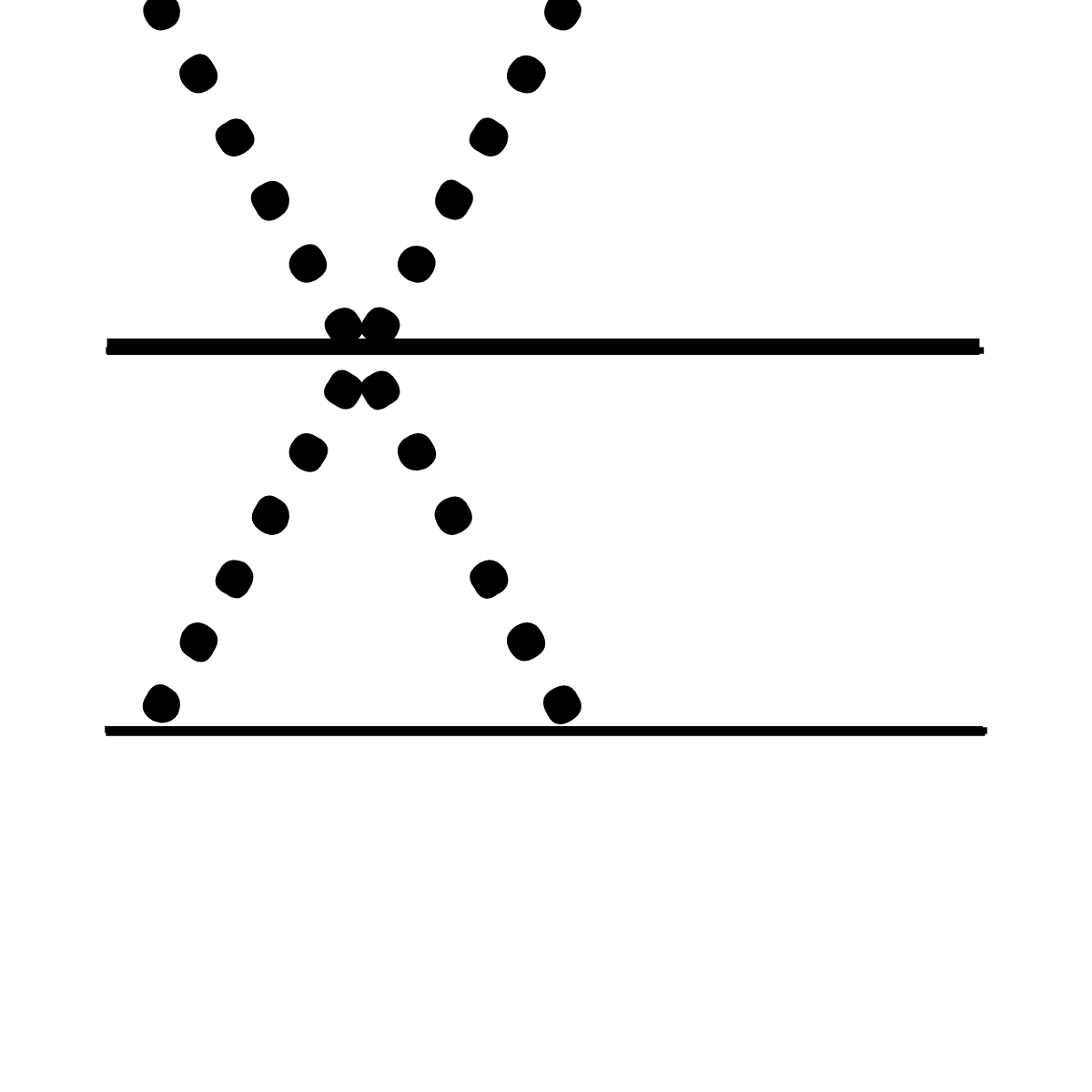 X – Tracing Font.
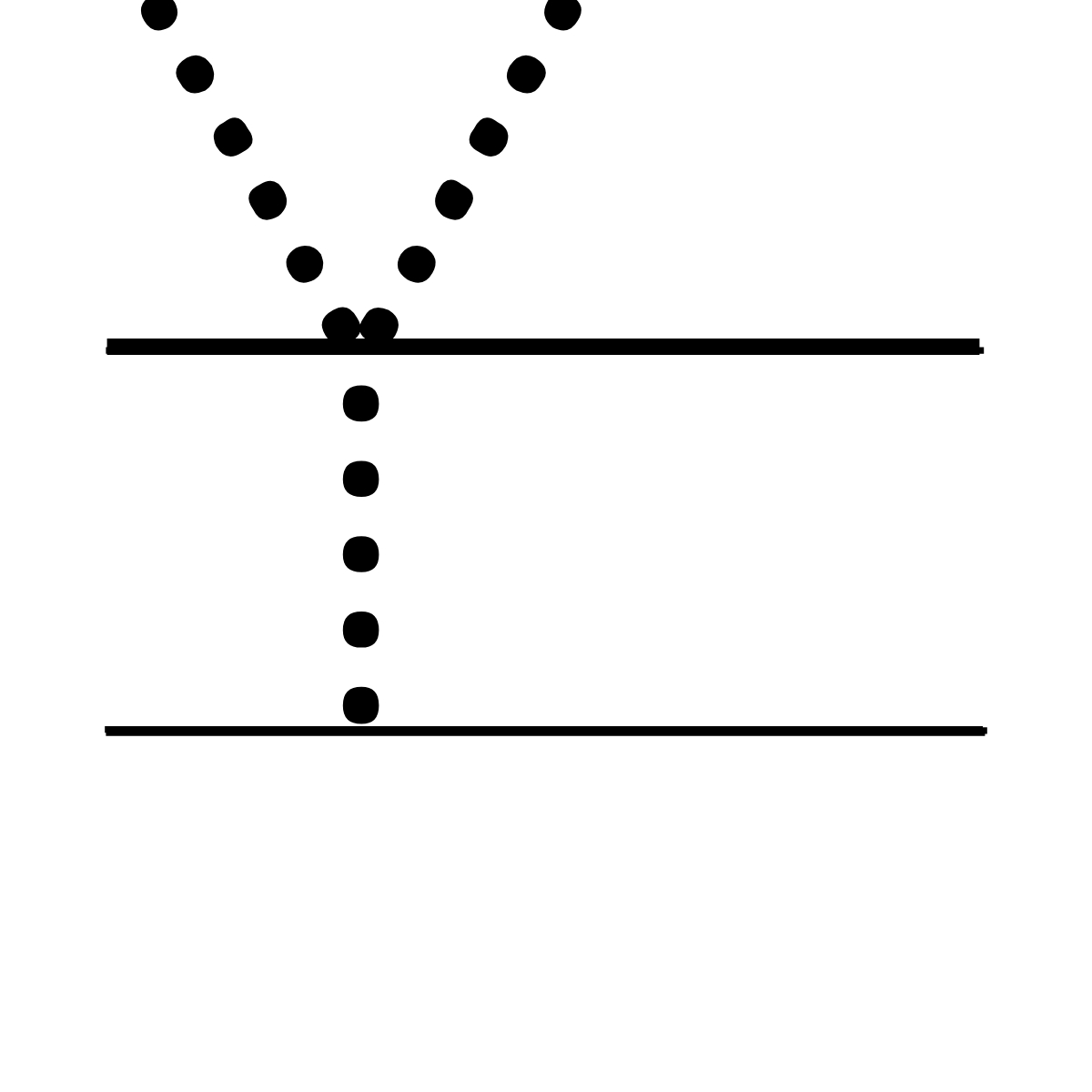 Y – Tracing Font.
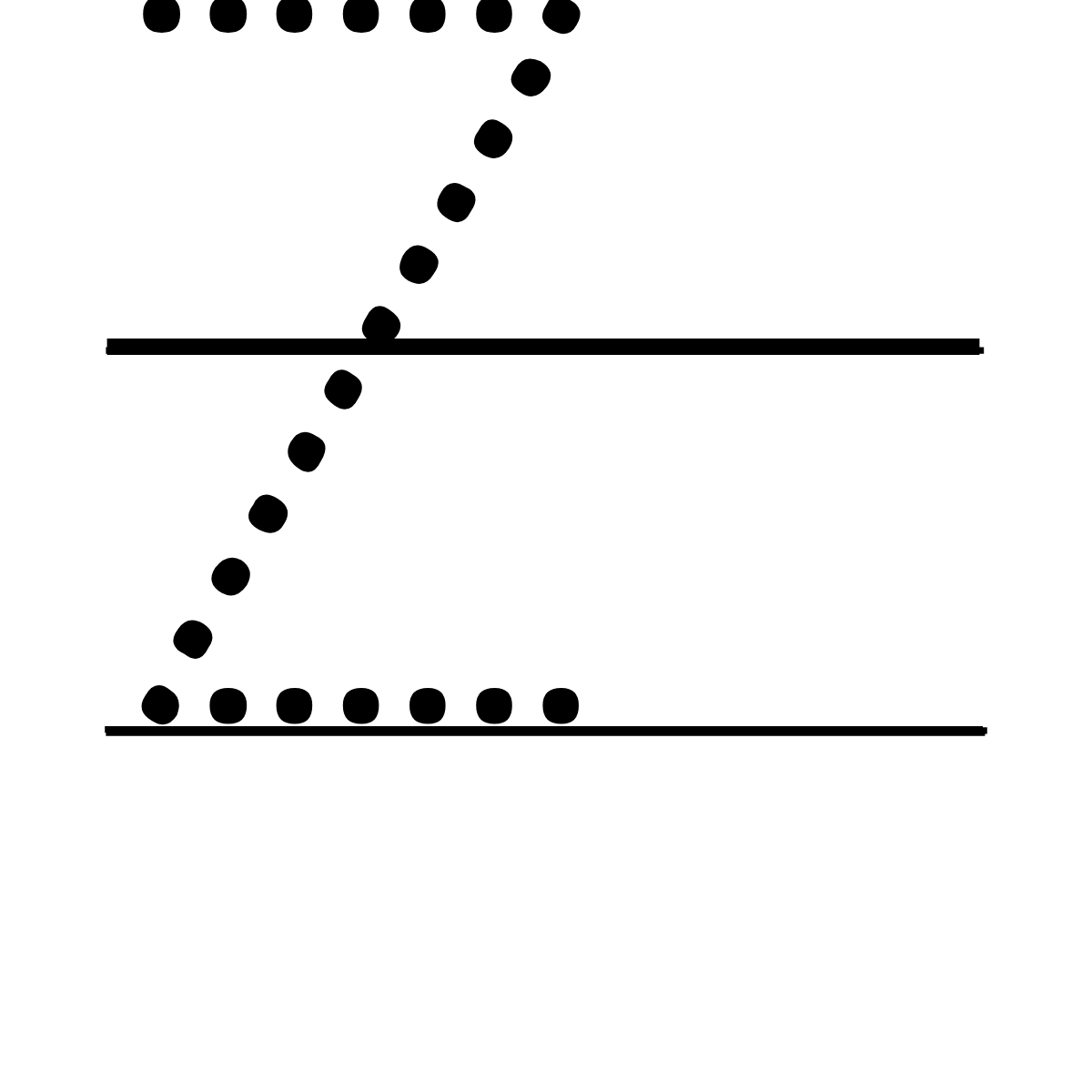 Z – Tracing Font.
Printable Tracing Numbers(0-9)
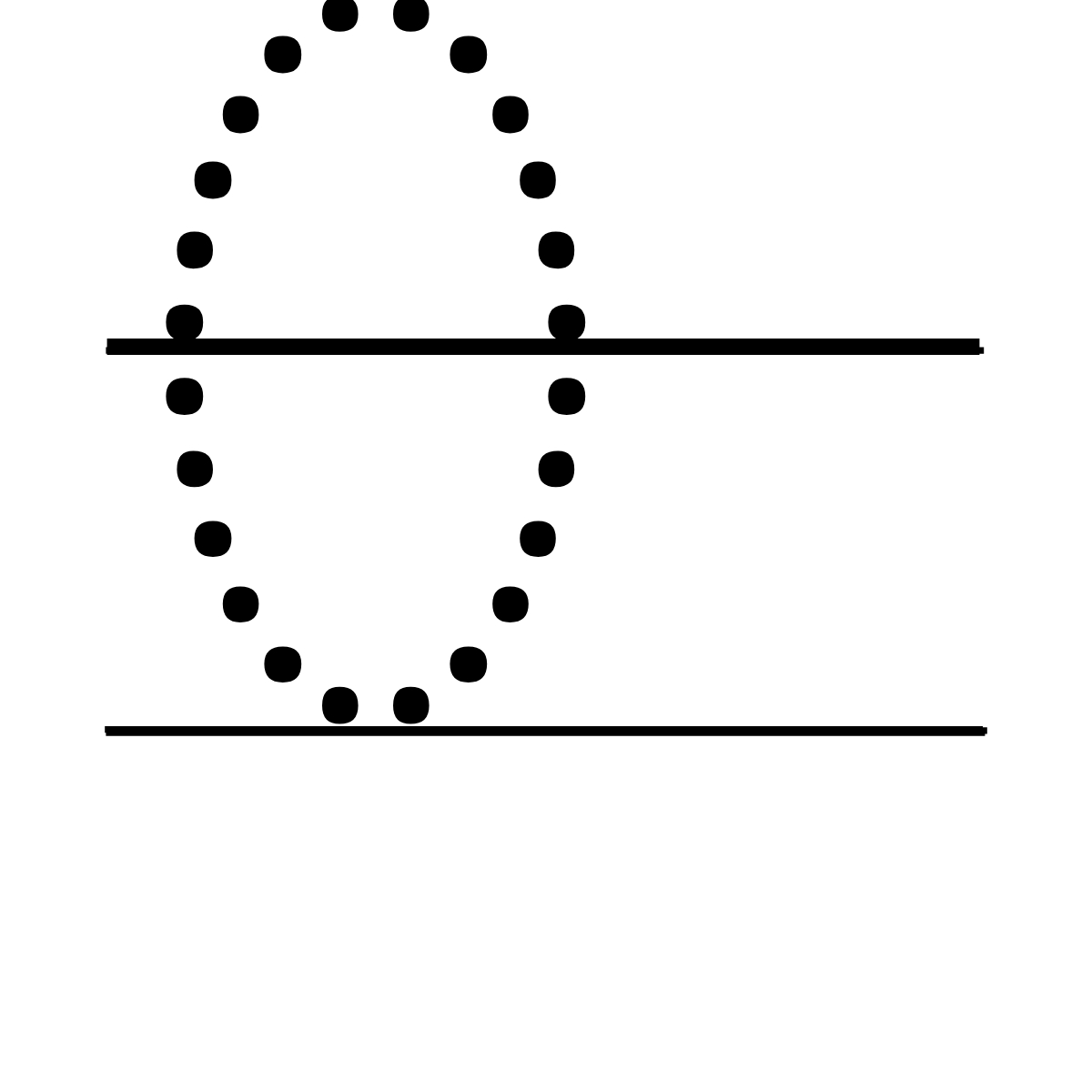 0 – Tracing Number.
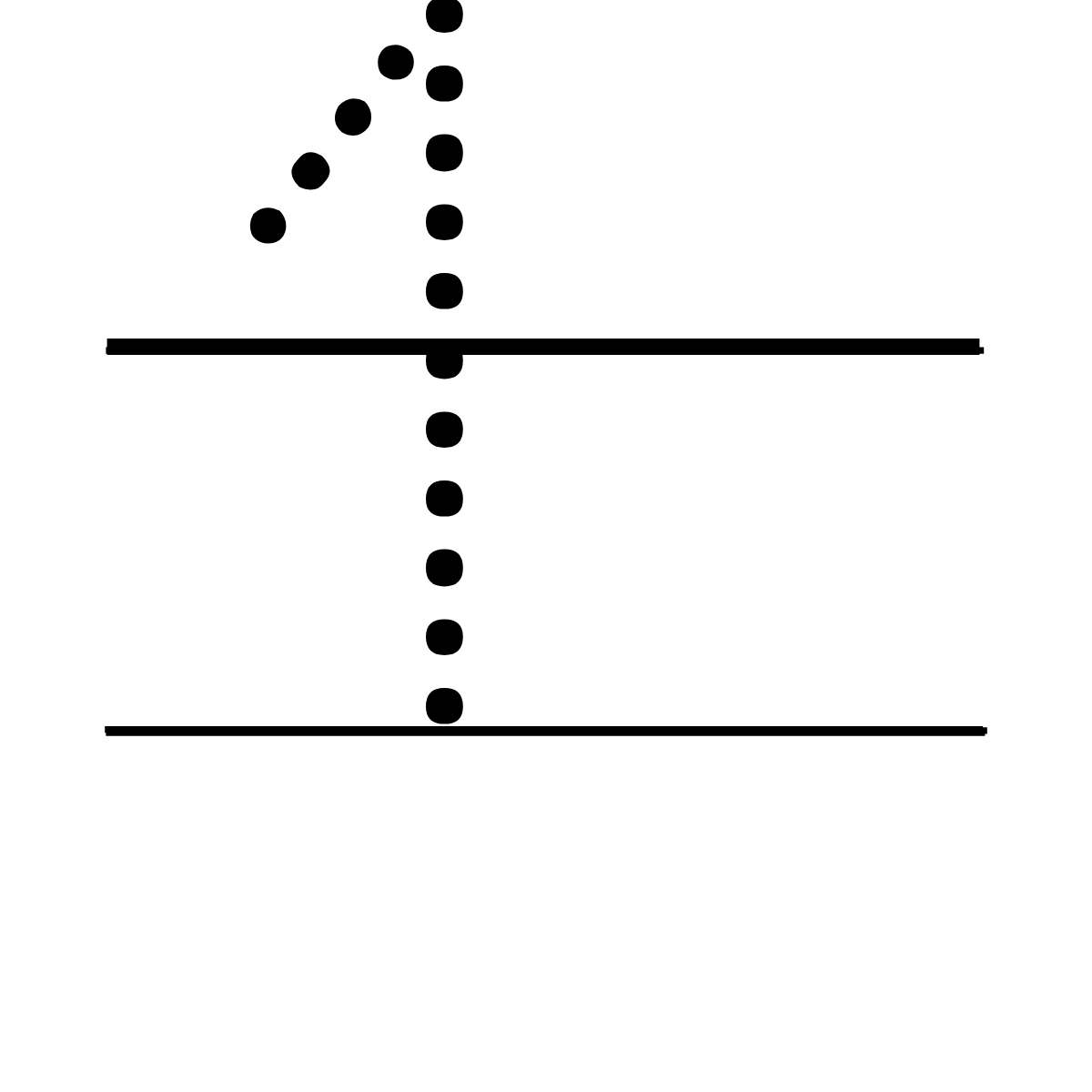 1 – Tracing Number.
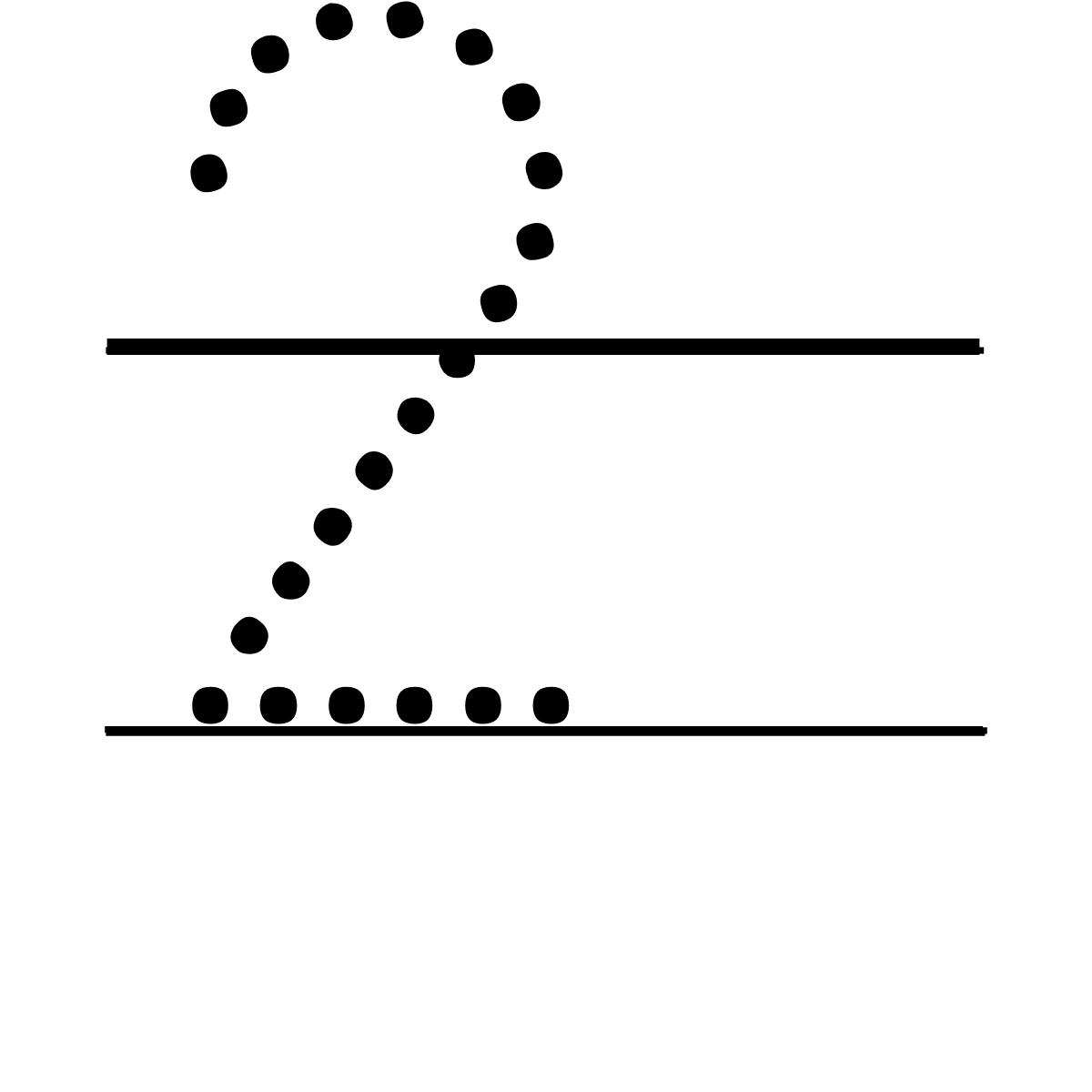 2 – Tracing Number.
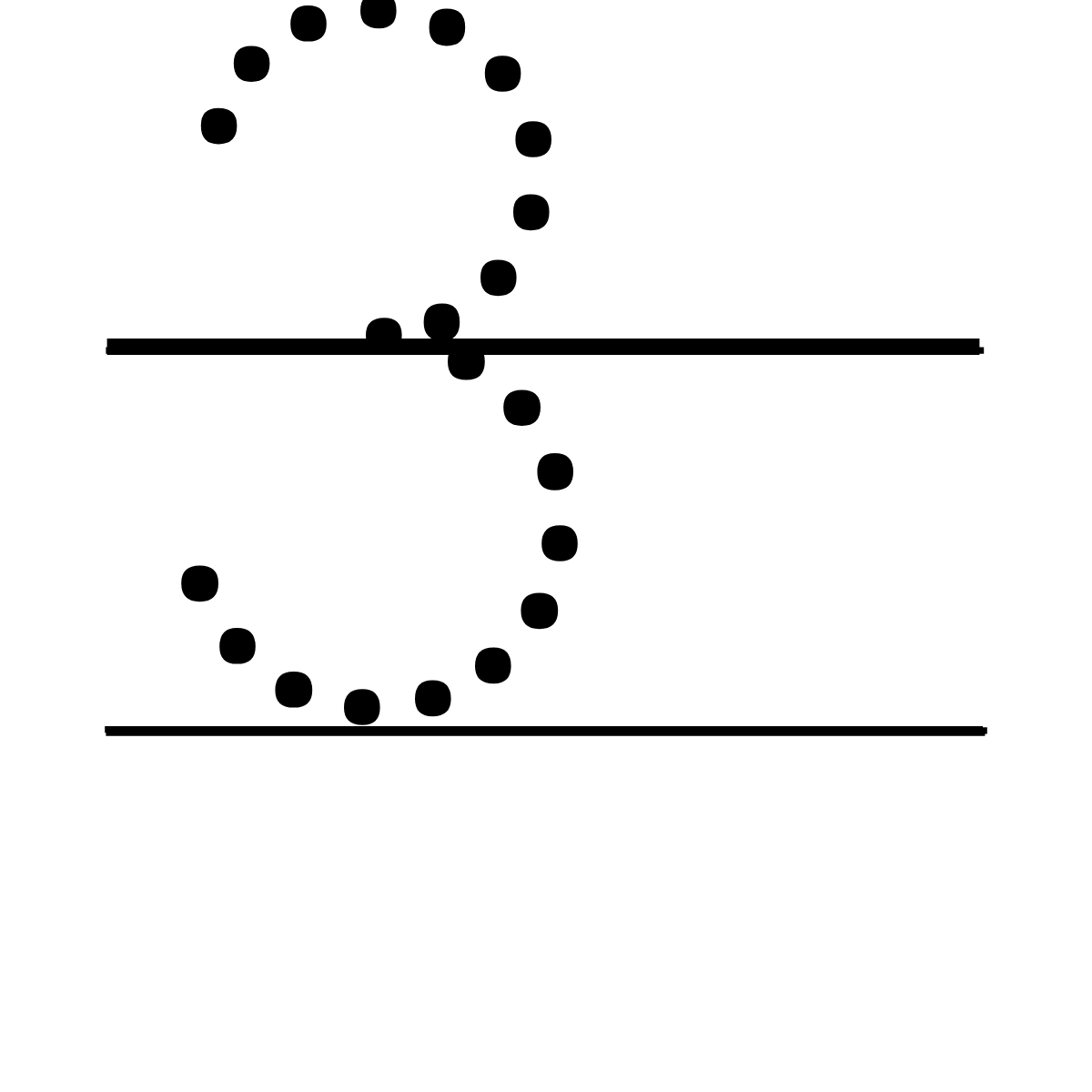 3 – Tracing Number.
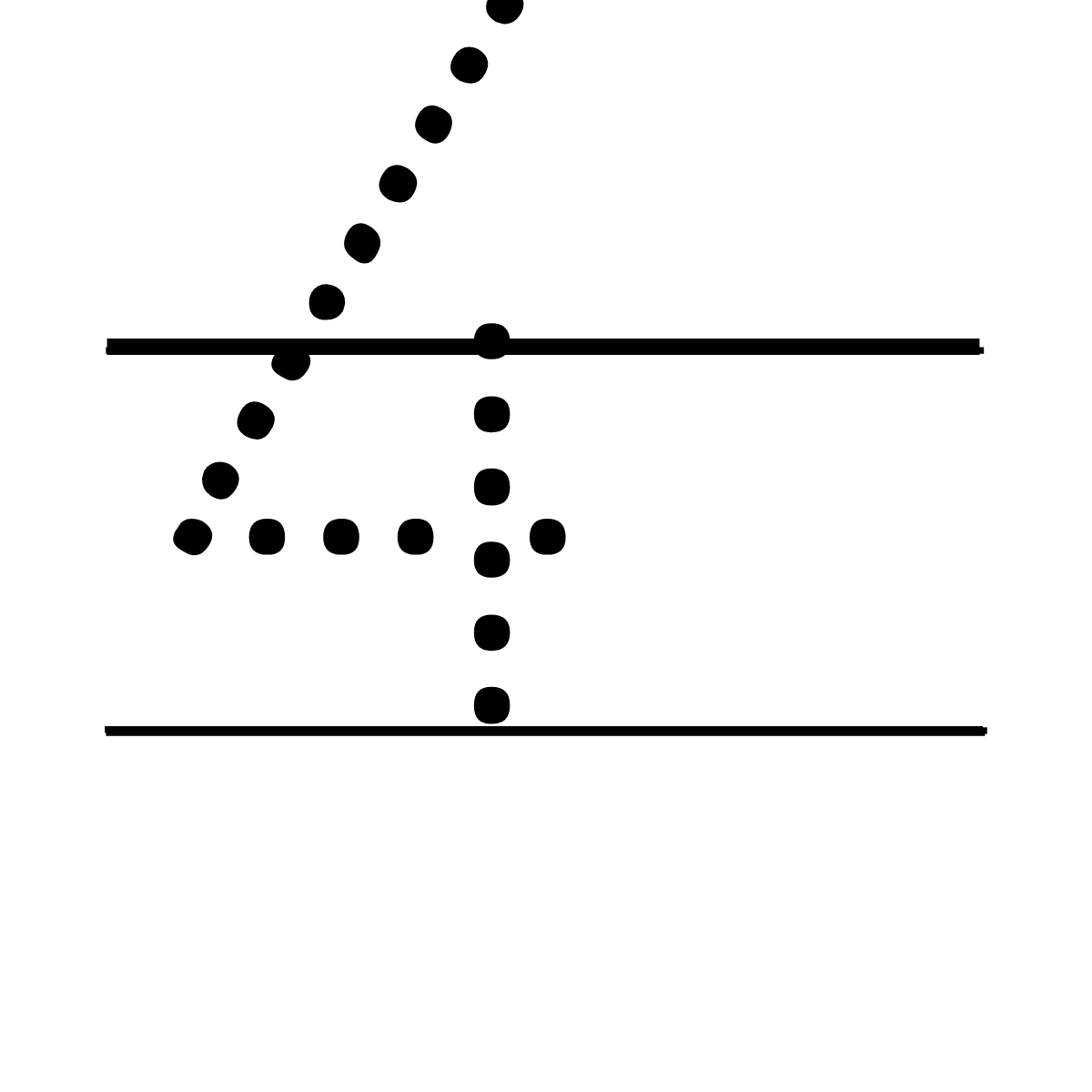 4 – Tracing Number.
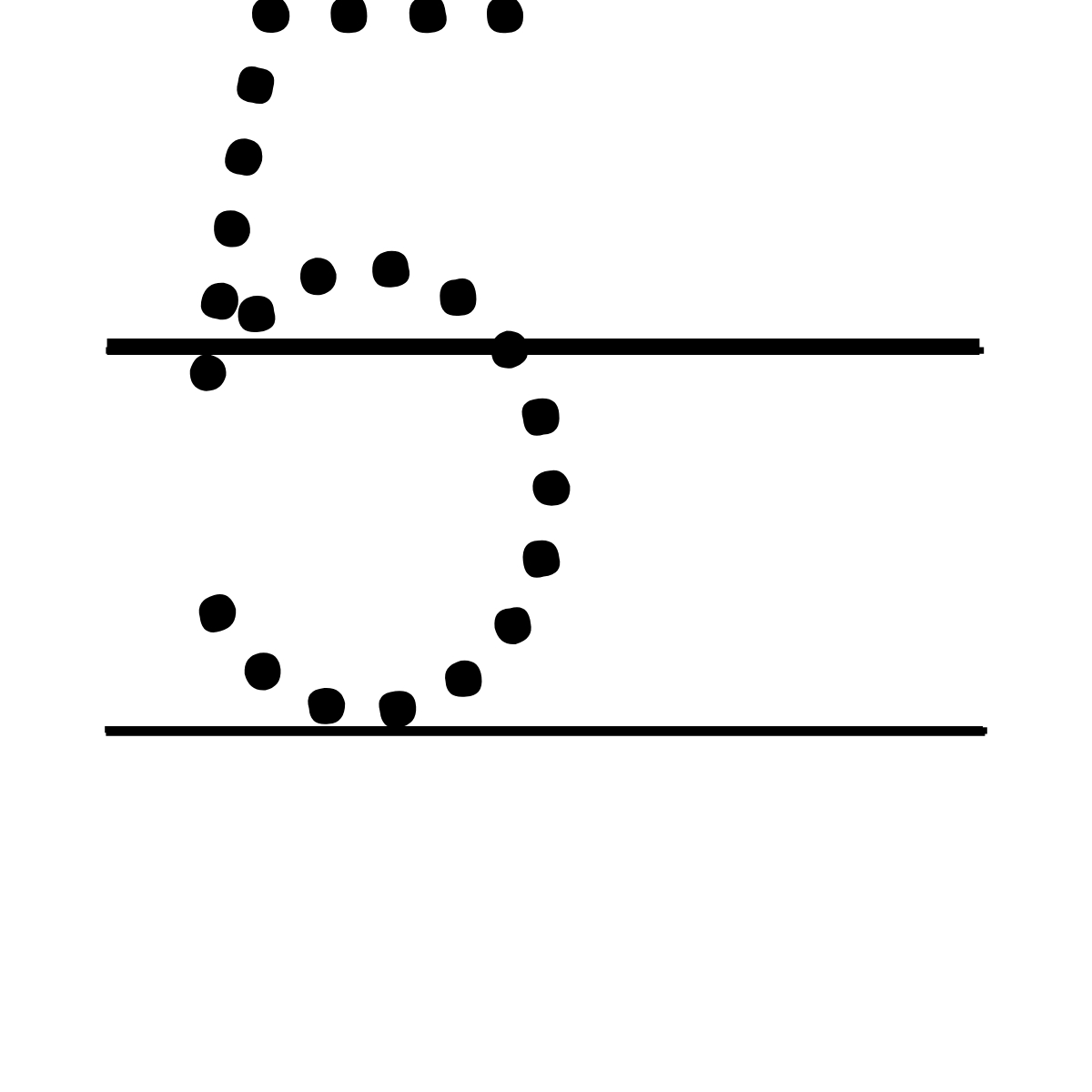 5 – Tracing Number.
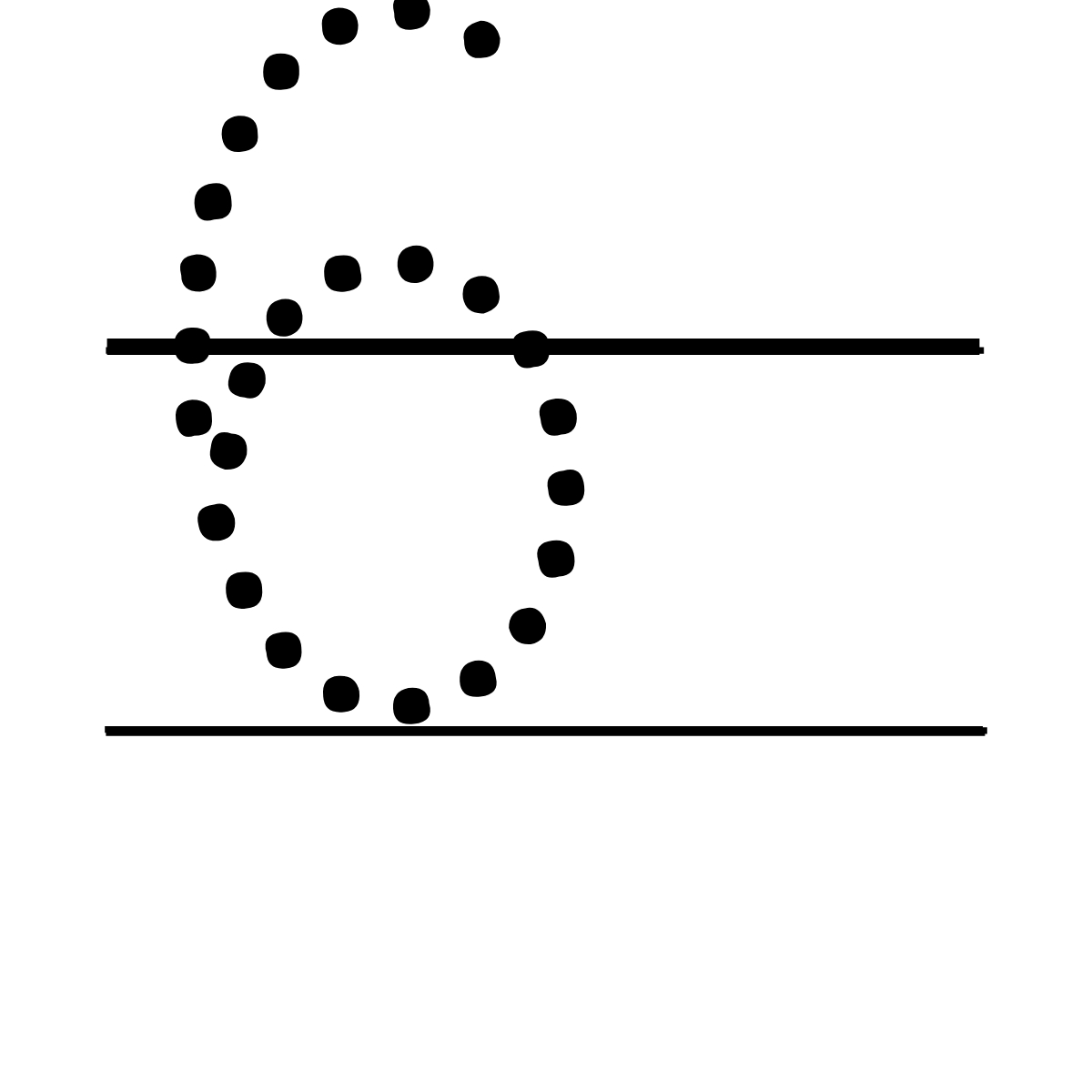 6 – Tracing Number.
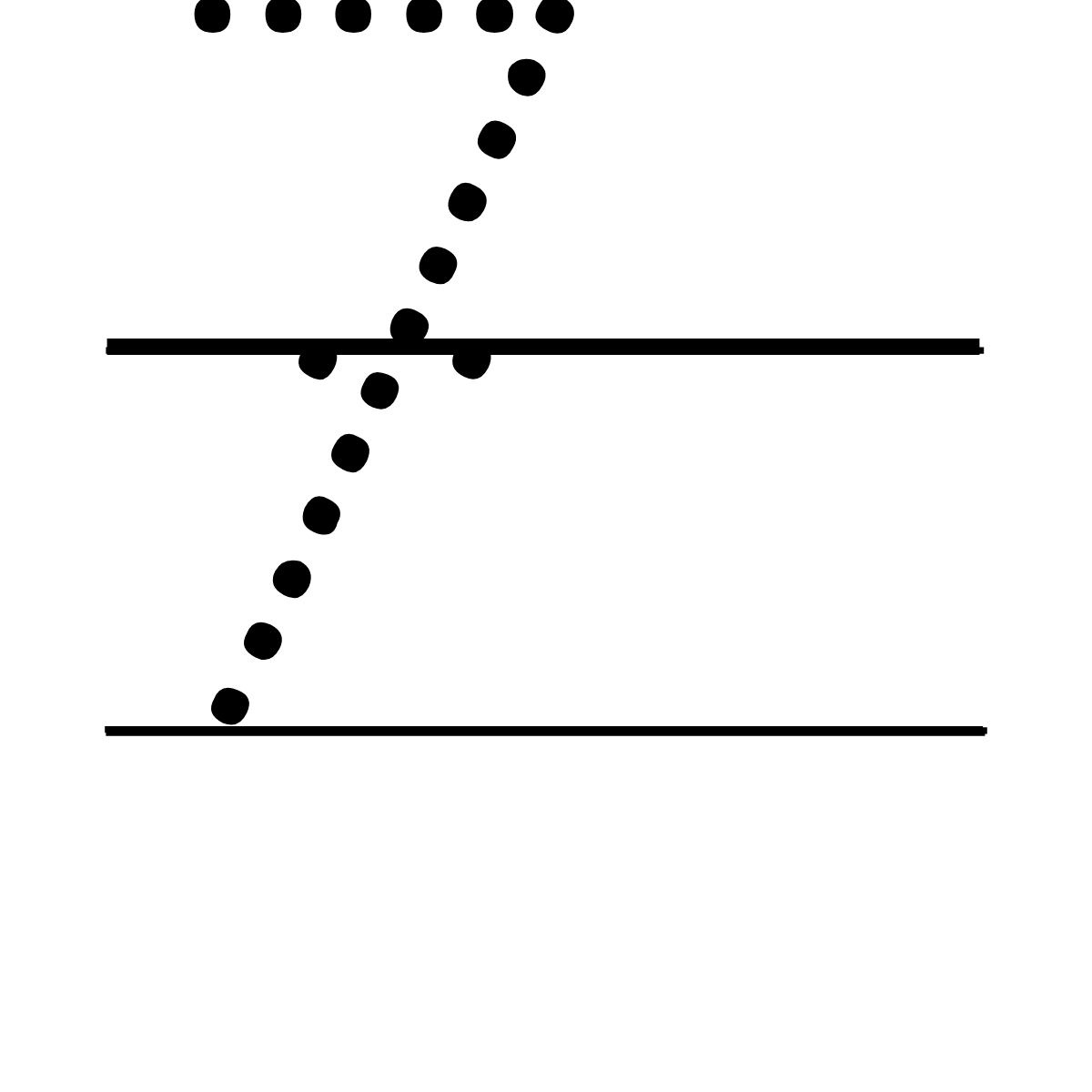 7 – Tracing Number.
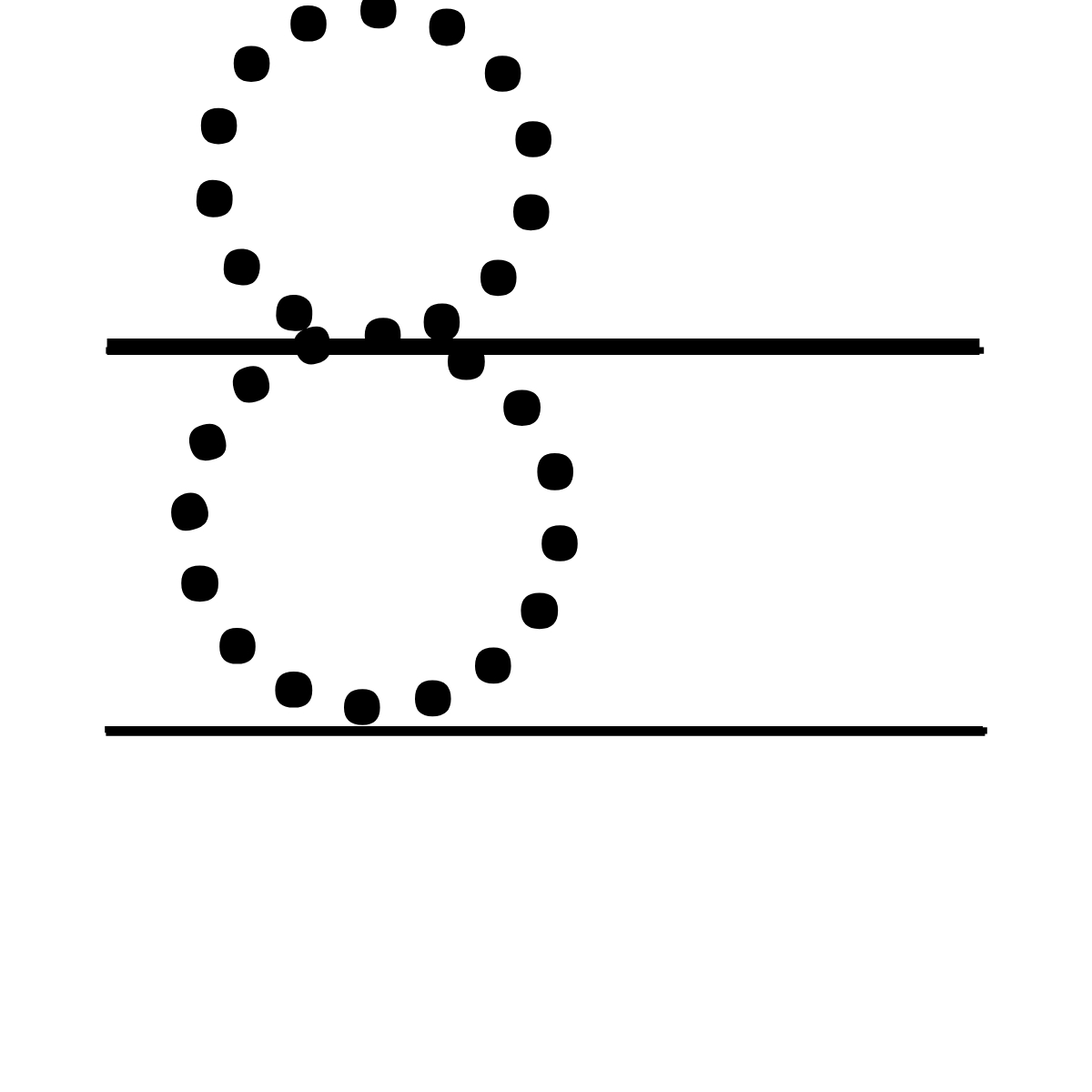 8 – Tracing Number.
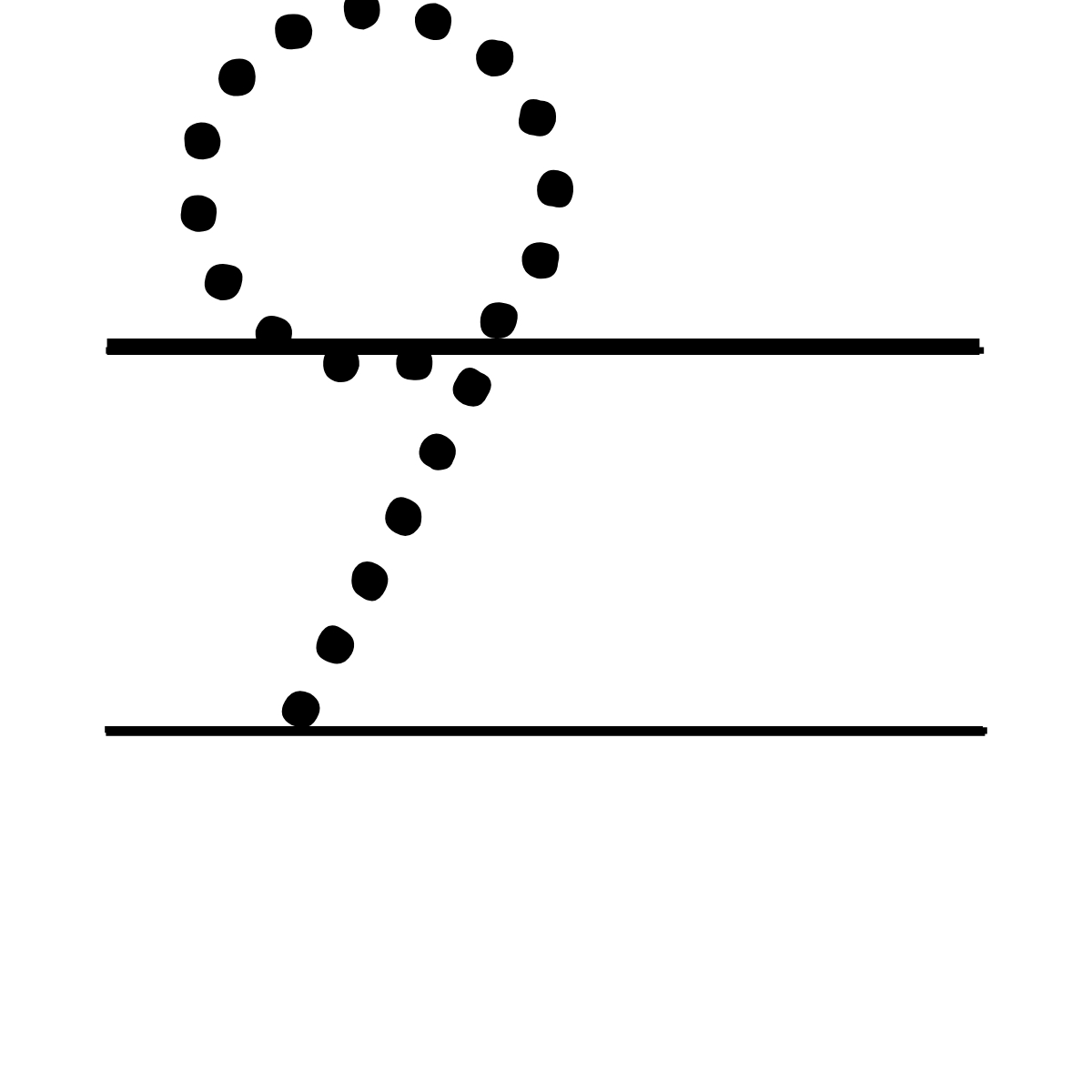 9 – Tracing Number.
SUGGEST US
We are constantly working on enhancing the application by adding new features and various new templates. If you experience any issues or you have any suggestions for us with this tool, feel free to contact us at vectordad24@gmail.com.
Pin it here
Free to Download & Yours to Create With
Every design you make here is completely free to download and yours to use — for personal projects or commercial work like Etsy shops, print-on-demand, custom gifts, and craft fairs. No subscriptions, no watermarks, and no usage limits.
Need another design? Explore more of VectorDad’s free design tools for Cricut, Silhouette, laser cutters, and printables — new generators and templates are added regularly.
OTHER RELATED DESIGNING TOOLS
STEP BY STEP HELP TUTORIAL
It’s super easy and fun to make your own printable tracing letters in no time. Choose the shape templates and follow the steps below.
1. Upload fonts:
Next, browse and upload your own font. The font change directly reflects the stage.
2. Type in your text:
Type your text in the textbox on top of the right-hand side section. Enter your text to directly preview the changes to the text on the stage on the left.
3. Change font color:
Next, change the font color from the color picker to switch between different colors. The font color change directly reflects the stage.
4. Download the final output:
Apply the above changes and download the final output as a high-quality PNG image or JPG image or vector SVG file format for your next great project.