
Monogram Font — Free Download (TTF, OTF, SVG)

About Monogram
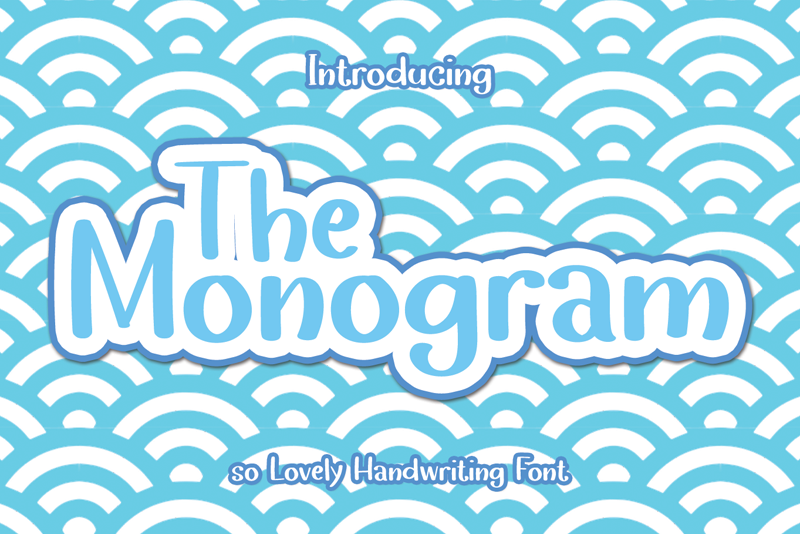
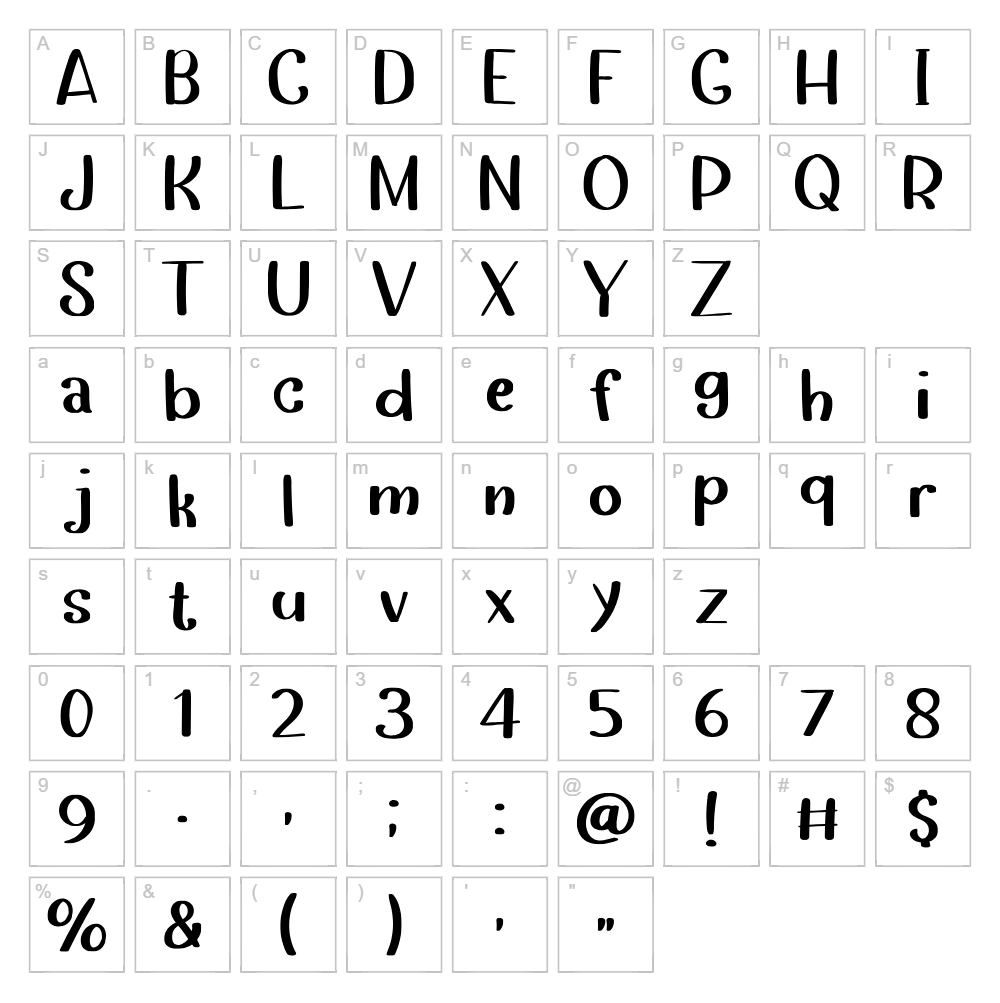
Monogram is a charming handwritten script font designed by Erik Studio that captures the elegance of personal lettering with natural, flowing strokes. Each character carries an authentic pen-drawn quality, making it ideal for projects that demand warmth and individuality. The font balances playfulness with sophistication, offering designers a versatile tool for both casual and refined creative work. Its organic letterforms make it instantly recognizable while remaining highly legible across digital and print applications.
Best Uses for Monogram
Monogram excels in branding applications such as logos, personal stationery, and monogram designs that require an authentic handwritten aesthetic. This font is perfect for Cricut crafts, vinyl decals, custom t-shirt designs, and personalized merchandise where a human touch adds genuine value. It also works beautifully for wedding invitations, greeting cards, social media graphics, and editorial headers where a touch of personal elegance is desired.
What Fonts Pair Well With Monogram?
Monogram pairs beautifully with clean, modern sans-serif fonts to create visual contrast. Consider pairing it with Roboto or Open Sans for contemporary designs, or Lora for a more sophisticated, editorial aesthetic. These combinations balance the handwritten warmth of Monogram with the clarity and readability of structured typefaces.
License & Commercial Use
Monogram is free for personal and commercial use. You may use this font to create logos, packaging, print materials, digital products, web designs, mobile applications, and branded merchandise without purchasing a commercial license. When using the font, please provide credit to Erik Studio. However, you may not resell, redistribute, or sublicense the font files themselves—only the creative work produced with the font.
Frequently Asked Questions
Is Monogram free for commercial use?
Yes. Monogram is free for both personal and commercial projects, including logos, products, merchandise, and digital applications. Attribution to Erik Studio is appreciated but not required.
What file formats does Monogram come in?
Monogram is available in standard font formats including .TTF (TrueType) and .OTF (OpenType), compatible with Windows, macOS, and web platforms.
What fonts pair well with Monogram?
Monogram works best alongside clean sans-serif fonts like Roboto or Open Sans, or paired with serif fonts like Lora for editorial projects. See Section 3 above for detailed pairing recommendations.
Can I use Monogram for Cricut and vinyl cutting projects?
Absolutely. Monogram's clear letterforms make it excellent for Cricut cutting machines and vinyl decals. Use the VectorDad Word Art Generator to convert text instantly into SVG files optimized for your cutting machine.
How to Install Monogram
- Download the Monogram font file from VectorDad and save it to your computer.
- Unzip the downloaded folder to access the font files.
- Double-click the font file (look for the
.TTFor.OTFextension). - Click the Install button in the dialog that appears.
- Monogram is now available in all your design applications—restart apps if needed to see the font in your font menu.
Use Monogram With VectorDad Tools
Transform Monogram text into professional SVG designs using the VectorDad Word Art Generator, perfect for creating custom Cricut projects and vinyl decals in seconds. For curved or circular text layouts, try the Curved Text Generator to add dynamic dimension to your personalized designs.


